
Good Weather is a comprehensive weather application designed to provide users with real-time weather forecasts and live radar maps. The app covers both local and global weather, allowing users to access climate updates for any location worldwide. With its layered live radar feature, users can track rain, wind, and storms through detailed maps that display temperature, humidity, and pressure layers.
In addition to basic weather data, Good Weather offers air quality index (AQI) information and weather alerts to help users plan their day confidently. The app also provides hourly forecasts, detailing temperature, wind speed, humidity, and cloud cover. Its clean interface and daily weather summaries make it an essential tool for travelers and those needing reliable weather information.
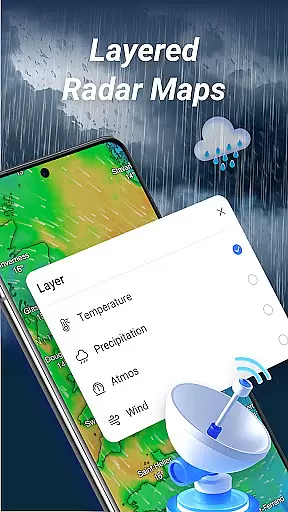
Good Weather stands out with its robust set of features tailored to meet the needs of various users. One of its key features is the layered live radar, which allows users to switch between different weather layers such as temperature, humidity, and pressure. This functionality provides deeper insights into current weather conditions and helps users make informed decisions.
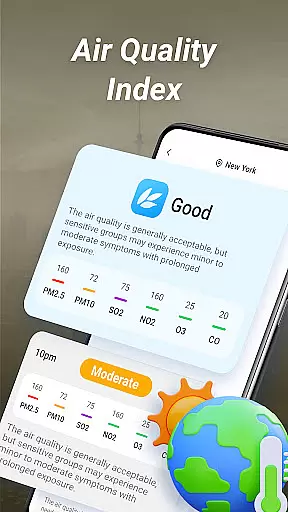
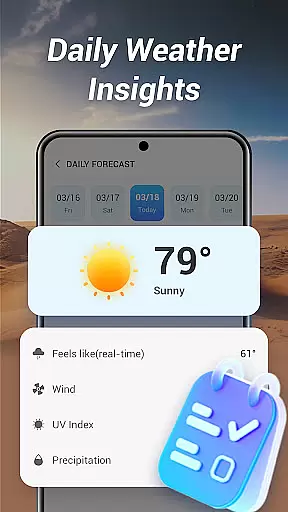
The app also excels in delivering real-time air quality information and weather alerts. Users receive notifications about significant weather changes and AQI levels, ensuring they are always prepared. Furthermore, the hourly weather forecast feature gives detailed updates on various weather parameters, while the daily summary offers a concise overview to start the day right. The app's design emphasizes clarity and ease of use, making it accessible for everyone.
Good Weather provides highly accurate real-time weather forecasts, ensuring users stay prepared for any climate changes. The app aggregates data from multiple reliable sources, including global meteorological agencies and local weather stations, to deliver precise updates.
With its layered live radar feature, the app tracks rain, wind, and storms in detail, offering insights into temperature, humidity, and pressure layers. This multi-dimensional approach enhances the reliability of weather predictions, making it a trusted tool for both daily planning and travel.
Users benefit from timely notifications on significant weather changes, such as sudden temperature drops or approaching storms. These alerts are powered by verified data, ensuring that every notification is both relevant and actionable.
Good Weather excels in delivering comprehensive temporal and spatial forecast coverage, enabling users to access weather information across different timeframes and geographic locations. Whether you need an hourly breakdown or a long-term outlook, the app has you covered.
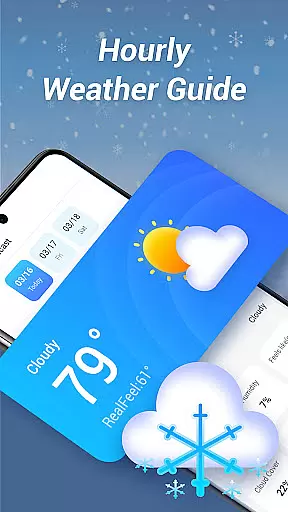
The hourly forecast feature provides detailed updates on key metrics like temperature, wind speed, humidity, and cloud cover. This granular approach ensures that users can plan their day with precision, knowing exactly what to expect at any given hour.
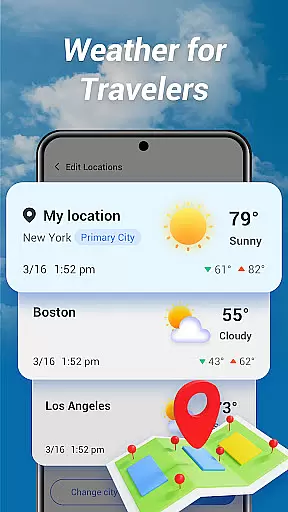
In addition to localized data, the app supports weather queries for worldwide destinations, making it ideal for travelers. Its ability to switch between global and hyper-local forecasts highlights its versatility and broad utility for various user needs.
User-friendly interface
Real-time weather updates
Global coverage
Detailed radar maps
Air quality monitoring
Limited customization options
Occasional data delays
No offline mode
Ads in free version
Advanced features require subscription

The most accurate weather app, hourly and daily weather, severe weather alerts
 4.50
4.50
Live weather radar, widgets & forecasts. Track rain, storms & temperature.
4.20
Live weather forecast for your everyday life
4.60
Know the weather earlier.
3.90
No ads, No data collected. Beautiful and powerfully customizable weather app
4.90
Weather radar, satellite, wind, waves, ocean and hurricane forecasts.
4.70
Storm Radar, Alerts & Live Weather Forecasts Right on Your Home Screen
3.70
72-hour weather & daily forecasts with extreme weather alerts
4.60
Aviation weather made simple. Visual decoder for METAR & TAF
4.90
NOAA forecast & radar for your exact location.
4.80
Weather radar, hyperlocal tracker and weather maps: follow your weather station
4.80
Track lightning strikes with our thunderstorms map, radar and lightning alarm.
4.70
Your ultimate app for real-time weather information!
4.70
Weather watch face for Wear OS 5
4.40
Stay ahead of the weather with Daily Weather
4.10
Moon phase calendar with live wallpaper, lunar widget, & 3D simulation.
3.60
Advanced weather toolkit, providing detailed weather information for any season!
3.50
Detailed weather info and moon phase, subtle animation, customizable
4.4
Digital Weather Watch Face for Wear OS 5+
4.2



User Reviews