
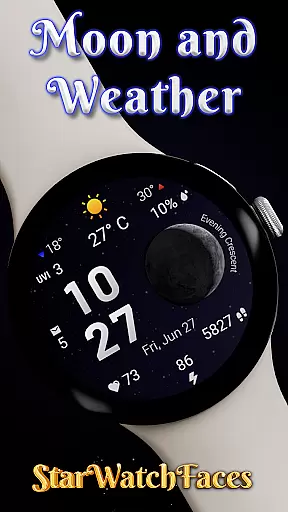
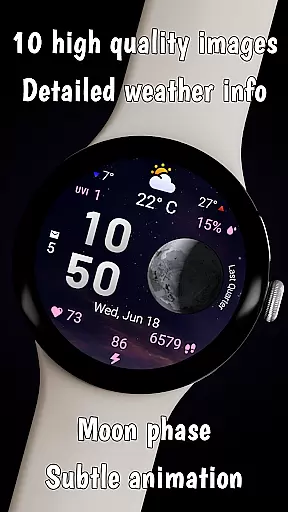
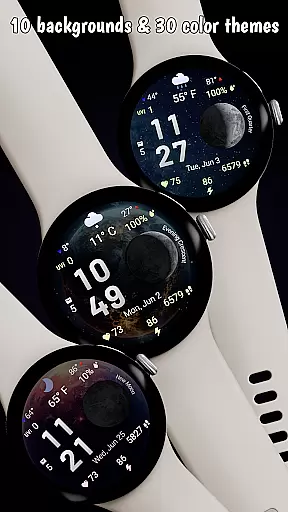
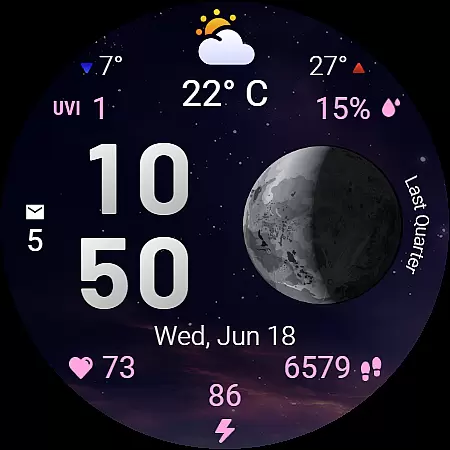
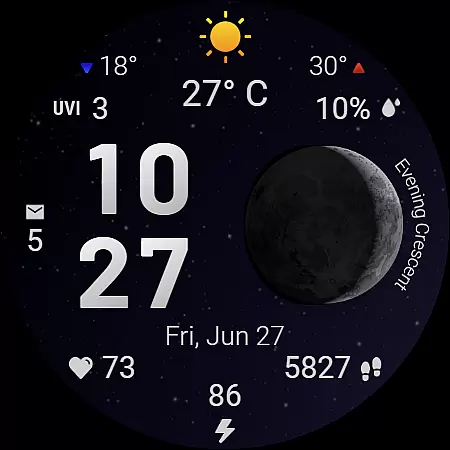
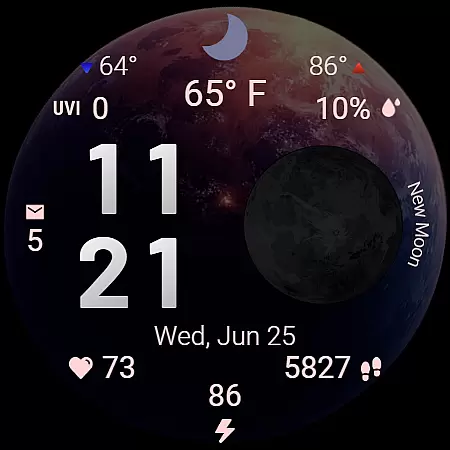
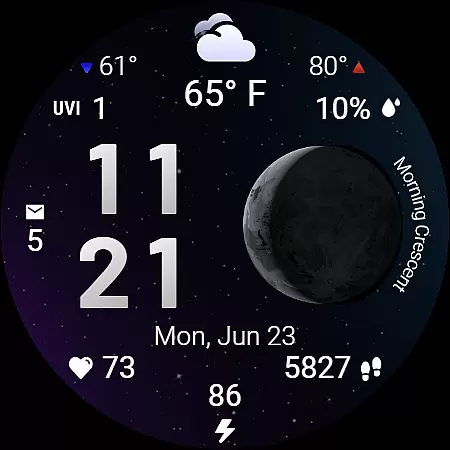
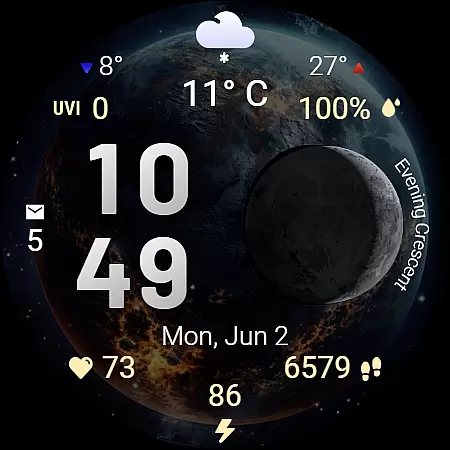
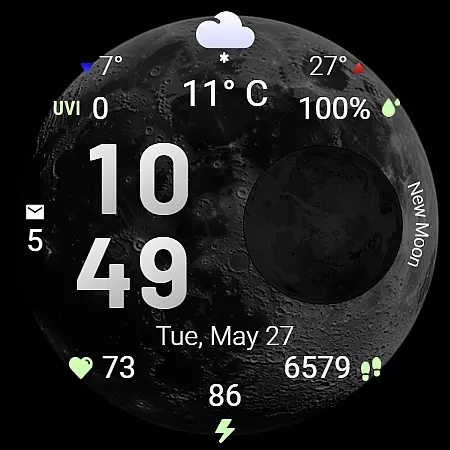
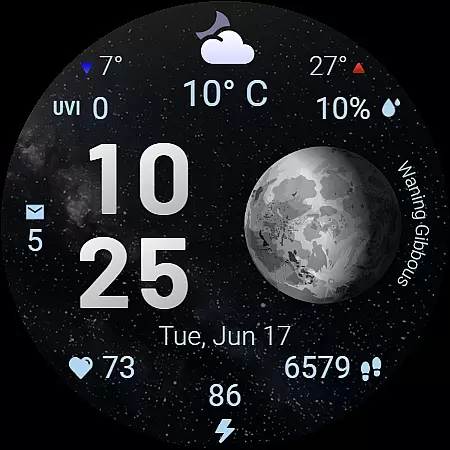
Moon & Weather is a feature-rich watch face designed for Wear OS smartwatches, offering users an elegant blend of astronomy, weather updates, and health monitoring. This beautifully animated watch face brings the cosmos to your wrist with 10 space-themed backgrounds, live moon phase visualization, and 30 customizable color themes. Whether you're tracking daily steps, monitoring heart rate, or checking the current UV index, this app provides all essential information in a visually stunning display.
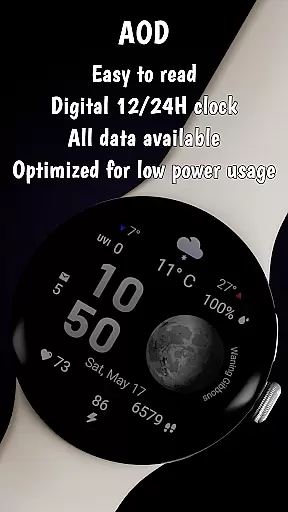
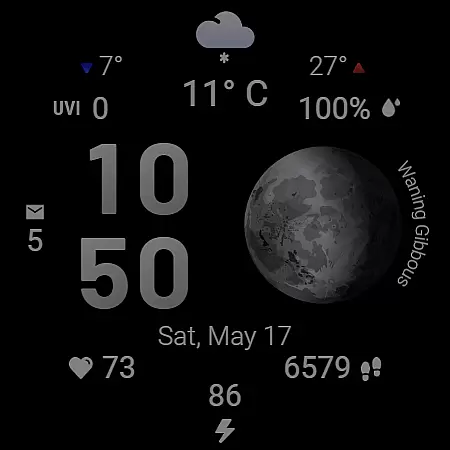
The watch face supports both 12h and 24h time formats, adapts to device language settings, and includes practical features like temperature display, precipitation chance, and battery level monitoring. Its intuitive design ensures optimal performance even in Always-On Display mode, while maintaining low battery consumption. Moon & Weather is perfect for those who appreciate both functionality and aesthetics on their smartwatch.
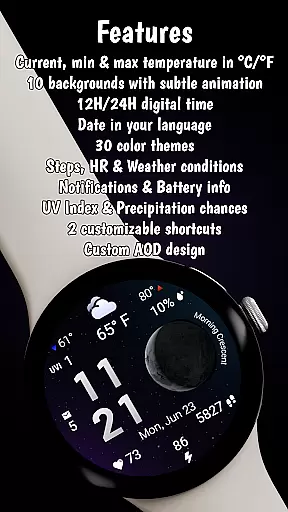
Moon & Weather stands out with its comprehensive feature set tailored for smartwatch users. The app offers detailed weather insights including current temperature, daily min-max temperatures, UV index, and precipitation probability - all presented through clear icons and numerical values. Its live moon phase visualization accurately displays phases like 'Full Moon' or 'Last Quarter,' appealing to astronomy enthusiasts.
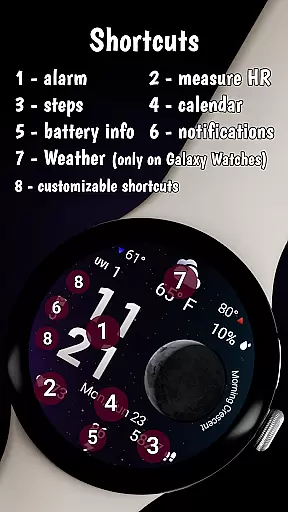
Beyond weather and astronomy, the watch face serves as a personal health dashboard by tracking heart rate (BPM), step count, and providing battery status alerts. Two customizable shortcut areas allow quick access to favorite apps, enhancing productivity. With support for Wear OS 5+ devices, this app optimizes performance through efficient power usage while delivering uninterrupted glanceable information in Always-On Display mode.
Forecast accuracy and data credibility are essential for any weather-related application, ensuring users receive reliable and actionable information. Moon & Weather watchface excels in this area by providing precise current temperature readings, daily minimum and maximum temperatures, and clear weather condition icons that adapt to changing environments.
The integration of UV index levels and precipitation chance percentages further enhances the credibility of the data presented. These features are updated regularly, offering users a dependable source of weather information directly on their smartwatch display. The use of accurate moon phase visualization adds an astronomical layer of data, enriching the overall experience.
By combining real-time weather updates with visually appealing graphics, this watch face ensures users can trust the information at a glance. Whether planning outdoor activities or simply staying informed about the day's conditions, the accuracy of the forecast provided is invaluable.
Moreover, the watch face supports both Celsius and Fahrenheit scales, catering to a global audience while maintaining consistency in data presentation. This attention to detail reinforces the reliability of the weather data, making Moon & Weather a trusted companion for those who rely on accurate environmental insights.
Temporal and spatial forecast range refers to the ability of a weather application to provide timely and geographically relevant predictions. Moon & Weather watchface achieves this by delivering localized weather updates that include current temperature, daily temperature extremes, and intuitive weather condition icons tailored to the user's location.
This watch face goes beyond basic forecasts by incorporating additional layers of data such as UV index levels and precipitation probabilities. By presenting this information in a clear and organized manner, users can make informed decisions based on comprehensive environmental insights specific to their geographical area.
The always-on display feature ensures that temporal updates are continuously available without needing to wake the device, enhancing accessibility to critical weather data throughout the day. This seamless integration of time-sensitive information makes it easier for users to stay prepared for changing conditions.
Furthermore, the customization options allow users to tailor the spatial relevance of the displayed data to their preferences. With support for multiple languages and adaptable date formats, Moon & Weather watchface provides a personalized yet globally aware weather forecasting tool that remains accurate across different regions and time zones.
Visually Stunning Design
Comprehensive Weather Data
Live Moon Phase Tracking
Health Monitoring Features
Customizable Shortcut Areas
Limited Compatibility
Weather Feature Restrictions
Requires Companion App
Premium Price Point
Complex Customization

Moon phase calendar with live wallpaper, lunar widget, & 3D simulation.
 3.60
3.60
Live weather forecast for your everyday life
4.60
Industry leading whitetail movement predictor & hunting app.
4.60
Weather watch face for Wear OS 5
4.40
Advanced weather toolkit, providing detailed weather information for any season!
3.50
NOAA forecast & radar for your exact location.
4.80
Check room temperature with this indoor thermometer. thermostat & hydrometer
4.70
The weather channel, tiempo weather forecast, weather radar & weather map
4.70
Magnetic Compass meets smart tech: Get directions and weather alerts seamlessly
3.30
Accurate Weather App: various widgets, real-time storm radar, hurricane tracker.
4.50
The most accurate weather app, hourly and daily weather, severe weather alerts
4.50
Weather watch face for Wear OS 5+
4.40
Weather watch face for Wear OS 5+
4.10
3D Animation Weather Icon
4.00
An unofficial app version of the National Weather Service (Weather.gov)
3.90
Know the weather earlier.
3.90
Arrive safely! Travel weather forecasts for your entire trip at time of arrival.
3.60
Most precise & accurate compass app give true North South East West directions.
3.00
Retro TV-style digital watch face with weather, heart rate, steps & events!
4.0




User Reviews