
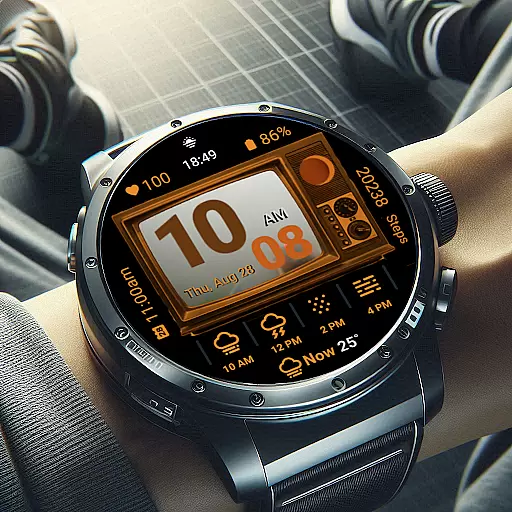
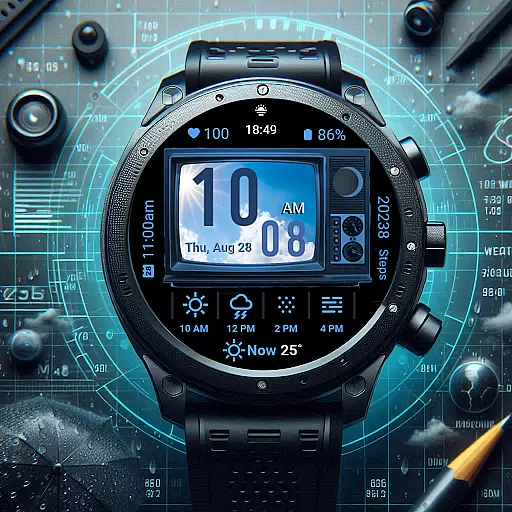
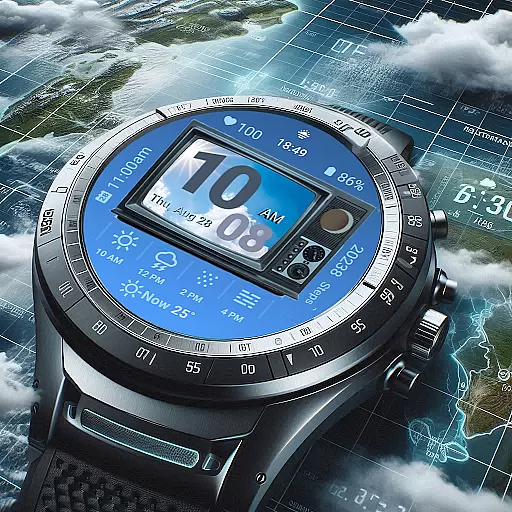
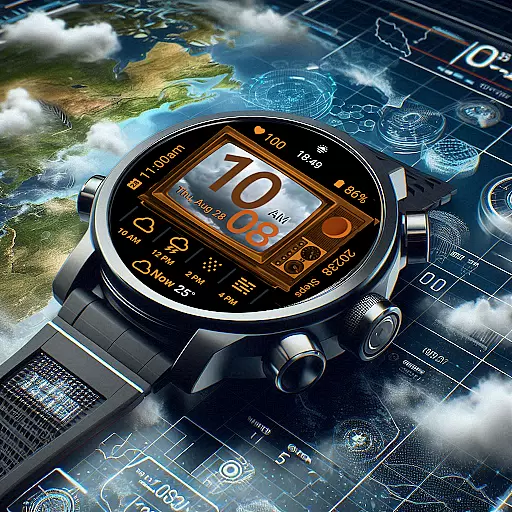
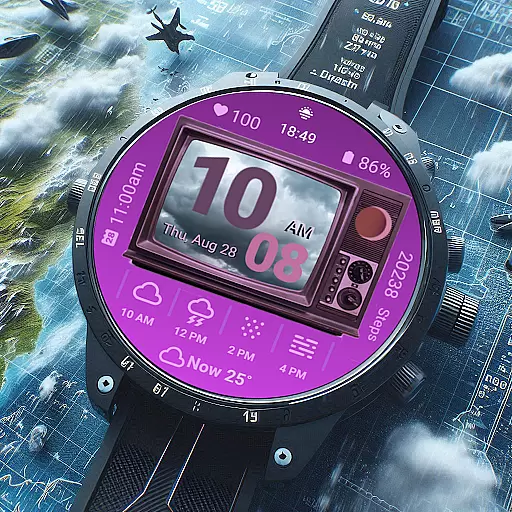
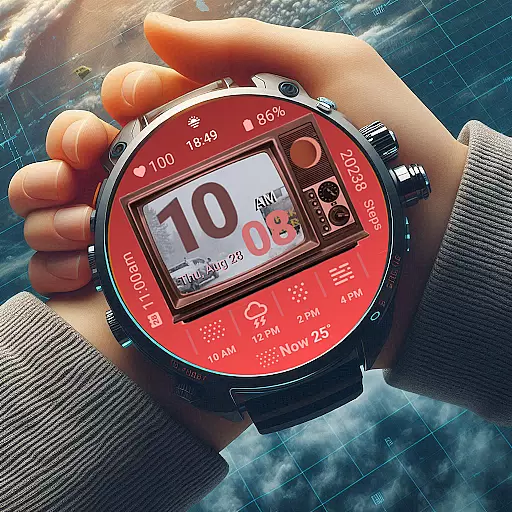
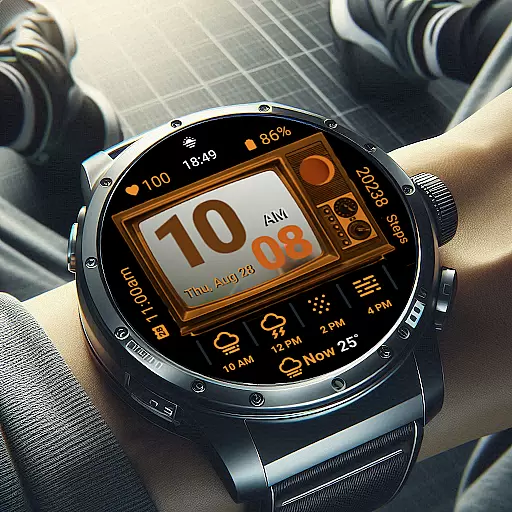
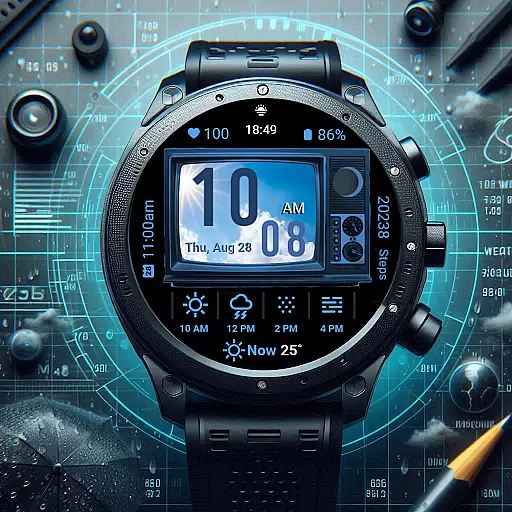
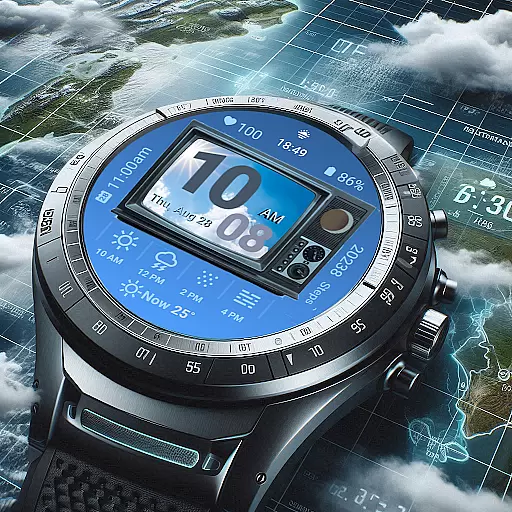
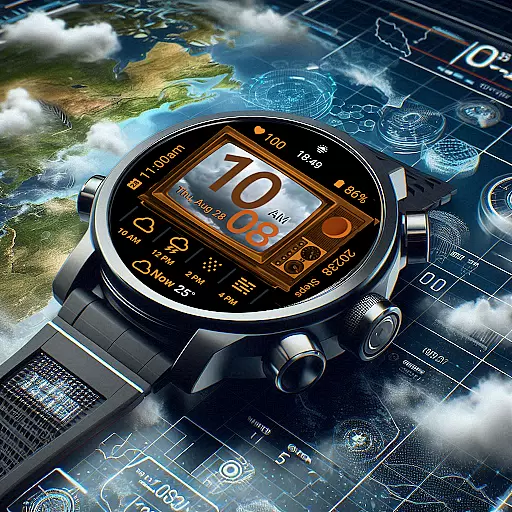
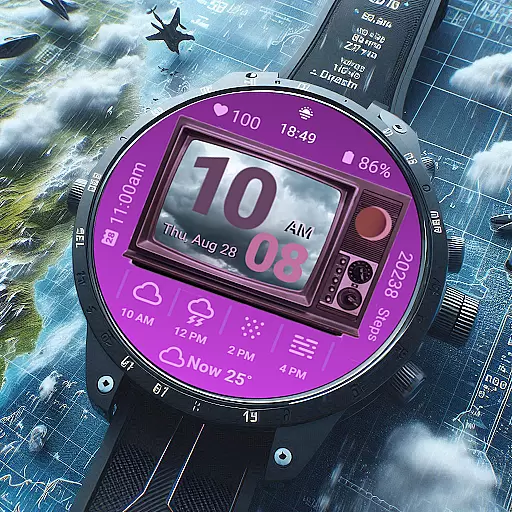
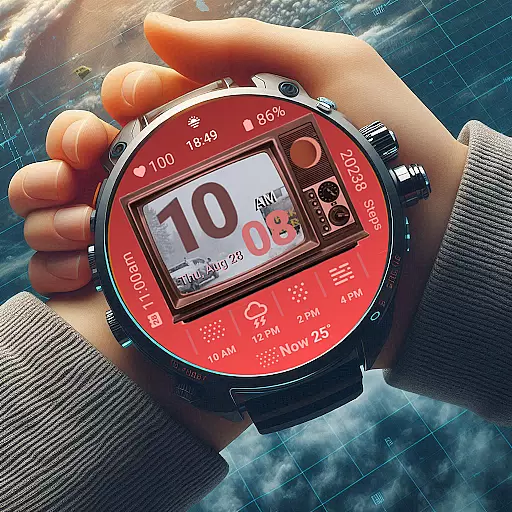
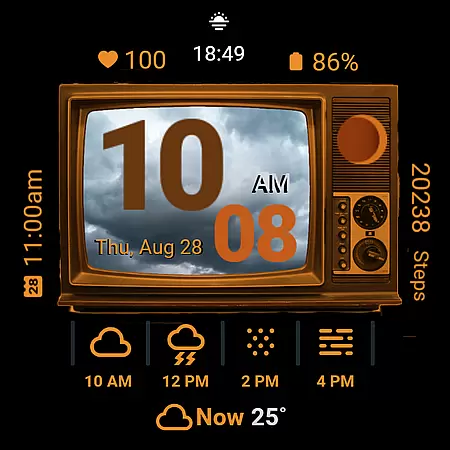
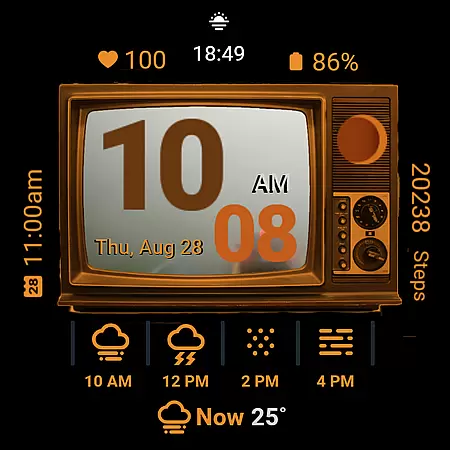
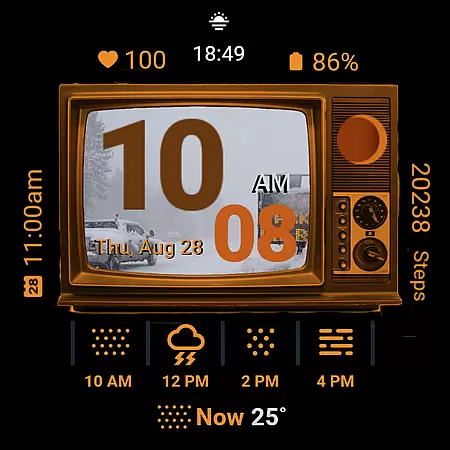
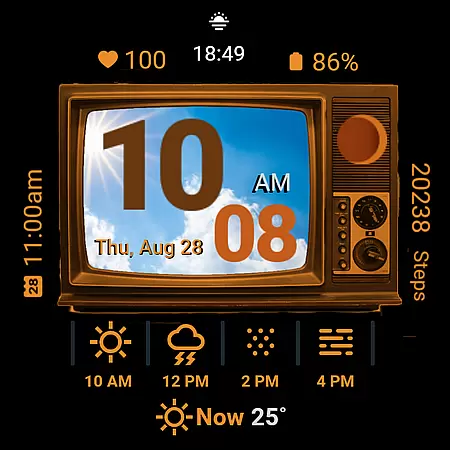
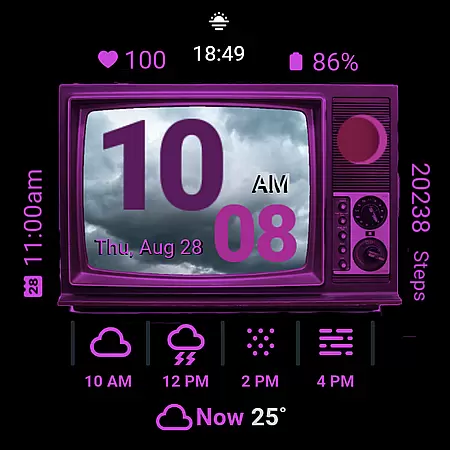
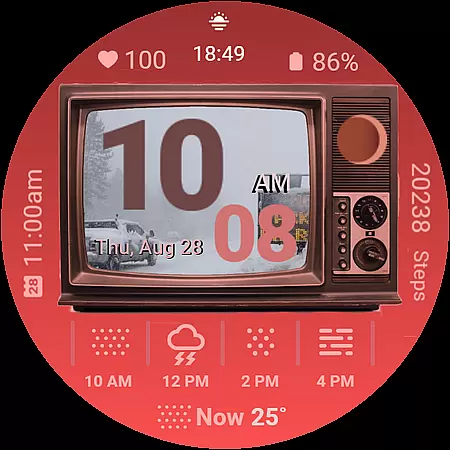
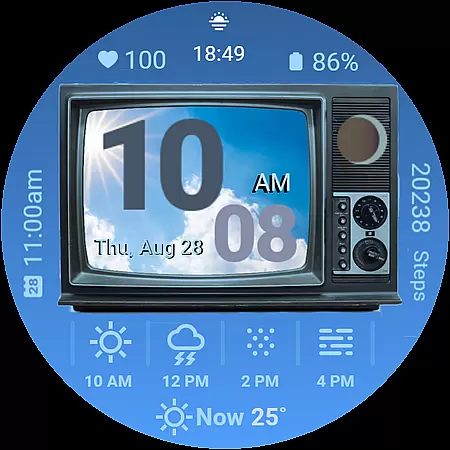
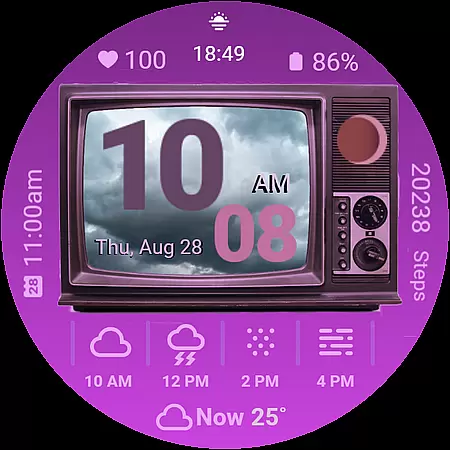
Retro Weather TV Watch Face is a unique Wear OS watch face that combines vintage aesthetics with modern functionality. Designed to resemble a classic TV screen, it displays real-time weather updates, health metrics, and daily schedules in a nostalgic format. The app features customizable elements like digital time display (12/24HR), moon phase tracking, and ambient mode support, ensuring both style and usability.
With its retro TV display, this watch face offers users an engaging way to stay informed while enjoying the charm of yesteryear's technology. Whether you're monitoring your heart rate, checking the weather, or simply appreciating the timeless design, Retro Weather TV Watch Face provides a seamless blend of form and function.
The Retro Weather TV Watch Face stands out with its array of innovative features tailored for both utility and personalization. Key highlights include a weather photo display that visually represents current conditions on the TV screen, alongside digital time formats that adapt to user preferences. It also tracks essential health metrics such as steps and heart rate, while offering practical tools like next event reminders and battery status indicators.
Additional functionalities include moon phase tracking, date and day display, and newly added shortcut buttons for quick access to settings and calendar. Users can further customize their experience with adjustable colors and ambient mode support, ensuring the watch face remains visible even in low-power states. These features collectively create a versatile and stylish accessory for smartwatch users.
Forecast accuracy and data credibility are essential for any weather application, ensuring users receive reliable and actionable information. Retro Weather TV Watch Face excels in this area by providing real-time updates on weather conditions, temperature, and newly added features like moon phase tracking.
The watch face pulls data from credible sources, delivering precise weather forecasts directly to your wrist. By integrating with Wear OS, it ensures that the displayed information is both current and accurate, which is crucial for planning your day or making important decisions based on weather conditions.
For users, this means they can trust the weather updates they receive, whether it's a sudden change in temperature or an upcoming storm. The inclusion of ambient mode support and customizable colors further enhances the reliability of data presentation, adapting to different lighting conditions and personal preferences.
Understanding the temporal and spatial forecast range is key to preparing for weather changes throughout the day and across different locations. Retro Weather TV Watch Face offers comprehensive coverage that includes digital time display in 12/24HR formats, next event reminders, and newly added calendar shortcut buttons.
This weather watch face doesn't just stop at showing the current weather; it provides a detailed view of what to expect over time. With features like steps counter, heart rate monitor, and battery status indicators, users get a holistic view of their day, combining health metrics with environmental data.
By tapping into the nostalgia of a retro TV display while offering modern functionalities, Retro Weather TV Watch Face bridges the gap between style and utility. Users benefit from having a wide temporal and spatial forecast range, allowing them to stay informed about weather patterns and personal health metrics, all within a glance at their wrist.
User-friendly interface
Customizable display options
Real-time weather updates
Health and fitness tracking
Vintage aesthetic appeal
Limited to Wear OS devices
Some features may drain battery
No advanced analytics
Design might not suit all tastes
Occasional update bugs

The Weather Network TV App - Your weather when it really matters
 2.90
2.90
Room Temperature Thermometer meter shows indoor, outdoor temperature, humidity.
4.40
Weather - Local weather forecast, weather daily & hourly, weather radar
4.80
Know the weather earlier.
3.90
Super-res, real-time weather radar. Be prepared for extreme weather.
4.50
Accurate, beautiful weather with landscapes depicting weather, sky, season.
4.50
Weather watch face for Wear OS 5+
4.10
Local forecast, alerts, rain, snow and wind radar, air quality & weather widget
4.60
The weather channel, tiempo weather forecast, weather radar & weather map
4.70
Hurricane Tracker, Rain Map
4.80
Local Weather provides accurate and current hourly and daily forecasts.
4.80
The moon phases app for tracking the lunar calendar, blue moon and full moon.
4.80
Weather Forecast, Trending News, Hurricane & Storm Tracker, Alerts & Live Radar.
4.80
Powerful US and worldwide earthquake feed with earthquake alerts and maps.
4.60
Local weather forecast, reliable daily weather report
4.30
Personal Weather Station PRO - Meteo monitor to check your WU info and charts.
4.20
Accurate Local Weather Forecast, let you easily understand the nearby weather!
4.20
An unofficial app version of the National Weather Service (Weather.gov)
3.90
Detailed weather info and moon phase, subtle animation, customizable
4.3



User Reviews