
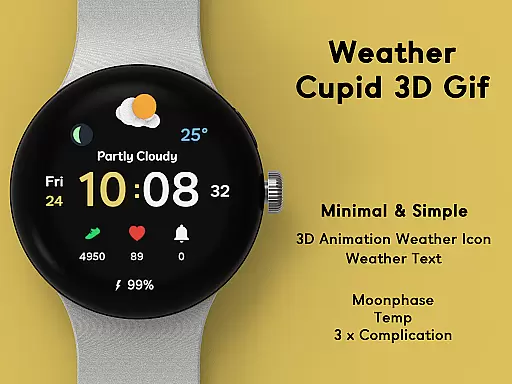
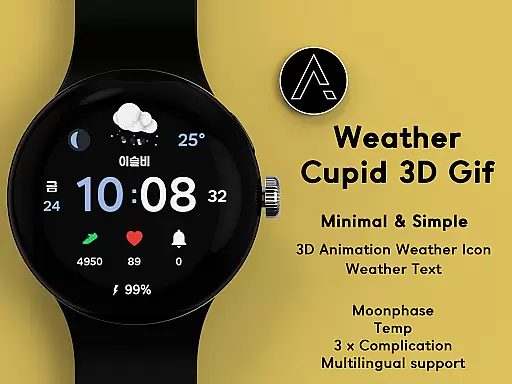
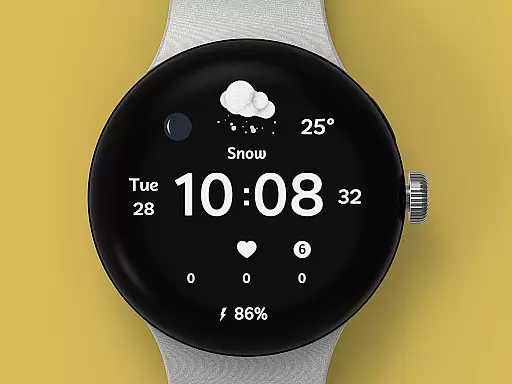
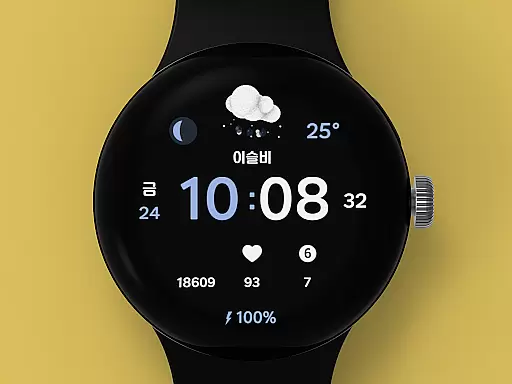
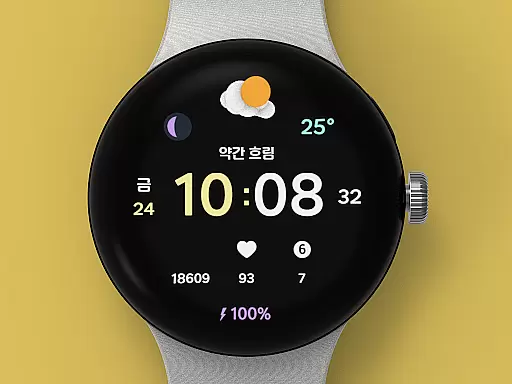
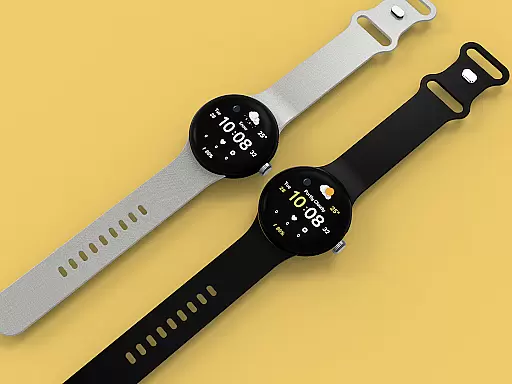
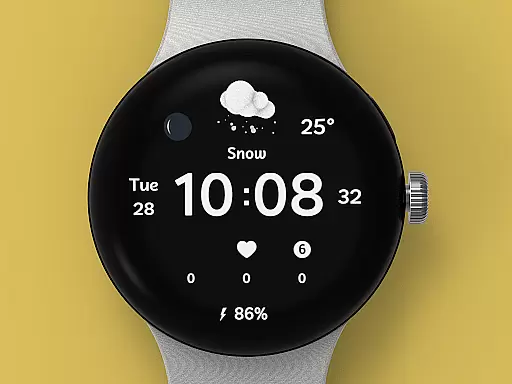
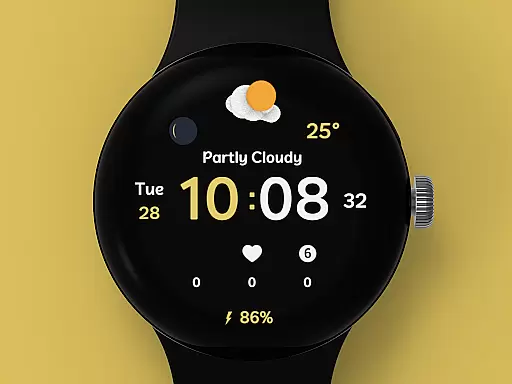
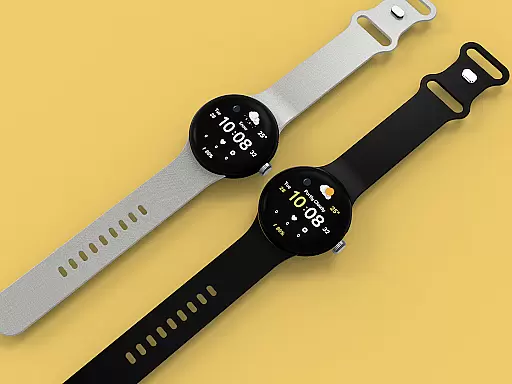
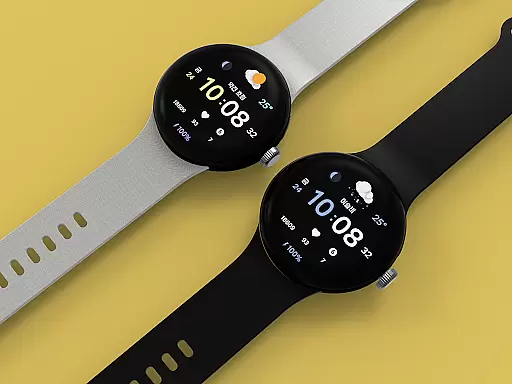
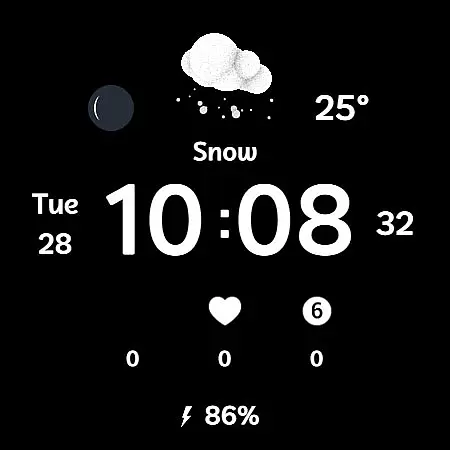
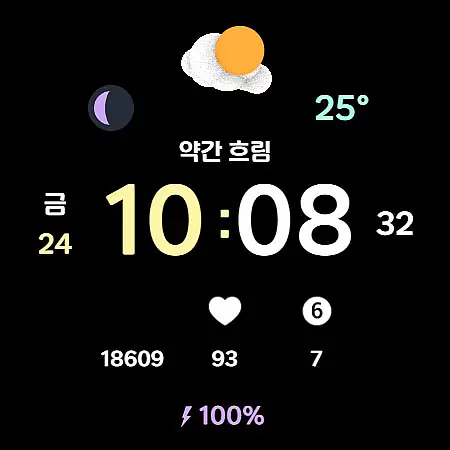
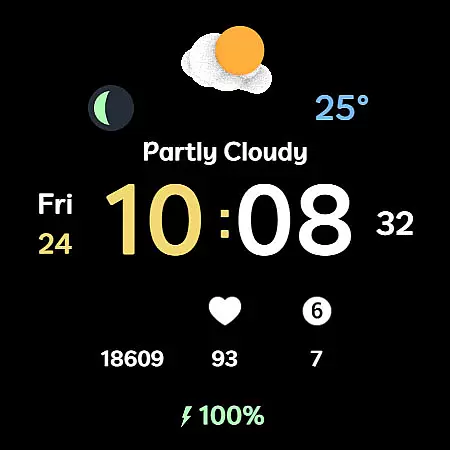
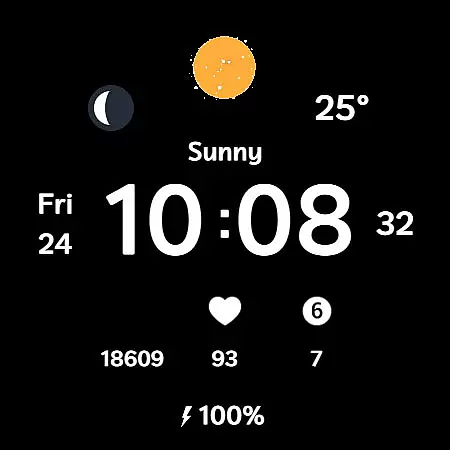
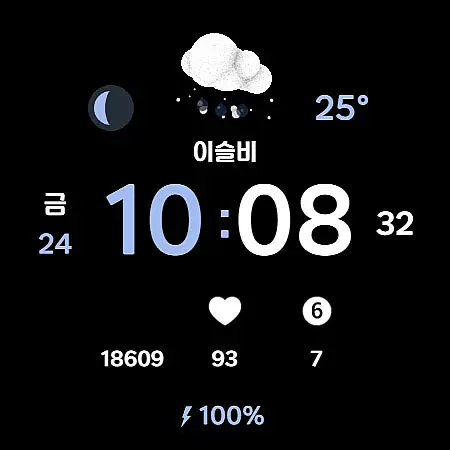
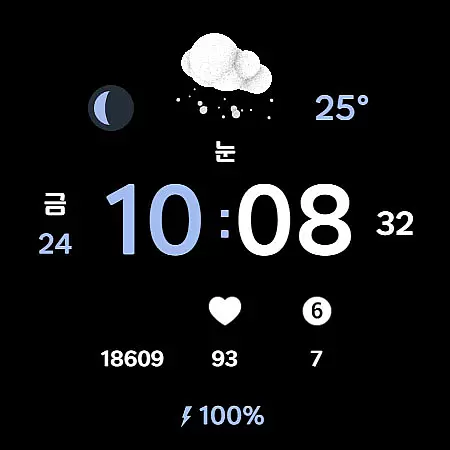
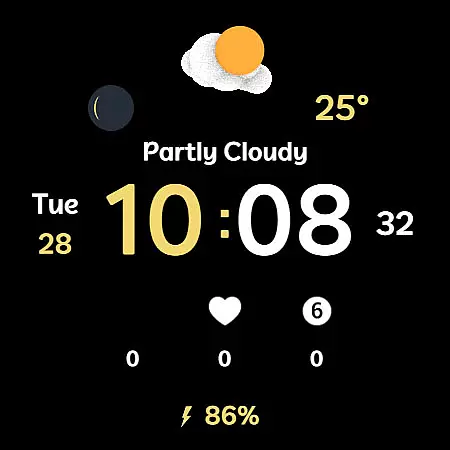
Weather Cupid 3D Gif is a sophisticated Wear OS watch face that combines minimalist design with essential weather information. The app features an intuitive digital interface complemented by animated 3D weather icons, providing users with real-time temperature updates in both Celsius and Fahrenheit.
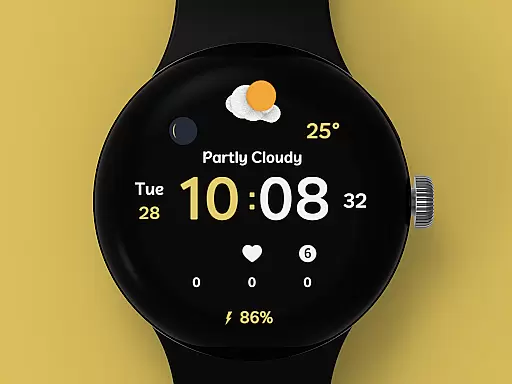
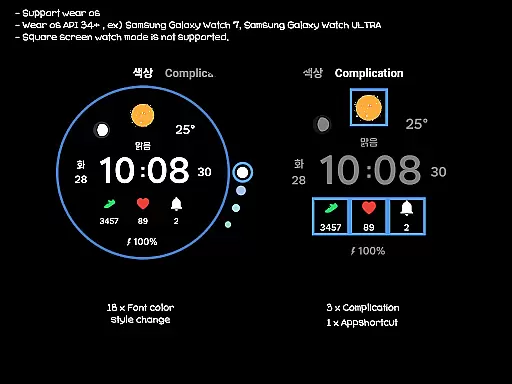
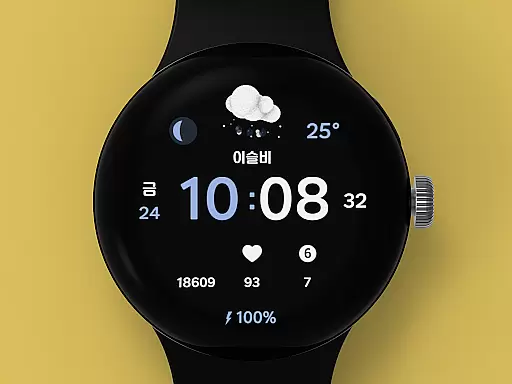
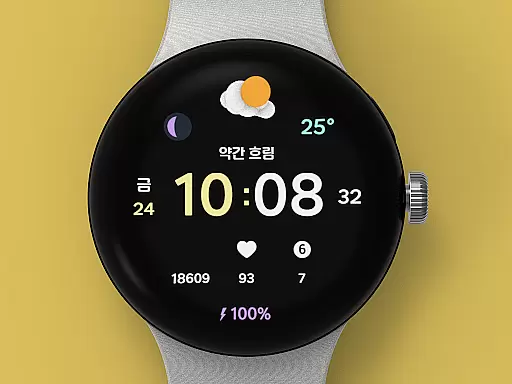
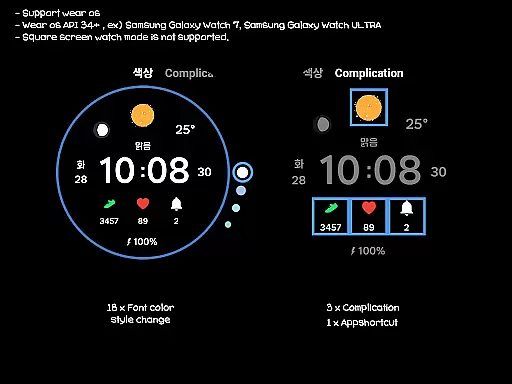
In addition to weather details, the watch face displays important metrics like moon phase, battery percentage, and supports multilingual options. With automatic weather updates every 30 minutes and manual update capabilities, this app ensures you always have accurate information at a glance. While primarily designed for round-screen Wear OS devices, it offers extensive customization options including 18 font color styles and multiple complications.
This weather-focused watch face stands out through its combination of functionality and aesthetics. The 3D animated weather icons are not only visually appealing but also provide clear weather condition indicators. Users can easily monitor temperature changes, check moon phases, and view their device's battery status.
The application supports both 12h and 24h time formats, making it suitable for international use. Its multilingual support extends usability across different regions. The customization options are particularly robust, allowing users to personalize font colors and choose from various complications. Although square screen modes aren't supported, the app's compatibility with Samsung's weather API ensures reliable data accuracy.
Practical features include both automatic and manual weather update options, ensuring users maintain access to current information. The installation process is straightforward, requiring only Bluetooth connectivity between mobile and Wear OS devices. Once installed, users can remove the guide app while retaining full watch face functionality.
Weather Cupid 3D Gif provides accurate weather forecasts based on Samsung's API, ensuring reliable data for users. The temperature updates every 30 minutes, offering both Celsius and Fahrenheit support to cater to global audiences.
The inclusion of a 3D animated weather icon adds a layer of intuitive understanding, making it easier for users to grasp current weather conditions at a glance. This feature enhances the overall user experience by combining functionality with aesthetic appeal.
Users can manually update weather information through complications, ensuring they have the latest data when needed. Despite potential discrepancies compared to other providers, Samsung's robust API ensures that Weather Cupid remains a trustworthy source for weather updates.
This app offers extensive temporal and spatial forecast ranges, allowing users to stay informed about upcoming weather changes throughout the day. With multilingual support, it caters to an international audience, providing localized weather insights.
In addition to temperature, Weather Cupid 3D Gif includes moon phase information, adding another dimension to its forecasting capabilities. Users can plan their activities better with these comprehensive details readily available on their Wear OS devices.
Although square screen modes aren't supported, round-screen users benefit from a seamless integration of features like battery percentage display and health information. These elements ensure that users are not only aware of the weather but also maintain optimal device performance.
User-friendly interface
Real-time weather updates
Customizable design options
Multilingual support
Intuitive complication system
No square screen support
Limited manual controls
Occasional display issues
Bluetooth dependency
Weather data discrepancies

Live Weather Forecast app with acu weather radar, weather alert & weather widget
 4.80
4.80
Hourly and daily weather forecast, current condition, temperature, UV and more!
4.70
Check forecasts, watch live news & track storms with FOX Weather.
3.80
Storm Radar, Alerts & Live Weather Forecasts Right on Your Home Screen
3.70
72-hour weather & daily forecasts with extreme weather alerts
4.60
Accurate Weather App: various widgets, real-time storm radar, hurricane tracker.
4.50
The moon phases app for tracking the lunar calendar, blue moon and full moon.
4.80
NOAA forecast & radar for your exact location.
4.80
Hyperlocal Forecasts, Live Radar, Severe Weather alerts & Homescreen Widgets
4.30
A professional, comprehensive and accurate weather forecast app
4.90
My Tide Times Pro is the only tide tables and forecasts application you'll need.
4.80
Road weather, live radar, wind, snow, and conditions along your driving route.
4.70
Local forecast, alerts, rain, snow and wind radar, air quality & weather widget
4.60
Accurate, beautiful weather with landscapes depicting weather, sky, season.
4.50
Weather watch face for Wear OS 5
4.40
Local weather forecast, reliable daily weather report
4.30
Live NOAA weather app to track storm, rain, wind, lightning & real local updates
4.20
Your Reliable Weather Companion
4.10
Detailed weather info and moon phase, subtle animation, customizable
4.4



User Reviews