
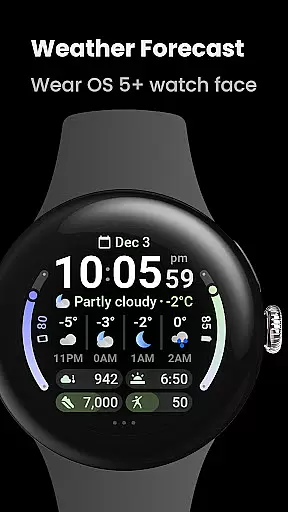
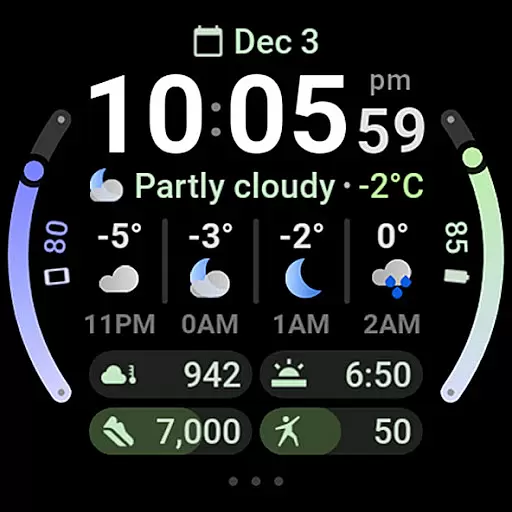
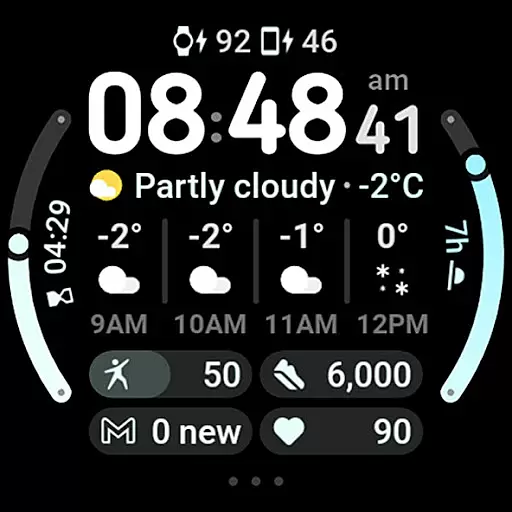
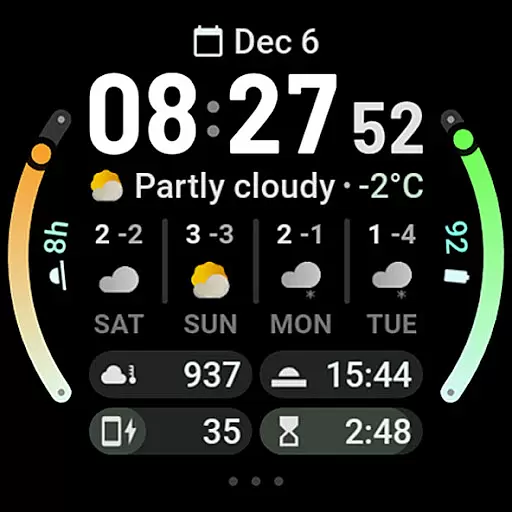
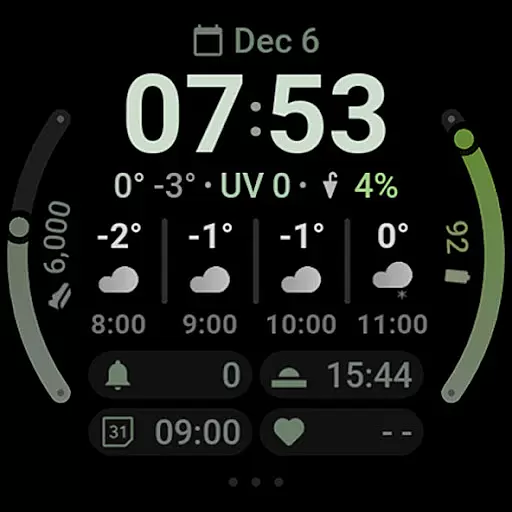
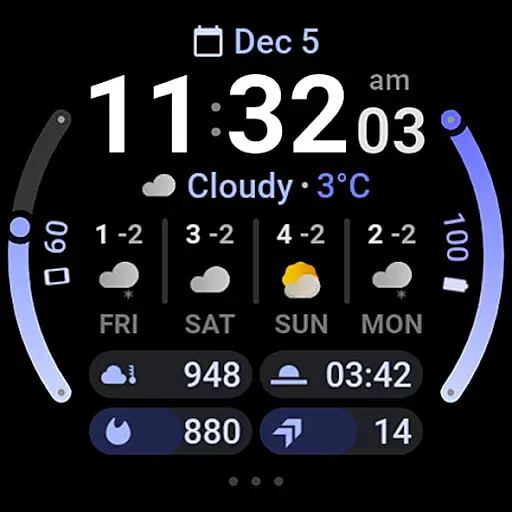
Weather Forecast Watch Face is a specialized application designed exclusively for Wear OS 5+ devices, providing users with an interactive and customizable weather display. This watch face not only shows the time but also integrates comprehensive weather data such as current conditions, temperature, UV index, and forecasts for both hourly and daily timelines.
With features like animated weather stats, multilanguage support, and compatibility with custom complication apps, it offers a personalized experience. Users can switch between different forecast views with a simple tap and access more detailed information through linked weather applications. The app's value lies in its ability to keep users informed about weather conditions directly from their smartwatch, enhancing convenience and preparedness.
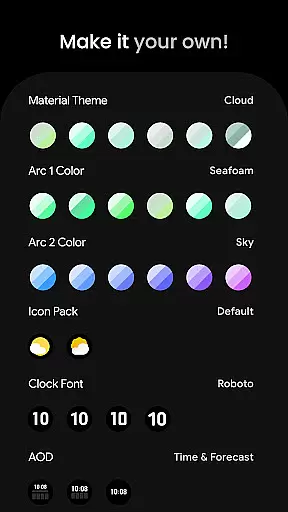
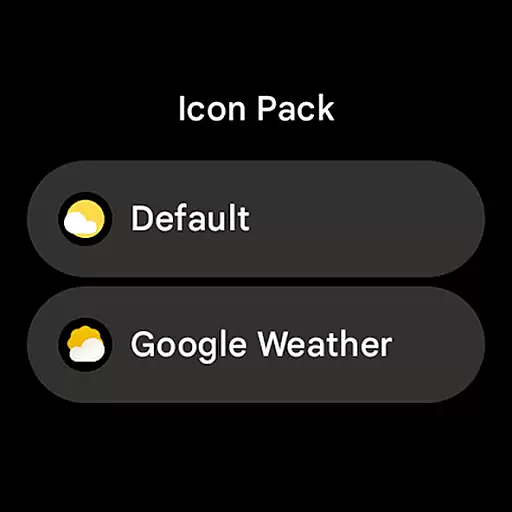
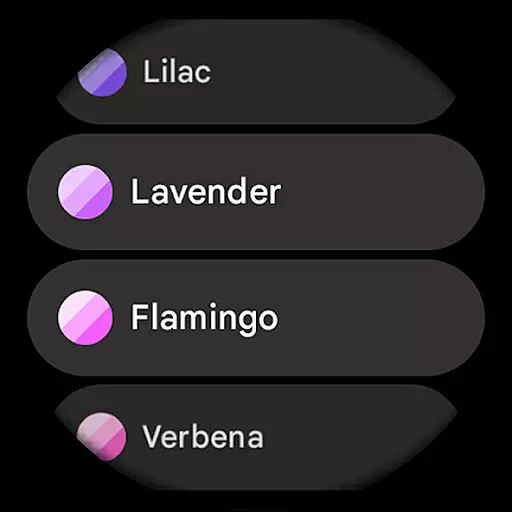
This Weather Forecast Watch Face stands out due to its advanced customization options and user-friendly interface. It supports over 60 material themes and arc colors, two weather icon packs, and four clock fonts, allowing users to tailor the appearance to their preference.
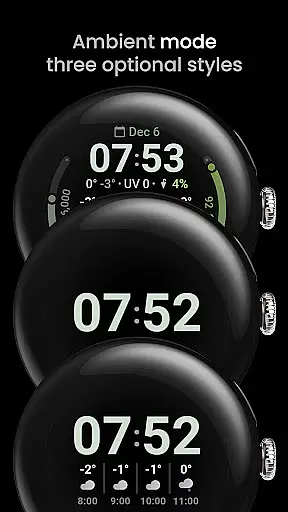
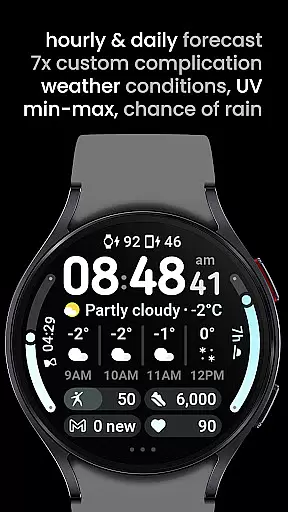
The inclusion of seven custom complication slots maximizes functionality by integrating with various apps, displaying notifications, and offering quick settings access. Additionally, features like optional digital clock fonts, three always-on-display (AOD) looks, and toggles for temperature bars and today summaries ensure that users have control over both aesthetics and utility. These capabilities make it a versatile tool for those seeking both style and substance in a smartwatch weather app.
Forecast accuracy and data credibility are crucial for any weather application, ensuring users receive reliable and trustworthy information. Weather Forecast Watch Face excels in this area by providing real-time updates on current conditions, including temperature, UV index, and chance of rain. These details are powered by a robust and credible weather data source, which is essential for planning daily activities and staying prepared.
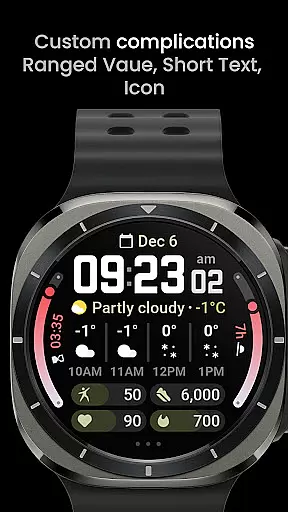
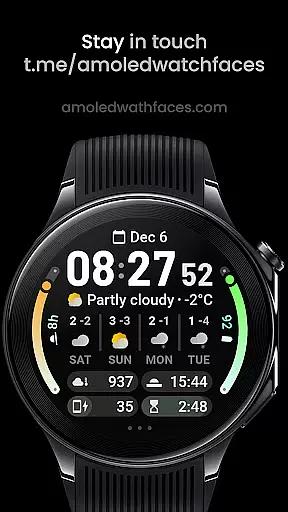
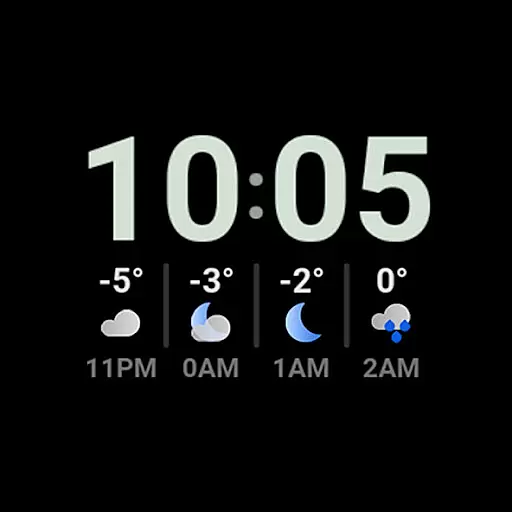
The app goes beyond basic forecasting by offering both hourly and daily predictions. Users can access a four-hour forecast with specific conditions and temperatures, as well as a four-day outlook that includes daytime conditions and min-max temperatures. This comprehensive approach ensures that users have a detailed understanding of upcoming weather patterns, enhancing their ability to plan accordingly.
By integrating seamlessly with Wear OS 5+ devices, the watch face ensures that all weather data is easily accessible right from the user's wrist. The use of animated icons and descriptive texts provides an engaging way to consume weather information. Moreover, tapping on the weather forecast allows users to switch between hourly and daily views, offering flexibility and convenience.
Overall, Weather Forecast Watch Face delivers accurate and credible weather data through its advanced features and user-friendly interface. This reliability not only helps users make informed decisions but also enhances their overall experience by keeping them well-informed about changing weather conditions.
Temporal and spatial forecast range is a key feature for weather applications, allowing users to understand weather patterns over time and across different locations. Weather Forecast Watch Face offers extensive coverage by providing both short-term and long-term forecasts directly on the user's smartwatch. This functionality ensures that users have access to timely and relevant weather information wherever they go.
The application supports an impressive temporal range, delivering hourly forecasts for the next four hours and extending its reach to a four-day forecast. This dual approach enables users to prepare for immediate weather changes while also planning for future events. Each forecast includes detailed descriptions and temperature readings, ensuring that users have a complete picture of what to expect.
In terms of spatial coverage, the watch face leverages reliable weather data sources to provide localized information. Whether you're at home or traveling, the app adjusts to your current location, offering precise and up-to-date forecasts. This adaptability makes it an invaluable tool for individuals who need accurate weather information on the go.
Additionally, the inclusion of multilingual support and customizable complications further enhances the utility of Weather Forecast Watch Face. Users can personalize their experience by selecting from various themes and complication types, making it easier to focus on the most relevant weather details. By combining broad temporal and spatial ranges with customizable features, this app sets a high standard for wearable weather solutions.
User-Friendly Interface
Highly Customizable
Comprehensive Weather Data
Interactive Features
Multilanguage Support
Complex Setup Process
Limited to Wear OS
Occasional Loading Issues
Requires Additional Apps
Battery Consumption

Personal Weather Station PRO - Meteo monitor to check your WU info and charts.
 4.20
4.20
Get instant weather & temperature predictions right on your Wear OS smartwatch!
4.3
Accurate Thermometer: indoor & outdoor temperature, humidity, pressure, and wind
4.50
Instant weather updates, easy to check anytime on your home screen.
3.50
Your Trusted Weather Companion
4.40
Storm Radar, Alerts & Live Weather Forecasts Right on Your Home Screen
3.70
14-day & 24-hour Forecast | Real-time Alert | Accurate & Fast
4.40
Weather radar map, storm tracker, local forecast, live rain alerts & daily news.
4.60
All-in-one weather radar launcher with rain, temperature maps & local forecast.
4.30
Accurate weather forecast, daily weather changes are easy to grasp
4.90
My Tide Times Pro is the only tide tables and forecasts application you'll need.
4.80
The moon phases app for tracking the lunar calendar, blue moon and full moon.
4.80
NOAA forecast & radar for your exact location.
4.80
Ultimate weather forecast + moon phase for Wear OS 5+ (Pixel, Galaxy, et al.)
4.70
72-hour weather & daily forecasts with extreme weather alerts
4.60
Weather related custom complications for Wear OS. UV, Hi-Lo, AQI and more!
4.40
Weather watch face for Wear OS 5+
4.10
Magnetic Compass meets smart tech: Get directions and weather alerts seamlessly
3.30
Retro TV-style digital watch face with weather, heart rate, steps & events!
4.5



User Reviews