
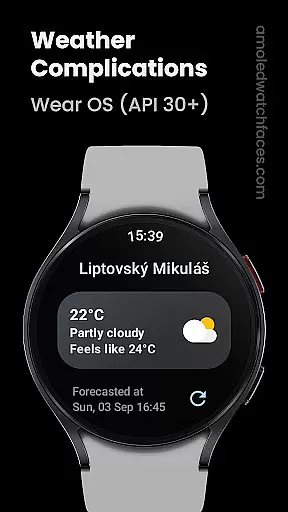
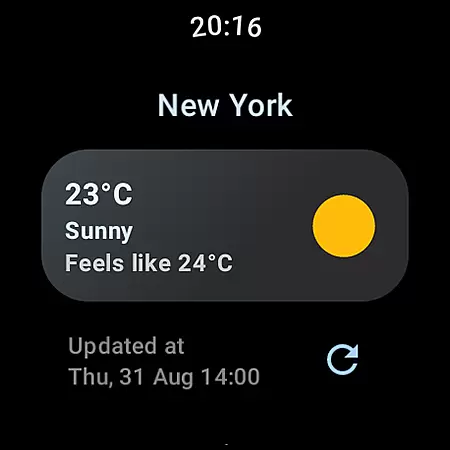
Weather Complications is a comprehensive weather app designed specifically for Wear OS API 30+ devices. This application consolidates all weather-related complications into one place, providing users with essential data such as Air Quality Index, Atmospheric Pressure, and UV Index. The app refreshes its data every 35 minutes to optimize battery life while ensuring that the weather information stays current within a 15-minute window.
One of the key features of Weather Complications is its ability to continue displaying forecasted data for the current hour even when there's no internet connection. By utilizing the Google Places API for location information, the app ensures accurate and localized weather updates. Whether you need short text summaries or more detailed long text forecasts, this app caters to various preferences and needs, making it an indispensable tool for smartwatch users who require up-to-date weather information on the go.
Weather Complications stands out due to its extensive range of customizable weather complications. Users can choose from different types like SHORT_TEXT, LONG_TEXT, RANGED_VALUE, ICON, and SMALL_IMAGE for various weather metrics including Chance of Rain, Current Temperature, Humidity, and Wind conditions. These options allow for personalized watch faces that display the most relevant weather information according to individual preferences.
The app supports multiple weather data sources, primarily using www.weatherapi.com but also allowing integration with openweathermap.org through a custom provider key. This flexibility ensures reliable and diverse data sourcing. Additionally, the app offers a portfolio of watch face designs and other custom complication apps available at amoledwatchfaces.com, enhancing user experience by providing both functionality and aesthetic appeal in one package.
Weather Complications for Wear OS ensures reliable weather data through trusted sources like WeatherAPI and OpenWeatherMap. These platforms are renowned for providing accurate and up-to-date meteorological information, crucial for users who need dependable forecasts.
The app refreshes its weather complications every 35 minutes, striking a balance between battery efficiency and data relevance. Even when offline, the app uses forecasted data for the current hour, ensuring that users always have access to the latest weather insights without interruption.
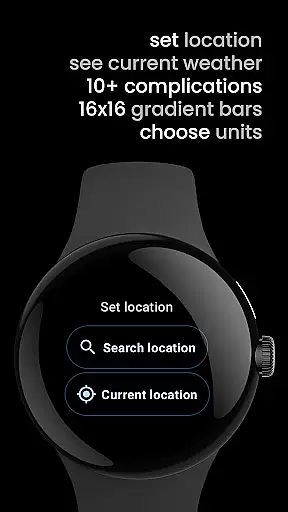
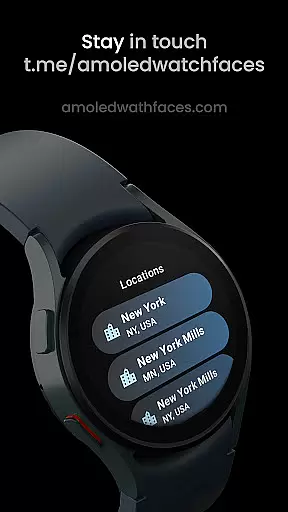
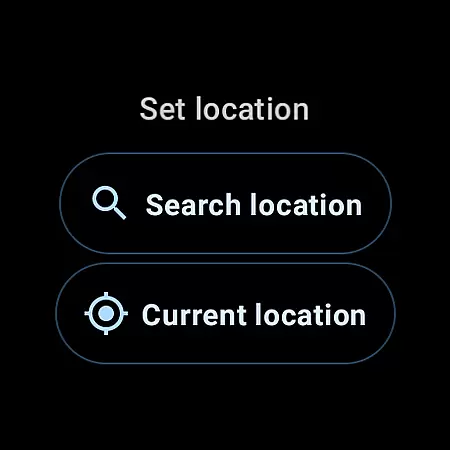
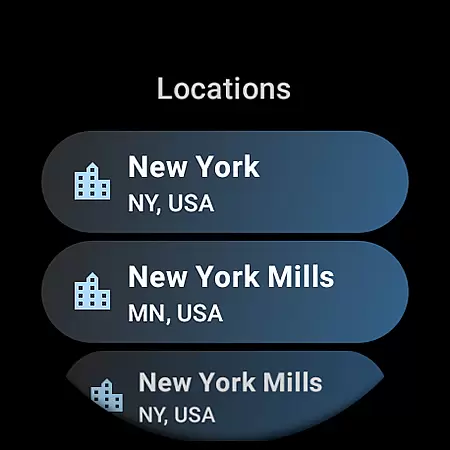
By integrating Google's Places API, the app delivers precise location-based weather updates. This feature is particularly valuable for users on the move, as it adapts to their current geographical context and provides localized weather details tailored to their whereabouts.
Weather Complications offers an extensive temporal and spatial forecast range, empowering users with detailed weather outlooks. The app provides minute-level precipitation forecasts, hourly temperature predictions, and extended daily summaries, catering to both immediate and long-term planning needs.
Through its integration with advanced weather APIs, the app covers vast geographical areas with remarkable accuracy. Whether users are in urban centers or remote locations, they can rely on the app to deliver relevant weather information specific to their region.
Additionally, the app supports multiple complication types, including air quality index, UV index, and wind conditions. This diversity allows users to customize their Wear OS experience by selecting the most pertinent weather metrics for their lifestyle and activities.
User-friendly interface
Comprehensive weather data
Customizable complications
Optimized battery usage
Multiple data sources
Limited to Wear OS
No BOGO promo availability
Dependent on internet
Specific API requirement
Premium cost

Live local weather updates: various widgets & radar maps & hourly forecast.
 4.70
4.70
Live Weather Forecast app with acu weather radar, weather alert & weather widget
4.80
Live weather radar, widgets & forecasts. Track rain, storms & temperature.
4.20
Your local weather app with storm radar, rain tracker, weather maps & AQI.
4.2
View weather widget and map. Wind direction and speed. Tides times and waves
4.70
Your ultimate app for accurate local weather information!
4.60
Powerful US and worldwide earthquake feed with earthquake alerts and maps.
4.60
Aviation weather made simple. Visual decoder for METAR & TAF
4.90
Precision Weather, Right at Your Fingertips
4.40
Hurricane Tracker, Rain Map
4.80
Weather radar, hyperlocal tracker and weather maps: follow your weather station
4.80
My Aurora Forecast Pro is the app for the Northern Lights and Aurora Borealis.
4.70
Powerful US and worldwide earthquake feed with earthquake alerts and maps.
4.70
Your ultimate app for real-time weather information!
4.70
Industry leading whitetail movement predictor & hunting app.
4.60
Know the weather earlier.
3.90
Check forecasts, watch live news & track storms with FOX Weather.
3.80
Moon phase calendar with live wallpaper, lunar widget, & 3D simulation.
3.60
Retro TV-style digital watch face with weather, heart rate, steps & events!
4.5



User Reviews