
SkyHalo 2 Weather is a premier weather forecasting app designed specifically for Wear OS 5+ smartwatches. This standalone application transforms into a comprehensive weather watch face when paired with the free SkyHalo 2 watchface front-end. It offers unparalleled weather insights, including ten selectable forecast sources like Apple Weather and OpenWeather, continuous forecasts up to 48 hours, and detailed daily predictions extending to 10 days.
Users benefit from an intuitive graphical interface where halos around the clock display temperature, cloudiness, and precipitation forecasts. The app also features critical data points such as barometric pressure, wind speed, moon phases, and severe weather alerts. Its compatibility with multiple global weather services ensures longevity and reliability across various devices, making it an essential tool for anyone seeking accurate and accessible weather information on their smartwatch.
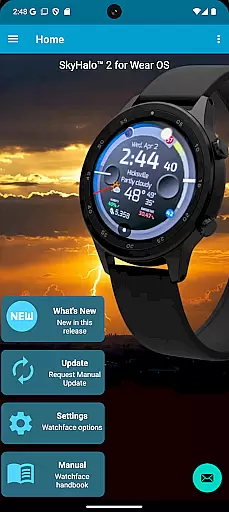
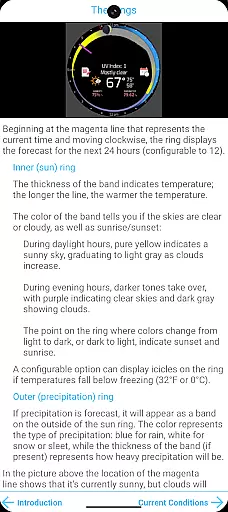
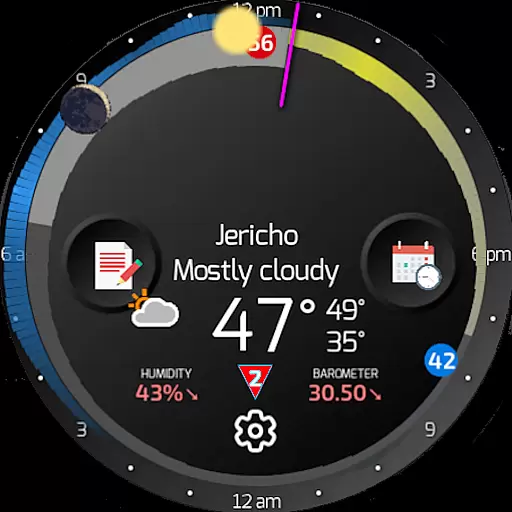
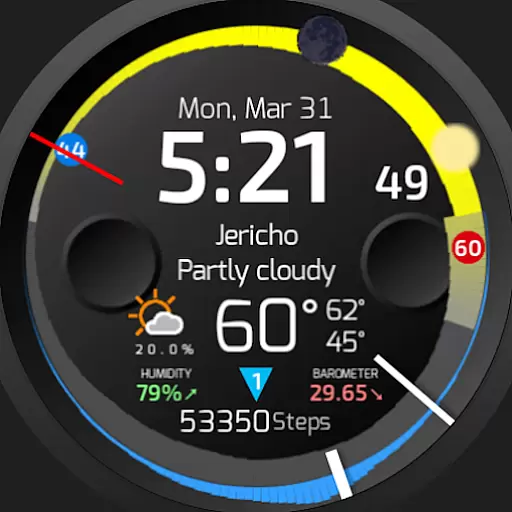
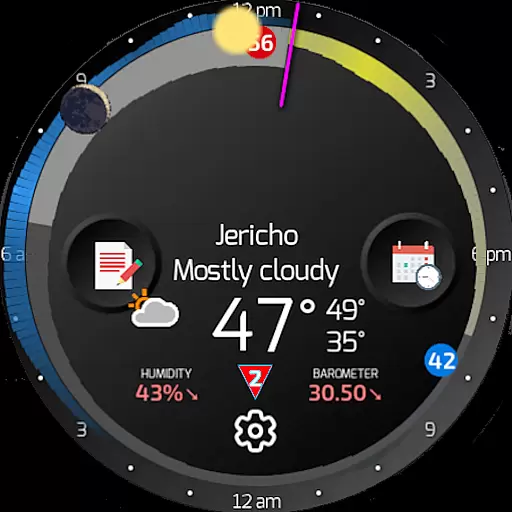
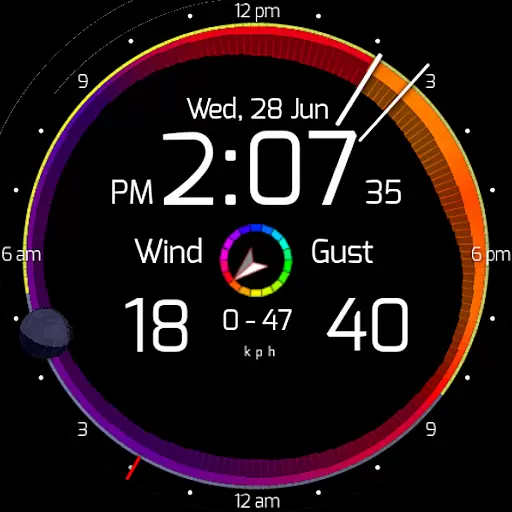
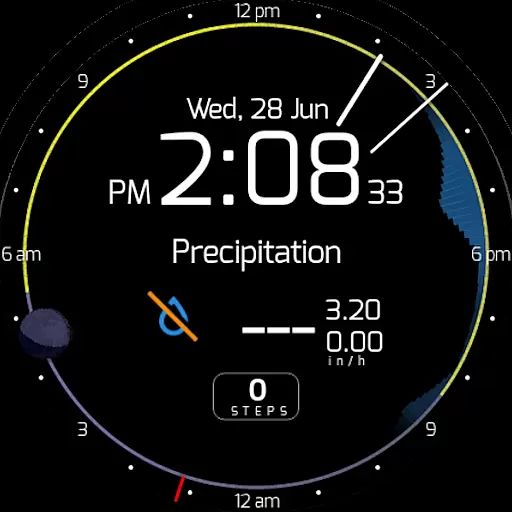
SkyHalo 2 Weather stands out with its innovative visual representation of weather data. The app uses a unique halo system around the watch face to indicate temperature, sky conditions, and precipitation. Temperature forecasts are depicted by the thickness of the ring, while colors represent cloudiness, ranging from sunny yellow to overcast gray. Precipitation is shown through an outer halo, with blue indicating rain and white representing snow or sleet.
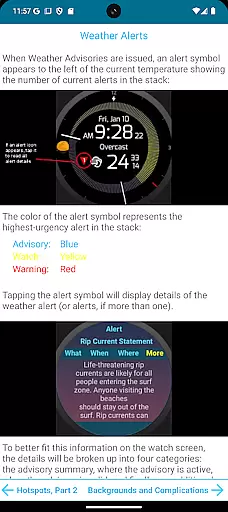
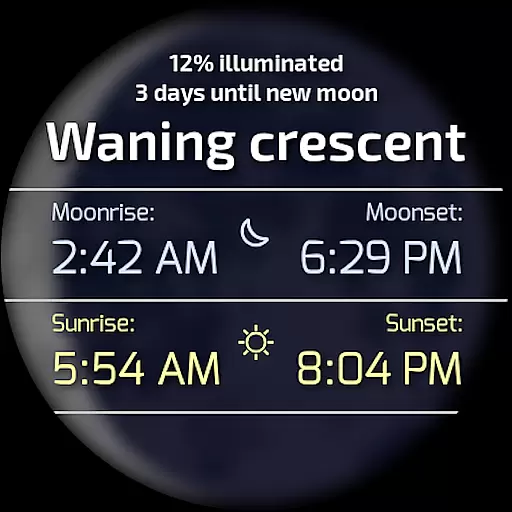
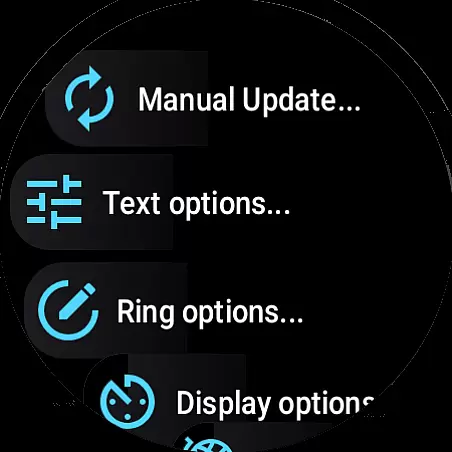
Beyond its primary forecasting capabilities, SkyHalo 2 provides users with additional valuable features. These include displaying moon phases and positions, current weather conditions, humidity levels, and barometric pressure. Users can access detailed weather alerts by tapping on a color-coded triangle, which reveals specifics about severity, timing, and affected areas. With extensive customization options, users can tailor the app to their preferences, choosing between different temperature formats, units, and even complications such as step counts from fitness trackers.
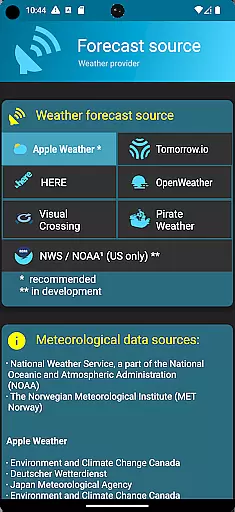
Forecast accuracy and data credibility are crucial for any weather application, especially one designed for wearable devices like SkyHalo 2 Weather. This app ensures that users receive the most reliable weather information available by aggregating data from ten different global weather sources, including well-known services such as Apple Weather, Google Weather, OpenWeather, and Open-Meteo.
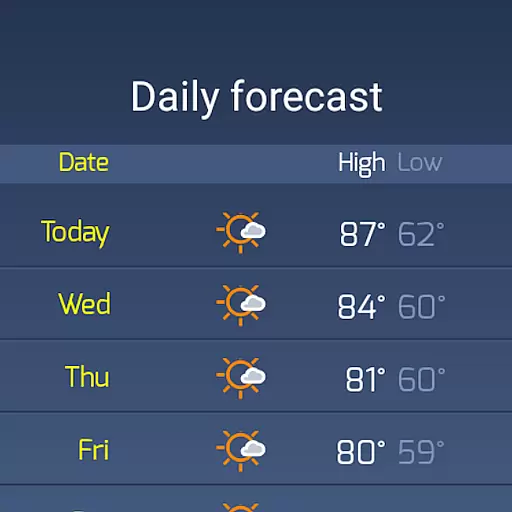
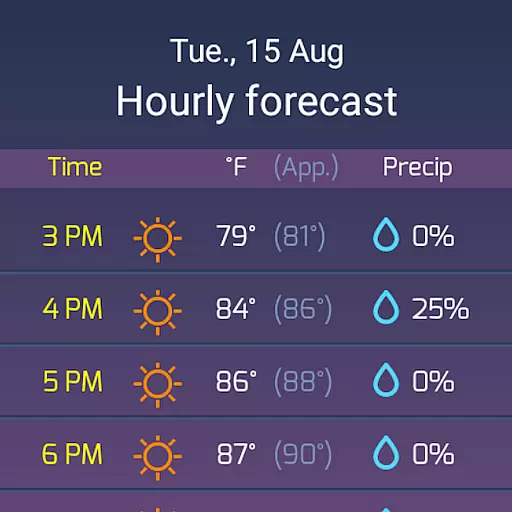
The app provides continuous forecasts for up to 48 hours, daily forecasts extending to 10 days, and hourly forecasts reaching up to 72 hours. This extensive forecasting capability allows users to plan their activities with confidence, knowing they have access to accurate and timely weather predictions. Additionally, the inclusion of weather alerts on a global scale enhances user safety by keeping them informed about severe weather conditions.
By offering multiple forecast sources, SkyHalo 2 Weather not only increases the reliability of its predictions but also protects against potential obsolescence due to changes in individual data providers. Users can choose the source they trust most or switch between sources to compare forecasts, ensuring they always have the best possible information at their fingertips.
The temporal and spatial forecast range is another critical aspect of SkyHalo 2 Weather, providing users with comprehensive weather insights tailored to their specific needs. The app's ability to deliver detailed forecasts across various timeframesu2014from immediate conditions to extended outlooksu2014ensures that users can make informed decisions regardless of their planning horizon.
SkyHalo 2 Weather stands out with its unique graphical representation of weather data through halos on the watch face. These halos visually convey temperature, cloudiness, and precipitation forecasts, allowing users to quickly grasp current and upcoming weather patterns. For instance, the thickness of the halo indicates temperature, while its color reflects sky conditions, ranging from sunny yellow to overcast gray.
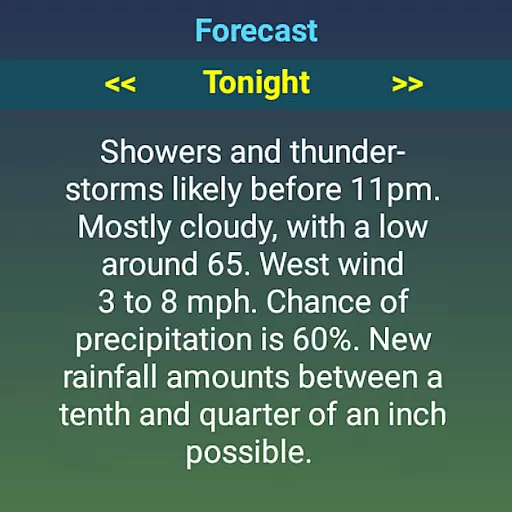
Moreover, the app supports interactive features that enhance the user experience. By tapping different areas of the watch face, users can access additional details such as sun/moon rise and set times, wind speed and direction, and even severe weather advisories. This level of detail and interactivity ensures that users have a complete understanding of both short-term and long-term weather trends, empowering them to stay prepared and safe.
Comprehensive weather data
Intuitive visual design
Customizable settings
Severe weather alerts
Multiple forecast sources
Requires separate watchface
Complex initial setup
Limited free features
Premium subscription needed
High battery consumption

Local weather forecast, reliable daily weather report
 4.30
4.30
Check forecasts, watch live news & track storms with FOX Weather.
3.80
Industry leading whitetail movement predictor & hunting app.
4.60
72-hour weather & daily forecasts with extreme weather alerts
4.60
Aviation weather made simple. Visual decoder for METAR & TAF
4.90
Analog Weather Watch Face for Wear OS 5+
4.10
Powerful US and worldwide earthquake feed with earthquake alerts and maps.
4.70
Check room temperature with this indoor thermometer. thermostat & hydrometer
4.70
All-in-one weather radar launcher with rain, temperature maps & local forecast.
4.30
No ads, No data collected. Beautiful and powerfully customizable weather app
4.90
Live Weather Forecast app with acu weather radar, weather alert & weather widget
4.80
Ultimate Lunar Calendar for 2021!
4.80
Weather Forecast, Trending News, Hurricane & Storm Tracker, Alerts & Live Radar.
4.80
Thermometer shows indoor and outdoor temperature
4.70
Accurate, beautiful weather with landscapes depicting weather, sky, season.
4.50
Your Reliable Weather Companion
4.10
Know the weather earlier.
3.90
Get instant weather & temperature predictions right on your Wear OS smartwatch!
4.2
Dynamic weather watch face with glass effect, bold time & 7 complications.
4.2



User Reviews