
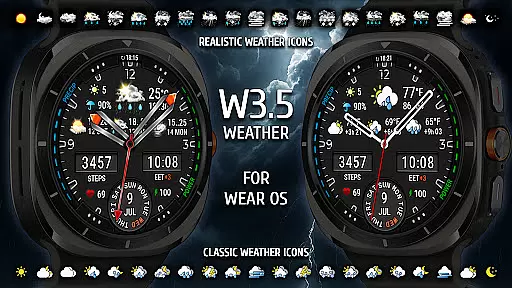
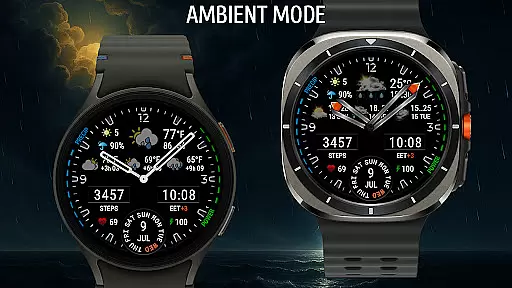
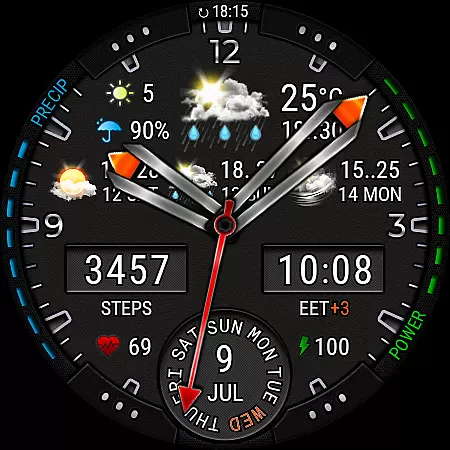
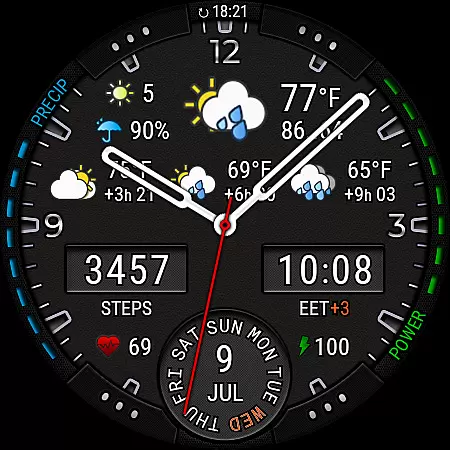
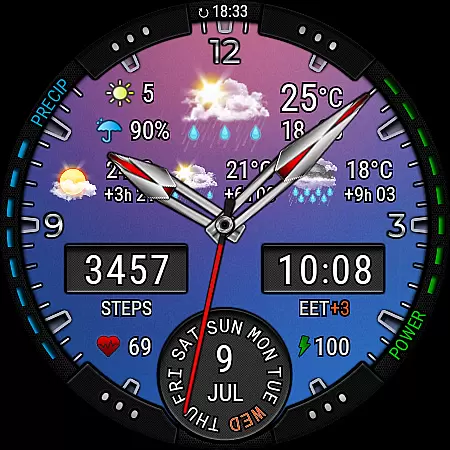
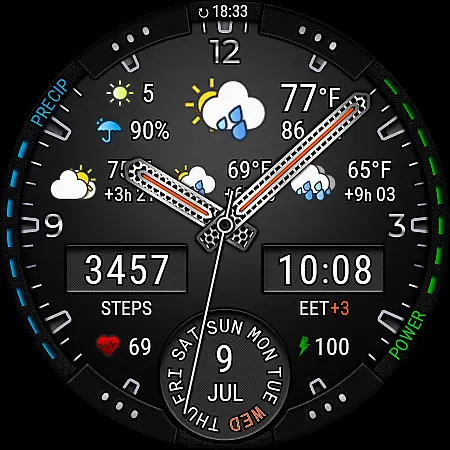
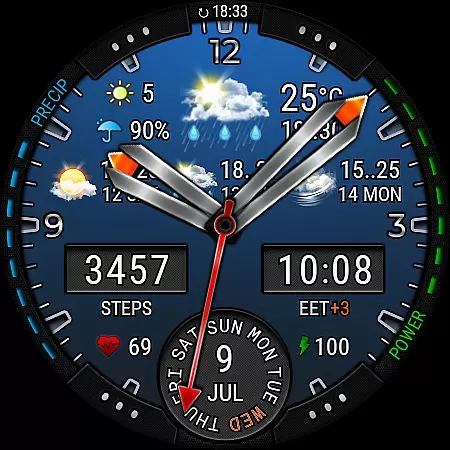
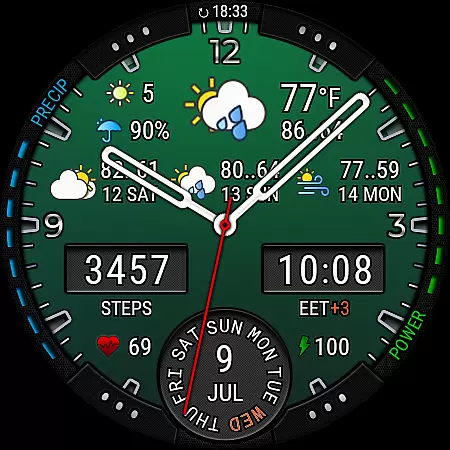
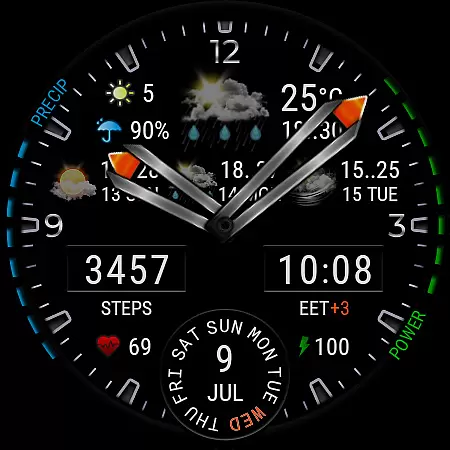
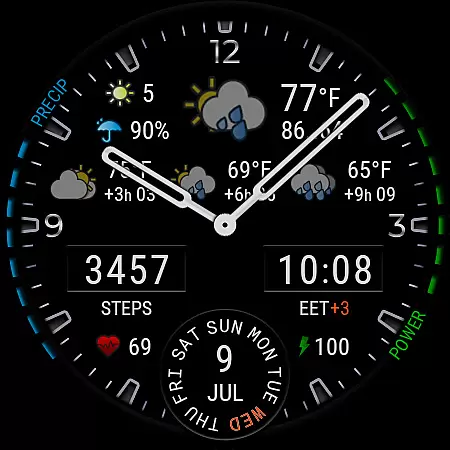
Weather Watch Face W3.5 is a premium smartwatch face designed for users who value both style and functionality. This analog watch face combines elegant design with real-time weather tracking, health monitoring, and extensive customization options.
The application provides accurate weather updates including current conditions, 4-day forecasts, and hourly predictions. It also displays essential health metrics like heart rate and step count, making it perfect for fitness enthusiasts who want to stay informed while maintaining a classic watch aesthetic.
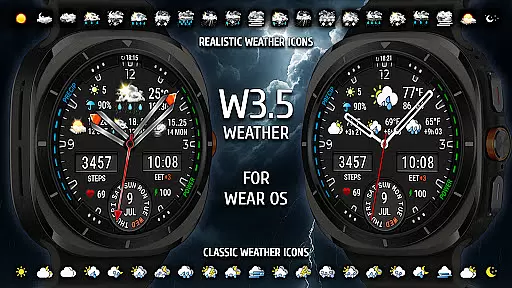
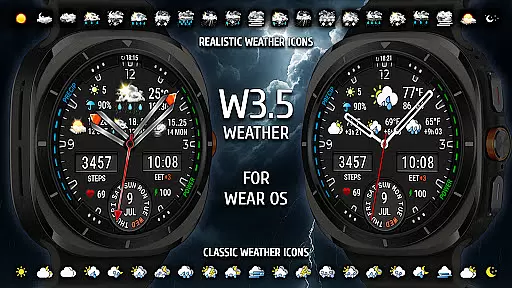
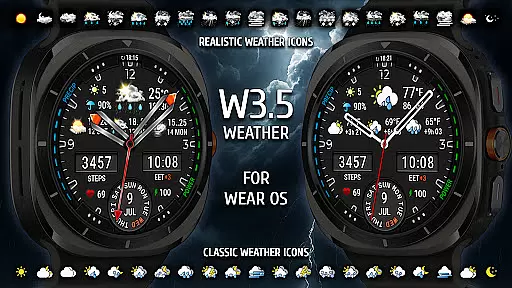
This watch face stands out with its comprehensive weather integration powered by The Weather Channel. Users can view live weather updates, precipitation chances, temperature, UV index, and realistic weather icons directly on their smartwatch.
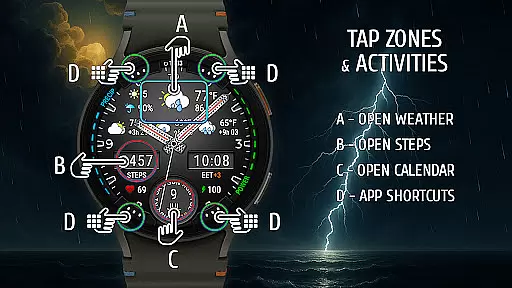
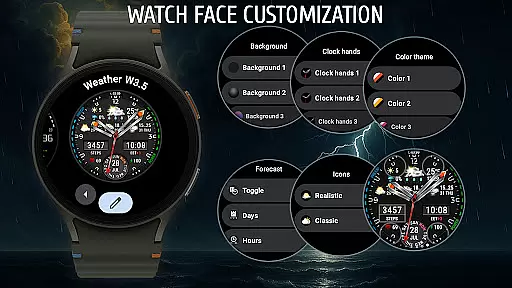
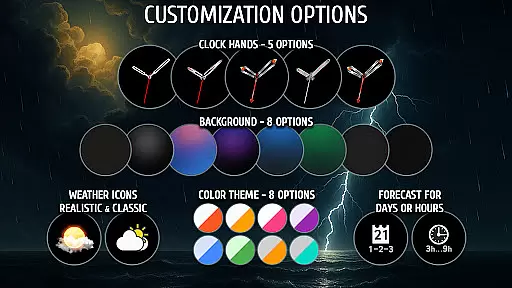
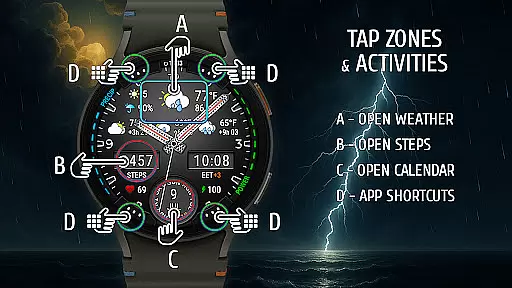
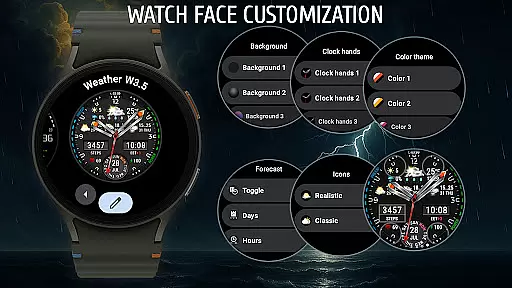
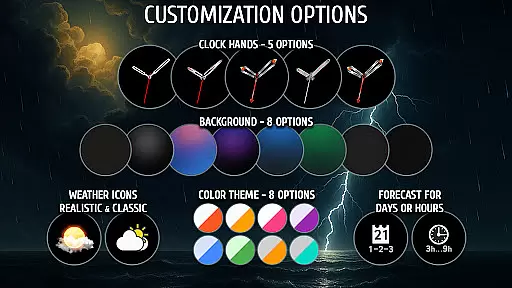
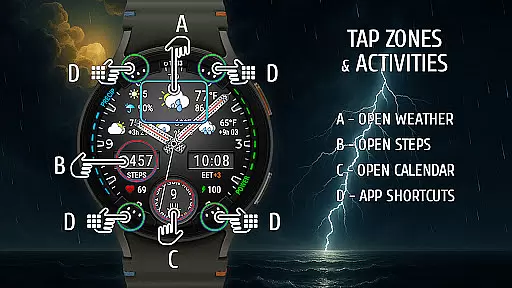
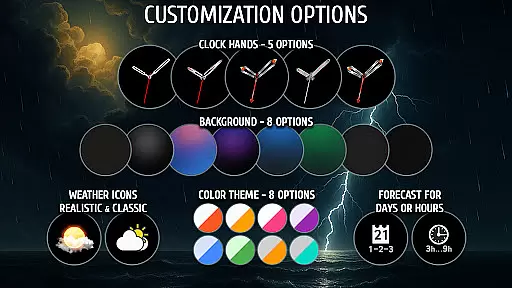
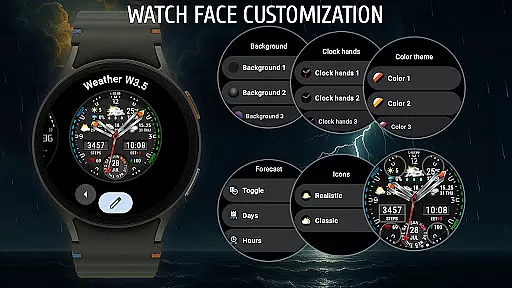
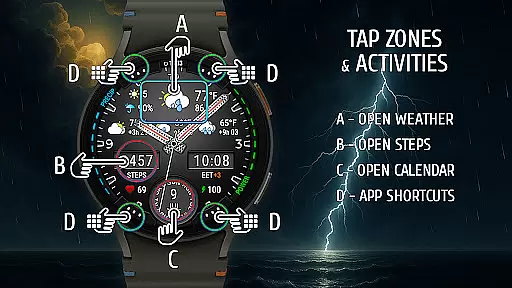
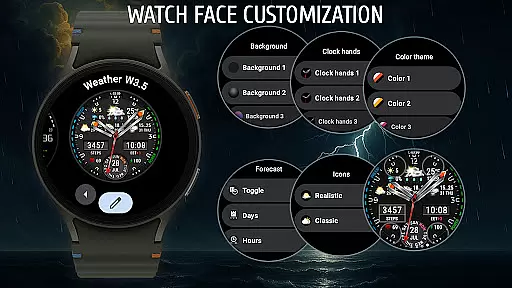
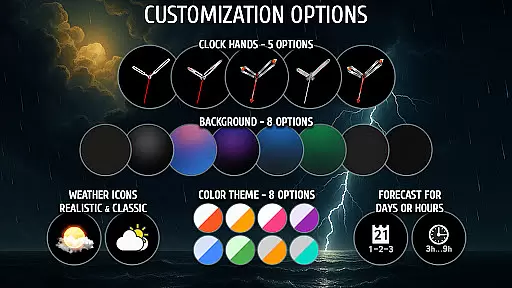
Customization is at the core of this app's functionality. With 8 background options, 8 color themes, and 5 analog hand styles, users can tailor the appearance to match their preferences. Additionally, the app supports up to 4 quick-access shortcuts and includes complications for steps, heart rate, battery level, and more.
Weather watch face W3.5 offers precise weather forecasting powered by The Weather Channel, ensuring reliable data accuracy for users. This integration guarantees that the displayed information, such as temperature, precipitation chance, and UV index, is sourced from a credible provider.
The analog design incorporates real-time updates directly on your smartwatch, presenting a 4-day forecast with intervals of 3, 6, and 9 hours. These features allow users to plan their day with confidence, knowing they have access to dependable weather predictions tailored specifically for their location.
With compatibility exclusively for Wear OS 5+ (API 34+), this watch face ensures that even the most advanced devices receive optimized performance. Users can trust in both the precision of the forecast and the clarity of its presentation on their Galaxy Watch or Pixel Watch models.
This weather-focused watch face provides an extensive temporal and spatial forecast range, displaying live updates and an hourly forecast across multiple intervals. By offering data points at 3, 6, and 9-hour marks, it ensures comprehensive coverage throughout the user's day.
In addition to the detailed hourly breakdown, Weather watch face W3.5 includes a 4-day forecast, giving users insight into upcoming weather patterns. This extended outlook helps individuals prepare for changes in weather conditions well in advance, enhancing both convenience and safety.
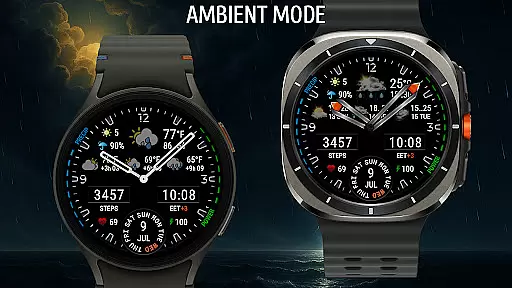
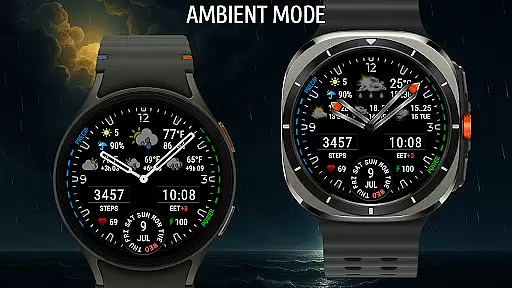
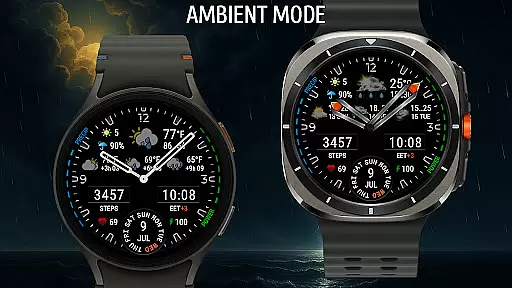
Designed for Wear OS 5+, the layout is optimized for clarity and ease of use on AMOLED screens. Whether checking current conditions or planning ahead, users benefit from having critical information readily accessible on their smartwatchu2019s compact display.
Beautifully crafted analog design
Real-time weather updates
Extensive customization options
Health and fitness tracking
Optimized for AMOLED screens
Compatible only with Wear OS 5+
Not suitable for older devices
Requires weather provider setup
Limited to specific smartwatch models
Premium features may need subscription

Live Weather Forecast app with acu weather radar, weather alert & weather widget
 4.80
4.80
Hourly and daily weather forecast, current condition, temperature, UV and more!
4.70
Get accurate rainfall and snowfall totals for pinpoint locations on a map.
4.60
Quickly check the Hanalei river gauge height during heavy rains on Kaua'i.
4.2
My Tide Times Pro is the only tide tables and forecasts application you'll need.
4.80
Weather forecast & live radar map
4.20
Storm Radar, Alerts & Live Weather Forecasts Right on Your Home Screen
3.70
Accurate Local Weather Forecast, let you easily understand the nearby weather!
4.20
Stay Ahead Of Changing Weather Conditions
4.00
weather forecast, weather radar, weather widget in one local weather app
4.70
Weather radar map, storm tracker, local forecast, live rain alerts & daily news.
4.60
Weather watch face for Wear OS 5
4.40
Hyperlocal Forecasts, Live Radar, Severe Weather alerts & Homescreen Widgets
4.30
3D Animation Weather Icon
4.00
Know the weather earlier.
3.90
The Weather Network TV App - Your weather when it really matters
2.90
A tool that provides real-time and 5-day weather info.
4.0
Get instant weather & temperature predictions right on your Wear OS smartwatch!
4.1
Your local weather app with storm radar, rain tracker, weather maps & AQI.
4.2



User Reviews