
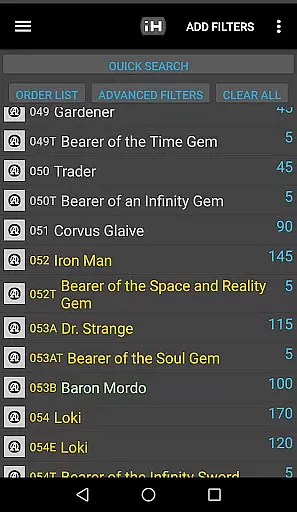
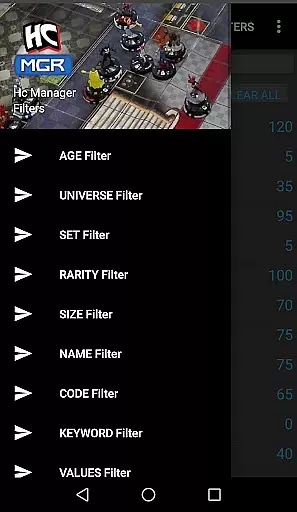
HC Manager is an essential tool for Heroclix enthusiasts, providing a comprehensive suite of features to enhance both gameplay and collection management. The app's core functionality revolves around its powerful search capabilities, allowing users to filter through over 3000 characters using 15 different criteria such as Age, Set Expansion, Rarity, and more.
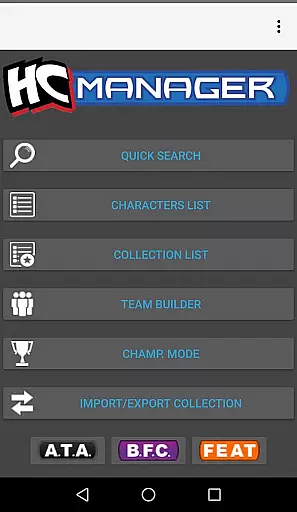
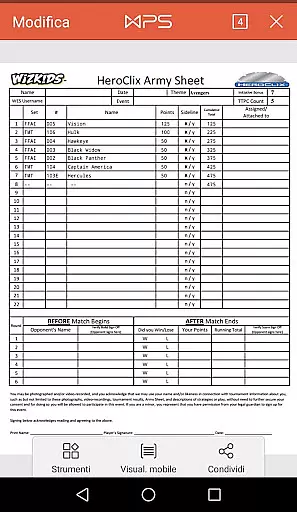
Beyond character search, HC Manager offers practical tools like the Team Builder, which enables players to save team data and export it in PDF or CSV formats. The Collection Manager feature lets users maintain their Heroclix collections efficiently by importing and exporting data via CSV templates. Additionally, the Tourney Session mode helps players focus on selected cards during tournaments, while regular updates ensure that images and data remain current.
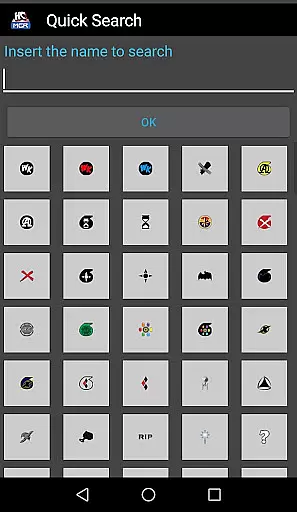
HC Manager distinguishes itself through its robust multi-filter search system, which supports up to 15 different parameters for finding specific Heroclix characters. This granular search capability allows users to pinpoint exact figures based on detailed attributes like Power levels, statistical values, and even specific keywords.
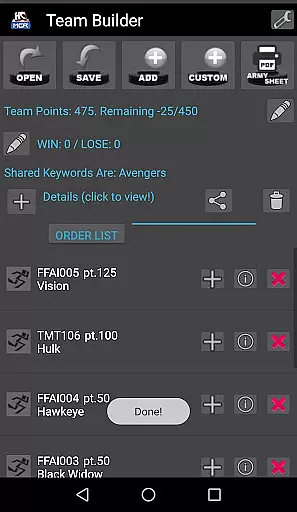
The app's Team Builder feature provides a systematic way to organize and store team compositions, with options to export these setups as datasheets in both PDF and CSV formats. Similarly, the Collection Manager empowers collectors to maintain meticulous records of their Heroclix inventory, complete with import/export functionality. The inclusion of a dedicated Tourney Session view demonstrates the app's commitment to competitive play, while its active maintenance schedule ensures that content stays up-to-date and errors are swiftly addressed through direct user feedback channels.
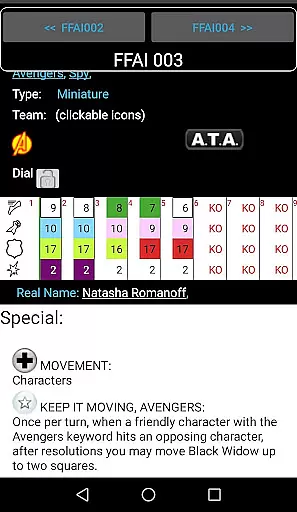
HC Manager offers an extensive range of content for Heroclix enthusiasts, ensuring that players have access to over 3000 unique characters. This vast selection is continually updated with new images and data, keeping the content fresh and relevant.
The application's multi-filter search functionality allows users to find units using more than 15 different filters such as Age, Set Expansion, Rarity, and Size. This ensures that players can easily locate specific characters or explore new ones based on detailed criteria.
With features like the Team Builder and Collection Manager, users can save and export their teams and collections in various formats including PDF, CSV, and a sample template for import. These capabilities enhance user engagement by allowing them to interact with their collections both inside and outside the app.
User engagement is a core strength of HC Manager, providing tools that encourage prolonged use and retention. The Team Builder feature lets players not only create teams but also export them as datasheets in PDF or CSV formats, making it easy to share and discuss strategies with others.
The Collection Manager further enhances retention by enabling users to import and export their collections via CSV files. By offering a tangible way to manage and grow a collection, players are incentivized to continue using the app over time.
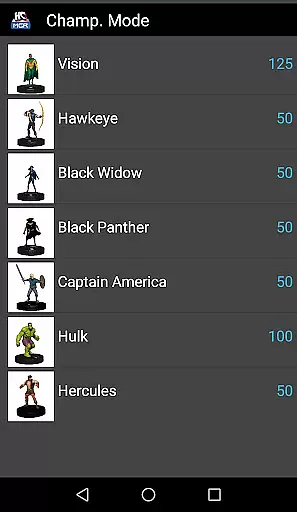
Additionally, the Tourney Session mode allows users to focus on selected cards, simulating tournament conditions and promoting strategic thinking. With continuous updates and the ability to report errors directly through the app, HC Manager fosters a dedicated community of users who are engaged and invested in the platform.
User-friendly interface
Comprehensive filtering options
Regular content updates
Team building tools
Error reporting system
Limited visual design
No iOS version available
Occasional data delays
Complex for beginners
Export features could be improved

Watch whatever you want, whenever you want, wherever you want.
 3.30
3.30
Disney Stickers: Zootopia 2
4.4
Find out if you're on Santa's Naughty or Nice List with this magical scanner!
4.60
Scan sets, track your builds, and enjoy intuitive digital instructions.
4.70
Earn gift cards for playing games. Become a real game tester!
4.40
Chat with AI characters! Anime, games, roleplay & more.
4.50
Necrophone is spirit box ghost hunting app made for spirit communication.
3.70
Daily immersive workout plan: Body warm up & finger yoga exercises
3.80
Play casual games to get gift cards and money. More playing, more earning.
4.70
SpiritWave is paranormal ITC application.
5.00
Exclusive creator communities
4.70
Classic dynamic pixel art from Mark Ferrari.
4.70
Tarot & Oracle Card Readings
4.50
Fire effects for your Philips Hue lights
4.20
Himnario LLDM - Fast and Easy to read , updated Hymnal 2019 Edition Official
4.20
Stream videos to VIDAA & VEWD TVs from Hisense, Sharp, Skyworth, Vestel & TiVo
3.00
Explore the unknown!
3.00
Stream over 80 hours of exclusive mashups and remixes by DJ Rehab.
4.3
Christmas Globe: Transform your Wear OS device into a festive timekeeper!
4.0



User Reviews