
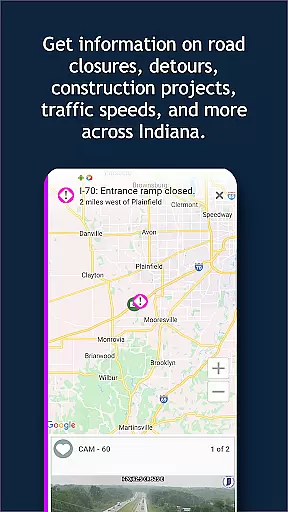
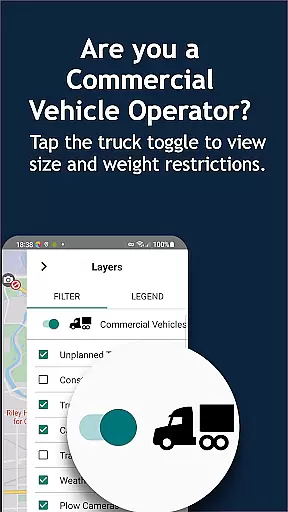
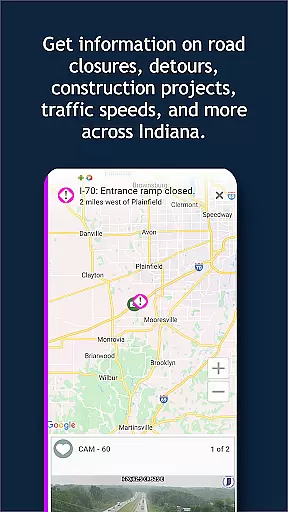
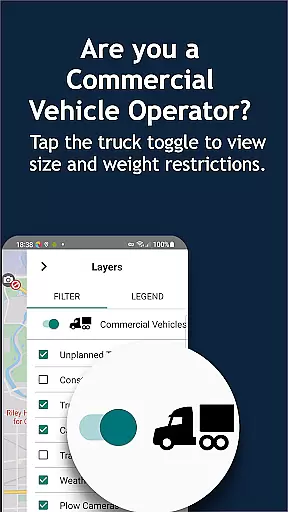
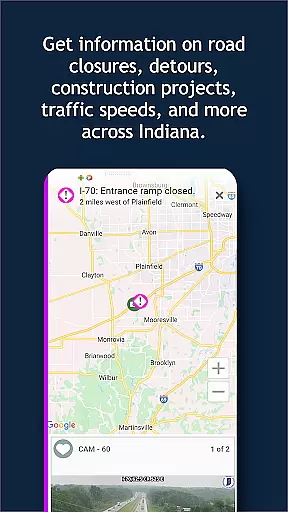
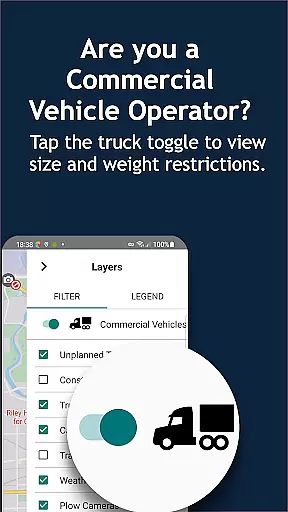
INDOT Trafficwise serves as the official traffic and traveler information application for the Indiana Department of Transportation. This app is designed to provide real-time traffic updates across Indiana's interstates, U.S. routes, and state highways. With its comprehensive features, INDOT Trafficwise ensures drivers have access to critical traffic data including incidents, construction zones, truck restrictions, flooding areas, and road closures.
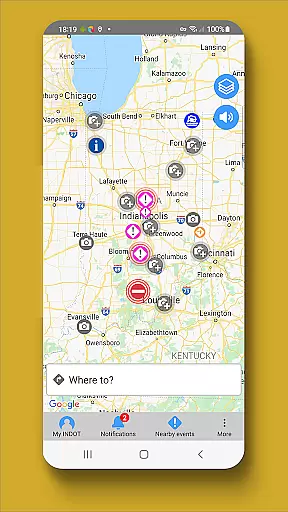
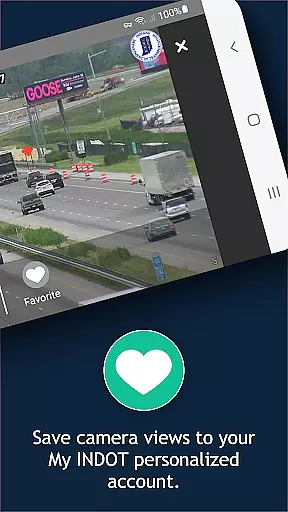
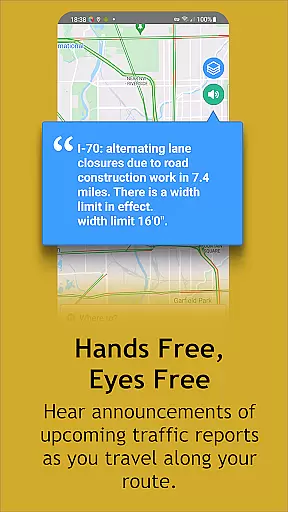
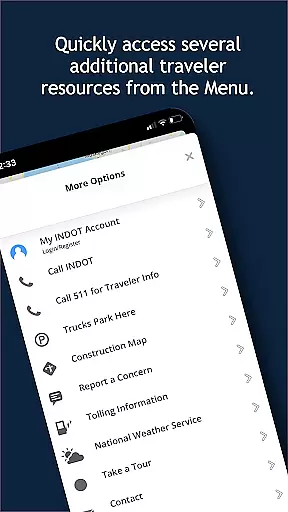
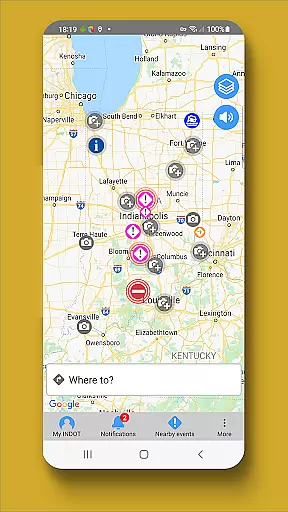
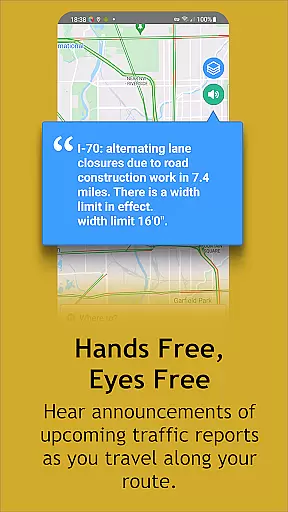
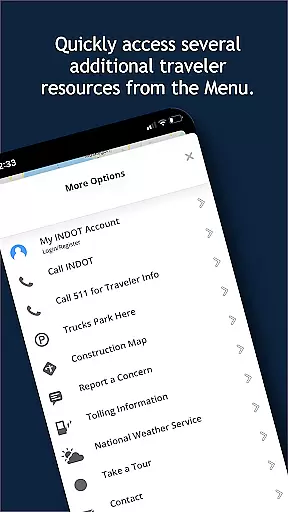
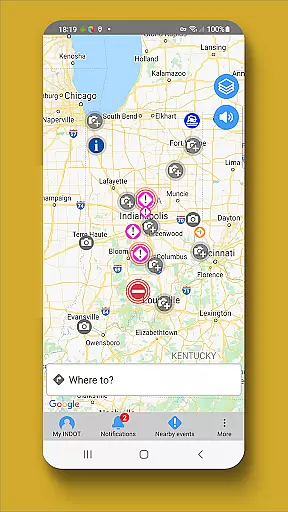
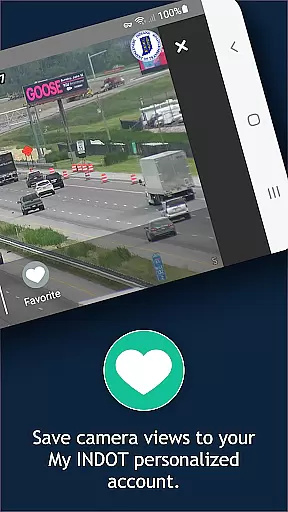
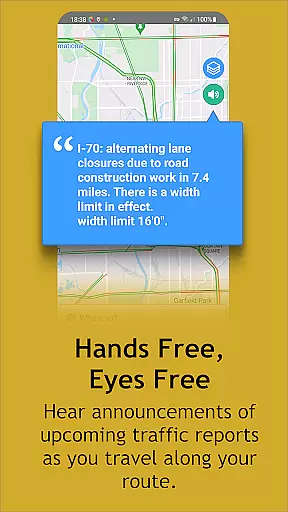
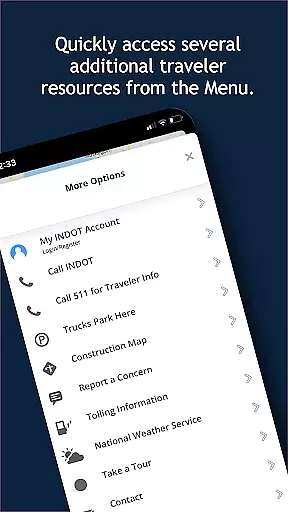
A key highlight of this app is its hands-free, eyes-free audio notifications that alert users about traffic events while driving. The zoom-enabled map interface allows users to interact with tappable traffic event icons and view surrounding camera feeds. Additionally, users can create personalized My INDOT accounts to save preferred routes, areas, and camera views, as well as set up email and text alerts for timely updates.
This app proves especially useful for commuters and travelers who need reliable traffic information to plan their journeys efficiently. By offering near real-time traffic speeds, streaming video from traffic cameras, and weather station data, INDOT Trafficwise enhances travel safety and convenience throughout Indiana.
INDOT Trafficwise offers a robust set of features tailored to improve the driving experience in Indiana. One standout feature is the hands-free, eyes-free audio notification system, which provides crucial traffic updates without requiring users to look at their devices. This promotes safer driving practices by minimizing distractions.
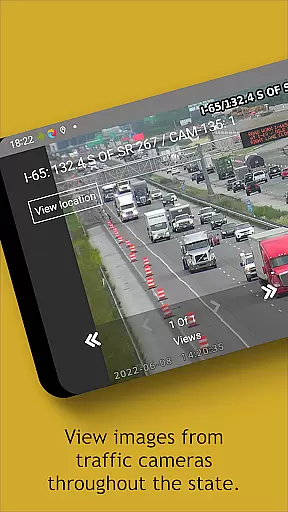
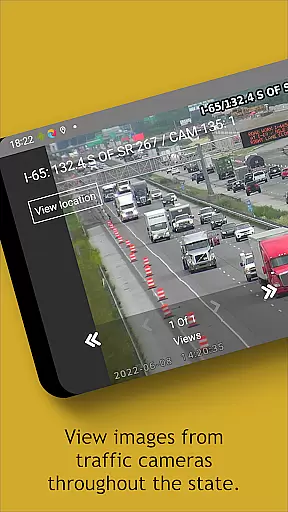
The app includes a dynamic, zoom-enabled map that displays tappable traffic event icons. Users can easily access nearby camera views to get visual confirmation of traffic conditions. Real-time updates on incidents, construction, truck restrictions, flooding, and road closures ensure drivers are always informed. Furthermore, the My INDOT account management system allows users to customize their experience by saving preferred routes, camera views, and setting up personalized alerts via email or text.
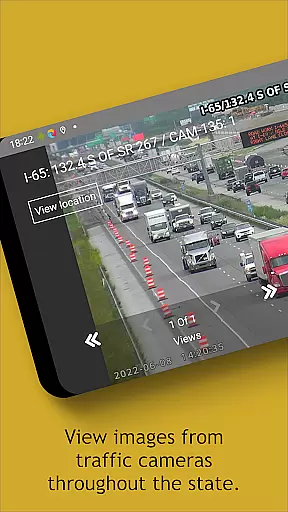
Additional functionalities include viewing current traffic speeds, accessing traffic camera still shots and streaming videos, and checking plow locations and images during winter operations. The app also aggregates data from weather stations across the state, providing valuable insights into road conditions. These features collectively empower users to make informed travel decisions and enhance overall road safety.
Booking authenticity is a crucial aspect of any travel application, ensuring that all reservations and information provided are accurate and reliable. INDOT Trafficwise offers users verified traffic data and traveler information for Indiana's interstates, U.S. routes, and state highways.
The app provides near real-time updates on traffic incidents, construction, truck restrictions, flooding, and road closures, which ensures that the information displayed is current and trustworthy. This feature allows travelers to make informed decisions about their routes and travel times.
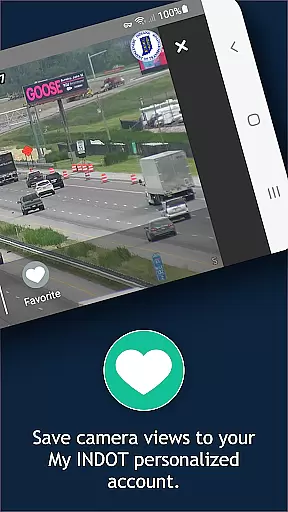
INDOT Trafficwise also enables users to create personalized accounts called 'My INDOT', where they can save routes, areas, favorite camera views, and set up email and text alerts. This personalization confirms the authenticity of user preferences and enhances the reliability of notifications received.
By integrating with various data sources and offering features such as streaming video from traffic cameras and images from plows, the app assures users of the legitimacy of the content, providing peace of mind and contributing to a safer travel experience.
Price transparency in a travel app refers to the clear display of any potential costs associated with using certain features or services. Although INDOT Trafficwise primarily focuses on providing free traffic and traveler information, it indirectly contributes to cost savings for users.
By delivering hands-free, eyes-free audio notifications and a zoom-enabled map with tappable traffic event icons, the app helps drivers avoid congested areas, thus potentially saving on fuel costs and unnecessary wear and tear on vehicles.
Features like viewing current traffic speeds and accessing traffic camera still shots and streaming video throughout Indiana allow users to plan their trips more efficiently without incurring additional expenses.
Moreover, the ability to sign up for a My INDOT account to save cameras for easy access and receive alerts does not require any payment, making sure that users are well-informed about traffic conditions without hidden fees, enhancing overall price transparency.
User-friendly interface
Real-time traffic updates
Customizable alerts
Comprehensive camera network
Hands-free notifications
Battery consumption
Limited offline functionality
State-specific only
Premium features require account
Background GPS usage

Mix of explore game, travel mapping & tracking to memorize everywhere you go
 3.60
3.60
Bus tickets at unbeatable prices with routes across the US. All aboard FlixBus!
4.70
Get faster fuel rewards, exclusive offers, and helpful tools!
4.70
Vacationing on CARNIVAL? Maximize your fun on board with the ultimate cruise app
4.60
NEW! Vacation with Ease.
4.60
Amplify Your Experience
3.00
The best way to book travel
4.60
Find the perfect vacation rental. Search from over 2 million properties.
4.80
Manage your travel on Delta with access to boarding passes, flight info & more.
4.80
Book flight, car or packages. Instant access to hotel discounts & travel deals
4.80
Booking your bus tickets has never been easier
4.70
Stay at Motel 6 for less - book fast, save more with MY6 app!
4.70
CLEAR provides a safer, easier way through airports, stadiums, and beyond.
4.20
Offline WiFi Hotspot Finder, eSIM, Caller ID, Dialer, Home Screen Launcher & VPN
4.20
Listen live to pilots and air traffic controllers around the world
3.80
Real-time flight tracking with live maps and flight status updates.
3.70
Get Moving Made Easier® with the official U-Haul® Moving & Storage app.
3.40
Find the best prices, pay for the cheapest gas, and save on every fill up
3.30
The #1 Parent App in Brevard County
4.5




User Reviews