
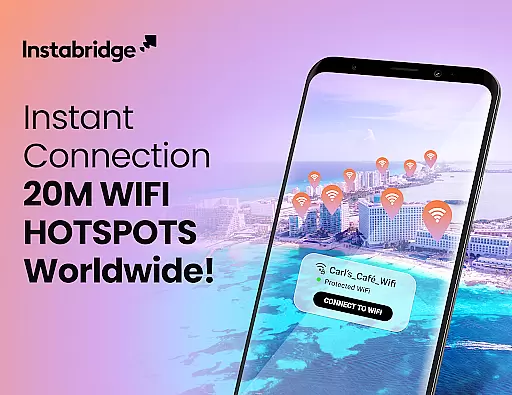
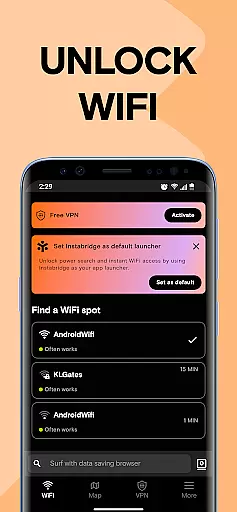
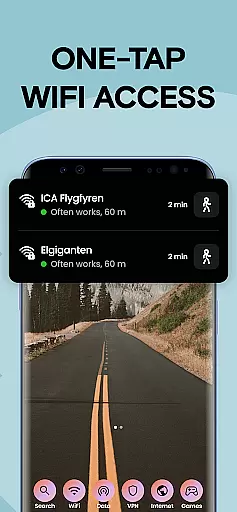
Instabridge is a comprehensive travel and connectivity solution that simplifies finding and connecting to public WiFi hotspots worldwide. The app provides an extensive offline map of over 20 million secure WiFi networks, eliminating the need for manual password entry or network searching. Its intuitive interface allows users to connect with just one tap, making it an ideal tool for travelers who need reliable internet access on the go.
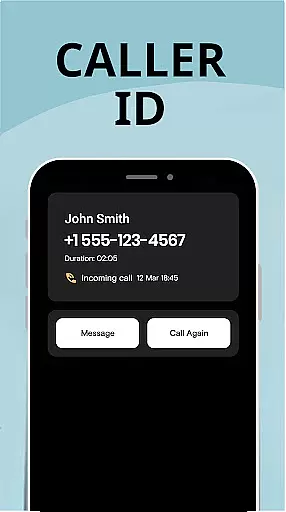
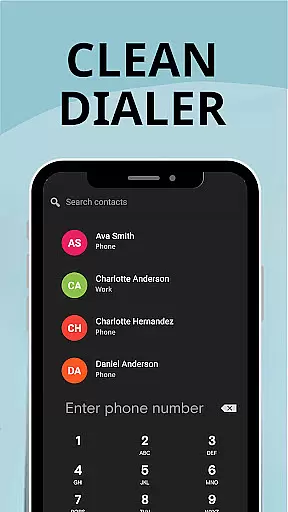
Beyond its core WiFi functionality, Instabridge offers additional communication features including integrated Caller ID, spam blocking, and call management tools. The app also introduces Mobile Data service for eSIM-enabled devices, providing seamless internet access across 190+ countries without traditional roaming charges or SIM card swaps. These features collectively create a powerful all-in-one connectivity solution for modern travelers.
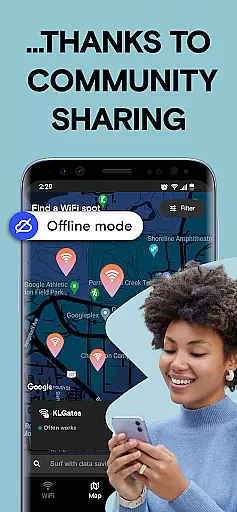
The application's value extends beyond individual users through its community-driven approach to global connectivity. By contributing to and benefiting from this shared network, users help create a more connected world while enjoying practical benefits like automatic connections, detailed network statistics, and advanced security protocols supporting WEP, WPA, WPA2, and WPA3 encryption standards.
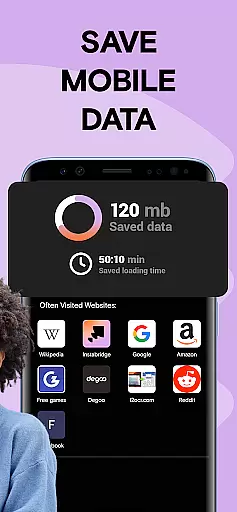
Instabridge distinguishes itself through several innovative features designed to enhance user experience. The app's Quick WiFi Access function enables instant connection to verified hotspots via its comprehensive Hotspot Map, while the Power Search feature consolidates app, contact, and web access through a single launcher interface. Its data-saving browser compresses web content up to 10 times more efficiently than standard browsers, significantly reducing mobile data consumption.
The application's technical capabilities include advanced network management features such as auto-connect functionality for frequently visited locations like airports and cafes, detailed WiFi statistics tracking speed and popularity metrics, and built-in speed testing tools. The offline map functionality ensures users can find hotspots even when they lack active data connections, while supporting multiple encryption protocols guarantees secure connections across various network types.
What sets Instabridge apart is its integration of Mobile Data services for eSIM devices, offering global internet access without traditional roaming limitations. This feature, combined with the app's comprehensive network database and smart connection management system, creates a robust solution for maintaining consistent connectivity regardless of location or device capabilities.
Booking authenticity is crucial for travel apps like Instabridge, ensuring that users can trust the WiFi hotspot information provided. This app offers a detailed and accurate map of public WiFi hotspots worldwide, which eliminates the uncertainty often associated with finding reliable internet connections while traveling.
Instabridge's approach to booking authenticity involves a comprehensive verification process. The app aggregates data from millions of secure WiFi hotspots globally, confirming their existence and reliability through community feedback and technical checks. This ensures that when users connect to a hotspot listed in Instabridge, they are accessing a genuine and dependable network.
For users, this means peace of mind and enhanced convenience. They can avoid the frustration of searching for passwords or dealing with non-functional networks. With Instabridge's commitment to authentic bookings, travelers can focus on enjoying their journeys without worrying about connectivity issues.
Price transparency in Instabridge revolves around its innovative Mobile Data feature, allowing users to access global internet services without hidden costs. This functionality is particularly beneficial for travelers who need seamless connectivity across different countries without facing unexpected roaming charges or SIM card swaps.
The app provides clear information about its Mobile Data plans, available in over 190 countries. Users can choose a plan that suits their travel needs, knowing exactly what they will pay upfront. There are no concealed fees, making it easier for travelers to budget their communication expenses effectively.
By offering transparent pricing, Instabridge empowers users to stay connected internationally at predictable rates. This straightforward approach not only enhances user satisfaction but also builds trust in the app's service offerings, setting a benchmark for price transparency in the travel and local connectivity sector.
User-friendly interface
Extensive network coverage
Offline map functionality
Advanced security protocols
Community-driven growth
Limited eSIM compatibility
Occasional connection issues
Regional restrictions
Premium feature costs
Device compatibility

View delays, closures, and weather-related conditions on Missouri state roads.
 3.30
3.30
Book rooms at any of 4.2M properties worldwide. Find flight deals every day!
4.60
INDOT Trafficwise is a traffic and traveler information mobile app.
4.00
The Official Freedom Trail Foundation app.
4.30
Tide Table Chart provides quick and easy access to high and low tide forecasts.
3.20
GPS Live Satellite Earth to find route navigation and current location map
4.00
Take JetBlue everywhere you go! Book, manage and check in for your trips & more.
4.60
The best way to book travel
4.60
Find the perfect vacation rental. Search from over 2 million properties.
4.80
Bus tickets at unbeatable prices with routes across the US. All aboard FlixBus!
4.70
Book now to save with exclusive travel deals on hotels, flights, cars & packages
4.70
Get exclusive travel deals and enjoy the award-winning customer service!
4.60
Discover the power of one-way location tracking. Share your location securely.
4.50
Download now and start earning rewards on hotels, tours, and everything travel.
4.50
The mobile panorama panel. Works offline - worldwide!
4.40
Maps, Wait Times, Park Hours
4.40
Iowa 511 is the Iowa Department of Transportation's traveler information app.
3.80
Real-time flight tracking with live maps and flight status updates.
3.70
Every Diners, Drive-in & Dives location in one place! Your guide to Flavortown!
3.00



User Reviews