
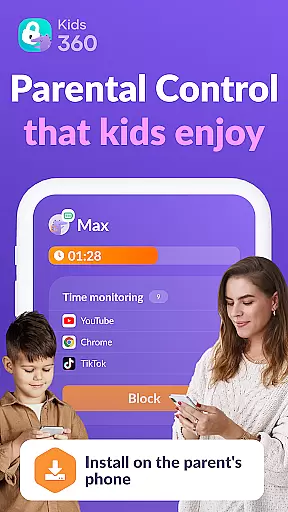
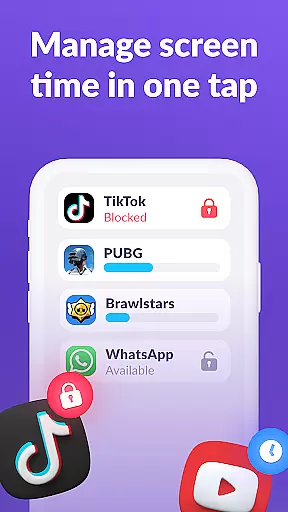
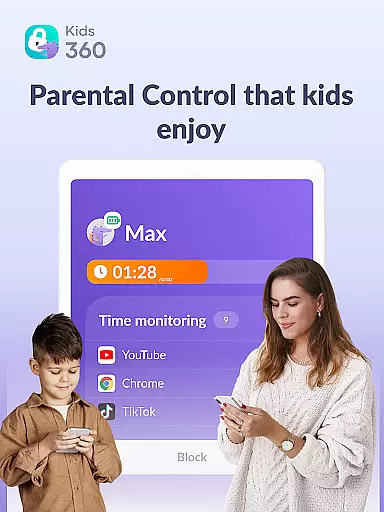
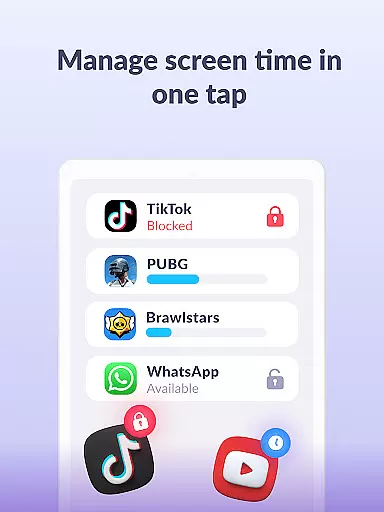
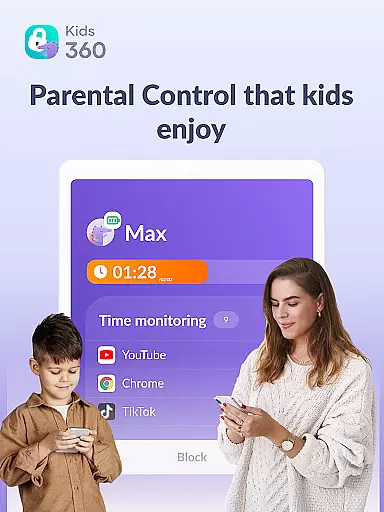
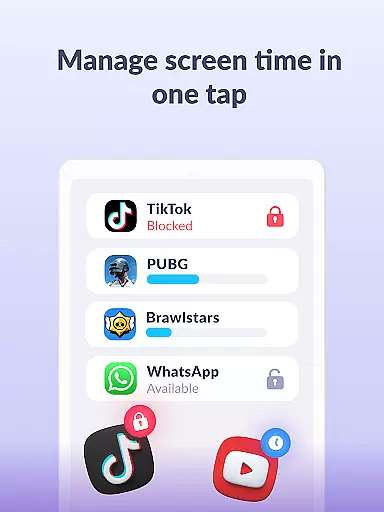
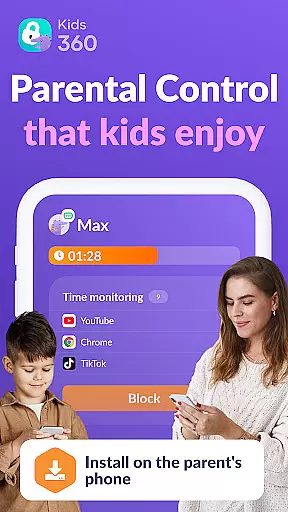
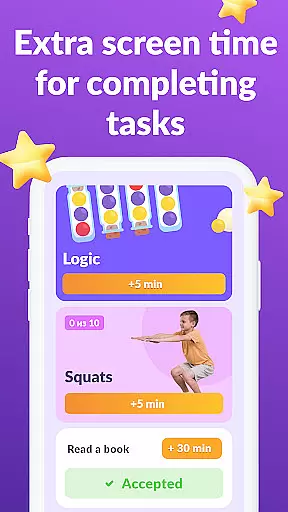
Kids360 is a comprehensive parental control application designed to help parents manage their children's device usage effectively. The app offers essential features like screen time management, app blocking, and GPS tracking, ensuring a safe digital environment for kids. Parents can set specific time limits on apps, games, and social media, transforming the app into a child lock system during restricted hours.
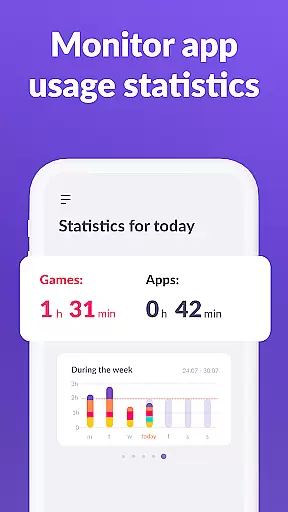
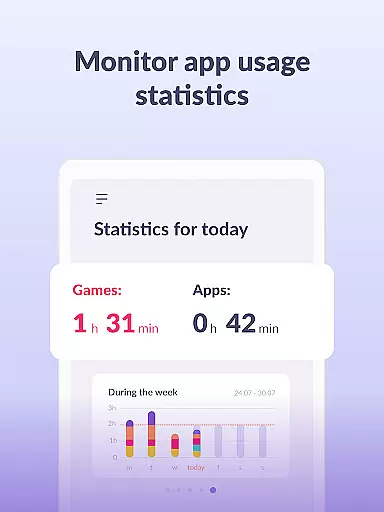
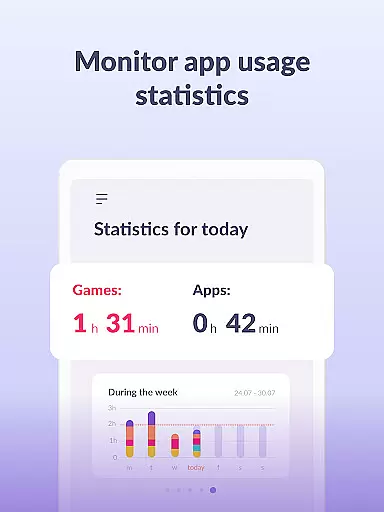
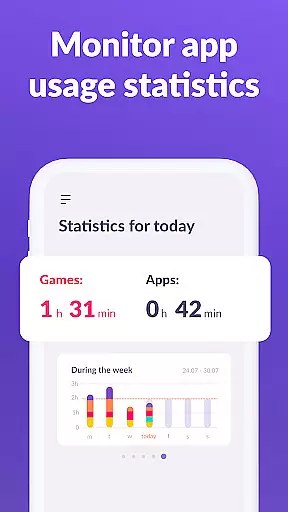
Beyond basic controls, Kids360 provides detailed usage statistics, giving insights into which apps children use most frequently and for how long. This helps parents identify potential distractions and balance study and leisure time. The app also includes a 'stay in touch' feature that ensures essential communication apps remain accessible, maintaining family connectivity while restricting non-essential applications.
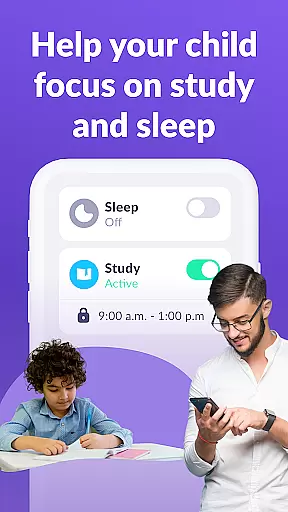
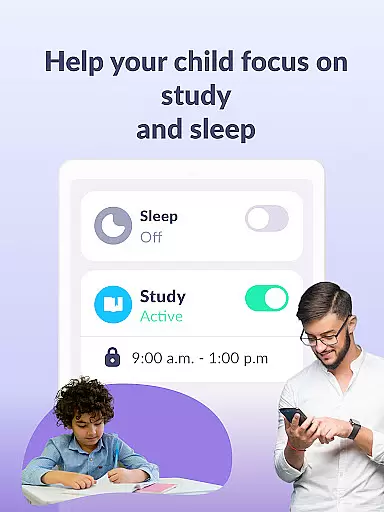
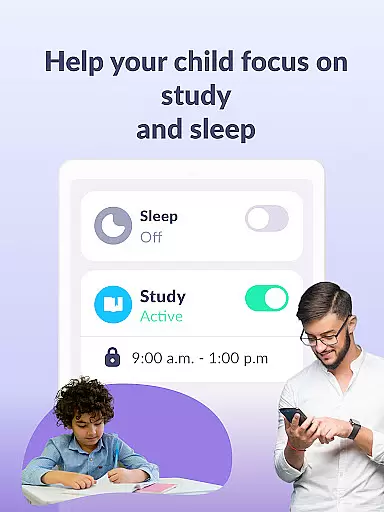
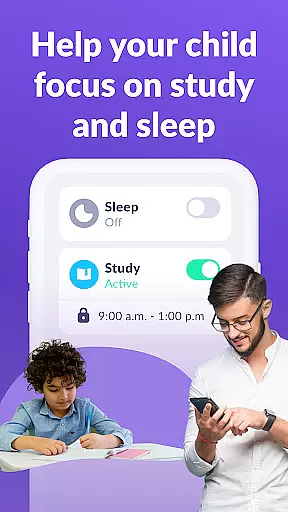
Kids360 stands out with its robust combination of monitoring and control features tailored for modern parenting needs. The app usage limiter allows parents to restrict access to distracting apps during school hours or bedtime, promoting healthier device habits. Its scheduling functionality enables customized time management plans, accommodating both academic responsibilities and necessary rest periods.
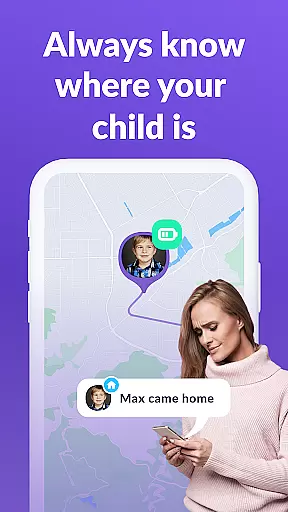
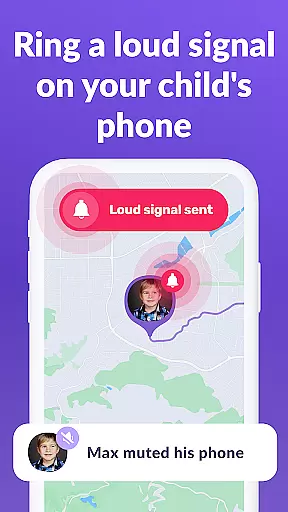
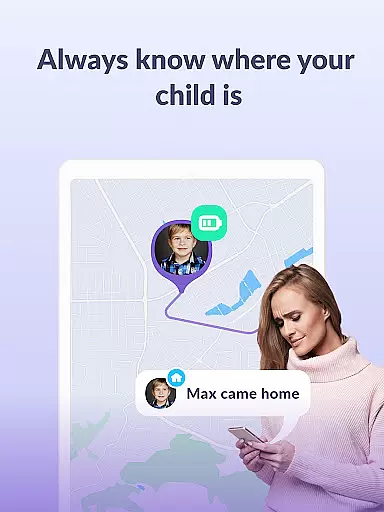
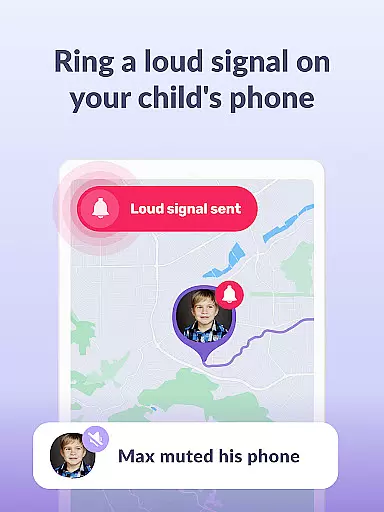
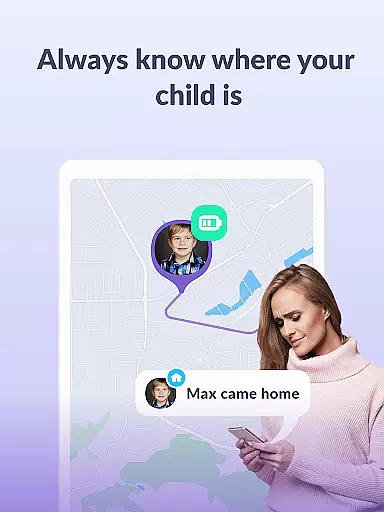
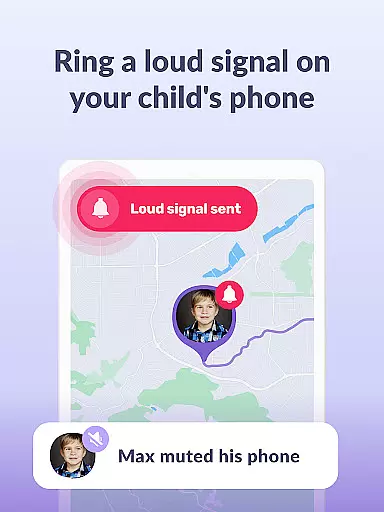
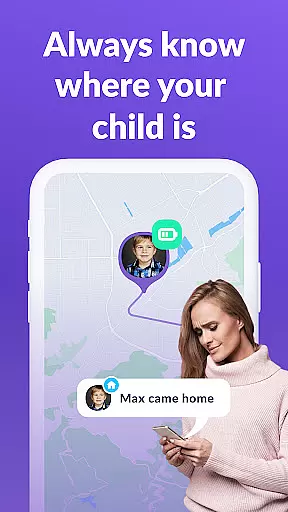
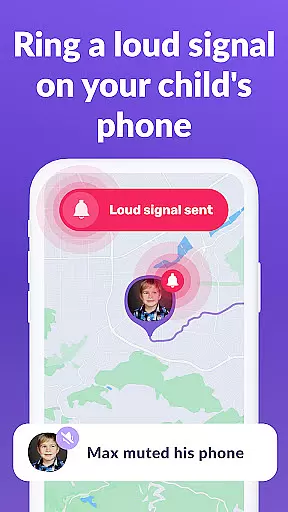
The app's tracking capabilities extend to GPS location services and detailed screen time analytics. Parents can monitor their child's real-time location and receive comprehensive reports on app usage patterns. Additionally, Kids360 operates in tandem with Alli360, creating a dual-app ecosystem that enhances monitoring accuracy and reliability. These interconnected apps ensure continuous oversight while maintaining transparency through visible installation and GDPR-compliant data handling practices.
When it comes to parenting apps, the credibility of content and expert validation are paramount. Kids360 takes these aspects seriously by providing features that are designed with both safety and developmental benefits in mind. The app includes functionalities like screen time management, app blocking, and GPS tracking, all of which have been crafted based on thorough research and understanding of children's digital behavior.
The app doesn't just offer random features; each function is rooted in promoting healthier device habits among children. For instance, the app usage limiter and scheduling tools help parents set boundaries around gaming and social media consumption, encouraging a balanced lifestyle. These features have been validated by child development experts who understand the importance of limiting screen exposure while ensuring that technology serves as an educational tool rather than a mere distraction.
Parents can trust Kids360 because it operates transparently and complies with legal standards such as GDPR. This ensures that personal data is handled responsibly, giving peace of mind to families. Moreover, the requirement for explicit consent from the child before installation reinforces ethical practices within the app's framework.
Growth tracking accuracy is another cornerstone of Kids360's offering. The app provides detailed insights into how children interact with their devices, allowing parents to monitor not only the duration but also the context of screen time. By analyzing patterns in app usage and identifying which applications consume most of the childu2019s attention, parents gain valuable information about their child's digital habits.
Kids360 goes beyond simple monitoring by presenting statistics that reveal trends over time. Parents can see exactly what apps their children use and for how long, helping them make informed decisions about appropriate limits. This level of detail supports accurate growth tracking, enabling parents to guide their children towards more productive uses of technology.
Furthermore, the integration between Kids360 and Alli360 creates a comprehensive ecosystem where real-time data collection enhances the precision of growth tracking. With features like staying in touch through essential communication apps always being accessible, parents maintain a balance between oversight and freedom. Such nuanced control empowers parents to foster healthy tech habits without compromising on connectivity or safety.
Effective screen time management
Comprehensive app usage tracking
GPS location monitoring
Customizable scheduling options
Transparent data handling policies
Requires child's consent for installation
Paid subscription for advanced features
Dependent on dual-app setup
Limited functionality without full permissions
Potential privacy concerns despite GDPR compliance

The Baby’s Bounty App is your hub to register for our diaper banks in Nevada
 3.70
3.70
Little loved one's monitoring, Sleep tracking and Parenting content.
3.80
Keep Your Family Safe with Pollog Family Assistants
4.10
Live Location, Alerts & 2-Way Voice for Kids and Adults with Special Needs
4.60
Watching baby, helping parents
4.10
Lullabies, Night Light & Age-based Routines to help your baby fall asleep
4.0
Track pregnancy health and wellness with pregnant tracker from healthcare advice
4.1
Reliable phone tracker by number & locate phone app. Protect your family.
4.50
The Most Trusted Co-Parenting App.
4.60
Track your labor contractions
4.90
SENSORYSOOTHE and SENSORSAFE: Making car seats smarter and families safer.
4.70
Family GPS locator app — child location tracker. GPS kids tracker, family safety
4.70
All-in-one pregnancy app, contraction timer, kick counter & due date calculator
4.40
Join over 1MM parents & professionals who've used OFW to navigate co-parenting
4.40
Fake call application designed for parents and adults to discipline their children through the children's police.
4.20
Magic chalkboard coloring and drawing!
4.20
Save money on diapers. Get the Pampers Rewards app.
3.90
Screen Time, App and Web Block & Monitoring, Location Tracker
3.60
AI Motion Video Maker & Ideas
4.0










User Reviews