
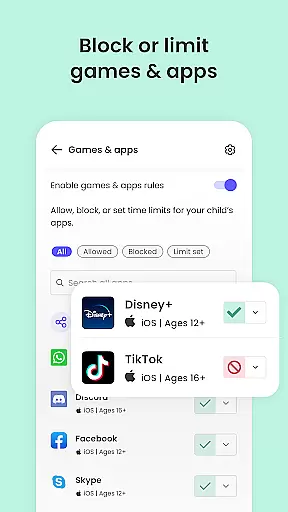
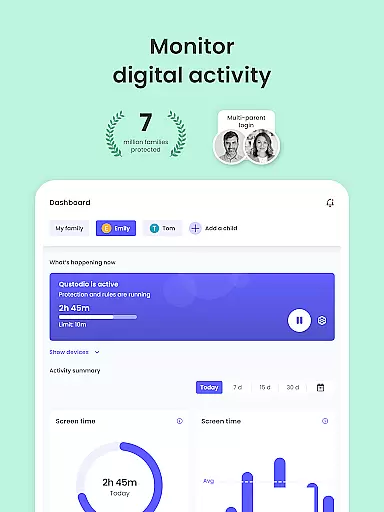
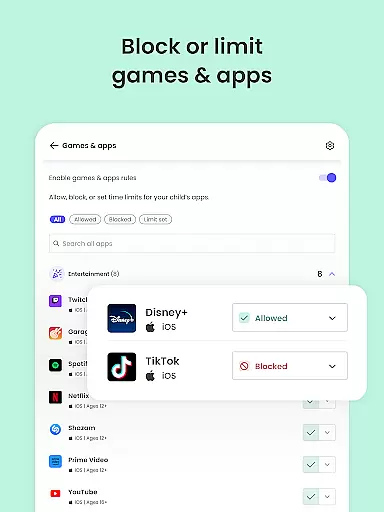
Qustodio Parental Control App is an advanced solution for modern parenting challenges, offering comprehensive tools to ensure children's online safety and healthy digital habits. The app provides features such as daily screen time management, real-time GPS tracking, AI-powered alerts for suspicious activities, and content filtering to block inappropriate websites and apps.
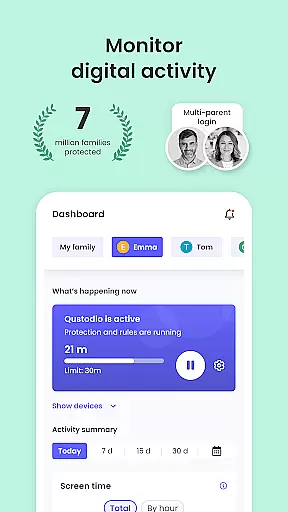
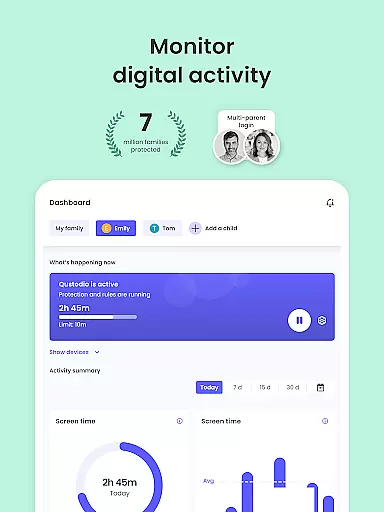
This parental control solution stands out with its cross-platform compatibility, supporting Android, iOS, Windows, Mac, and Kindle devices. Parents can seamlessly manage their child's digital environment through a centralized dashboard, making it easier to enforce rules consistently across multiple devices. Whether it's setting time limits on gaming or monitoring social media activity, Qustodio empowers parents with full visibility and control.
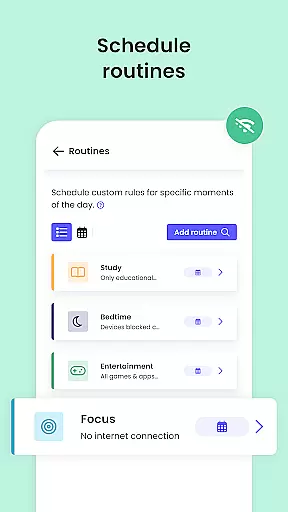
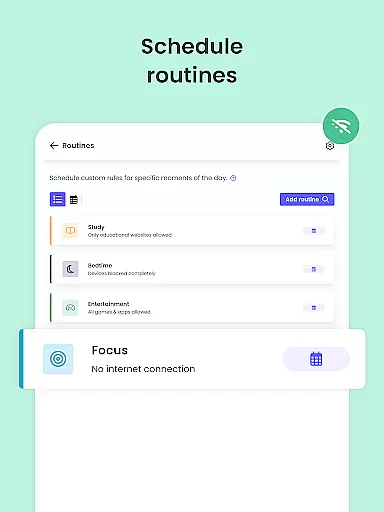
The app's value extends beyond mere monitoring; it helps nurture responsible digital behavior by allowing customized routines and providing detailed activity reports. With real-time alerts and location tracking features, parents can ensure both their child's online safety and physical security. This makes Qustodio an essential tool for families navigating the complexities of the digital age.
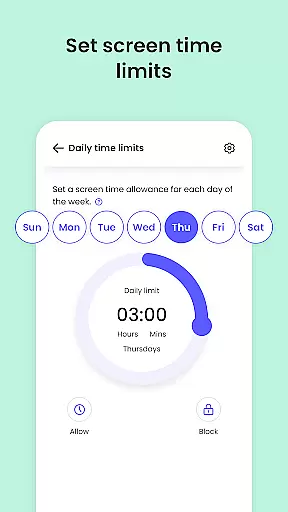
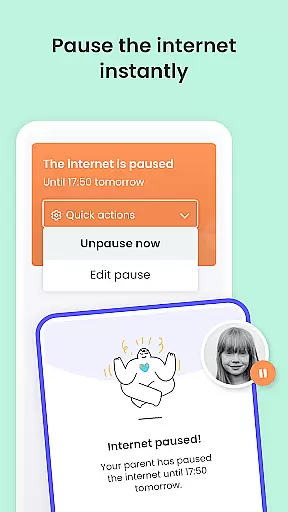
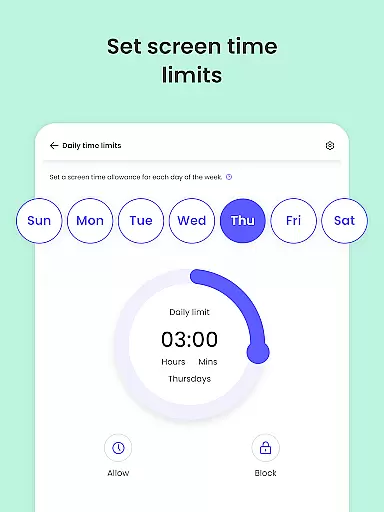
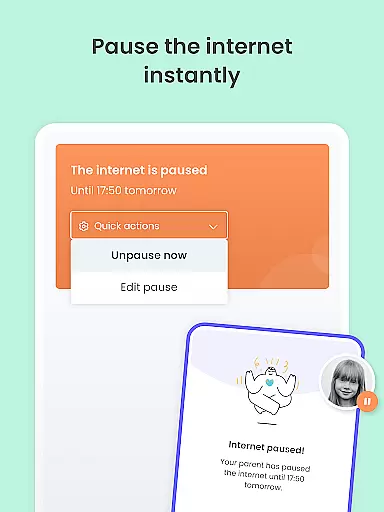
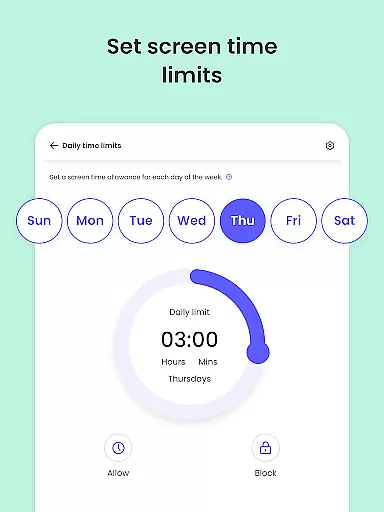
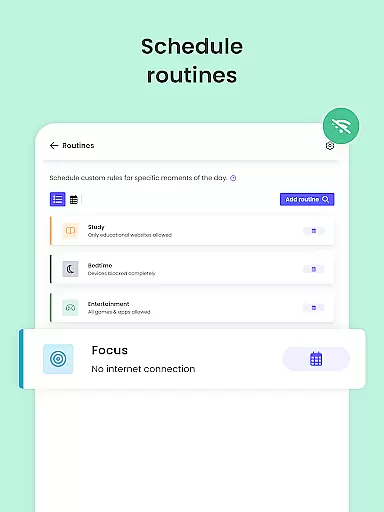
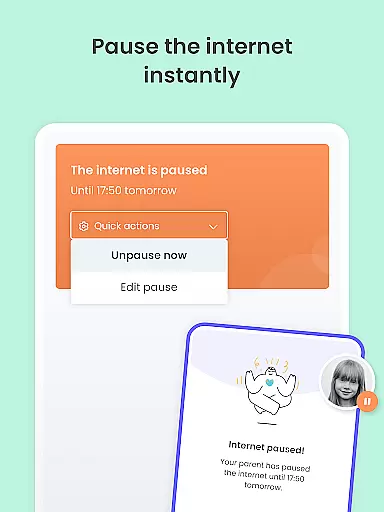
Qustodio Parental Control App offers an extensive array of features designed to give parents complete control over their children's digital experiences. One of its core capabilities is the automatic screen time management system, which lets parents set precise daily limits on device usage and specific applications. When combined with the pause internet feature, this creates a powerful tool for managing family time and study schedules.
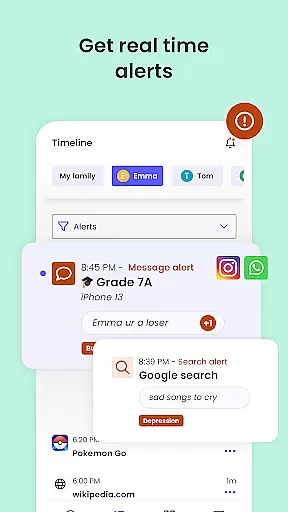
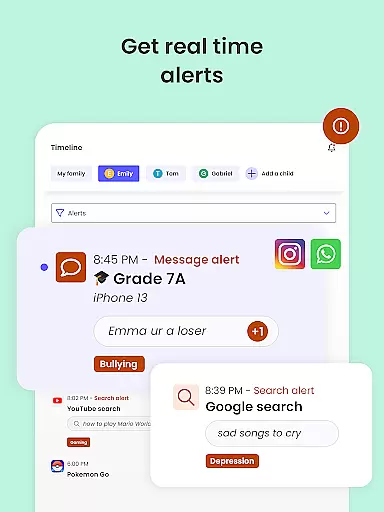
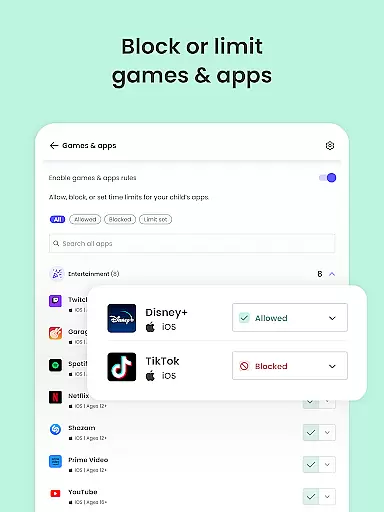
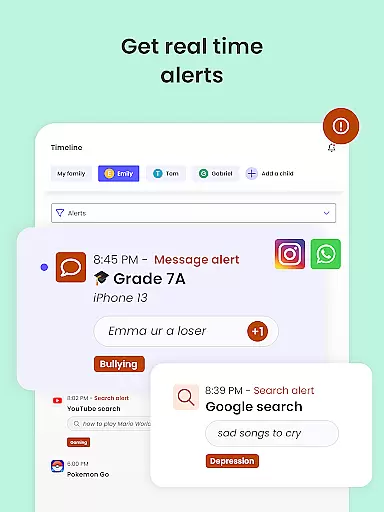
The app's AI-powered monitoring system provides real-time alerts for suspicious online activities, including web searches and social media interactions. This intelligent monitoring extends to SMS messages and popular social platforms like WhatsApp and Instagram, giving parents unprecedented insight into their child's digital communications. The content filtering feature is equally robust, capable of blocking inappropriate websites, adult content, gambling sites, and potentially harmful applications.
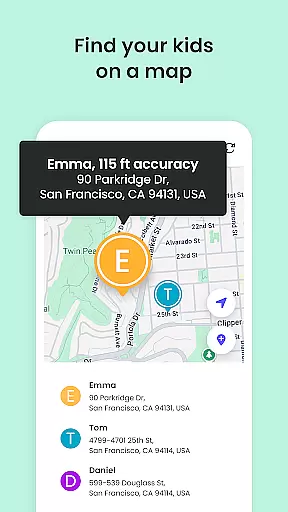
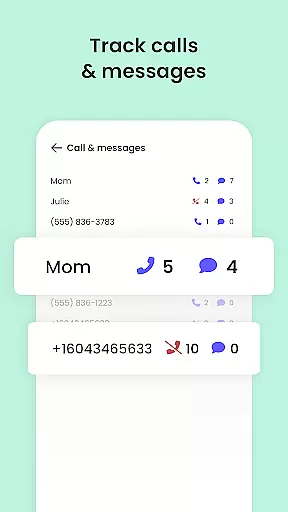
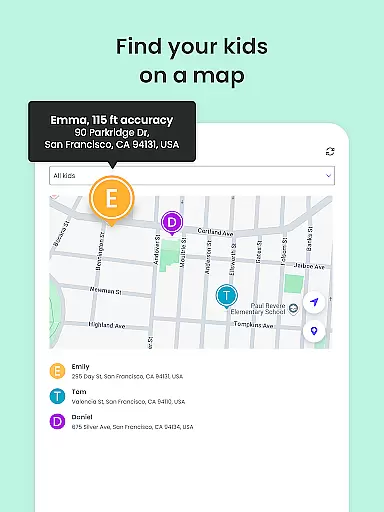
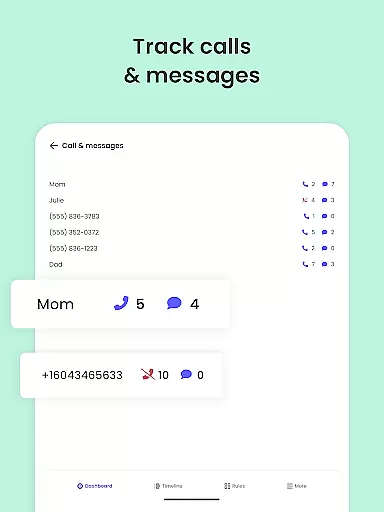
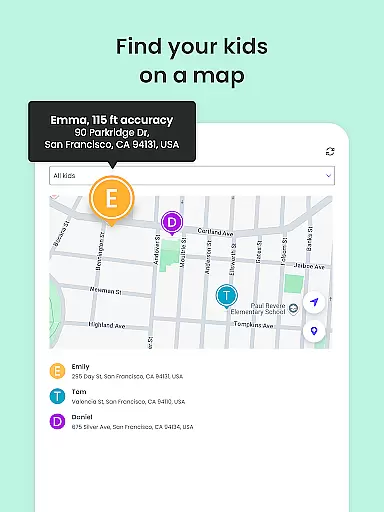
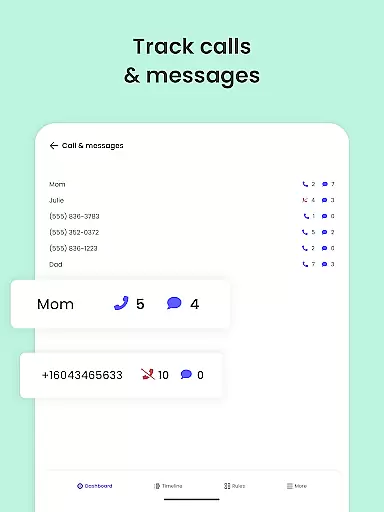
What sets Qustodio apart is its comprehensive approach to family safety. The GPS tracking feature not only helps locate children in real-time but also allows parents to set up safe zones and receive alerts when boundaries are crossed. The app's multi-platform support and co-parenting functionality make it exceptionally versatile, while features like YouTube activity monitoring and call tracking provide additional layers of protection. These capabilities, combined with detailed reporting and customizable settings, create a complete parental control solution.
When it comes to parenting apps, the credibility of content and expert validation are paramount. Qustodio Parental Control App excels in these areas by providing features that are designed and endorsed by child safety experts. The app's ability to filter harmful content, monitor online activity, and provide detailed reports is backed by research on digital safety for children.
The app offers a comprehensive suite of tools including AI-powered alerts for suspicious browsing, SMS monitoring, and social media tracking. These features are developed based on expert recommendations to ensure children's online safety. Additionally, the app provides weekly and monthly activity reports, giving parents valuable insights into their child's digital behavior.
Parents benefit from Qustodio's multi-platform compatibility, which allows consistent monitoring across devices. This cross-device functionality is supported by expert-approved algorithms that adapt to different operating systems while maintaining the same level of protection. The app's team regularly updates its features to address emerging online threats, ensuring that the protection measures remain effective and relevant.
Growth tracking in parenting apps refers to the ability to monitor a child's digital development and habits over time. Qustodio achieves this through its precise tracking mechanisms that record online activities, app usage, and screen time patterns. This data helps parents understand how their children interact with digital devices and identify potential behavioral issues.
The app employs advanced algorithms to track and analyze growth metrics accurately. Features like daily screen time limits, app blocking schedules, and location tracking provide quantifiable data points for parents. These tools enable caregivers to establish healthy digital habits by setting appropriate boundaries and observing how children respond to them.
Qustodio's accuracy in growth tracking extends to its reporting capabilities. The app generates detailed 30-day activity reports and delivers regular updates to parents' inboxes. This systematic approach allows for accurate tracking of behavioral changes over time. Moreover, the app's panic button feature and GPS tracking provide additional layers of security, giving parents peace of mind while allowing children some independence.
Comprehensive monitoring
Cross-platform support
AI-powered alerts
Real-time location tracking
Detailed activity reports
Premium features costly
Complex setup process
Limited free version
Device compatibility issues
Resource intensive

AI Motion Video Maker & Ideas
 4.5
4.5
Track Pregnancy, Baby Feeding, Sleep, Diaper Changes, Postpartum Health & More!
4.80
Real-time family location with consent, check-ins & SOS—private by default.
4.40
Introduce real food to baby with First Foods® Database, baby led weaning BLW
4.80
Track your labor contractions
4.90
Reliable phone tracker by number & locate phone app. Protect your family.
4.50
Pregnancy+ App has helped 80m moms track their pregnancy with info & support!
4.80
GPS tracker app: Simple GPS phone tracker for fast family location tracking
4.60
The Most Trusted Co-Parenting App.
4.60
Daily Routine & Timer for kids, ADHD, & Autism
4.80
SENSORYSOOTHE and SENSORSAFE: Making car seats smarter and families safer.
4.70
Track your pregnancy & your baby's growth in 3D. Get support from our community
4.60
GPS phone tracker: find kids on map. Location tracking and parental control.
4.50
With BabyCam you can monitor your baby using your mobile phone, tablet, PC or TV
4.40
Keep track of your stored breastmilk
4.40
Pregnancy and baby formula tips for moms, plus Enfamil coupons & cash back
4.10
The 10 development leaps of your baby | newborn milestones & leap days tracker
4.10
Parental Control including Screen time control, GPS tracking, App/Game blocker.
3.90
Lullabies, Night Light & Age-based Routines to help your baby fall asleep
4.0




User Reviews