
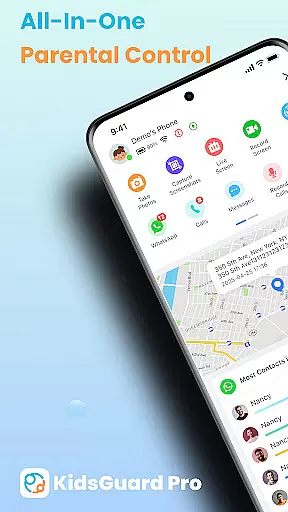
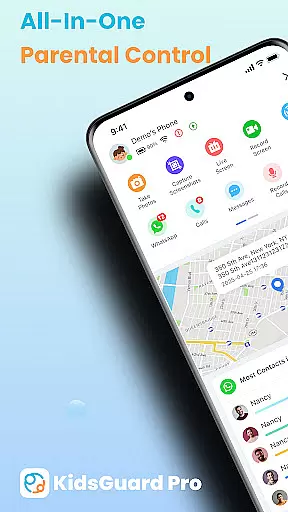
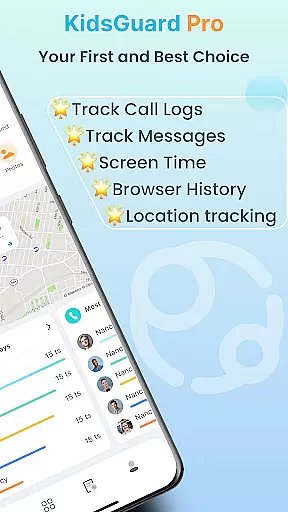
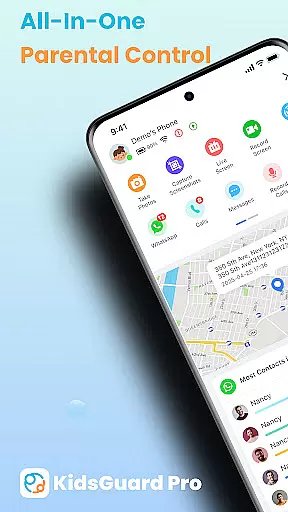
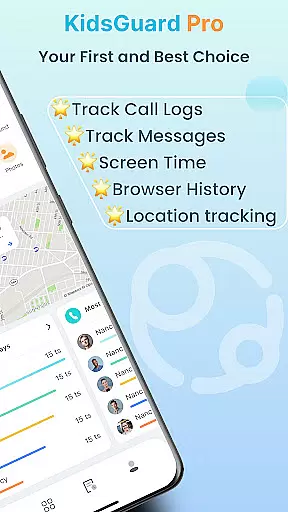
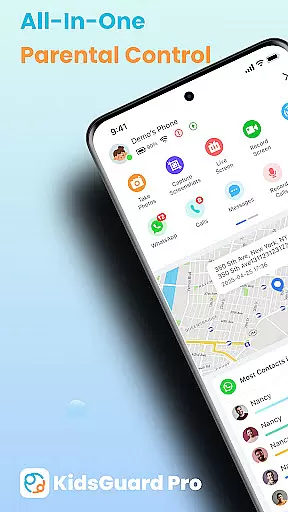
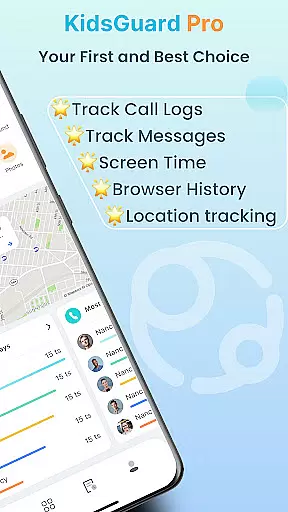
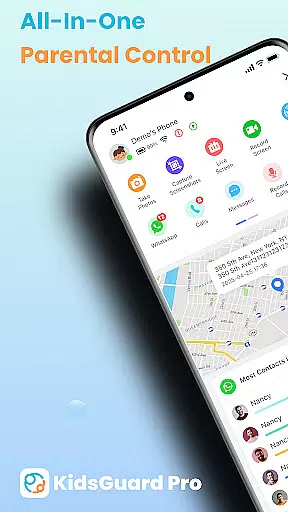
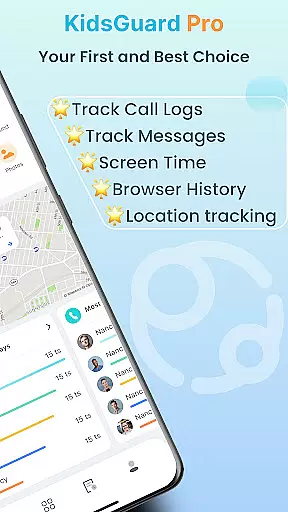
KidsGuard Pro is a comprehensive parental control app designed to help parents monitor and protect their children's online activities. The app offers real-time location tracking, social media monitoring, and detailed usage reports, ensuring complete oversight of your child's digital life.
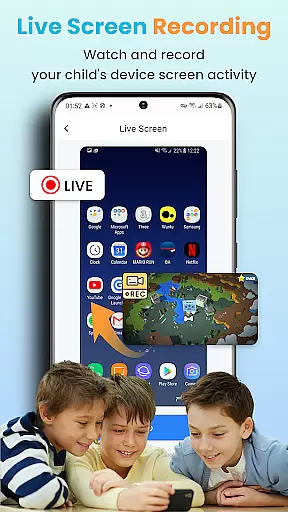
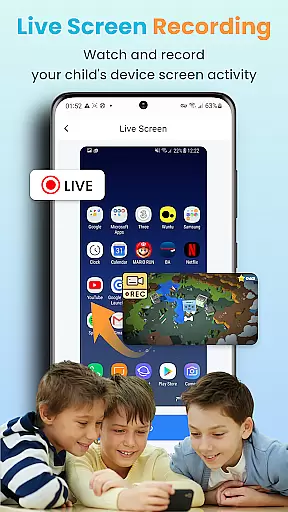
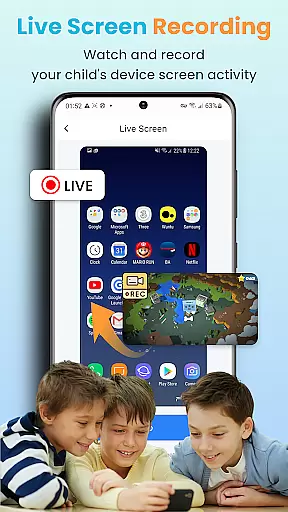
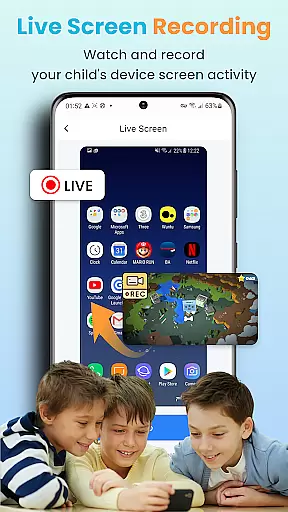
With its advanced features like TikTok and YouTube history tracking, suspicious text detection, and instant screenshot capabilities, KidsGuard Pro provides an all-in-one solution for safeguarding your child's physical and mental well-being. Whether you're concerned about online bullying or excessive screen time, this app gives you the tools to take proactive measures.
The application works seamlessly on both Android and iPhone devices without requiring root or jailbreak. Its intuitive interface and robust functionality make it an essential tool for modern parenting, allowing you to create a safer digital environment for your kids.
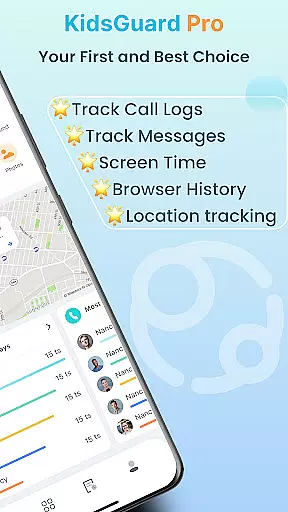
KidsGuard Pro stands out with its extensive range of monitoring features tailored for parental control. One of its key functionalities is the ability to view your child's TikTok and YouTube history, helping you understand their interests and manage screen time effectively.
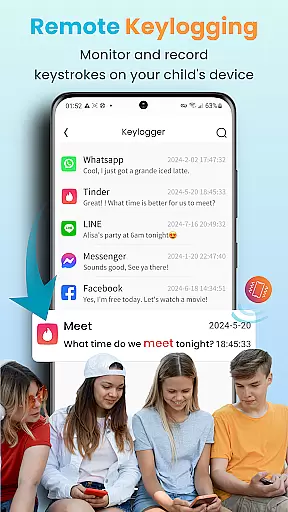
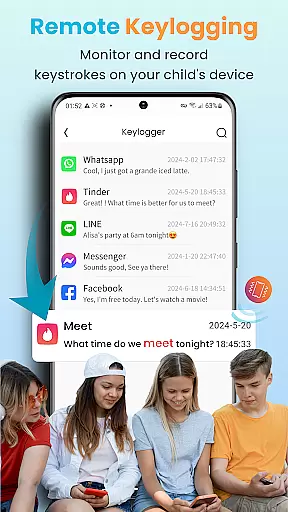
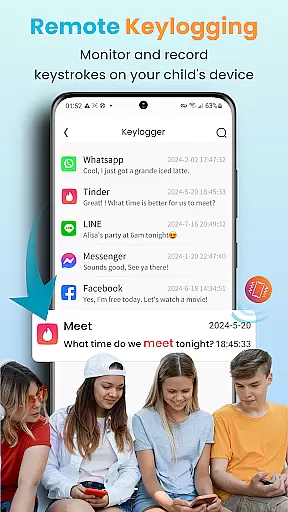
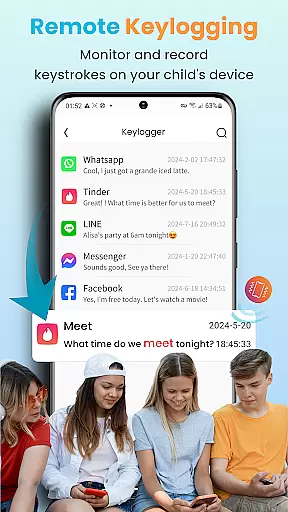
The app also includes a suspicious text detection feature that scans chat histories across multiple platforms such as WhatsApp, LINE, and Facebook. By setting sensitive keywords, parents can receive alerts when potentially harmful content is detected, enabling timely intervention.
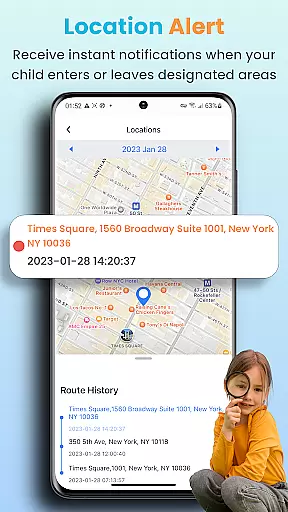
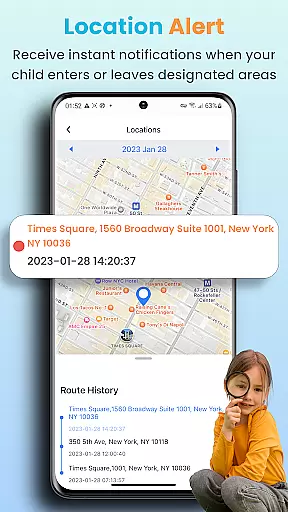
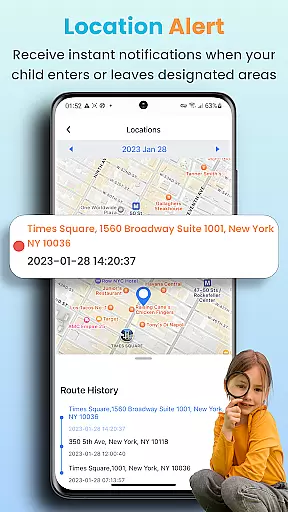
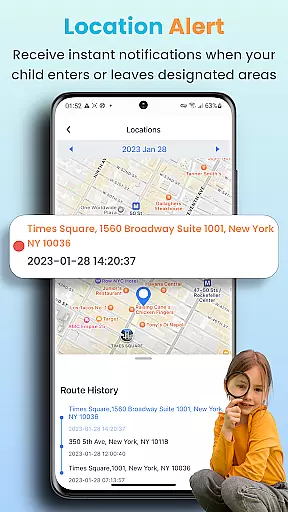
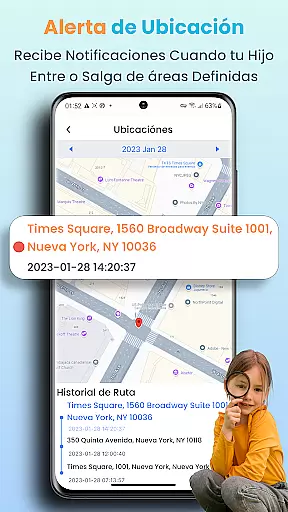
Another remarkable feature is the real-time location tracker, which allows you to monitor your child's whereabouts 24/7. You can set up geofences to receive notifications when they enter or leave specific areas, providing peace of mind and enhancing safety. These innovative tools collectively empower parents to maintain a secure and healthy digital space for their children.
In the realm of parenting applications, content credibility is paramount. KidsGuard Pro offers a suite of features designed with expert consultation to ensure that parents receive reliable information about their children's digital activities. The app includes functionalities such as monitoring TikTok and YouTube history, detecting suspicious texts in various messaging platforms, and providing real-time location tracking.
These features are developed based on extensive research into online safety and child psychology, ensuring that they address genuine concerns parents might have. For instance, by setting up sensitive keywords, the app can alert parents to potentially harmful conversations or searches, allowing for timely intervention.
The credibility of KidsGuard Pro is further reinforced by its global user base and recognition. With over a million active users across more than 150 countries, it has established itself as a trusted tool for modern parenting challenges. This widespread adoption serves as a testament to the app's effectiveness and reliability.
Parents using KidsGuard Pro can be confident that they are leveraging expert-validated tools to safeguard their children's online experiences. By combining cutting-edge technology with insights from child safety experts, the app provides peace of mind while empowering parents to take proactive steps in protecting their kids.
Growth tracking in the context of digital safety involves monitoring a child's online behavior and device usage to ensure healthy development. KidsGuard Pro excels in this area by offering precise tracking mechanisms that give parents an accurate picture of their child's digital footprint. From logging social media activity to recording screen time, every aspect is meticulously captured.
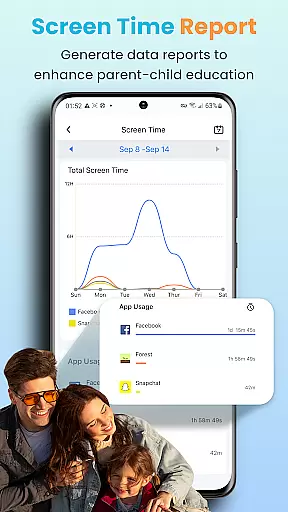
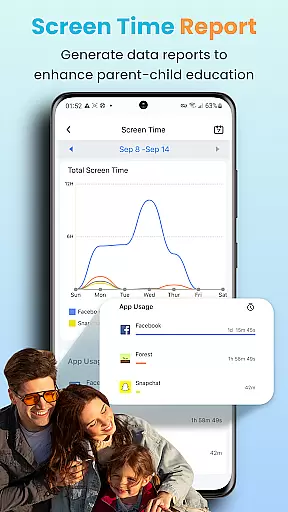
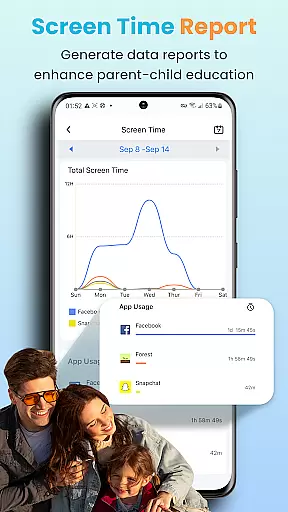
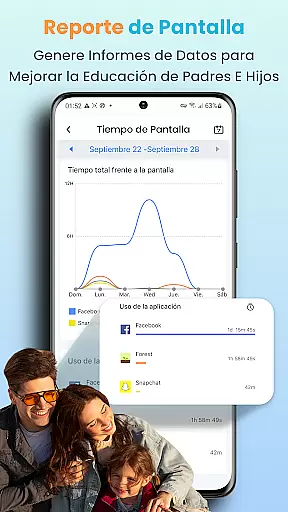
The app employs advanced algorithms to analyze data points such as app usage duration, visited websites, and communication patterns. This analysis helps in constructing a comprehensive report that highlights potential areas of concern or improvement in a child's online habits. Parents can access these reports to understand how their children interact with technology daily.
Accuracy in growth tracking also means being able to act swiftly when necessary. KidsGuard Pro facilitates this through instant alerts and geofencing capabilities, which notify parents immediately if their child enters or leaves designated safe zones. Such timely notifications enable parents to respond promptly to any situation that may arise.
Ultimately, the precision offered by KidsGuard Pro in tracking a child's digital growth empowers parents to guide their children effectively. With detailed insights at their disposal, parents can foster healthier relationships with technology while ensuring their children's well-being in the digital age.
Comprehensive Monitoring
User-Friendly Interface
Real-Time Alerts
No Root Required
Multi-Platform Support
Premium Subscription Needed
Limited Free Features
Requires Installation
Privacy Concerns
Technical Setup

Comprehensive Parental Control & Child Safety — Hear & Protect Your Child World
 4.30
4.30
SENSORYSOOTHE and SENSORSAFE: Making car seats smarter and families safer.
4.70
Sleep better with white noise app! Discover rain sounds, fan noise and more.
4.70
Fake call application designed for parents and adults to discipline their children through the children's police.
4.20
Fun Ideas for Parents
4.70
Watching baby, helping parents
4.10
GPS tracker app: Simple GPS phone tracker for fast family location tracking
4.60
Advanced baby tracking, expert sleep help & parenting support for every stage.
4.80
Monitor screen time and build healthy habits with Family Safety
3.90
Track baby’s development & growth week by week with BabyCenter’s pregnancy app!
4.90
Introduce real food to baby with First Foods® Database, baby led weaning BLW
4.80
Track your pregnancy, kick & contraction counter, baby & mom's heartrate monitor
4.60
Block apps, set screen time limits, and customize usage schedules
4.50
It is a screen time management tool for games and mobile applications
4.50
Real-time family location with consent, check-ins & SOS—private by default.
4.40
Keep track of your stored breastmilk
4.40
Find unique + popular baby names for your little peanut.
4.30
Magic chalkboard coloring and drawing!
4.20
SemLog aims to raise awareness among families and their children
3.40







User Reviews