
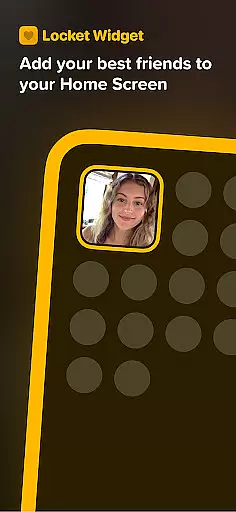
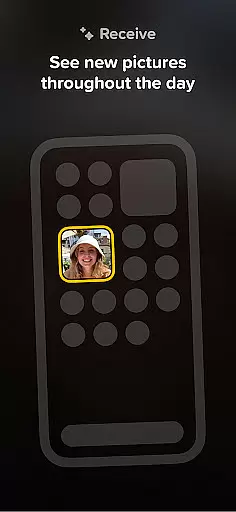
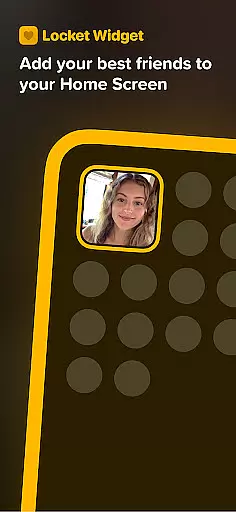
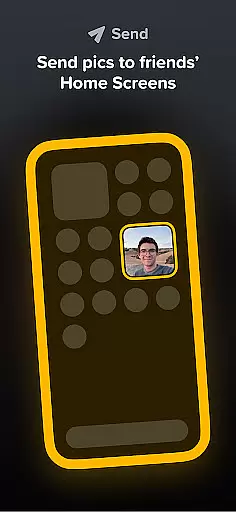
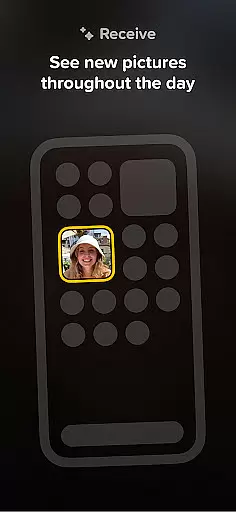
Locket Widget is a unique social application designed to bring users closer through instant photo sharing. The app allows users to display live photos from their closest friends directly on their smartphone's home screen. Every time you unlock your phone, you'll see new pictures shared by your friends, providing a real-time glimpse into their daily lives.
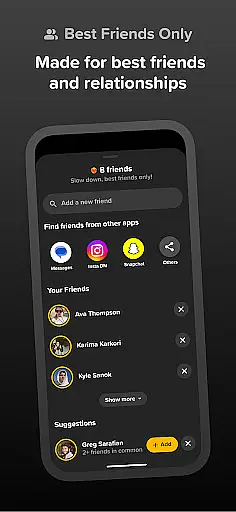
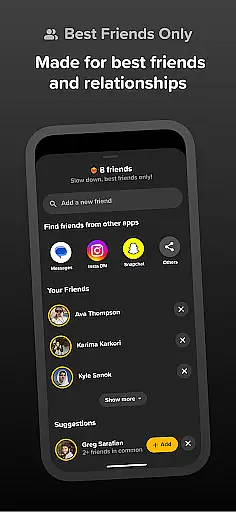
The app emphasizes privacy and meaningful connections by limiting users to a maximum of 20 friends. This ensures that interactions remain genuine and focused on the people who truly matter. Users can easily react to photos with emojis, creating an engaging and interactive experience without the pressure of public likes or follower counts.
This functionality makes Locket Widget particularly useful for maintaining intimate connections with close friends and family. By removing the distractions of traditional social media, the app fosters authentic interactions and helps users stay connected in a more personal way.
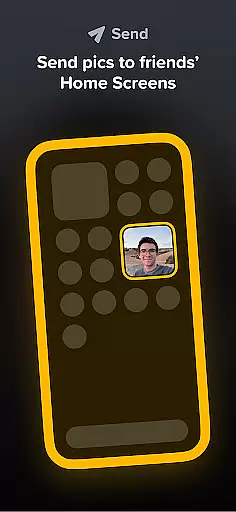
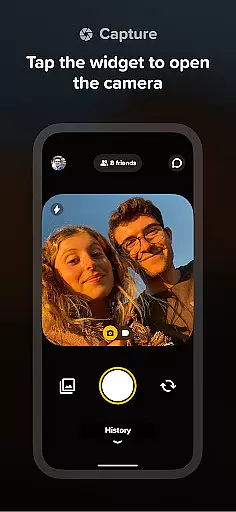
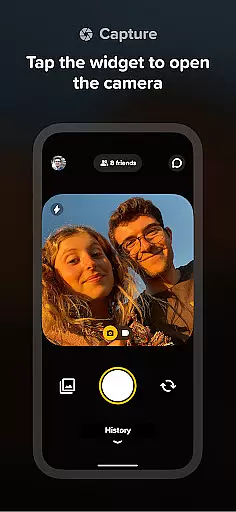
Locket Widget offers several distinctive features that set it apart from traditional social media applications. One of its core functionalities is the ability to instantly share photos with selected friends. When a user takes a picture through the app, it immediately appears on their friends' home screens via the Locket widget, creating a seamless and immediate connection.
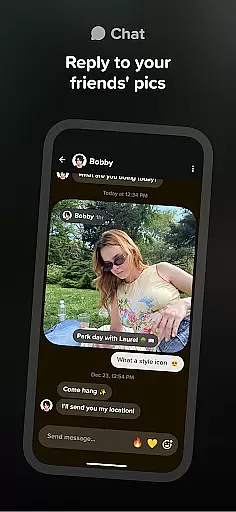
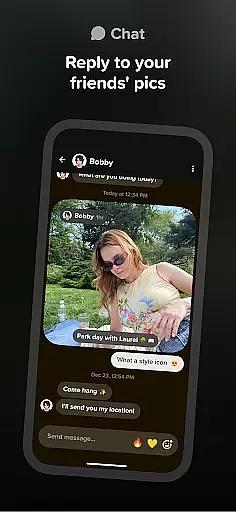
The app includes a unique reaction system where users can respond to photos with emojis. These reactions appear in real-time on the sender's photo, creating an interactive experience similar to live messaging. Unlike other platforms, Locket doesn't track or display reaction counts, allowing users to engage authentically without social pressure.
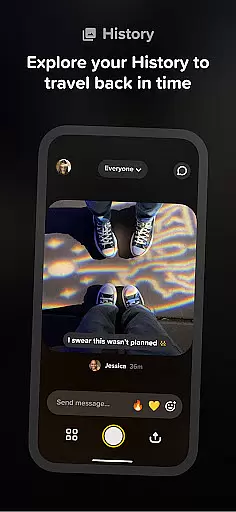
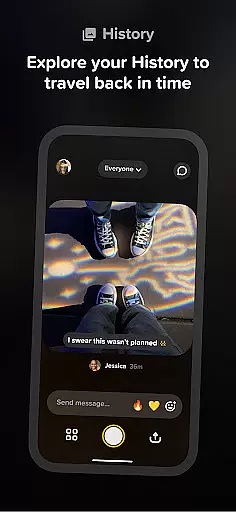
Another notable feature is the automatic creation of a shared photo history between friends. As users exchange photos, the app builds a chronological record of their interactions, effectively creating a private digital scrapbook. This feature provides long-term value by preserving meaningful moments while maintaining strict privacy controls.
User profile customization is essential for expressing individuality and ensuring authenticity in social apps. Locket Widget allows users to create personalized profiles that reflect their true selves while connecting with close friends and family.
The app emphasizes meaningful connections over follower counts, limiting friend lists to 20 trusted individuals. This ensures a more intimate and genuine interaction among users who matter most.
By focusing on real relationships rather than superficial metrics, Locket fosters an environment where users feel comfortable sharing unfiltered moments from their daily lives.
This approach not only enhances user engagement but also strengthens the bond between friends by promoting authentic interactions without the pressure of public validation.
Connection discovery in social applications refers to the ability to find and connect with others who share similar interests or are part of one's personal circle. Locket Widget simplifies this process by allowing users to add only their closest friends and family members.
Instead of expanding networks indiscriminately, Locket encourages building deeper connections with a select group of people. Users can easily invite their inner circle to join the app and start sharing live photos directly on their Home Screen.
This method of connection discovery prioritizes quality over quantity, creating a space where interactions are more meaningful and less cluttered with unnecessary contacts.
By focusing on a smaller, curated list of connections, Locket ensures that every interaction adds value to the user's experience, enhancing both usability and satisfaction within the app.
Instant photo sharing
Private friend circles
No follower counts
Real-time reactions
Free to use
Limited to 20 friends
iOS only feature set
Requires constant connectivity
Storage intensive
No video support

Video call and chat, live stream and making friends around the world!
 4.60
4.60
The video chat to meet people in the blink of an eye!
3.90
Chill and Chat with Tagged Live Video with millions of peeps
4.10
Unlimited calls & texts | WiFi voice line plus group txt | Call & text now
4.50
Connection Beyond Content
4.50
Reddit is where you’ll find your people and feel at home in every conversation.
4.60
Connect and share ideas
4.10
TikTok Lite - Designed for speed, simplicity, and saving your phone’s space!
4.40
Join your friends and discover videos you love, only on TikTok
4.10
Get your NGL Link
4.60
Date single & make friend
4.60
This version of Facebook uses less data and works in all network conditions.
4.60
Match, chat & date with singles nearby. The dating app to find true love
4.50
A gathering place for 300 million people's life interests and hobbies
4.30
Looking for a date or a friend? Swipe to match and meet open-minded singles.
4.20
Dating for singles. Meet lonely people nearby online. Find your match here!
4.20
Create your personal AI chatbot: talk, roleplay, and connect with characters!
4.10
Video call, live video chat & talk to strangers. Meet people on Omega!
3.60
Find your next obsession.
3.50




User Reviews