
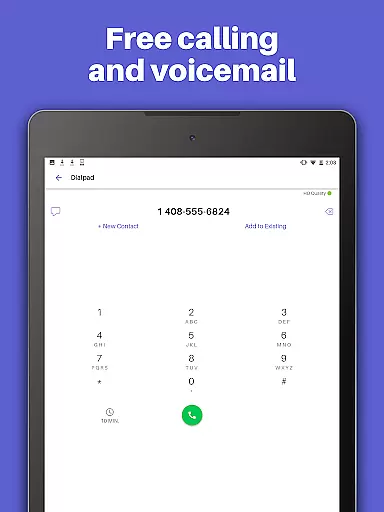
Text Free Voice is a comprehensive communication app that provides users with a free second phone number for unlimited calling and texting. The app allows you to make calls and send messages, including photos, videos, GIFs, audio messages, and PDFs, over Wi-Fi without using your primary phone number. It's an ideal solution for those who want to maintain privacy or separate personal and professional communications.
One of the standout features of Text Free Voice is its ability to offer a personalized local phone number. This feature enables users to stay connected with friends and family while enjoying the freedom of communicating from a distinct number. Whether you're looking to avoid sharing your main contact details or need a secondary line for work, this app serves as a versatile tool for managing multiple communication channels seamlessly.
The application also boasts additional functionalities such as custom call and texting tones, wallpapers, and group messaging capabilities. These features enhance user experience by allowing customization according to individual preferences. Moreover, 24/7 customer support ensures any issues are promptly addressed, making it a reliable choice for anyone seeking an efficient way to communicate without limits.
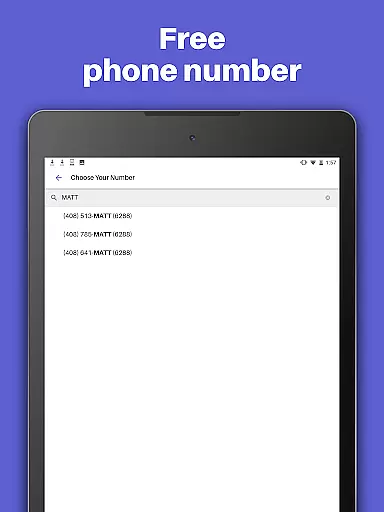
Text Free Voice stands out due to its rich array of features designed to enhance user interaction and convenience. One of the primary attractions is the ability to select a free second phone number with an area code of your choice. This feature not only offers flexibility but also helps in maintaining regional connectivity, which can be crucial for both personal and business communications.
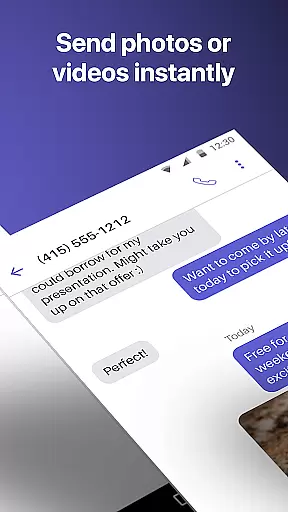
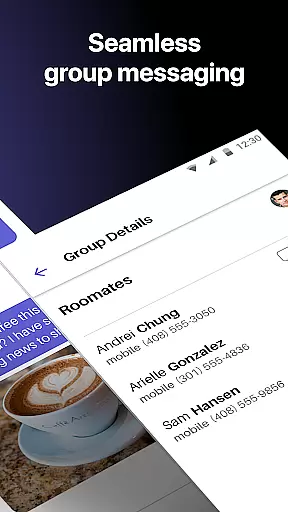
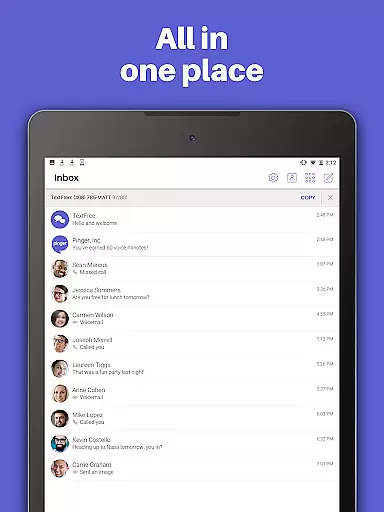
In addition to providing a second phone number, the app supports multimedia messaging, enabling users to share photos, videos, GIFs, audio messages, and even PDFs. Group texting functionality further enriches the communication experience by allowing simultaneous engagement with multiple contacts. Customizable call and text tones help users easily identify incoming communications from their TextFree number, adding another layer of personalization.
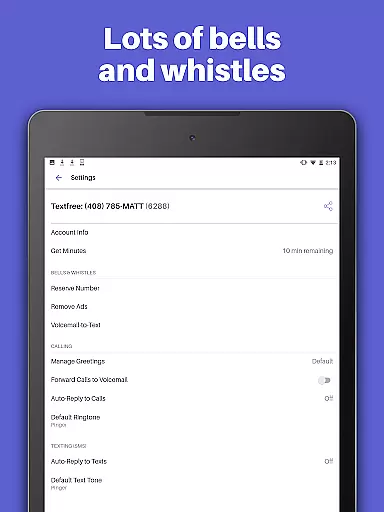
For those seeking an uninterrupted experience, upgrading to TextFree Plus unlocks additional benefits such as ad-free usage, access to verification codes for online accounts, and the ability to reserve your chosen number indefinitely. With these advanced features, Text Free Voice positions itself as a robust solution catering to diverse communication needs while ensuring privacy and ease of use.
User profile customization and authenticity verification are essential features in social applications like TextFree Voice. These functionalities ensure that users can personalize their profiles while maintaining a level of trust and security within the app.
TextFree Voice allows users to select a personalized local phone number, which acts as their unique identifier within the app. This feature not only provides a sense of ownership but also helps in building a credible presence since each user is associated with a distinct phone number.
The app offers options for custom call and texting tones, as well as custom wallpapers, letting users tailor their communication experience. By doing so, it enhances user engagement and satisfaction, as individuals can express their personal style through these customizable elements.
Moreover, the ability to access 24/7 Customer Support adds another layer of authenticity verification. Users have a safety net that assures them help is available if they encounter any issues with their account or need assistance with verifying their identity. This contributes to a secure environment where users feel confident about the legitimacy of interactions.
Connection discovery is a pivotal aspect of social apps, enabling users to find and connect with others effortlessly. In TextFree Voice, this feature facilitates seamless interaction among friends and family by providing tools that enhance reachability and engagement.
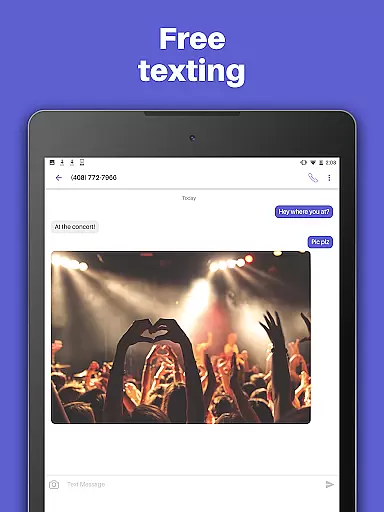
One of the core components of connection discovery in TextFree Voice is the provision of free unlimited calling and texting over WiFi. This ensures that users can communicate without constraints, promoting frequent and meaningful exchanges that strengthen relationships.
Additionally, the app supports multimedia sharing, allowing users to send photos, videos, GIFs, audio messages, and even PDFs. This variety in content types enriches conversations and makes them more engaging, encouraging users to maintain active connections with their contacts.
Group texting further amplifies connection discovery by enabling collective conversations. With this feature, users can stay in touch with multiple people simultaneously, fostering community building and ensuring no one is left out of important discussions or updates.
Free second phone number
Unlimited calling & texting
Multimedia messaging support
Customizable call tones
24/7 customer support
Limited free features
Ads in free version
Premium subscription cost
Occasional bugs reported
Verification code limitations

Follow the Truth! Join America's leading free-speech social platform.
 3.10
3.10
Social calendar for friends to make plans, group chat, share events & schedules
4.60
Discover an open-minded dating experience when you download today
4.10
Live pics from your friends - Only the photos you want to see
4.60
Raise cute Pengus with friends
4.70
Instant video chat with cool people. Live video call & make friends with Monkey!
3.80
Unlimited messages, WiFi Calling, Texting app. Text now with Second Phone Number
4.10
live inside your fandom
4.60
Reddit is where you’ll find your people and feel at home in every conversation.
4.60
A video app from OpenAI - AI video generation by the maker of ChatGPT
4.60
Connection Beyond Content
4.50
Global short video platform: epic effects, trending videos & vibrant community!
4.40
Positive social
4.20
Second phone number for phone calls & texts. Text & SMS me now with a 2nd number
4.20
Honest dating app where real people find genuine love and real matches.
4.20
Meet online & chat with people! Talk, have fun, make connections in real time!
4.00
Dive into diverse fandoms. Connect, create, reblog.
3.90
Random chat & meet online. Find your soulmate or someone special and have fun!
3.90
Message and video call your family and friends!
2.60







User Reviews