
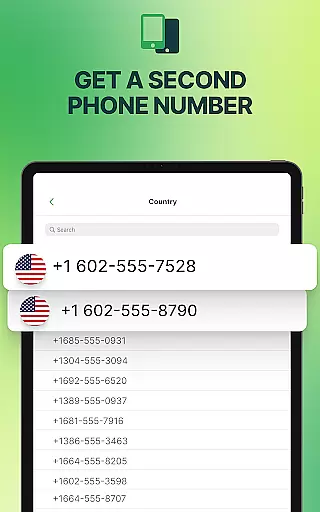
textPlus is a versatile social communication app that provides users with a second U.S. phone number for free texting and affordable calling. With over 150 million users, it supports unlimited texting to U.S. numbers, free inbound calling via WiFi, and low-cost international calls. The app operates without requiring a SIM card or traditional mobile plan, making it ideal for use across multiple devices.
The app's core features include seamless WiFi calling and messaging, multi-device sync, and flexible communication options. Whether you need a dedicated work line, a private number for personal use, or an affordable way to stay connected while traveling, textPlus offers a reliable solution. Its ability to function over WiFi ensures uninterrupted connectivity, even in areas with poor cellular coverage.
textPlus is particularly valuable for individuals seeking privacy, freelancers managing client communications, and travelers wanting to avoid roaming charges. By providing a verified second number without contracts or hidden fees, the app empowers users to maintain control over their communication preferences while ensuring security and ease of use.
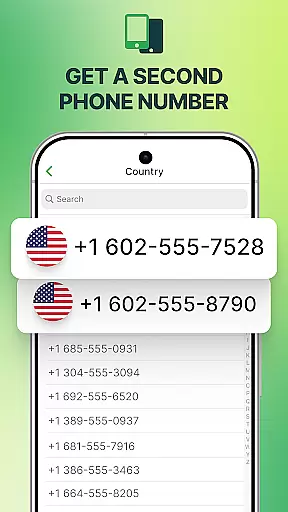
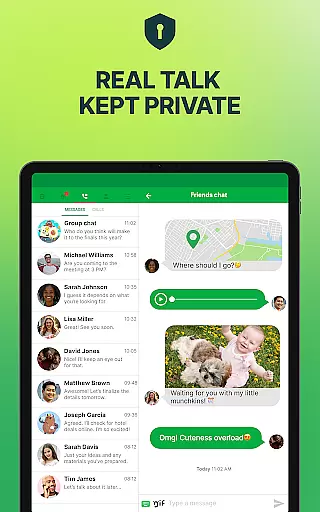
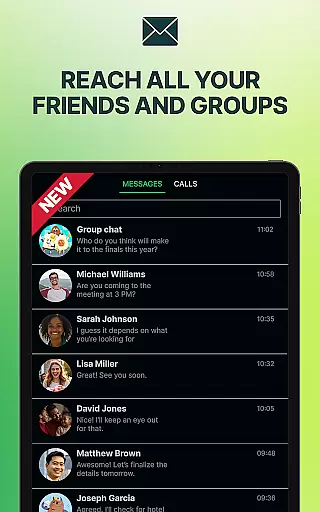
textPlus stands out with its robust feature set tailored for modern communication needs. One of its key highlights is the provision of a real U.S. second phone number, allowing users to make calls, send texts, and access advanced messaging features like MMS and group chats. This functionality is especially beneficial for those needing separate lines for work and personal use.
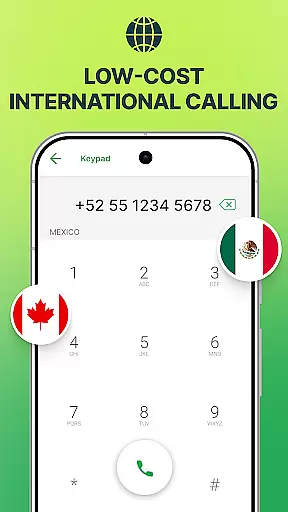
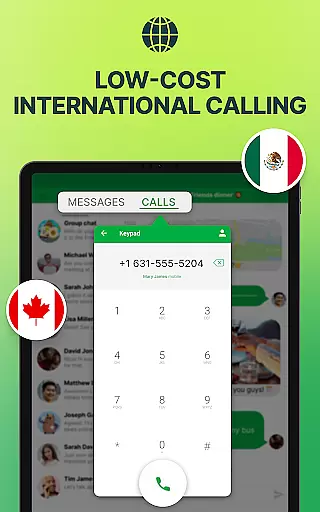
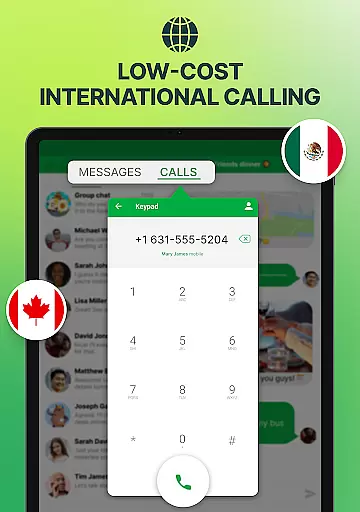
The app excels in offering flexible calling and messaging options. Users can place calls and send texts using either WiFi or mobile data, eliminating the need for expensive cellular plans. Additionally, textPlus supports low-cost international calling through credit-based systems, making global communication more accessible. The multi-device sync feature ensures that call and message history is accessible across smartphones and tablets, enhancing convenience.
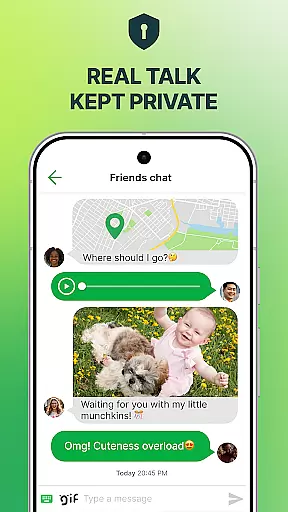
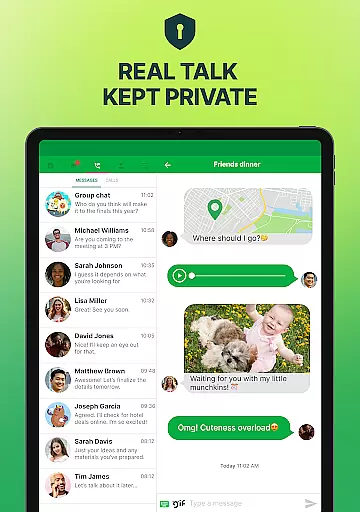
Privacy and security are prioritized within textPlus. Unlike some apps, it does not sell user data, ensuring all conversations remain confidential. The absence of contracts or hidden fees further enhances its appeal, as users can activate and utilize their second line on their own terms. These features collectively position textPlus as a comprehensive tool for secure, flexible, and cost-effective communication.
User profile customization and authenticity verification are essential features in social applications like textPlus. These functionalities allow users to create personalized profiles while ensuring the legitimacy of their identities.
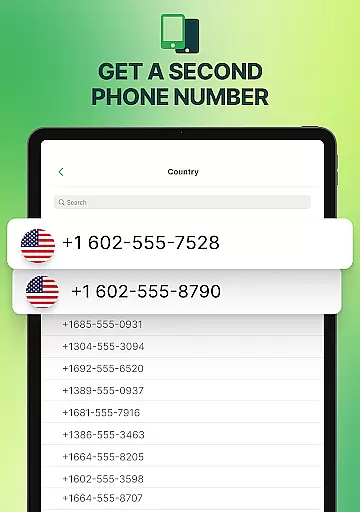
textPlus offers a seamless experience for users to customize their profiles by selecting a U.S. area code and obtaining a verified phone number. This process not only personalizes the user's identity within the app but also adds a layer of authenticity, as each phone number is real and verified.
The importance of these features lies in fostering trust among users. When individuals communicate through textPlus, they can be confident that the person on the other end is genuine. This verification process enhances the overall safety and reliability of interactions within the app.
For users, this means peace of mind when connecting with others. Whether it's for personal or professional use, having a verified profile increases credibility and facilitates more meaningful connections.
Connection discovery is a pivotal feature in social apps such as textPlus, enabling users to find and connect with others effortlessly. This functionality is crucial for expanding one's network and maintaining social interactions.
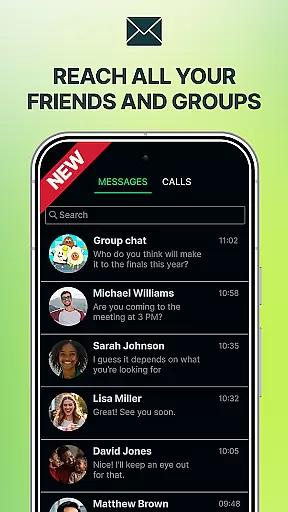
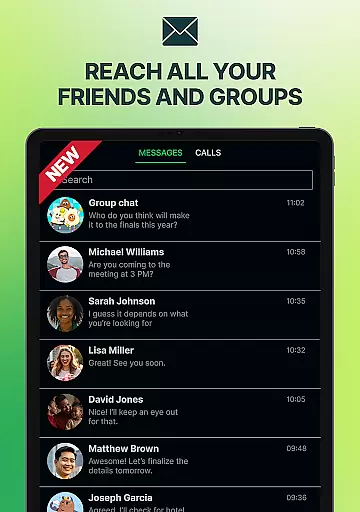
In textPlus, connection discovery is facilitated through various means. Users can send messages and make calls to any U.S. mobile contact, allowing them to reach out to existing contacts easily. Additionally, the app supports group messaging and multi-device sync, which further enhances the ability to discover and maintain connections across different platforms.
This feature benefits users by making communication more accessible and efficient. With free unlimited texting and affordable calling options, users can stay in touch with friends, family, and colleagues without worrying about costs.
Moreover, the flexibility offered by textPlus, such as using WiFi for calls and texts, ensures that users can connect from anywhere, at any time. This convenience makes it an ideal choice for travelers, professionals, and anyone seeking to expand their social circle while maintaining privacy and control over their communications.
Free second phone number
Unlimited U.S. texting
Low-cost international calls
No SIM card required
Multi-device support
Limited free outbound calls
Occasional ads in free version
WiFi-dependent for best performance
Interface may feel dated
Requires stable internet

Watch 24/7 live stream, and make real friends nearby
 4.30
4.30
Honest dating app where real people find genuine love and real matches.
4.20
Swipe, Meet & Chat Real People
3.80
Raise cute Pengus with friends
4.70
Build Your Team With One App
4.30
live inside your fandom
4.60
Go Live, Chat & Meet New People! Friends. And more than friends.
3.80
Connection Beyond Content
4.50
Free texting (SMS) to US, Canada & more. Free new number. Call free & Text free.
4.30
Widget Together, Share Whatever! Keep Pets & Share Sleep, Poop, Moods on Screens
4.70
Video call and chat, live stream and making friends around the world!
4.60
Live pics from your friends - Only the photos you want to see
4.60
SuperLive is a super popular video-streaming social network
4.60
Unlimited calls & texts | WiFi voice line plus group txt | Call & text now
4.50
Global short video platform: epic effects, trending videos & vibrant community!
4.40
Discover an open-minded dating experience when you download today
4.10
Chill and Chat with Tagged Live Video with millions of peeps
4.10
Dive into diverse fandoms. Connect, create, reblog.
3.90
Resonate & Date with New Match
3.70










User Reviews