
Mahjong Slide: Zen is a captivating board game that combines the classic appeal of mahjong with a modern, relaxing twist. Designed for both casual and serious gamers, this app offers an engaging experience through its tile-matching gameplay. Players can immerse themselves in thousands of levels, each crafted to provide unique challenges while promoting relaxation and mental agility.
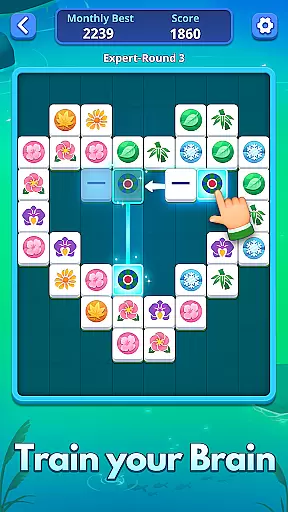
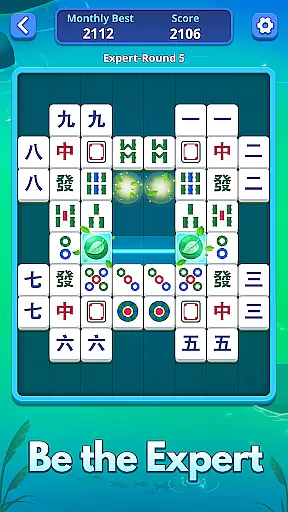
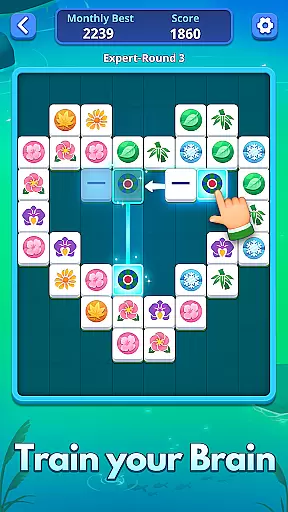
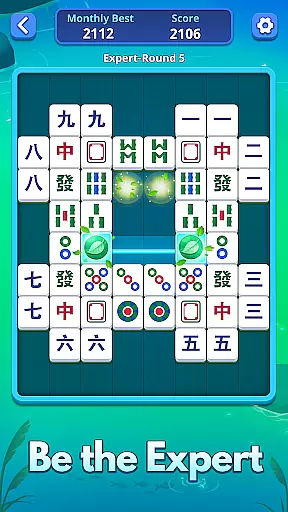
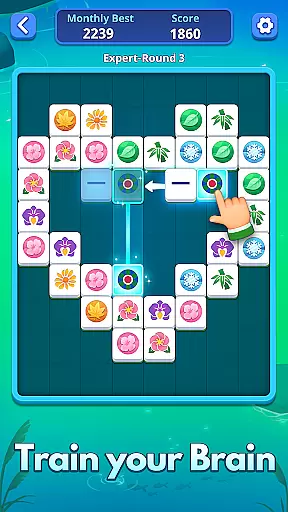
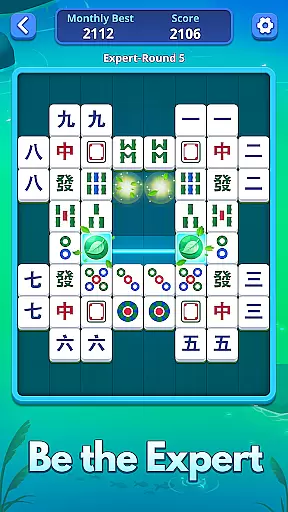
The app stands out with its adaptable difficulty levels, ranging from Normal to Expert, ensuring players of all skill levels find suitable challenges. With features like helpful hints, diverse themes, and offline play capabilities, Mahjong Slide: Zen transforms leisure time into an enjoyable and visually refreshing escape. Whether you're looking to unwind after a busy day or sharpen your cognitive skills, this game provides endless entertainment value.
Mahjong Slide: Zen boasts an array of impressive features that enhance the traditional mahjong experience. The game includes multiple difficulty settings - Normal, Hard, and Expert - allowing players to select challenges that match their skill level. This adaptability ensures that both beginners and seasoned players can enjoy the game at their own pace.
One of the standout features is the smart assistance system, which provides helpful hints when players get stuck. This guidance helps maintain the flow of the game without causing frustration. Additionally, the app offers diverse visual themes and backgrounds, letting users customize their gaming environment. With thousands of unique levels and the ability to play offline on any device, Mahjong Slide: Zen delivers hours of uninterrupted entertainment while helping players improve their strategic thinking skills.
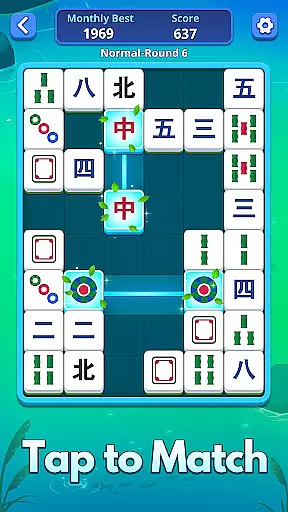
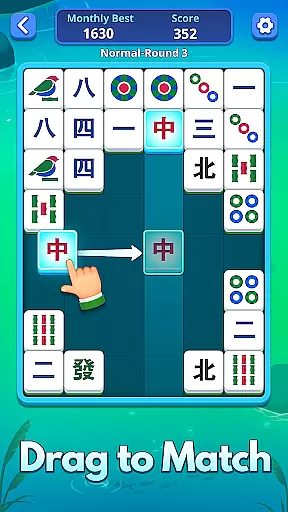
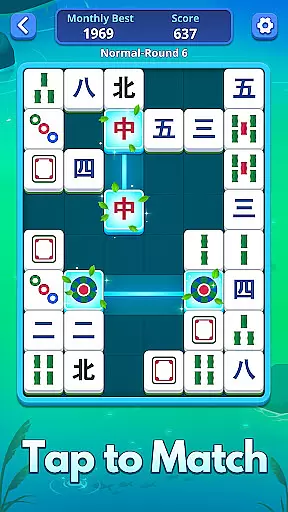
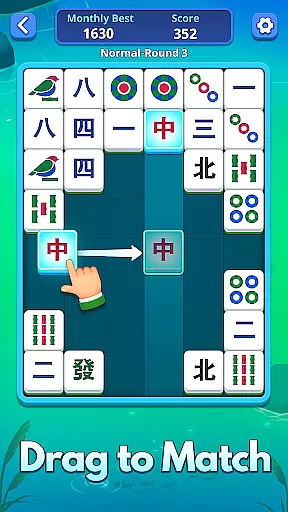
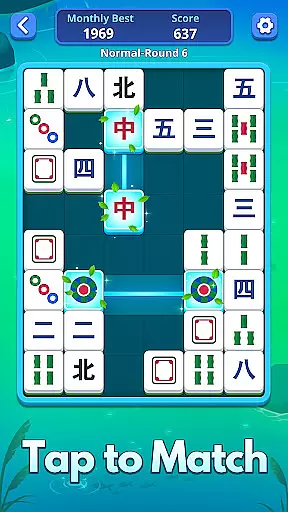
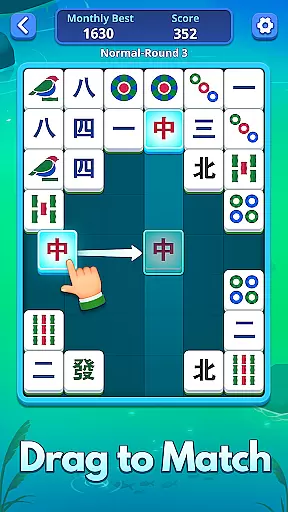
In Mahjong Slide: Zen, rule authenticity is maintained while offering players flexible gameplay options. The game adheres to traditional mahjong matching principles where unblocked tiles must be matched vertically and horizontally.
What sets this game apart is its adaptable challenge levels - Normal, Hard, and Expert - catering to beginners as well as seasoned players. Each level is carefully crafted not only to match the player's skill but also to keep their mind actively engaged with the game.
The inventive gameplay provides thousands of unique levels for endless fun without compromising on the rules that make mahjong enjoyable and strategic. This balance ensures that players experience both familiarity and novelty in their gaming sessions.
Mahjong Slide: Zen does not feature AI opponents; instead, it focuses on a single-player experience enriched with helpful guidance features. The game offers hints to assist players through challenging spots, ensuring they can solve puzzles without frustration.
This design choice emphasizes solo mastery and personal achievement over competition, allowing players to enjoy the calm and relaxing environment at their own pace. With smart assistance features like hints for hidden spots, players are empowered to make better choices and improve their skills.
While there may not be an AI opponent, the depth provided by various difficulty levels and inventive gameplay with countless challenges gives a rewarding experience akin to competing against a worthy adversary.
Relaxing gameplay
Multiple difficulty levels
Thousands of unique levels
Offline play capability
Customizable themes
Limited social features
No multiplayer mode
Occasional bugs
In-app purchases
Ads between levels

Retro pixel art mahjong solitaire with handcrafted boards and timeless gameplay
 4.0
4.0
online interactive board games
4.50
Play free Bingo with millions worldwide, enjoy nonstop fun and win great prizes!
4.80
Train your brain with classic backgammon and become the lord of this board game!
4.30
The famous Ravensburger board game from star designer Stefan Feld.
4.30
Classic Mahjong Solitaire Game Classic Mahjong Tile Game
4.80
Develop your Tribe in the Stone Age, a digital adaptation of classic board game.
4.20
? BINGO GAMES, Multi Bingo Cards, Millions of Players, Super Huge Jackpot!
4.80
Color to relax with tons of zen coloring pages in Color Oasis coloring game.
4.80
Mahjong match game with large tiles, senior-friendly design, and offline play.
4.90
Harvest resources to build a woodland village in a beloved digital board game!
4.90
Mahjong Match: Relaxing and Fun Mahjong Tile Puzzle! Designed for seniors!
4.80
Sharpen your mind and relax with Classic Spider Solitaire! Offline card games!
4.80
Start Playing this cool Domino Game right now!
4.70
The fastest way to learn and improve your Chess! The ultimate Chess teacher!
4.70
Joyful color by number & paint by number in this relaxing coloring game!
4.60
Chose clever, score better!
4.60
Take command and turn your faction into the most powerful in all of Europa!
3.80
A brilliant tile placement game: build territories & French medieval landscapes
2.20







User Reviews