
Chess Pro by AI Factory is a premier chess application designed for Android users, offering an intuitive platform to learn and master Chess. This app stands out as a top choice among hundreds of chess programs available on the market. Its sophisticated tutor system makes it ideal for both beginners developing their Chess strategy and advanced players honing their skills.
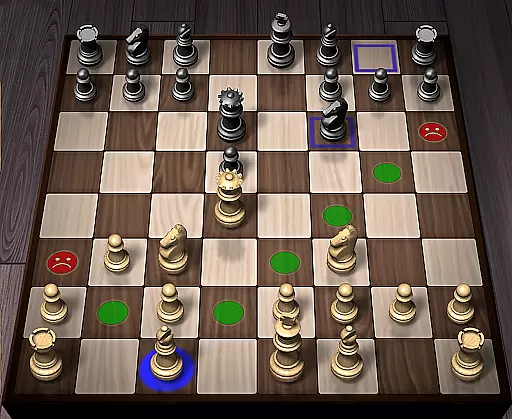
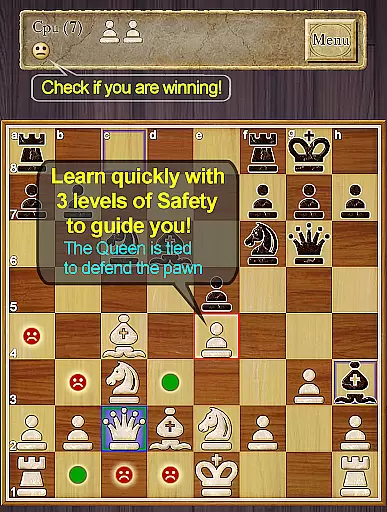
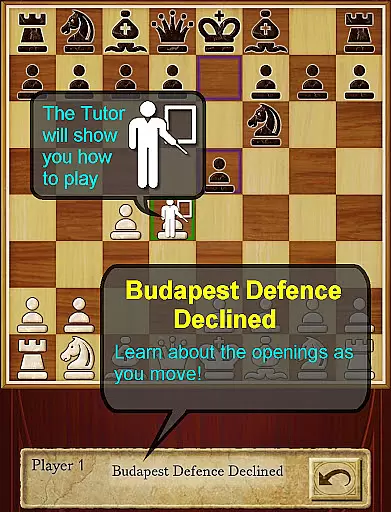
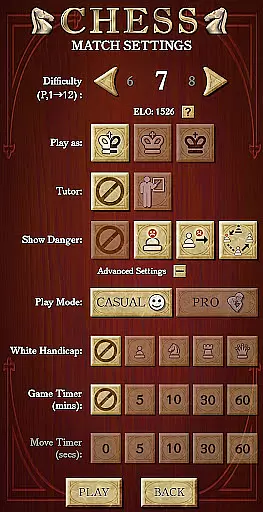
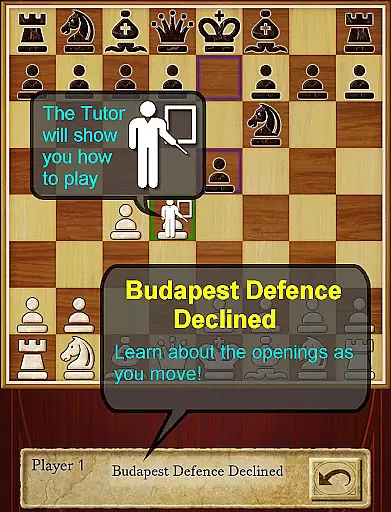
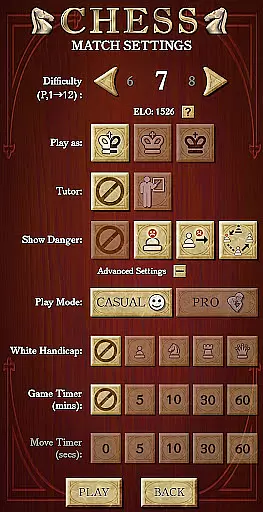
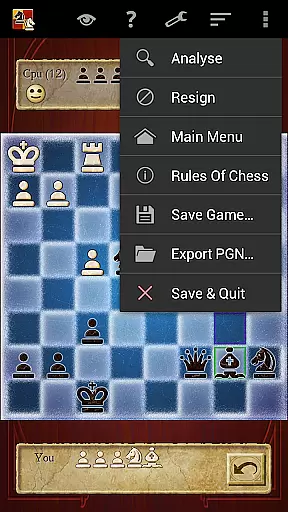
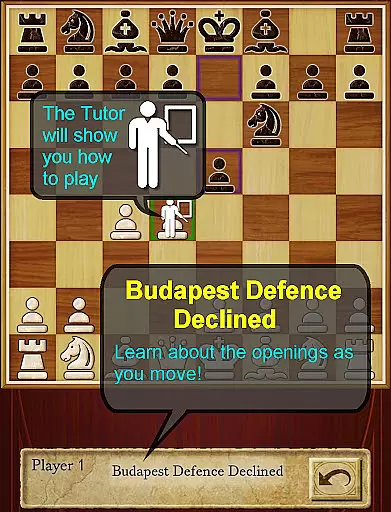
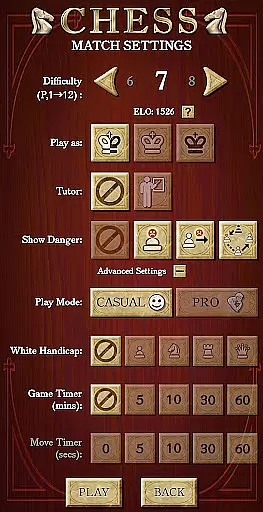
The app features 12 play levels ranging from Novice to Master, ensuring suitability for players of all skill levels. It incorporates intelligent weakening at lower levels, making it particularly beneficial for newcomers. The inclusion of Casual and Pro modes allows users to progress naturally through the ranks. Additionally, the app provides comprehensive feedback with its unique Smiley feature indicating who is winning, and it displays the Chess opening line you are in, such as Queen's Gambit.
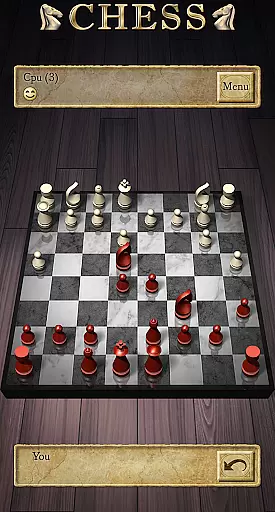
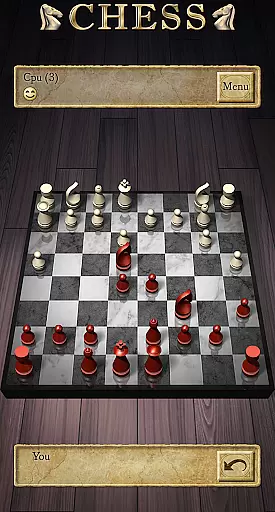
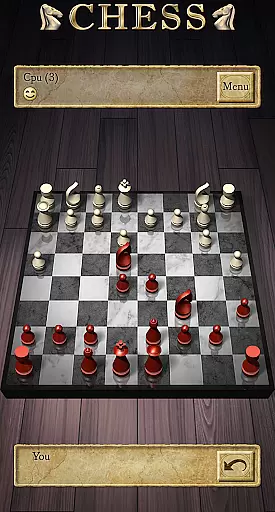
With support for both tablet and phone interfaces, including landscape mode, Chess Pro offers a versatile experience. Users can enjoy 2D and 3D boards, online multiplayer options, and even analyze their games with the Treebeard Chess engine, known for its human-like style. Whether you're looking to improve your ELO rating or simply enjoy a game of chess, this app delivers a complete package.
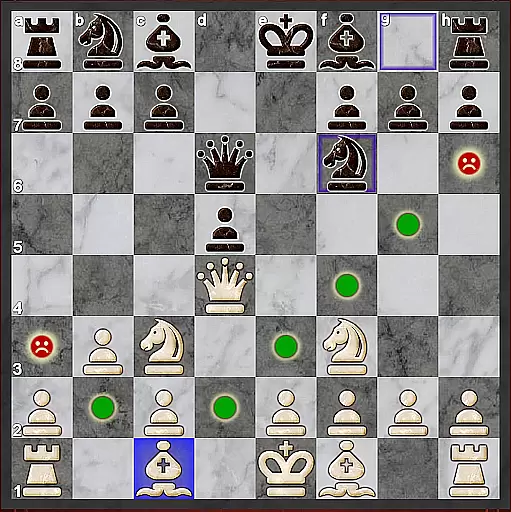
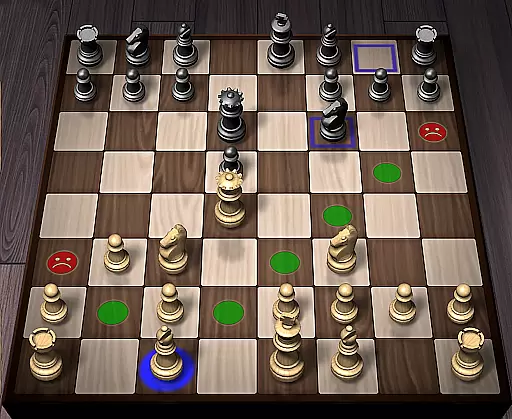
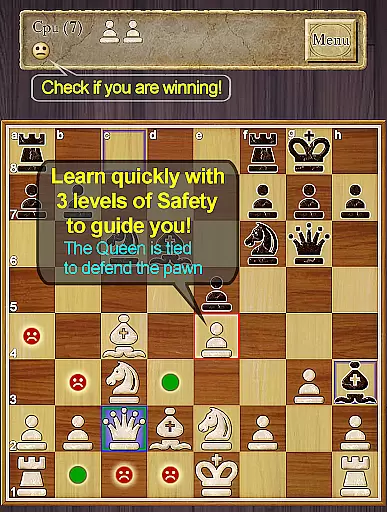
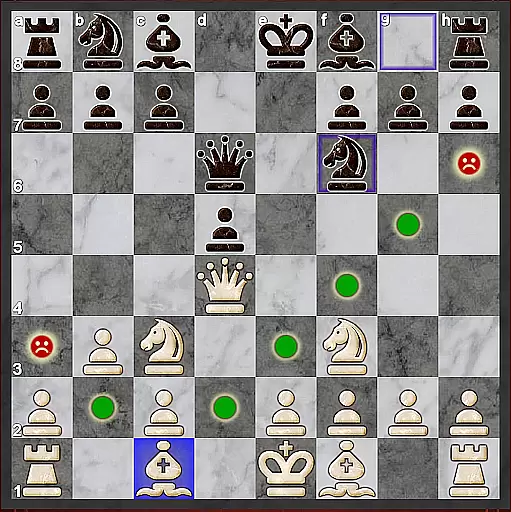
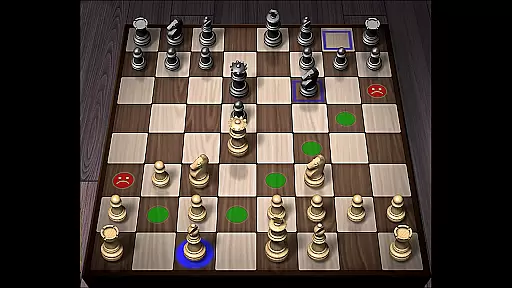
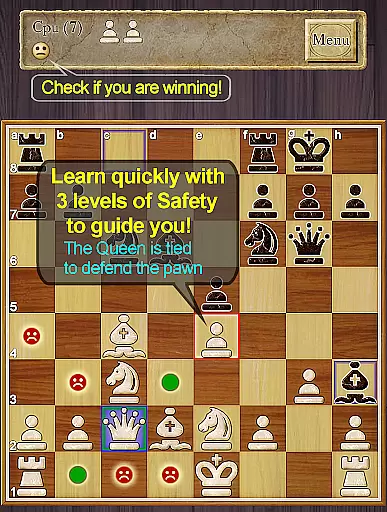
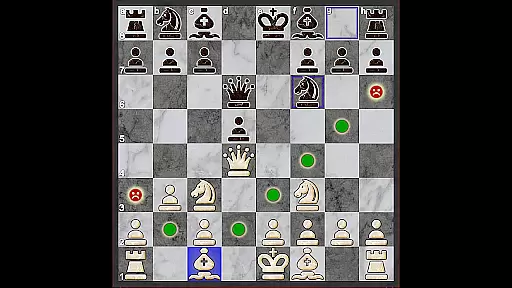
Chess Pro boasts an array of features that cater to a dynamic and educational user experience. One standout aspect is the enhanced teaching method, which highlights unsafe moves and includes optional safety enhancements for pins and ties. This feature ensures that users not only learn the rules but also understand the nuances of strategic play.
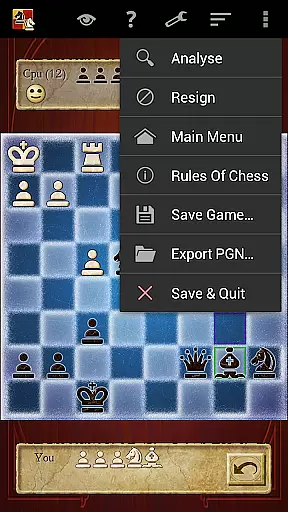
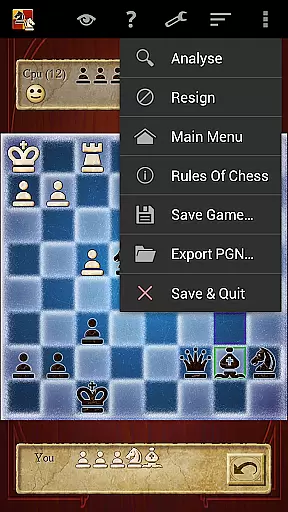
The app also introduces a comprehensive indexed help system, guiding users on how to effectively learn Chess using the app. With the Chess Tutor option, players receive recommendations on which pieces to move, fostering deeper strategic thinking. Furthermore, the Hint feature suggests complete recommended moves, while the Analyze Move function allows for deeper analysis, providing insights into potential outcomes.
Additional notable features include the 'Show CPU Thinking' option for level 3 and above, enabling users to see the AI’s considerations. The app supports Achievements and Leaderboards via Google Play Games, allowing users to track their progress and compete globally. With PGN Export capabilities, ELO Rating based on CPU matches, and various board and piece set selections, Chess Pro offers a rich and customizable chess experience.
Chess Pro by AI Factory ensures the utmost rule authenticity and flexibility, providing players with an experience that closely mirrors real-world chess games. The app strictly adheres to official chess rules, which is crucial for users who wish to improve their skills or learn the game accurately.
The application offers a variety of play levels from Novice to Master, employing intelligent weakening for lower levels to accommodate beginners without compromising the integrity of chess rules. This approach allows users to enjoy a flexible gaming experience tailored to their skill level while learning the nuances of chess.
Moreover, Chess Pro includes features like the Chess Tutor and Hint options, which guide players through recommended moves and strategies. These tools not only enhance the learning process but also ensure that players understand the implications of each move within the framework of established chess rules.
With its optional enhanced safety for pins and ties, as well as the ability to show where moves are unsafe, Chess Pro provides a dynamic environment where rule application can be explored safely and effectively, thus enriching the player's strategic understanding and adaptability in the game.
The AI opponent quality in Chess Pro is powered by the Treebeard Chess engine, which is renowned for its unique 'human-like' style. This sophisticated AI provides a challenging and realistic opponent for players, simulating the strategic depth and variability one would expect from a human adversary.
Players can adjust the difficulty level to suit their playing style, with higher levels offering a more complex and thoughtful AI opponent. The 'Show CPU Thinking' option available at level 3 and above gives insight into the AI's decision-making process, allowing users to learn from advanced strategies and improve their own gameplay.
In addition to single-player mode, Chess Pro supports online play using Google Play Games accounts, enabling users to match wits with friends or other players worldwide. This feature extends the challenge beyond the AI, providing diverse playing experiences and fostering a competitive community environment.
Furthermore, the inclusion of Achievements and Leaderboards adds another layer of engagement, motivating players to refine their skills against increasingly skilled AI opponents and climb the ranks within the global chess community.
User-friendly interface
Comprehensive tutor system
Versatile play levels
Advanced AI engine
Multiplayer options
No offline multiplayer
Limited free content
Occasional bugs
Ads in free version
High system requirements

Official digital version of the board game Gaia Project.
 4.70
4.70
Play free Bingo with millions worldwide, enjoy nonstop fun and win great prizes!
4.80
Loop and Merge!
4.4
Chose clever, score better!
4.60
Mahjong Slide: Zen, a Relaxing and Fun Matching Game!
4.70
The Offline Version of Sudoku classic puzzle game without advertisements.
4.80
The ultimate Chess app available. Install now for pure enjoyment!
4.80
Play logic numbers match - Test your IQ with cross math, woody Block Puzzle game
4.90
Play this classic board game of dice with friends. Can you roll a lucky Yatzy?
4.80
Relaxing Mahjong: Classic Tile Matching & Offline Puzzle Games! Install Now!
4.90
The official award-winning domino building strategy game comes to life!
4.80
Start Playing this cool Domino Game right now!
4.70
Large Numbers Coloring Book for Seniors. Color by number for zen and relax.
4.60
The iconic murder-mystery. Six suspects, six weapons, nine rooms, one culprit.
4.60
Choose your own life story again and again in this family-friendly board game!
4.60
online interactive board games
4.50
Enhance your brain with vibrant visuals, enjoy 20,000+ stunning pics & puzzles!
4.50
Lead your mages to victory in this deck building game with a twist!
4.30
by IRON Games
2.60






User Reviews