
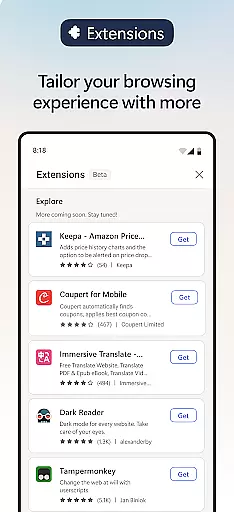
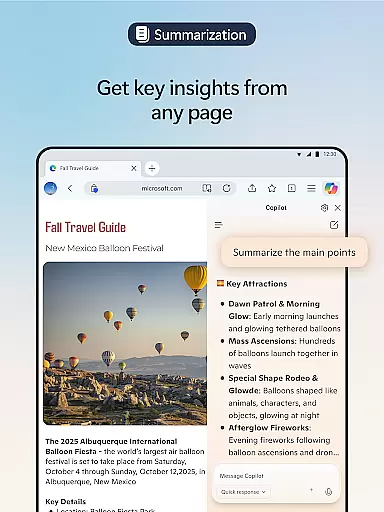
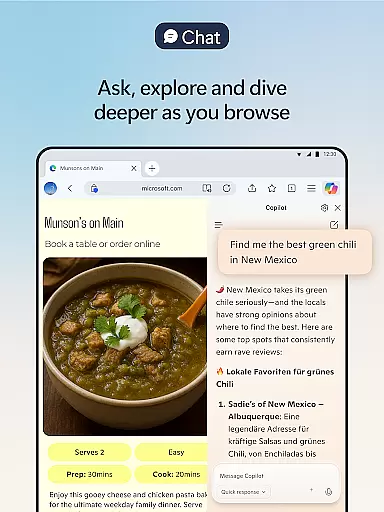
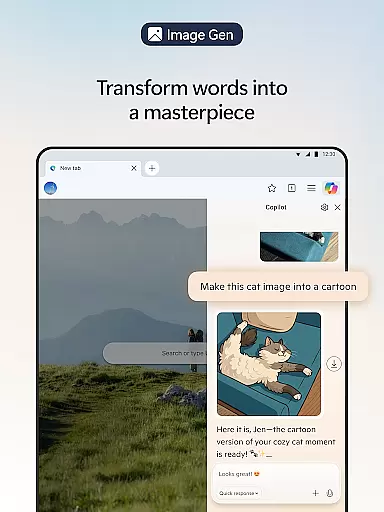
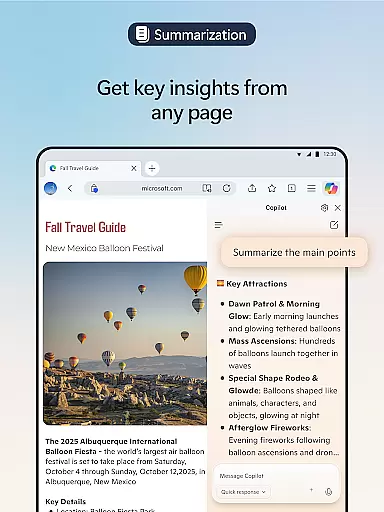
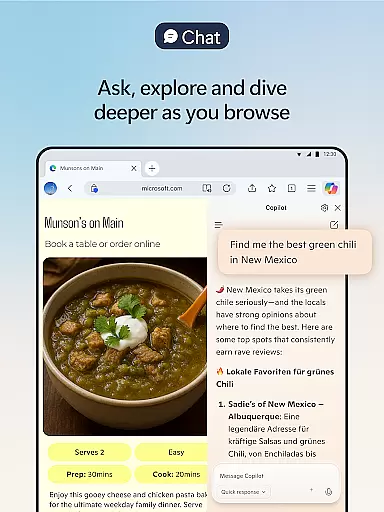
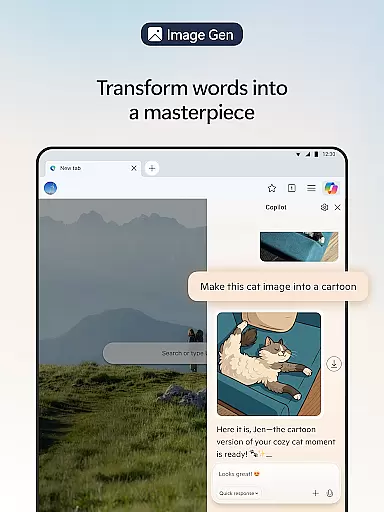
Microsoft Edge is a cutting-edge AI-powered web browser that integrates Copilot, your personal AI assistant, to revolutionize the browsing experience. With advanced capabilities powered by GPT-5, it offers features like summarizing long articles and videos, answering content-related queries, and even generating images based on descriptions. The browser also supports extensions for enhanced personalization, such as cookie management and website theme customization.
Beyond its innovative AI tools, Microsoft Edge prioritizes user privacy and security. It includes robust features like tracking prevention, Microsoft Defender SmartScreen, AdBlock, InPrivate browsing, and secure search. These tools ensure a safer online experience while maintaining fast performance. Whether you're browsing for work or leisure, Edge provides a smarter, more efficient way to navigate the web.
Microsoft Edge stands out with its powerful AI-driven features designed to enhance productivity and creativity. Copilot, the built-in AI assistant, transforms how users interact with content by enabling quick summarization of web pages, PDFs, and videos. Additionally, it allows users to upload images for visual searches, brainstorm ideas through voice commands, and generate polished drafts using AI-powered writing assistance.
The browser also excels in customization and accessibility. Users can tailor their experience with extensions that manage cookies, control playback speeds, and modify website themes. For multilingual users, Edge offers seamless translation and proofreading across languages. Its Read Aloud feature provides natural-sounding narration in multiple accents, making content consumption easier. With these innovations, Microsoft Edge redefines modern web browsing.
Real-time messaging speed and reliability are crucial for a seamless communication experience. Microsoft Edge ensures that users can browse, interact, and communicate without noticeable delays. The browser's optimized performance delivers instant page loads and quick response times, making real-time interactions smooth and efficient.
With its advanced architecture and integration with AI models, Microsoft Edge minimizes latency in data processing. This means that when you're engaging in activities such as chatting or collaborating online, your messages are sent and received almost instantly. Such rapid communication is essential for maintaining productive workflows and ensuring that conversations flow naturally.
Moreover, the stability of Microsoft Edge guarantees that your real-time messaging remains consistent even during extended browsing sessions. Whether you're participating in a live chat or receiving notifications, the browser handles multiple tasks simultaneously without compromising speed or reliability. This robust performance ensures that users stay connected and informed at all times.
Media sharing support is an integral feature for modern web browsers, enabling users to share various types of content effortlessly. Microsoft Edge enhances this capability by providing comprehensive tools for uploading, viewing, and distributing media files across different platforms. From images to videos, the browser ensures that media sharing is both straightforward and efficient.
The inclusion of extensions further enriches media sharing on Microsoft Edge. For instance, cookie management and ad-blocking features help maintain a clutter-free environment, allowing users to focus on sharing and viewing media without interruptions. Additionally, website theme customization options ensure that media elements are displayed optimally, preserving their quality and impact.
Furthermore, Microsoft Edge supports a wide range of file formats, making it versatile for diverse media sharing needs. Whether you're working with professional design files or casual snapshots, the browser accommodates various formats while maintaining high standards of security and privacy. This flexibility empowers users to share media confidently, knowing that their content is handled securely and efficiently.
AI-powered browsing
Advanced privacy tools
Customizable extensions
Multilingual support
Fast performance
Resource-intensive
Limited cross-platform
Complex interface
Frequent updates
Premium features

BiP is a fast, secure, free messaging and HD video calling app!
 4.10
4.10
Enables Plus features of Quick Search.
4.4
Manage BoostMobile Account
4.60
Experience real private browsing without tracking, surveillance, or censorship.
4.50
Faster version of Messages. Messenger for your contacts.
4.50
Comprehensive and powerful scan tool app with enhanced functions
3.00
Use this SMS app standalone or as a TREK: Total Interface companion.
4.30
FolderSync enables easy sync of files between cloud storage and Android devices.
4.60
Share the moment!
4.10
Welcome to the future of phone service.
4.60
Connect and browse the internet with a fast VPN proxy server and IP blocker.
4.50
Our Black Friday sale is here. Unlock special discounts on Proton Mail now.
4.30
2nd Phone Number Line for Anonymous Texting, Calling, and Picture Messages
4.30
Send SMS and chat messages easily with a fast text messaging app for Android.
4.10
Fast Dialer & Contact Manager with Caller ID and Spam Protection
4.00
Threema is the messenger with the most consistent focus on security and privacy.
4.00
Call Forwarding is easy and simple application to use.
3.80
At select facilities, you now have an easy way to video visit your loved ones!
3.30
A Browser with powerful ad blocker to help focus on what really matters.
3.00
















User Reviews