
Car Gauge Pro is a comprehensive OBD2 diagnostic tool designed for all OBD2 compliant vehicles, offering both generic and enhanced diagnostic data. This app stands out with specialized support for Ford and Nissan vehicles, providing professional-level functionalities similar to factory scan tools.
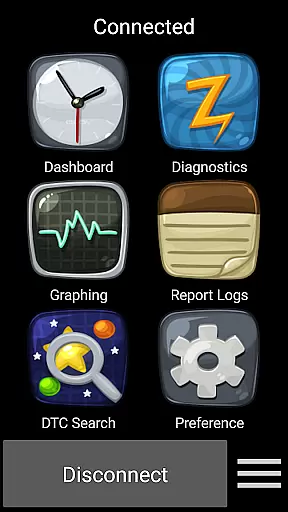
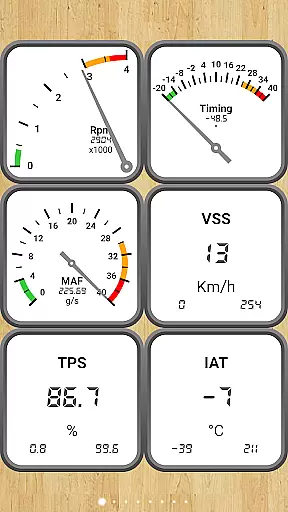
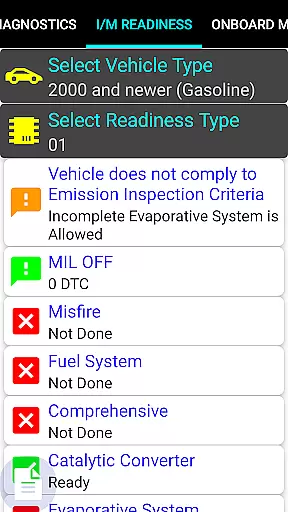
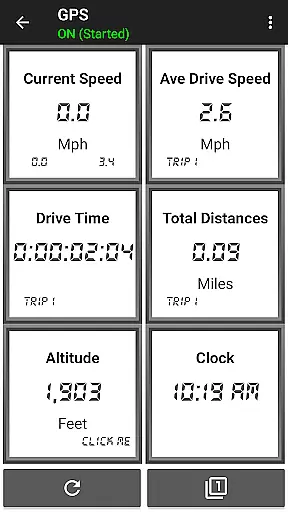
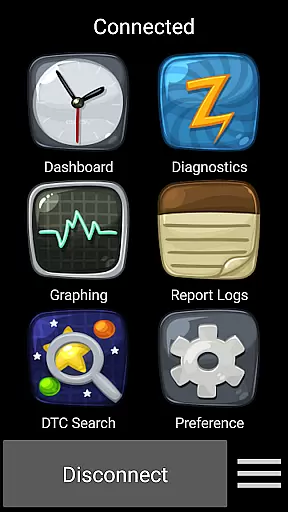
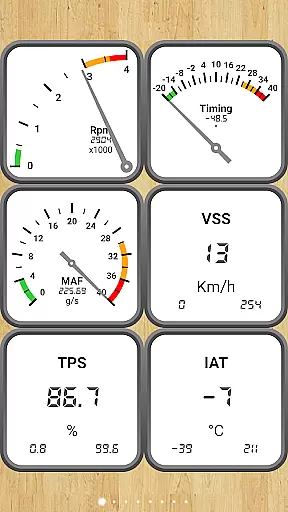
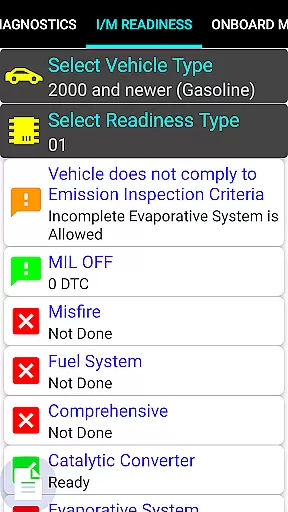
The application connects to the vehicle's computer through the 16-pin OBD2 connector under the steering wheel, requiring an Elm 327 or STN Bluetooth adapter. It allows users to monitor dashboard parameters, check engine light status, readiness for smog inspections, sensor functionality, and Mode 5/6 emission tests.
With its extensive feature set, Car Gauge Pro serves as a vital tool for car owners and mechanics who need detailed insights into vehicle performance and diagnostics. The app's ability to perform advanced functions like KOEO, KOER, and Active Tests makes it an indispensable resource for automotive diagnostics.
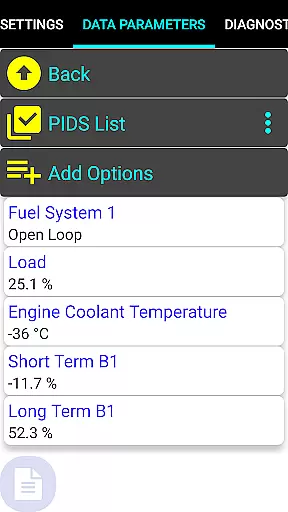
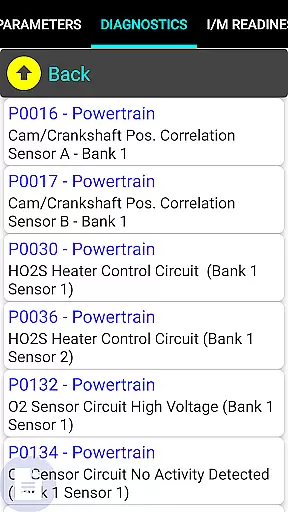
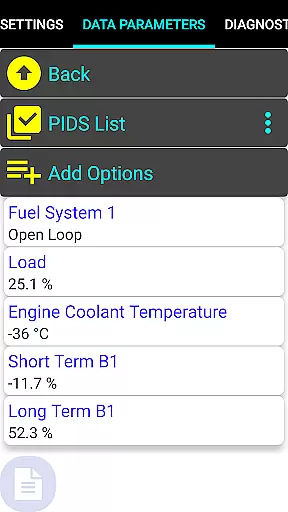
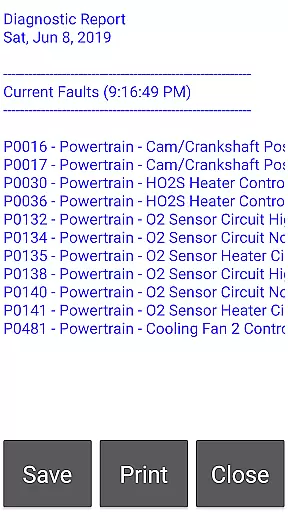
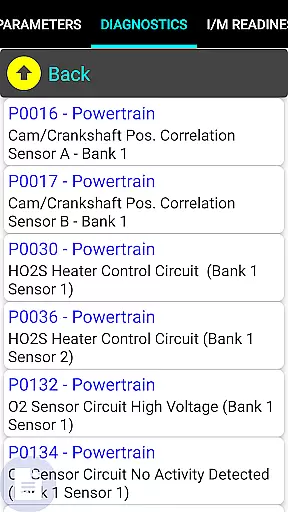
Car Gauge Pro offers an impressive range of features that cater to various diagnostic needs. The app supports all OBD2 compliant vehicles with standard modes such as Data Parameters, Freeze Frame Data, Fault Checking and Clearing, O2 Sensor Tests, Emission On-board Tests, Pending Faults, Evap Test Enablement, and VIN information retrieval.
For specific brands like Ford and Nissan, the app provides enhanced functionalities including Self Test, Ignition Timing Adjustment, Idle RPM Adjustment, and access to thousands of PIDS. GM, Toyota, and KIA models also benefit from brand-specific enhanced data and active testing capabilities.
These features collectively enable users to conduct thorough vehicle diagnostics, making Car Gauge Pro not just a monitoring tool but a complete diagnostic solution that brings professional-grade tools to the hands of everyday users.
Real-time messaging speed and reliability are crucial for effective communication, especially in automotive diagnostic applications like Car Gauge Pro. This app ensures that data is transmitted instantly between the vehicle's onboard diagnostics system and the user's device.
The application leverages advanced Bluetooth technology through Elm 327 or STN adapters to maintain a stable connection. This guarantees that mechanics and car enthusiasts receive live updates on their vehicle's performance metrics without delays.
Users benefit from this reliable communication by being able to diagnose issues promptly and accurately. Whether it's monitoring sensor functionality or checking emission test results, real-time data transfer allows users to make informed decisions quickly.
This feature not only enhances productivity but also improves the overall user experience by providing timely and precise information, which is essential for efficient vehicle maintenance and troubleshooting.
Media sharing support in Car Gauge Pro enables users to share diagnostic reports and vehicle data effortlessly. This functionality is vital for collaborative work environments where multiple stakeholders need access to the same information.
The app supports various file formats, allowing users to export detailed diagnostic reports, sensor data, and other critical information. These files can be shared via email, cloud services, or direct transfer to another device, ensuring that all parties have the necessary data for analysis.
By facilitating easy media sharing, Car Gauge Pro enhances teamwork and decision-making processes. Mechanics, technicians, and vehicle owners can collaborate more effectively, leading to faster problem resolution and better vehicle management.
Ultimately, robust media sharing capabilities ensure that everyone involved in vehicle maintenance has access to comprehensive and accurate data, improving both individual and team efficiency.
User-friendly interface
Comprehensive diagnostic coverage
Real-time data monitoring
Enhanced functions for specific brands
Detailed fault code explanations
Requires compatible Bluetooth adapter
Some features are brand-specific
No Mini Elm 327 v2.1 support
Occasional connectivity issues
Steep learning curve for beginners

A web browser that respects your privacy.
 4.30
4.30
Message and video call your family and friends in HD!
3.80
Create a secure hotspot on-the-go with Portable WiFi - Mobile hotspot.
4.40
Faster version of Messages. Messenger for your contacts.
4.50
Chill zone on your phone: relax with fun reels & hype shorts!
4.20
Fun, free app that lets kids video call and message family and close friends.
3.80
Call & Text Anywhere With A Canadian Number.
3.60
Threema is the messenger with the most consistent focus on security and privacy.
4.00
Useful. Social. Expressive.
4.70
Read OBD2 data and DTCs Create custom dashboards Enhanced diagnostics available
4.70
Adblock & VPN Browser: Blocks banners, pop-ups and video ads, fast downloader!
4.60
Connect and browse the internet with a fast VPN proxy server and IP blocker.
4.50
An agentic AI browser for Android, built by Perplexity
4.50
Simple tool for businesses to talk to their customers.
4.40
Enjoy secure messaging & calling. Safe Messenger: group chats, calls, messages.
4.20
Federated instant messaging for your mobile device (Jabber, XMPP, Snikket)
4.10
SMS Messenger ensures that communication become effortless and accessible.
3.80
Chat on the Jabber network (XMPP protocol); support for SMS and other gateways
2.10
Manage Phone Calls, call history, and contacts easily with Phone Pro.
4.5



User Reviews