
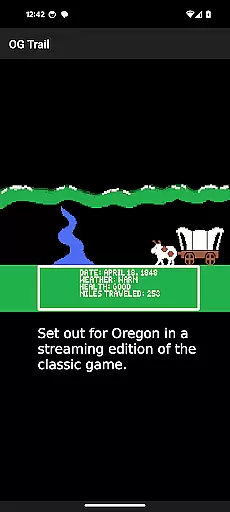
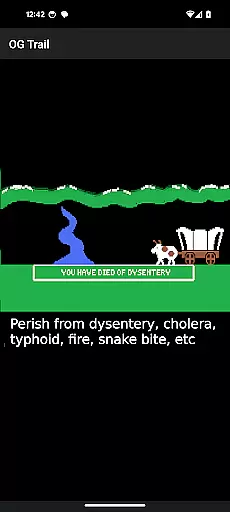
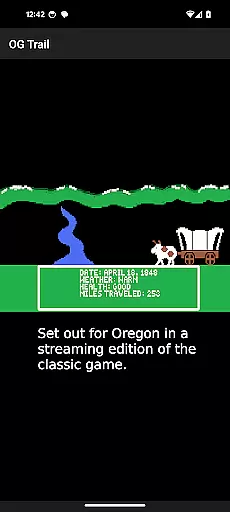
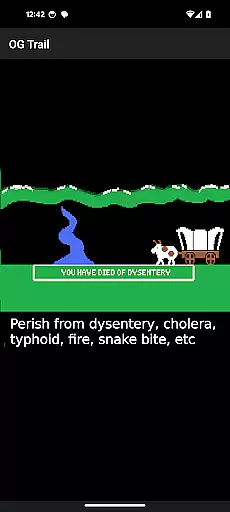
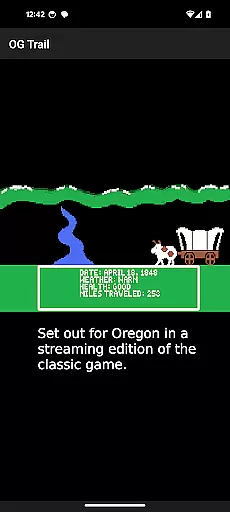
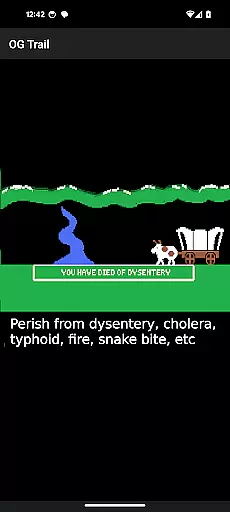
OG Trail is an educational app that brings the classic Oregon Trail simulation to Android devices. This app provides a seamless interface for users to access and play the original game, which is publicly available through the Internet Archive. The app itself does not contain the game but serves as a portal to stream it directly from its online source. OG Trail requires an internet connection only during the initial load, ensuring minimal data usage thereafter.
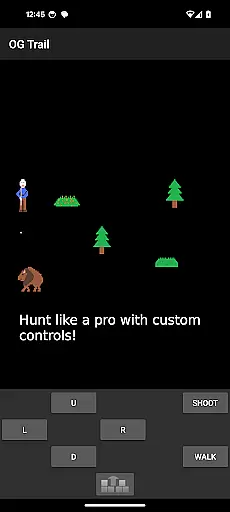
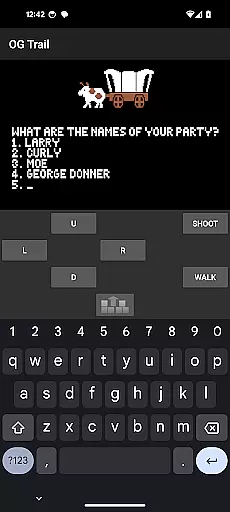
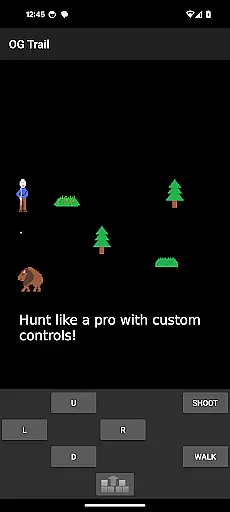
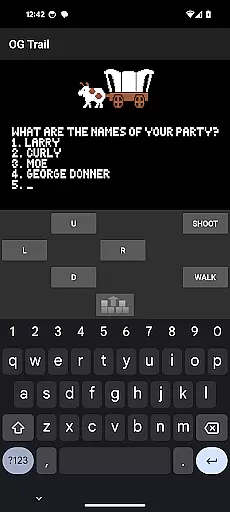
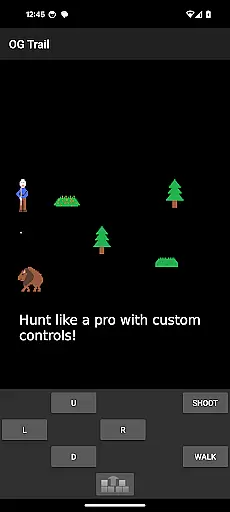
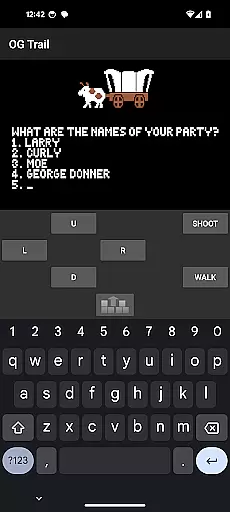
The app features onscreen controls including a virtual keyboard and control pad, allowing users to interact with the game as if using physical controls. This design caters to modern touchscreen devices while preserving the authenticity of the original gameplay experience. OG Trail is ideal for educators, students, and nostalgic gamers who want to explore historical simulations in an engaging way.
By offering this classic educational game on mobile platforms, OG Trail makes learning about American history both accessible and interactive. Its intuitive interface and faithful recreation of the original game provide a valuable tool for classrooms and individual learners alike.
OG Trail offers several notable features that enhance the classic Oregon Trail gaming experience. First, it includes an onscreen keyboard and control pad, enabling users to interact with the game without requiring external input devices. These controls are specifically designed to work seamlessly with touchscreens, providing an authentic yet modernized way to play the original game.
Another key feature is the app's ability to stream the game directly from the Internet Archive. This approach ensures that users can access an unmodified version of The Oregon Trail without needing to download or manage additional files. The streaming functionality also helps maintain the game's integrity while reducing storage requirements on users' devices.
Additionally, OG Trail supports educational use by providing access to the original user guide and documentation. These resources help new players understand how to navigate the game's mechanics and historical context. By combining these features, OG Trail creates an immersive learning environment that remains true to the spirit of the original simulation.
In the realm of educational gaming, content authority and curriculum alignment are crucial. OG Trail - Travel to Oregon offers an authentic experience by providing access to the classic Oregon Trail simulation, a game revered for its historical accuracy and educational value. This app ensures that learners engage with content that has been recognized for its ability to teach decision-making skills, history, and resource management.
The application does not alter the original game but rather facilitates its play on Android devices through an intuitive interface. By sourcing the game from the reputable Internet Archive, OG Trail guarantees that players interact with an unmodified version of The Oregon Trail (TM), preserving the integrity and intended learning outcomes as per the original design.
For educators and students, this means a reliable tool that aligns with social studies curricula, particularly in U.S. history education. It provides a hands-on approach to understanding pioneer life, geography, and the economic considerations faced by travelers on the Oregon Trail during the 19th century.
Ultimately, users benefit from a trusted educational resource that combines entertainment with structured learning objectives, making it easier to integrate into lesson plans or personal study sessions while maintaining focus on key educational standards.
Gamification-learning integration represents the fusion of game mechanics with educational content to enhance engagement and retention. OG Trail - Travel to Oregon exemplifies this by transforming the historically rich Oregon Trail simulation into an interactive mobile experience. Players learn through gameplay, making decisions that affect their virtual wagon journey, thus experiencing firsthand the consequences of their choices.
This app employs gamified elements such as survival challenges, resource allocation, and strategic planning, all embedded within the context of the Oregon Trail narrative. These elements encourage critical thinking and problem-solving, as players must manage supplies, health, and weather conditions to successfully complete their journey.
Moreover, OG Trail supports varied interaction methods suitable for touchscreen devices, including an onscreen keyboard and control pad. This allows players to engage with the game's prompts and questions effectively, mimicking the decision-making processes required in real-life scenarios presented throughout the game.
By bridging traditional gaming controls with modern touch interfaces, OG Trail creates an immersive environment where learning is seamlessly integrated into play. This approach not only captivates the player's interest but also reinforces educational concepts through active participation, demonstrating how technology can revitalize classic educational tools for todayu2019s digital learners.
User-friendly interface
Authentic gameplay experience
Minimal data usage
Educational value
Seamless streaming
Limited to online access
No offline mode
Requires learning curve
Dependent on third-party hosting
Graphics may feel outdated

A game to memorize
 4.5
4.5
Puzzles, Cats and Programming
4.80
Dress up, Makeover, and Party! Design a Wonder World!
3.90
Cure the patients to create your hospital story!
3.90
Learn numbers, letters, and shapes playing toddler balloon pop games ►NoAds◄
4.60
Join Rus and his friends to save Pear Island!
4.4
A fan of cute games? Try animal games & take care of fluffy virtual pets!
4.20
Kids age 2-8 can create, explore, and play Toca Boca games their way!
3.50
Play safe educational games & learn with Daniel Tiger, Wild Kratts & more
4.40
Cute coloring games for girls! Draw, paint & decorate with endless colors.
4.70
Design dreamhouses and dress up creatively in the ultimate role-playing game!
4.70
Explore, create, and play with Hello Kitty and all her friends!
4.60
Monkey Preschool Fix-It is an early learning game for ages 2 to 5.
4.40
A world for little builders to create, imagine, and learn through play.
4.20
Find Carmen - Play the classic detective game, stop VILE and find Carmen
4.10
Imagine, build and ride your own Rollercoaster!
3.90
Baby Phone Game for Kids & Toddlers to Learn Sounds, Numbers, ABCs, Phone Calls
3.80
Create stories and build your own virtual world for your avatar!
3.00
Draw shapes, mix colors, and dodge traps to defeat foes in the vibrant Art Zone!
4.5



User Reviews