
Pinardin is a comprehensive parental control application designed to help parents ensure their children's safety in the digital world. The app offers real-time location tracking, digital habit monitoring, and various security features such as Live Monitoring, App Block, and Sensitive Content Detection. These tools not only protect children from potential online threats but also promote healthy device usage habits.
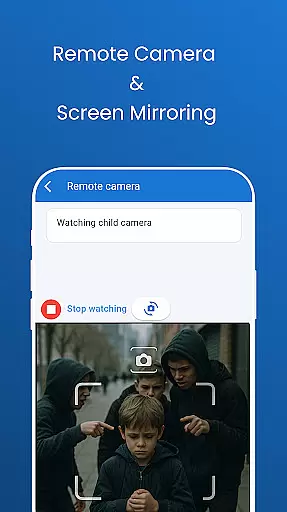
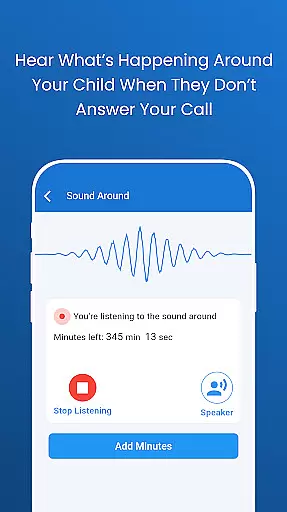
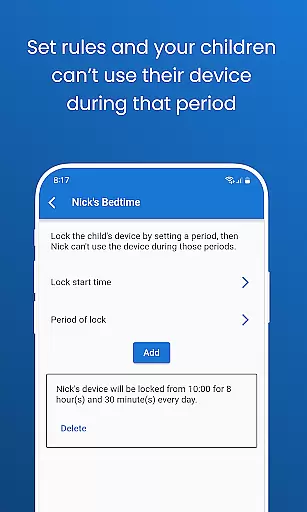
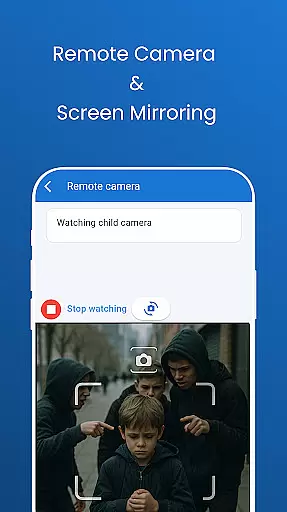
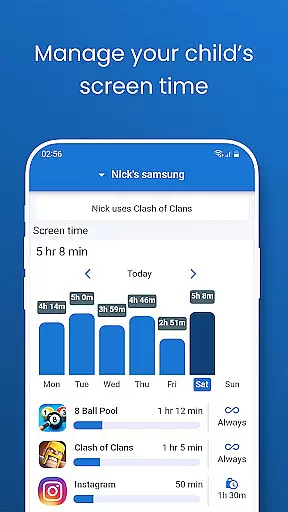
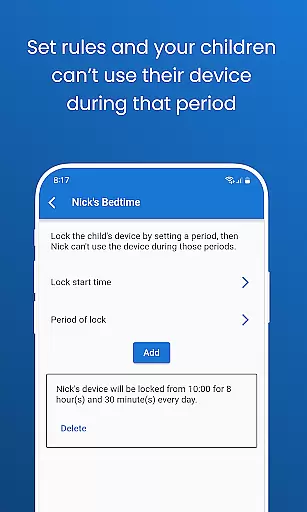
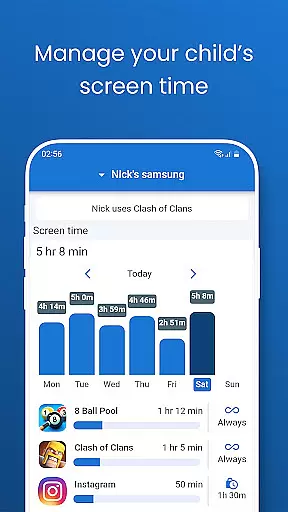
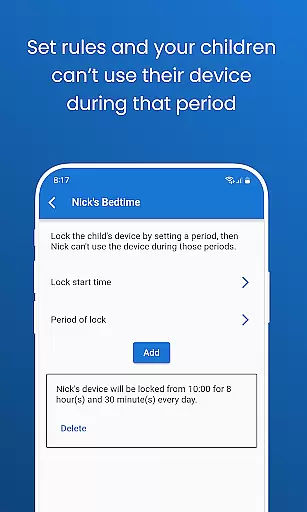
One of Pinardin's standout features is its ability to provide parents with peace of mind through functionalities like Remote Camera and One-Way Audio, which allow real-time viewing and listening of the child's surroundings. Additionally, Automated Screenshots and Live Location Tracking offer further insights into children's activities and whereabouts. With Screen Time Limits and Bedtime Mode, parents can manage and regulate device usage effectively, ensuring a balanced lifestyle for their children.
This app is particularly useful for modern families where digital devices play a significant role in daily life. By using Pinardin, parents can foster a safer and more responsible digital environment for their children, helping them navigate the online world with confidence while maintaining a healthy balance between screen time and real-world interactions.
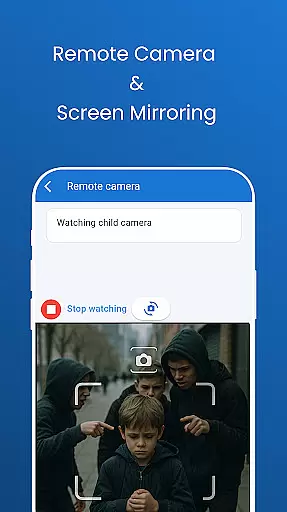
Pinardin stands out with its robust set of features tailored for parental control. The app provides real-time monitoring capabilities, including Remote Camera and One-Way Audio, allowing parents to see and hear what's happening around their child instantly. This feature is crucial for identifying emergencies and staying connected at all times.
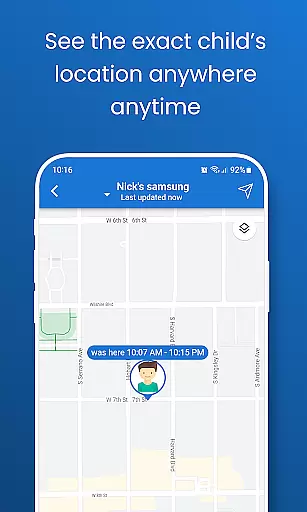
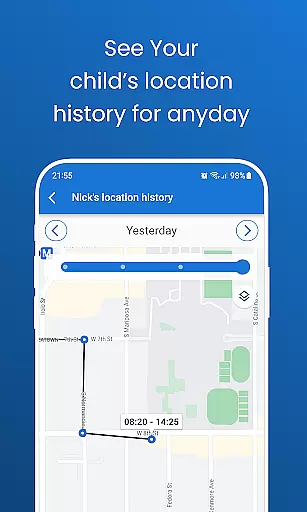
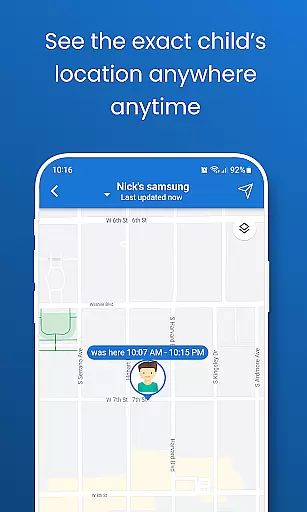
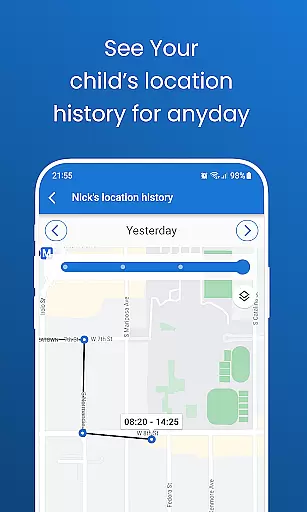
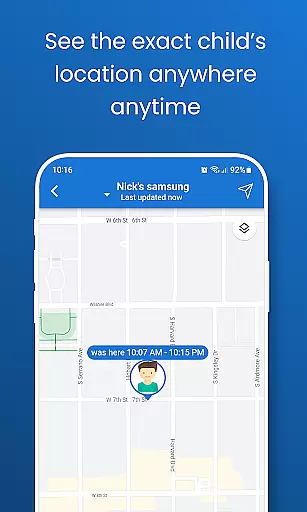
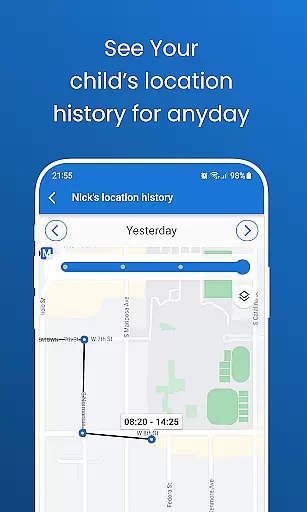
Another significant feature is Automated Screenshots, which enables parents to view their child's phone screen live on their device. This helps in monitoring app usage, spotting unsafe apps, and guiding healthy digital habits. Additionally, Live Location Tracking uses high-precision GPS to track the child's location, review past routes, and send instant alerts through customizable geo-fencing, acting as a 24/7 bodyguard.
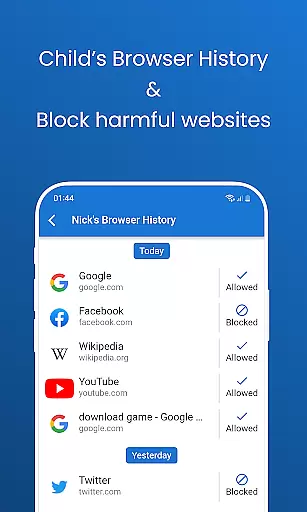
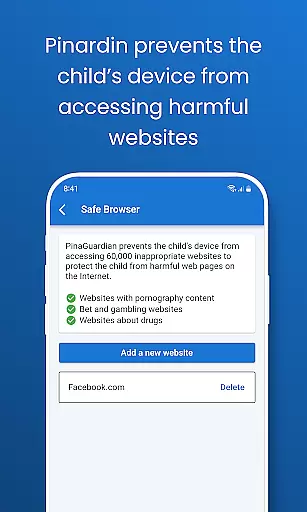
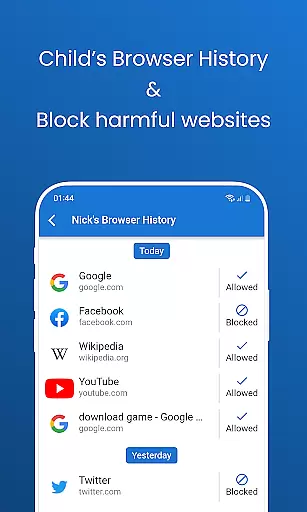
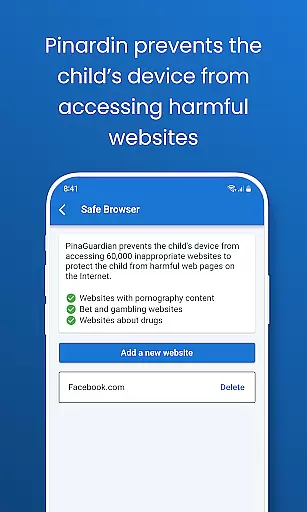
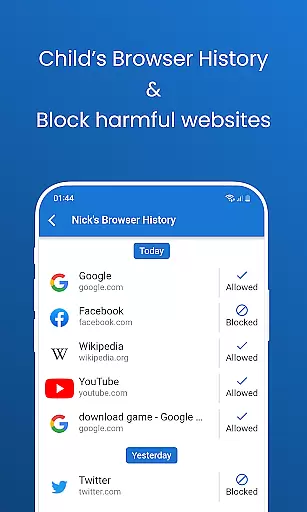
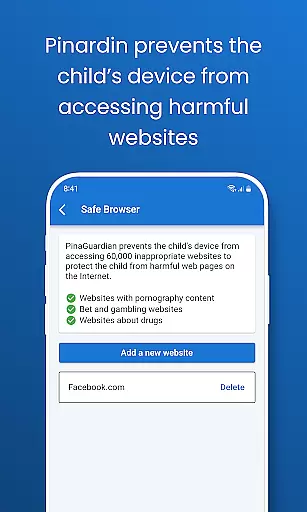
Pinardin also includes Social Media Monitoring, which detects sensitive content across platforms like TikTok, YouTube, Snapchat, WhatsApp, Facebook, Instagram, and Telegram. Combined with Website Blocker and Screen Time Limits, these features ensure a safe and balanced digital experience for children. Overall, Pinardin empowers parents to better understand and guide their children's digital lives responsibly.
Pinardin stands out in the parenting category through its commitment to content credibility and expert validation. The app provides features such as Live Monitoring, App Block, and Sensitive Content Detection, all of which are designed with the input of child safety experts. This ensures that parents receive accurate and reliable information about their children's digital activities.
The app goes beyond basic tracking by incorporating advanced functionalities like Automated Screenshots and Social Media Monitoring. These features have been developed based on extensive research into online risks and parental concerns. By working closely with cybersecurity professionals and child psychologists, Pinardin delivers a service that not only monitors but also educates both parents and children on safe internet practices.
Parents using Pinardin can feel confident knowing that every alert and report is backed by verified data sources. Whether it's detecting inappropriate content across platforms like TikTok or Instagram, or setting up geo-fences for location tracking, each feature has undergone rigorous testing and validation. This meticulous approach guarantees that families are protected against real-world dangers without compromising privacy rights.
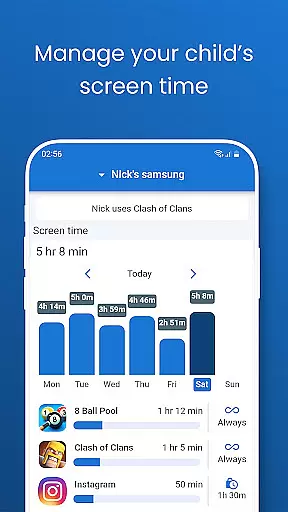
Growth tracking accuracy is another cornerstone of Pinardinu2019s value proposition within the parenting space. Unlike generic monitoring tools, Pinardin offers precise metrics related to children's digital habits, including screen time limits, bedtime mode enforcement, and detailed activity reporting. These insights allow parents to understand exactly how much time their kids spend on various apps and websites.
Through high-precision GPS technology, Pinardin enables accurate live location tracking. Parents can review past routes taken by their children and set customizable geo-fences that trigger instant alerts when boundaries are crossed. Such granular control over physical whereabouts complements the appu2019s broader mission of fostering responsible device usage among young users.
Moreover, Pinardin supports growth tracking through automated systems that sync app notifications and browser histories. This dual-layered approach ensures no critical interaction goes unnoticed while promoting transparency between family members. With these robust mechanisms in place, Pinardin empowers parents to guide their children towards healthier lifestyle choices both online and offline.
User-friendly interface
Comprehensive monitoring tools
Real-time alerts and notifications
Customizable settings for personalized control
Strong focus on privacy and data security
Premium features require subscription
Dependent on child's device compatibility
Initial setup can be complex
Limited functionality without premium access
Requires continuous internet connection

Comprehensive Parental Control & Child Safety — Hear & Protect Your Child World
 4.30
4.30
Happiest Baby App replaces the SNOO App (the mobile companion to SNOO & SNOObie)
3.20
Daily Routine & Timer for kids, ADHD, & Autism
4.80
Fake call application designed for parents and adults to discipline their children through the children's police.
4.20
Protect kids online safety through GPS tracking,screen time control,app blocking
4.20
Kids story books for children. Baby reading books with audio for pre-k toddlers
4.70
SemLog aims to raise awareness among families and their children
3.40
Screen Time, App and Web Block & Monitoring, Location Tracker
3.60
App/Game blocker & GPS tracker
4.50
3D Baby size, Fruit comparisons, Smart Checklist, Trending Names & Training.
4.90
Track Pregnancy, Baby Feeding, Sleep, Diaper Changes, Postpartum Health & More!
4.80
GPS phone tracker: find kids on map. Location tracking and parental control.
4.50
Block apps, set screen time limits, and customize usage schedules
4.50
FamilyMode helps you manage your family’s digital lives—at home or on the go.
4.30
Magic chalkboard coloring and drawing!
4.20
Findnumber: Real-time location tracker for ultimate family security
4.20
Watching baby, helping parents
4.10
Little loved one's monitoring, Sleep tracking and Parenting content.
3.80
Discover fun videos, kids songs, bedtime stories and games
3.60




User Reviews