
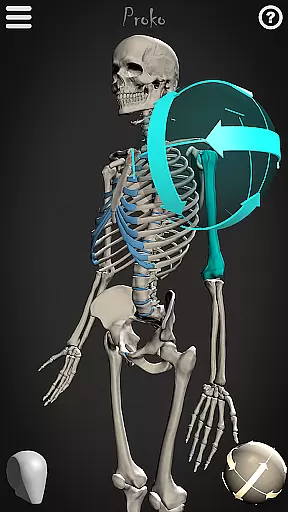
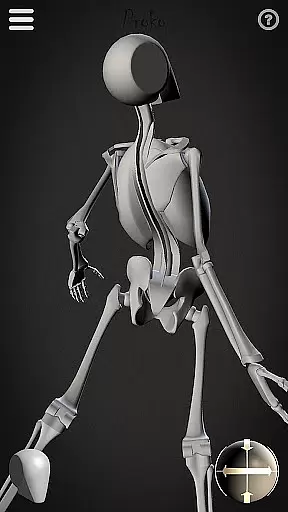
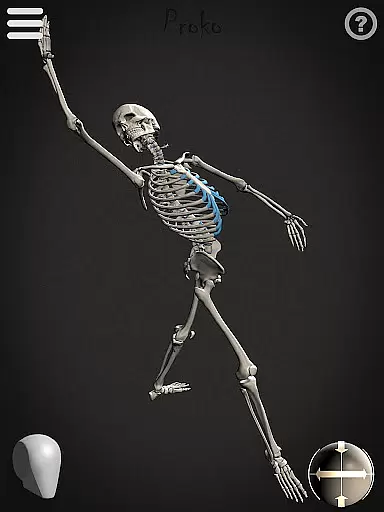
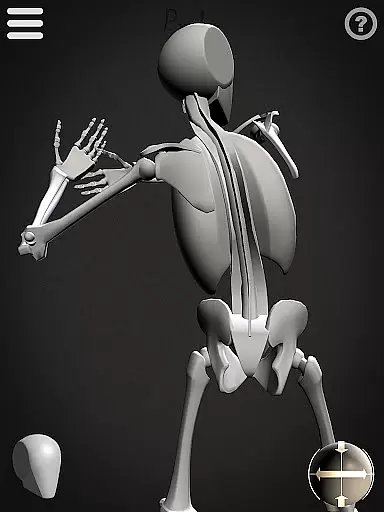
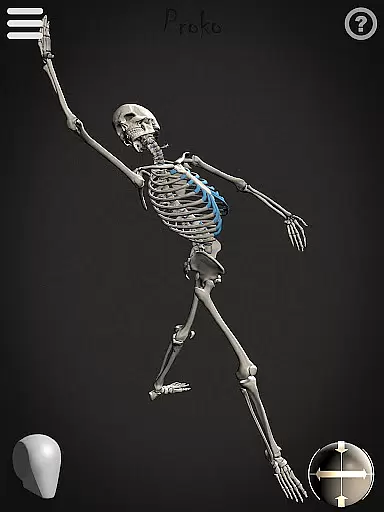
Skelly is an innovative educational app designed specifically for artists and art students who want to master human anatomy. This fully poseable, anatomically correct reference skeleton allows users to study and practice drawing the human figure from any angle without needing physical models or searching for reference images online. The app includes two main modes: a detailed anatomical skeleton and a simplified 'Robo-Skelly' version, both based on professional anatomical proportions.
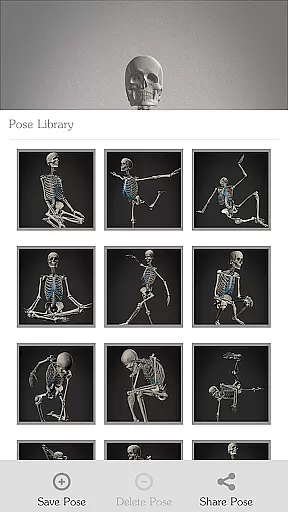
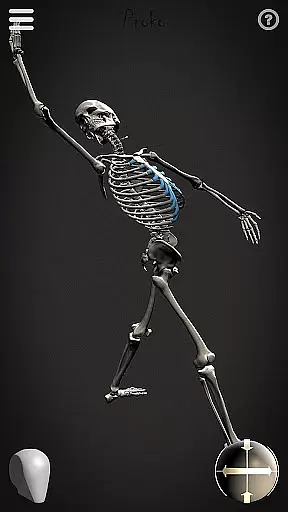
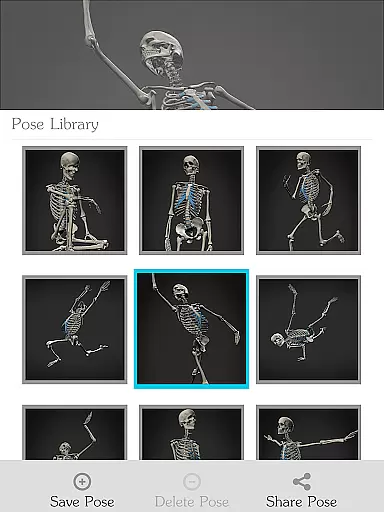
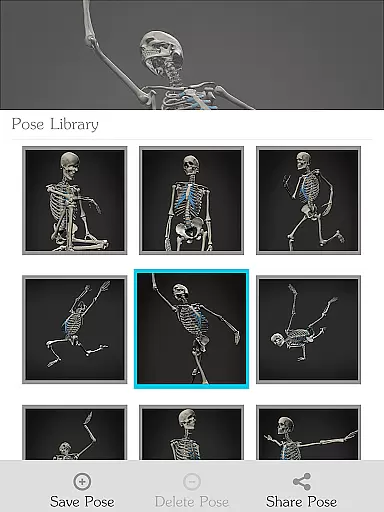
The app's key advantage lies in its comprehensive posing system that lets users create and save custom poses while providing pre-made options through its Pose Library feature. With adjustable camera angles, customizable lighting, and background options, Skelly creates an ideal virtual studio environment for artistic study. Whether you're working on illustrations, animations, comics, or fine art, this tool helps you understand skeletal structures while maintaining creative control over your artwork.
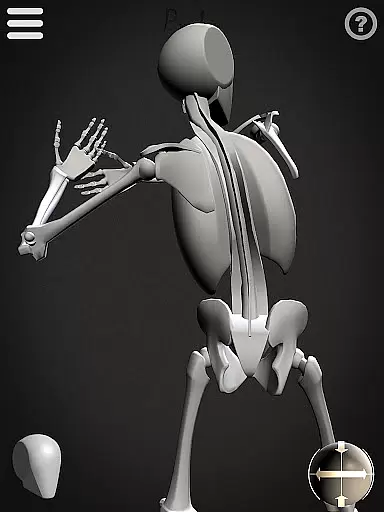
Skelly distinguishes itself through several advanced features tailored for artistic learning. The app implements precise anatomical modeling based on Dr. Paul Richer's proportion studies, ensuring accuracy in bone structure and relationships. Its unique 'Robo-Skelly' mode offers a simplified view of the skeleton, making it easier for beginners to grasp basic forms before advancing to more complex studies.
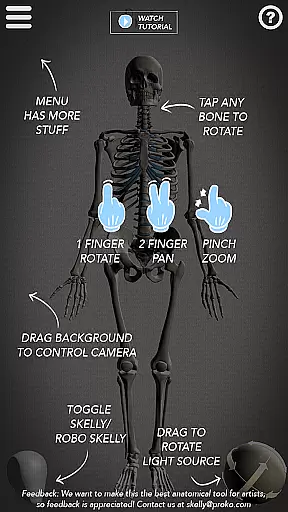
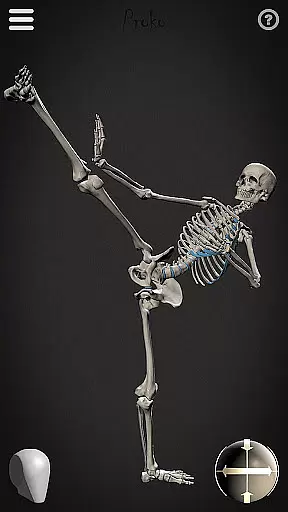
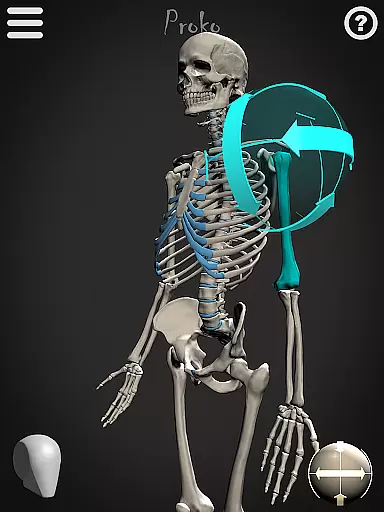
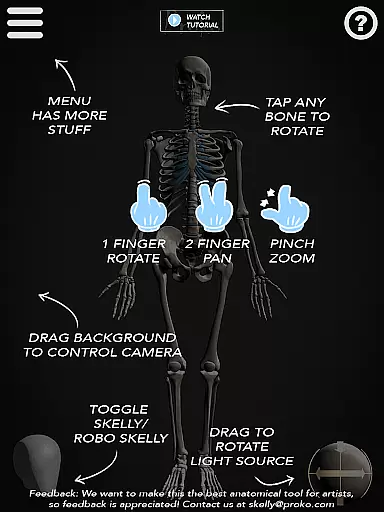
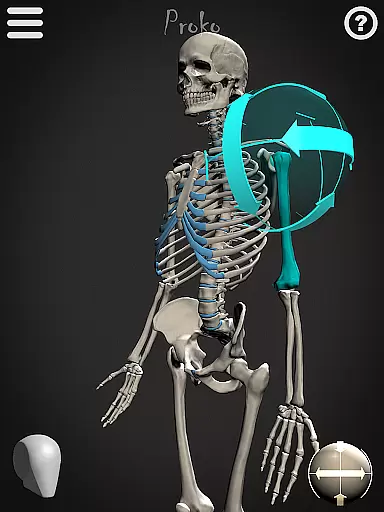
The application's posing capabilities are particularly robust, allowing complete articulation of every joint while maintaining anatomical integrity. Users can store their favorite poses in the built-in Pose Library and switch between light and dark backgrounds to suit different working conditions. The movable camera and adjustable light source provide professional-grade control over how the skeleton appears on screen, mimicking real studio setups. These features collectively create an optimal learning environment for artists at all skill levels.
Skelly offers an anatomically correct skeleton model that serves as a reliable reference for artists and students. The app's content is based on the teachings of Dr. Paul Richer, ensuring anatomical precision and authoritative knowledge in its design.
The inclusion of 'Robo-Skelly,' a simplified version of the skeleton, provides users with two distinct learning tools. This dual approach caters to various learning styles and artistic needs, enhancing the educational value.
Artists can explore poses from any angle without ethical concerns, making it an invaluable resource for anatomical study. The accurate representation of the human skeleton allows users to learn and create art that reflects true human anatomy.
With Skelly, learners have the freedom to personalize their study by posing the skeleton to fit their specific artistic projects. This feature supports a personalized learning path, allowing users to focus on areas that are most relevant to their studies or creative work.
The Pose Library function enables users to save their own poses and choose from pre-made ones, facilitating a tailored learning experience. Artists can build a collection of references that evolve with their skills and project requirements.
Adjustable elements such as the movable camera, light source, and background choice empower users to create a customized learning environment. These features ensure that each artist's journey with Skelly is unique and aligned with their individual learning objectives.
User-friendly interface
Accurate anatomy references
Customizable pose options
Multiple viewing modes
Offline accessibility
Limited advanced anatomy details
No muscular system overlay
Occasional performance lag
Basic UI design
Steep learning curve

A 2024 digital study guide for the Expert Infantryman and Expert Soldier's Badge
 4.4
4.4
Explore myths and gods across cultures with in-depth insights and stories.
5.00
A magical world of fun, building, and learning with Mickey Mouse and more!
4.20
Pass your FAA written with flying colors - Study Buddy can help.
4.30
A must-have app for mastering Japanese verb/adjective conjugations.
3.60
Intuitive Transformer Lab - By a Lineman, For Linemen & Apprentices
4.50
Stack the Countries makes learning world geography fun!
4.50
Discover Your Place in the Universe
4.70
Learn to pass DMV permit tests. Driver license practice test 2025.
4.60
Prepare for the BCBA / BCaBA exam. Study ABA with the ABA Wizard app.
4.60
The Only Official DVSA Theory Test Kit App
4.50
Astronomy Guide To Night Sky
4.30
For medical training - Visualize complex vein maps and structures in real-time.
4.10
An aviator’s preparation, study and test tool for FAA Knowledge Exams.
3.90
Our most popular app series returns, better than ever!
3.90
Quiz App to help case managers studying for CCMC Certification, 200+ Questions
3.40
Snap a dog photo to identify its breed instantly. Fast, accurate and easy to use
3.40
Grazing Risk Monitoring Service
4.2
Learn and joke with the Silly Turkey!
4.3




User Reviews