
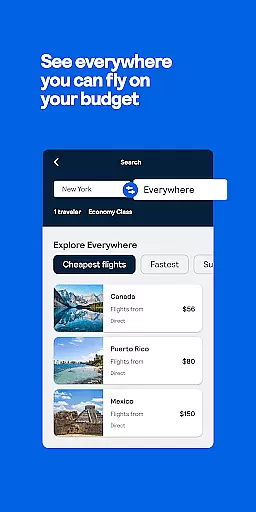
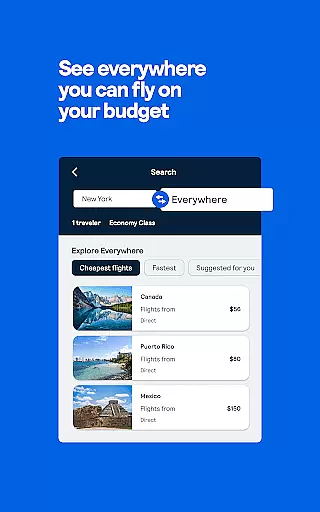
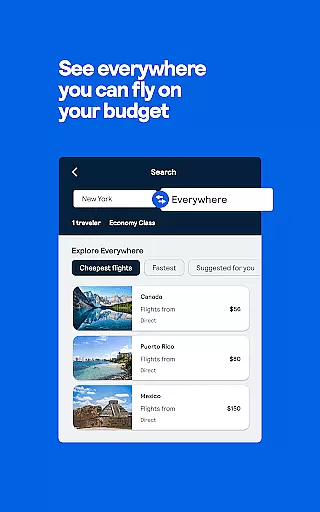
Skyscanner is a comprehensive travel planning app that simplifies finding the best deals on flights, hotels, and car rentals. With its powerful search capabilities, users can compare prices across multiple airlines and booking platforms, ensuring they get the lowest rates without hidden fees. The app also offers flexible search options like 'Everywhere' to inspire spontaneous trips and smart filters for refining travel preferences.
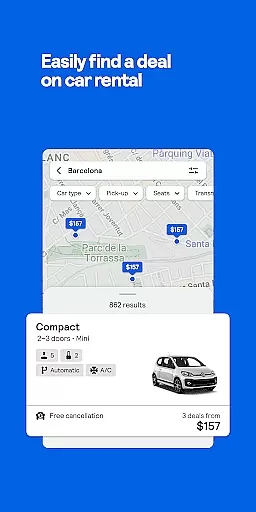
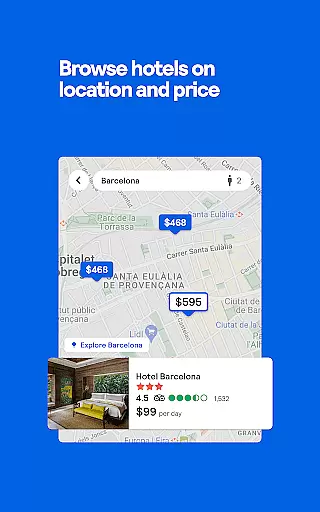
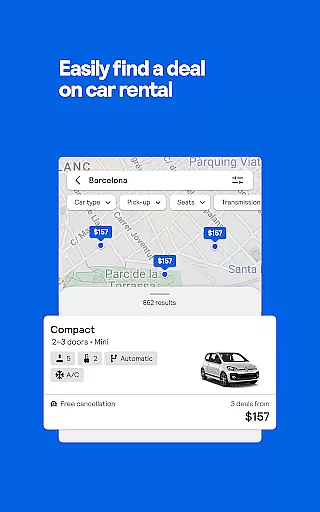
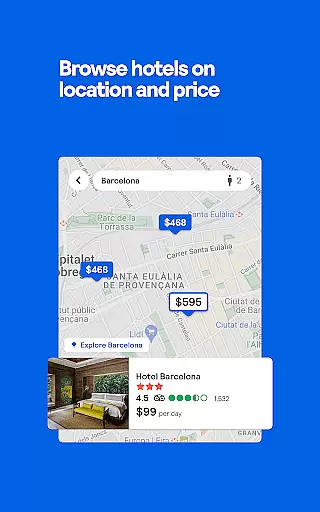
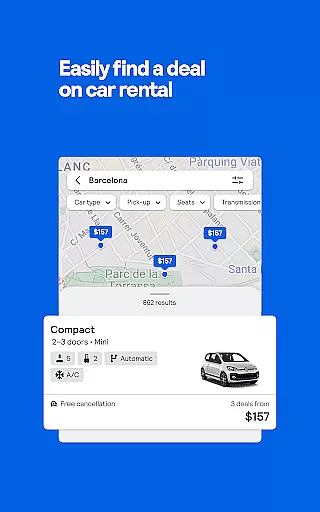
Beyond flight bookings, Skyscanner extends its utility to hotel reservations and car rentals. Whether you're looking for budget accommodations or luxury resorts, the app provides extensive options worldwide. Similarly, it aggregates rental car deals from top providers, allowing users to filter by vehicle type and fuel policy. This all-in-one approach makes Skyscanner an indispensable tool for travelers seeking convenience and value.
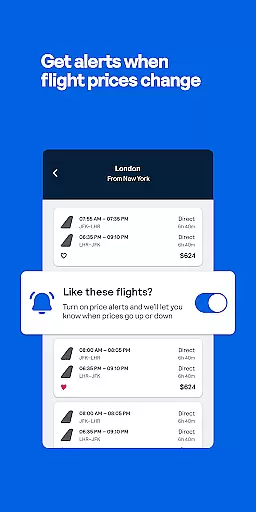
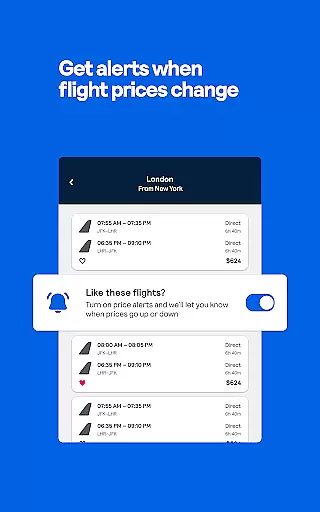
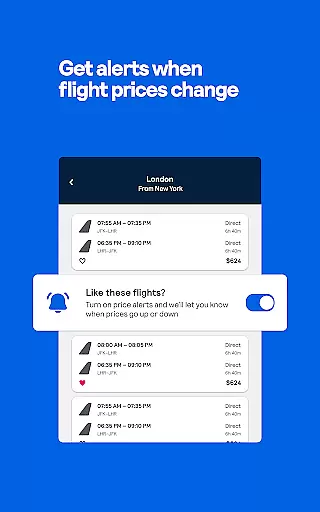
For those who love spontaneity, Skyscanner's Price Alerts notify users of fare changes, ensuring timely bookings. Its user-friendly interface and social media integration further enhance the travel planning experience, making it accessible and engaging. Trusted by major publications, Skyscanner stands out as a reliable choice for anyone planning their next adventure.
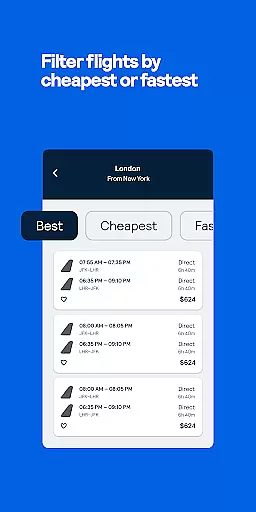
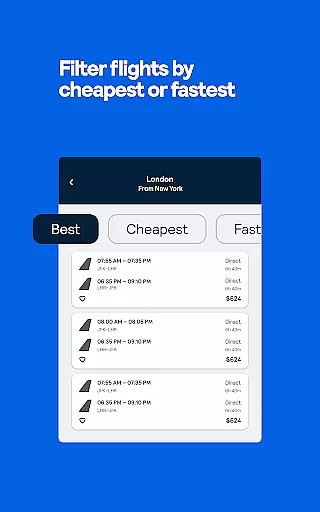
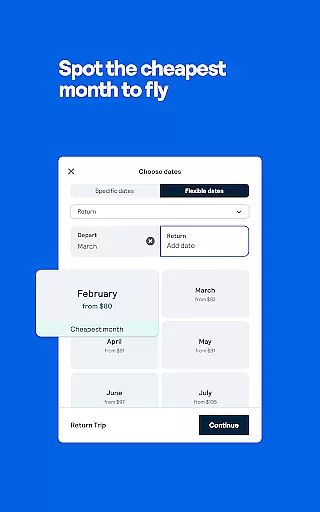
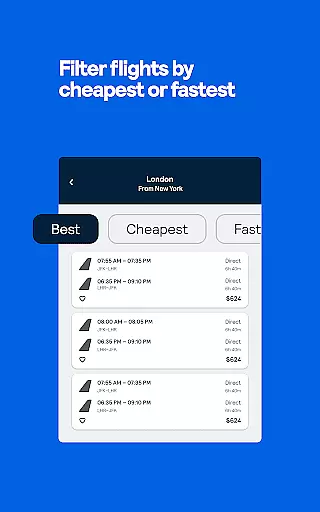
Skyscanner boasts an array of features designed to streamline travel planning. One standout feature is the 'Everywhere' search option, which helps users discover affordable destinations worldwide, sparking inspiration for their next trip. Additionally, the app's robust filtering system allows travelers to refine searches based on flight duration, airline preference, number of stops, and more, catering to specific travel needs.
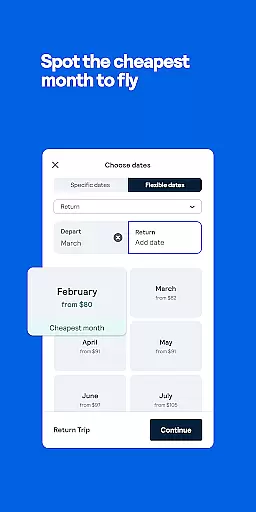
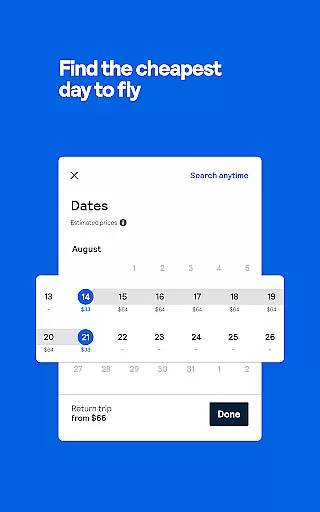
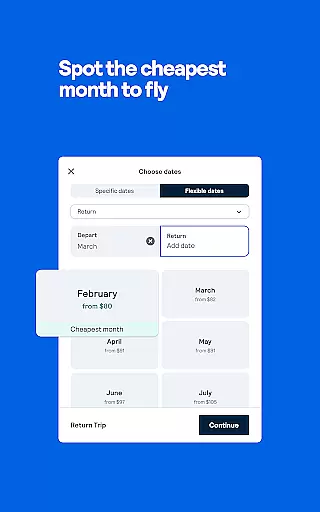
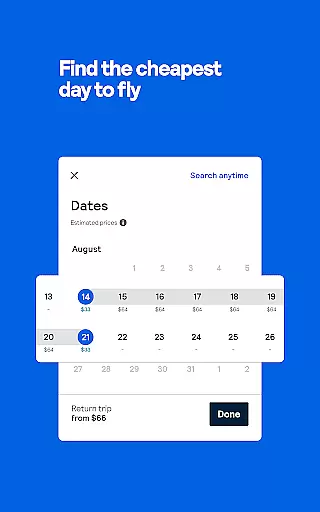
The app excels in providing detailed insights through its calendar view, highlighting the cheapest days to fly within a chosen month. Users can set up Price Alerts to monitor fare fluctuations, ensuring they book at optimal times. Furthermore, Skyscanner's hotel and car rental sections offer extensive comparisons, enabling users to find the best deals on accommodations and vehicles from trusted providers like Hertz and Booking.com.
Another notable feature is the ability to save favorite flights and hotels, allowing users to revisit options before finalizing bookings. With transparent pricing and no booking fees, Skyscanner ensures a hassle-free experience. Its integration with social media platforms and inclusion of traveler reviews adds another layer of trust and community engagement, setting it apart from other travel apps.
Booking authenticity is a crucial aspect of any travel application, ensuring that all reservations made through the platform are legitimate and trustworthy. Skyscanner Flights Hotels Cars guarantees this by partnering directly with major airlines, hotels, and car rental services worldwide.
The app provides transparent booking processes where users can compare prices across multiple providers, including well-known names like Spirit Airlines, United Airlines, and Hertz. This ensures that travelers receive verified confirmation of their bookings without hidden charges or fees.
Skyscanner's robust system allows for real-time updates on flight availability and pricing, giving users peace of mind when they make a reservation. Additionally, the app offers Price Alerts to notify users of any changes in flight costs, allowing them to book at optimal times.
By offering direct booking options with trusted providers and maintaining complete transparency throughout the process, Skyscanner enhances user confidence in their travel plans. This commitment to authenticity not only simplifies trip planning but also secures the best possible deals for its users.
Price transparency is essential for travelers seeking the best deals on flights, hotels, and car rentals. Skyscanner Flights Hotels Cars excels in this area by providing clear, upfront pricing information without hidden fees or additional charges.
Users can easily compare prices from various airlines, hotel chains, and car rental agencies all within the app. The platform aggregates data from multiple sources, including online travel agencies like Expedia and Booking.com, ensuring comprehensive price comparisons.
Skyscanneru2019s calendar view feature helps travelers identify the cheapest days to fly, while smart filters allow customization based on preferences such as departure times and number of stops. This empowers users to make informed decisions about their travel expenses.
With no booking fees ever charged, Skyscanner stands out by delivering true cost clarity. Travelers benefit from seeing exactly what they will pay before confirming their bookings, making it easier to manage budgets effectively and confidently plan trips.
User-friendly interface
Comprehensive price comparisons
No hidden booking fees
Flexible search options
Trusted travel partners
Limited offline functionality
Occasional data delays
Ads in free version
Regional restrictions
Complex UI for beginners

Navigate your world faster and easier with voice navigation & street view map
 4.20
4.20
Apply for an electronic travel authorisation (ETA) to come to the UK.
3.20
CLEAR provides a safer, easier way through airports, stadiums, and beyond.
4.20
All-in-one delivery and taxi app. Ride, food, & grocery delivery app.
4.80
Replace your car trips with the world’s largest shared electric vehicle company.
4.90
Booking your bus tickets has never been easier
4.70
Maximize your cruise vacation with the Royal Caribbean app
4.70
Find your perfect somewhere with last minute hotel & travel deals!
4.80
Frontier’s Android app makes travelling easier than ever before!
4.70
It drives. You ride.
4.90
Plan where to stand and shave minutes off your trip!
4.80
Get faster fuel rewards, exclusive offers, and helpful tools!
4.70
Stay at Motel 6 for less - book fast, save more with MY6 app!
4.70
Walt Disney World Resort maps, wait times, tickets, dining & more.
4.50
Maps Speedometer shows your current speed in any app
3.60
A Camino de Santiago Guidebook from St. Jean Pied de Port to Santiago
3.60
Find the best prices, pay for the cheapest gas, and save on every fill up
3.30
Every Diners, Drive-in & Dives location in one place! Your guide to Flavortown!
3.00
Amplify Your Experience
3.00








User Reviews