
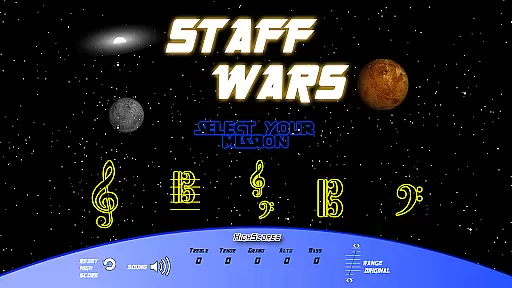
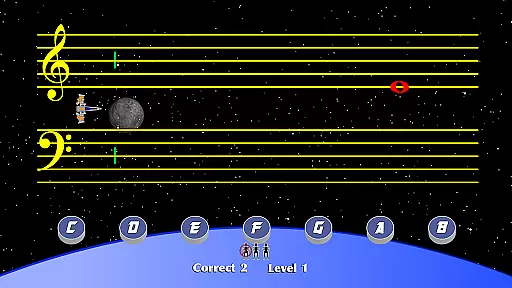
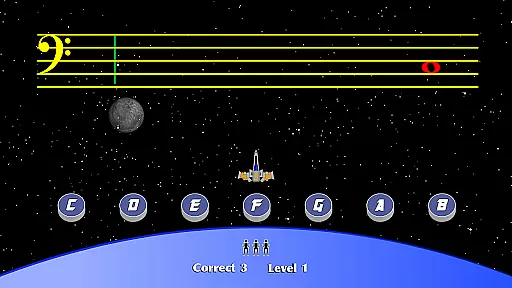
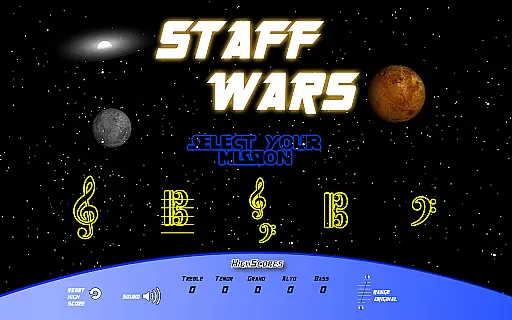
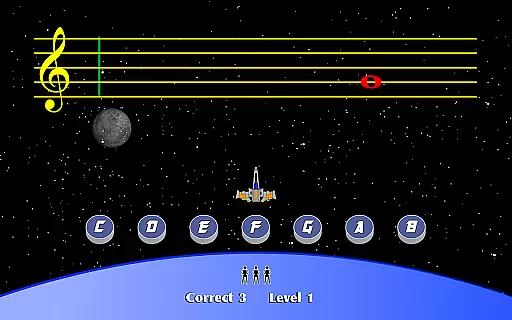
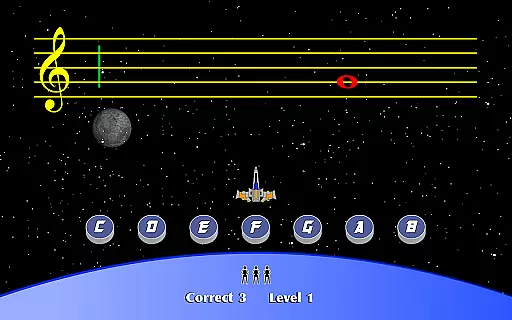
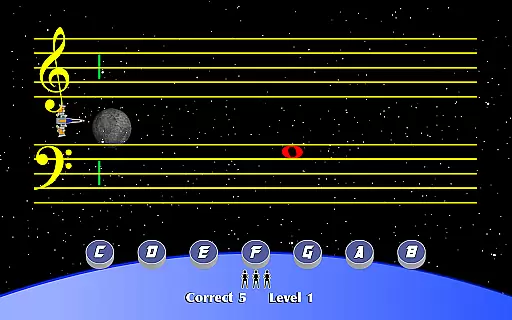
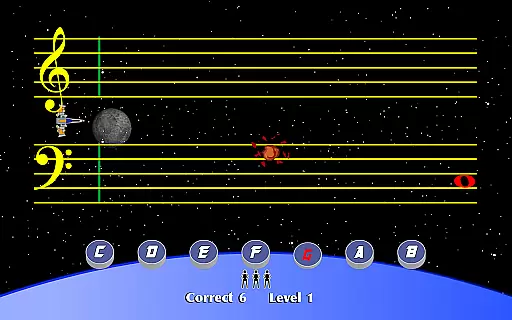
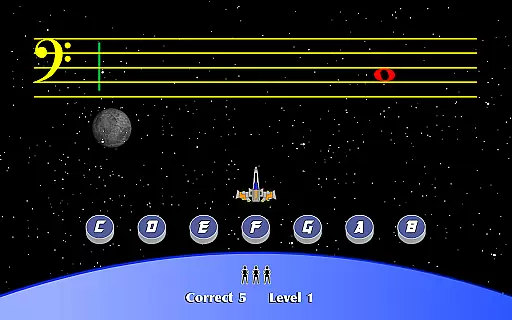
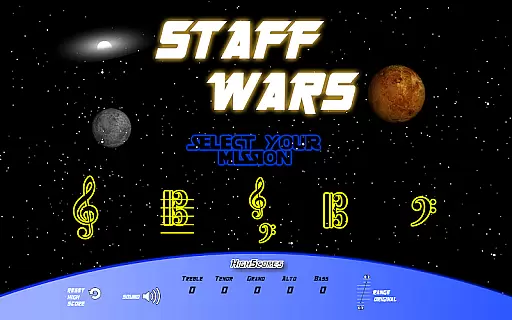
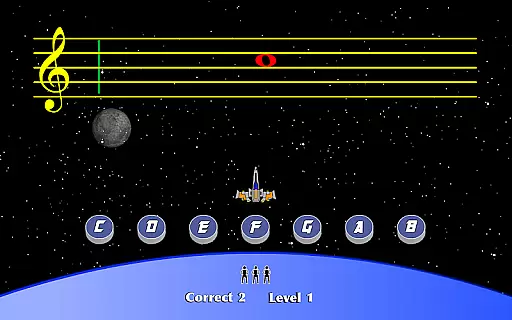
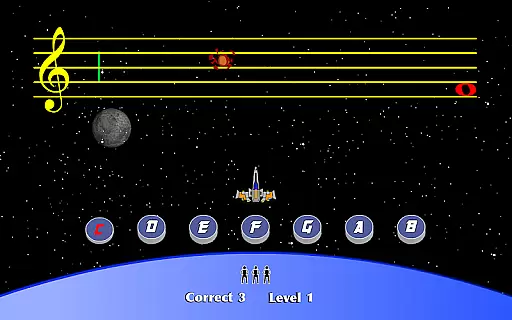
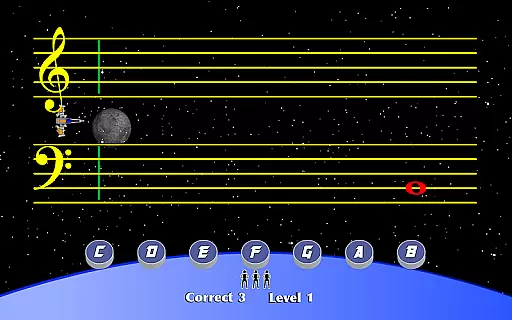
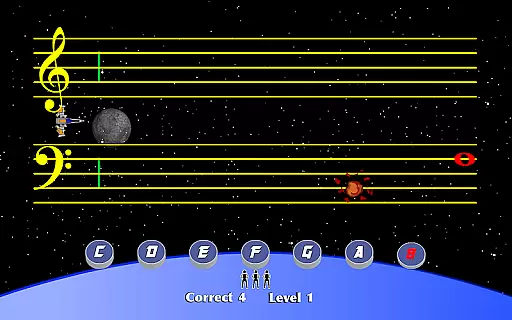
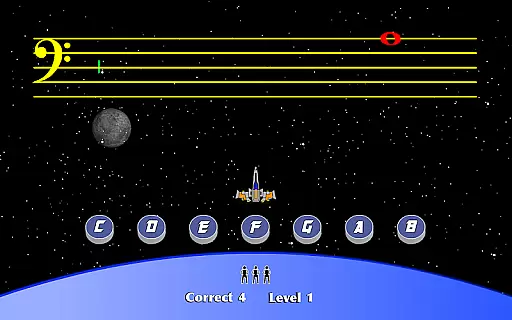
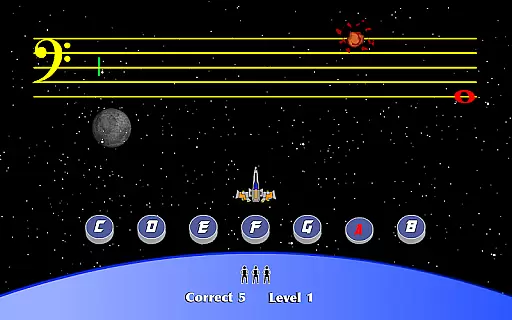
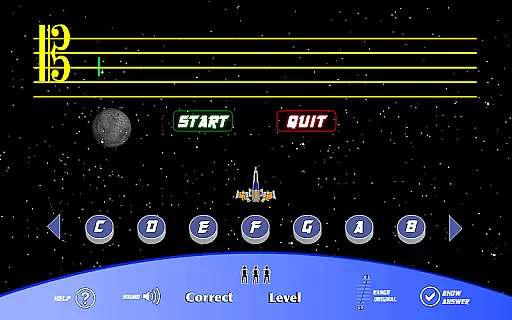
StaffWars is an innovative educational game specifically designed to help musicians at beginner and intermediate levels master the note names across various staff clefs. The app focuses on treble, alto, bass, tenor, and grand staff clefs, providing a comprehensive learning experience for those looking to enhance their musical knowledge.
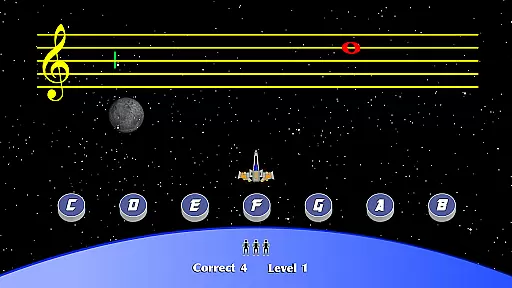
With its interactive gameplay, StaffWars offers an engaging way to practice and solidify understanding of music notation. Whether you're preparing for music exams or simply aiming to improve your sight-reading skills, this app serves as a valuable tool in your musical journey.
StaffWars stands out with its specialized focus on multiple clefs, making it versatile for different types of musicians. The app includes a variety of exercises that adapt to the user's skill level, ensuring a personalized learning path.
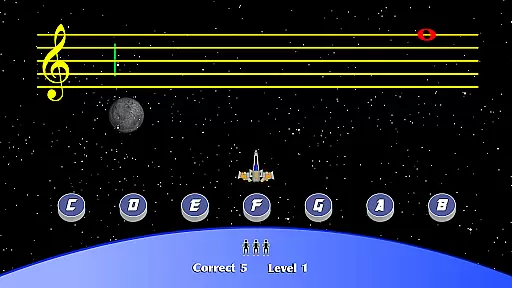
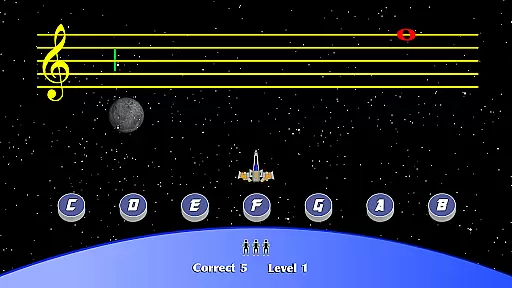
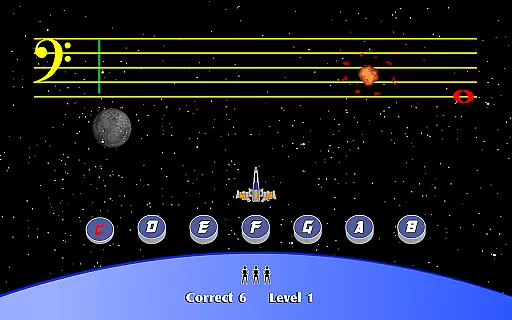
One of the key features is its intuitive interface that simulates real-world music reading scenarios. Users can track their progress through detailed statistics, helping them identify areas for improvement. Additionally, the app provides instant feedback, reinforcing learning and correcting mistakes in real-time.
StaffWars provides meticulously verified content that ensures musicians learn the correct note names across various clefs. The app's data is aligned with established music theory standards, making it a reliable learning tool.
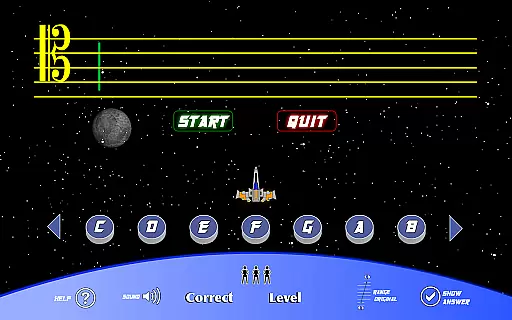
Each clef - treble, alto, bass, tenor, and grand staff - is accurately represented, allowing users to practice with confidence. This dedication to precision helps build a solid foundation for musicianship.
Expert music educators have validated the app's content, ensuring that learners receive authoritative information. This makes StaffWars suitable for both self-study and classroom use.
The accuracy of the content enables students to progress without picking up bad habits or misinformation, which is crucial for their long-term musical development.
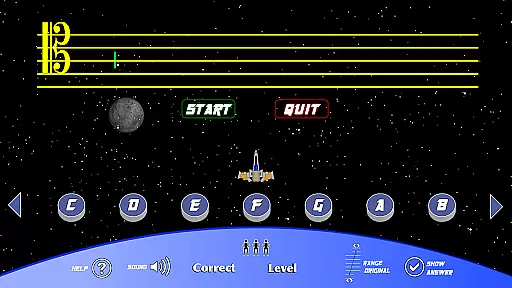
StaffWars offers customized learning experiences tailored to individual needs, whether you're a beginner or an intermediate musician. Users can select specific clefs to focus on, creating a personalized practice routine.
The app adapts to different learning speeds by allowing users to progress at their own pace through various levels of difficulty. This flexibility supports effective learning without unnecessary pressure.
With features designed to track progress and adjust challenges accordingly, StaffWars ensures that each user's journey is optimized for their skill level. This personalization enhances engagement and retention.
By providing targeted exercises and practice sessions, the app helps musicians efficiently master the clefs they find most challenging, leading to more productive practice sessions.
Interactive learning
Multiple clef support
Real-time feedback
Progress tracking
User-friendly design
Limited advanced features
No multiplayer mode
Basic visual design
In-app purchases
Occasional bugs

Turns you phone or tablet into TI graphing calculator (ROM required).
 4.20
4.20
Explore myths and gods across cultures with in-depth insights and stories.
5.00
Learn Words Daily in Just Minutes - Boost Your Language Skills Fast!
4.60
A magical world of fun, building, and learning with Mickey Mouse and more!
4.20
An interactive enhancement of the Sesame Street classic.
4.50
Learn Japanese in an immersive educational game set in Japan!
4.90
Memorize anything efficiently with AnkiDroid! Many pre-built decks available.
4.80
Learn to pass DMV permit tests. Driver license practice test 2025.
4.60
Fun, personalized math learning games that adapt to your child’s needs.
4.40
The best way to study for your amateur radio license exam.
4.90
Gain new skills in 10 minutes
4.70
Turn scrolling hours into improving your knowledge, communication, intelligence
4.50
Stack the Countries makes learning world geography fun!
4.50
SkyView®, an augmented reality space app, brings stargazing to everyone!
4.40
Nighty Night Circus - Bedtime story for kids
4.10
An animated storybook app to help ease your child through toilet training.
3.70
scanner body part for fun Prank friends realistic scan effects
3.00
Hasbro’s classic CANDY LAND game is now a gorgeous interactive storybook app.
2.30
Test prep for Indiana students
4.4




User Reviews