
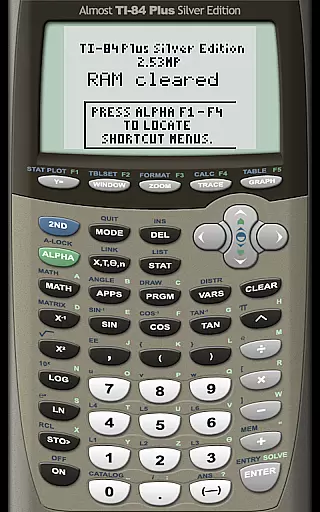
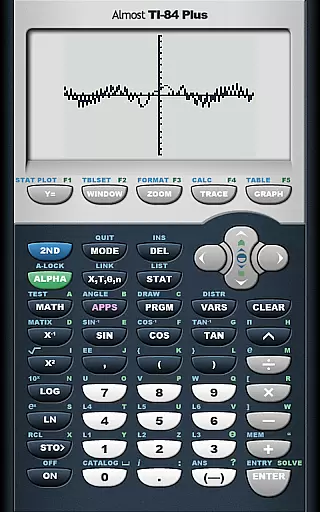
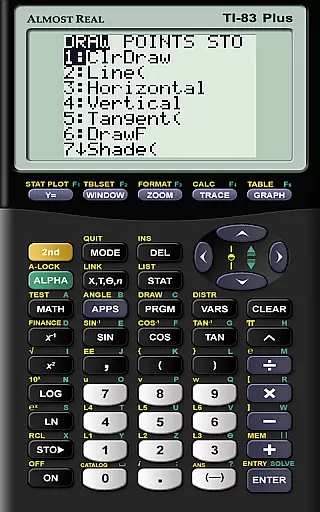
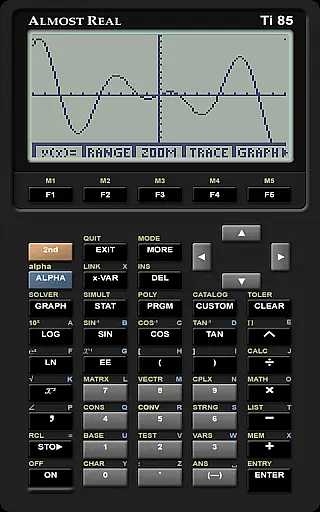
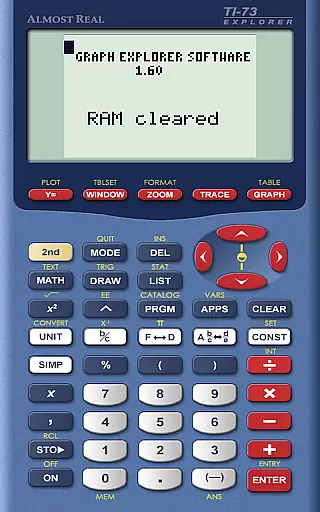
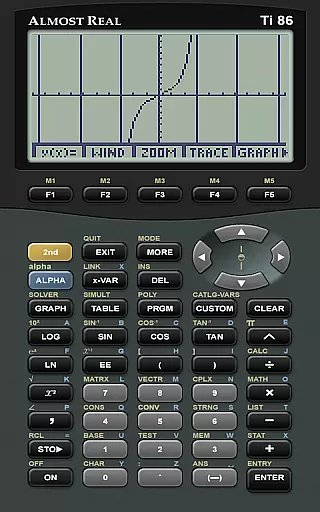
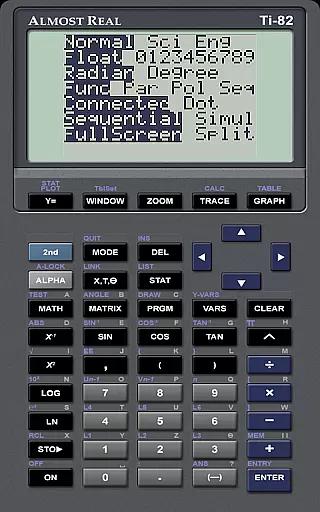
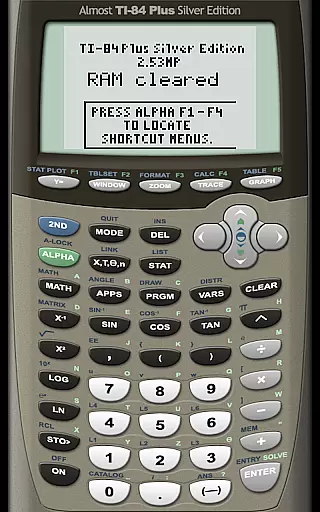
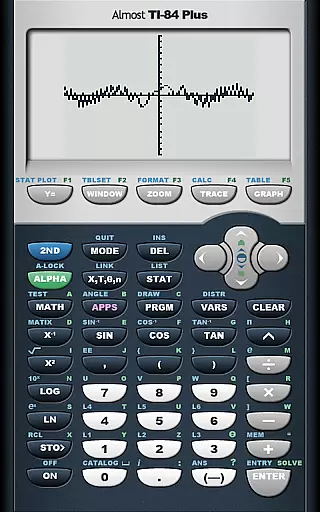
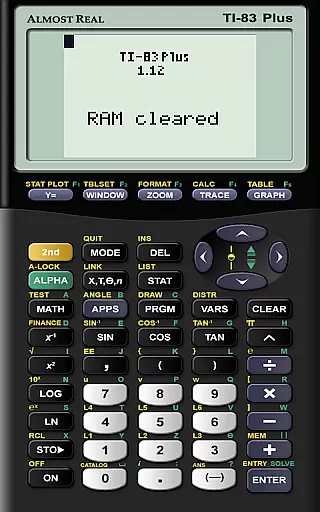
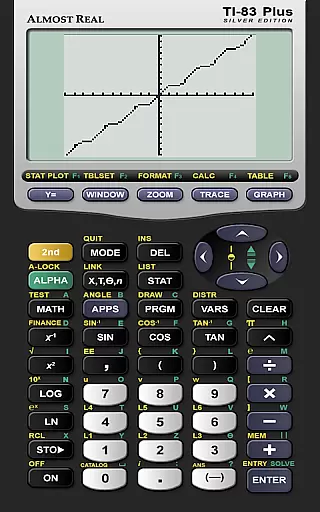
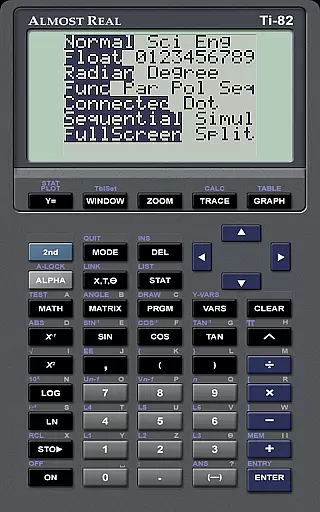
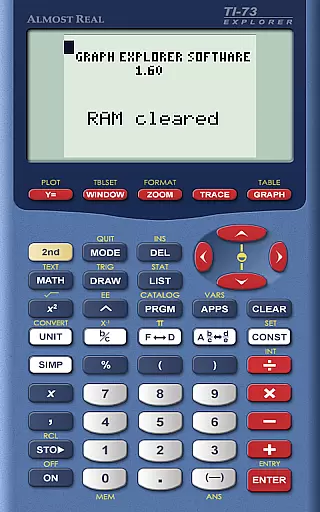
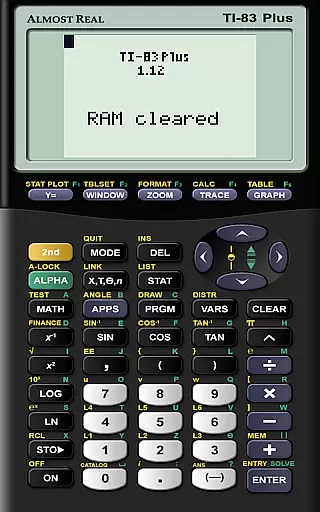
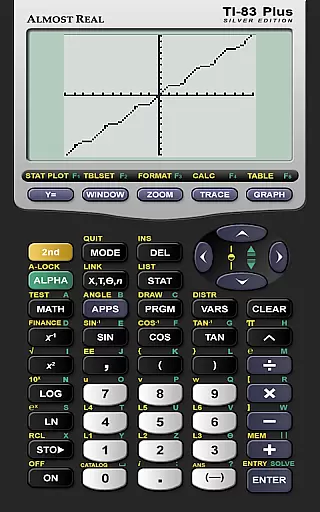
AlmostTI is an advanced educational application that transforms your Android device into a fully functional Texas Instruments graphing calculator. This app meticulously emulates a range of TI calculators including the TI-84+, TI-83+, and TI-82 among others, providing users with an authentic calculator experience on their mobile devices. Whether you are a student tackling complex mathematical problems or a professional requiring precise calculations, AlmostTI delivers reliable performance.
A standout feature of this app is its ability to save calculations at any point, allowing users to easily switch between multiple tasks. The app supports various calculator models, making it versatile for different educational levels and needs. With support for tablets, users can enjoy an enlarged interface that mimics the physical presence of a real TI calculator, enhancing usability and accessibility.
The application's value extends beyond mere emulation; it provides a seamless integration of traditional calculation methods with modern technology. Users can rely on AlmostTI for accurate computations whether in a classroom setting or during remote learning sessions, ensuring they have access to powerful computational tools anytime, anywhere.
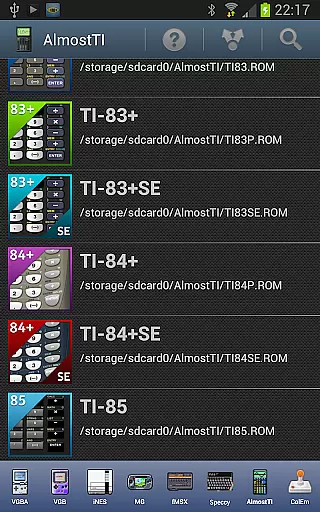
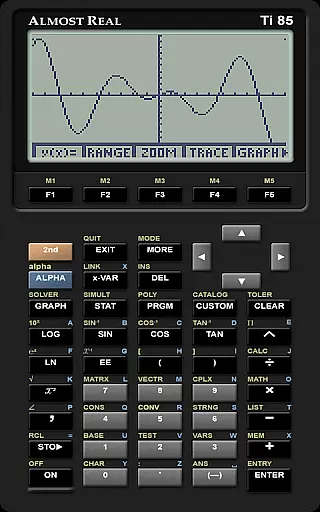
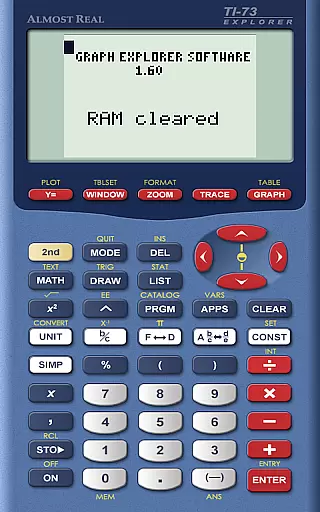
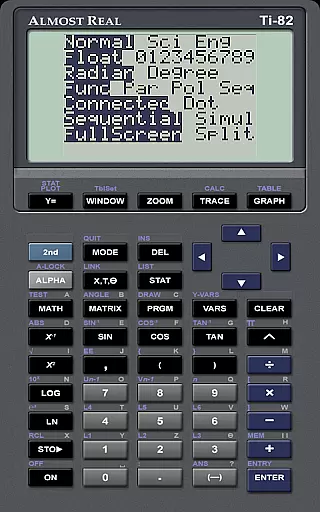
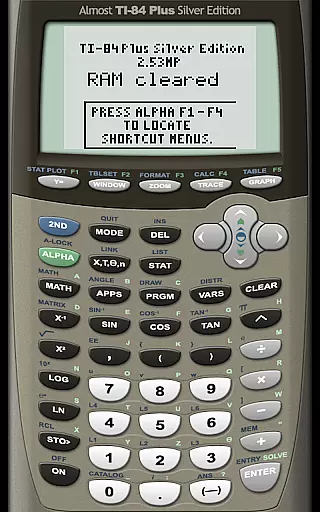
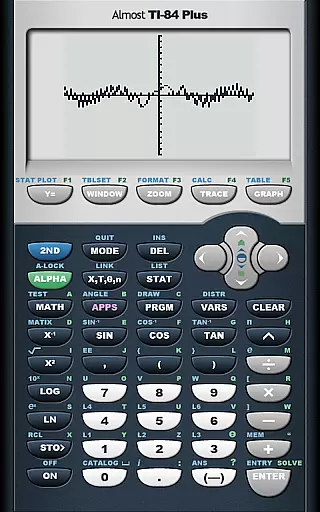
AlmostTI stands out due to its comprehensive emulation capabilities. It supports a wide array of Texas Instruments calculators such as the TI-84+, TI-83+, TI-82, and more, catering to diverse academic requirements. Each emulation is crafted to deliver precision and reliability, ensuring that users receive the same results as they would from a physical calculator.
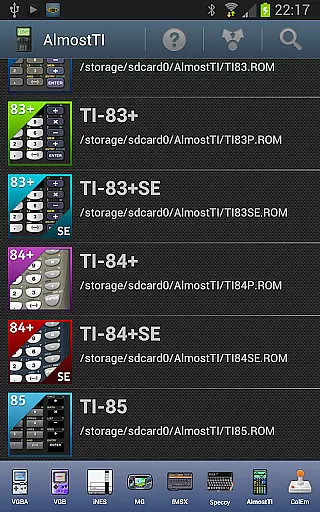
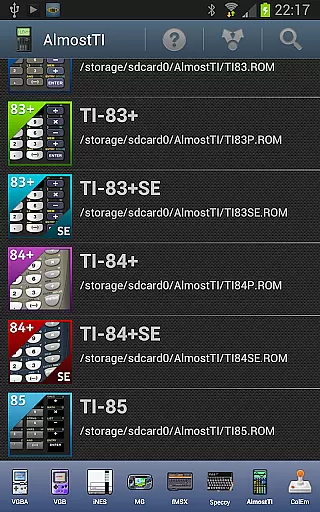
One of the key features of AlmostTI is its ability to save and retrieve calculation states. This functionality allows users to pause their work and return to it later without losing progress, which is particularly beneficial for solving lengthy mathematical problems. Additionally, the app recognizes various ROM files, giving users flexibility in loading their preferred calculator versions.
Another notable aspect is its compatibility with both smartphones and tablets. On larger screens, AlmostTI offers an expanded view that closely resembles using a real calculator, thus improving user interaction and comfort. By bridging classic calculator functionalities with contemporary mobile technology, AlmostTI ensures that learners and educators have a dependable tool for mathematical exploration and problem-solving.
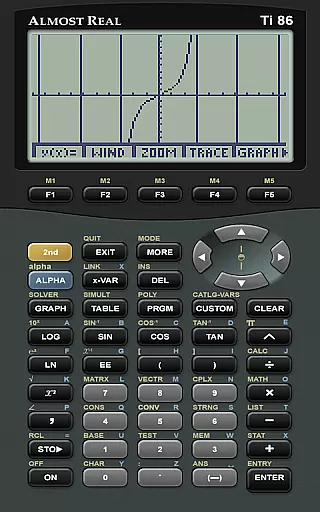
In the realm of educational tools, content accuracy is paramount. AlmostTI ensures precision by emulating a wide array of Texas Instruments graphing calculators, from the TI-84+ to the TI-81. This emulation includes not just basic calculations but also advanced functions found in these calculators.
The app does not come bundled with ROMs, respecting intellectual property rights and encouraging users to legally obtain them. By requiring authentic ROMs, it guarantees that the calculator's behavior within the app mirrors its physical counterpart exactly, thus maintaining high standards of content authority.
For educators and students alike, this means reliance on AlmostTI for accurate mathematical computations and simulations. The ability to save and retrieve calculation states further enhances learning continuity and precision in educational settings.
AlmostTI offers a unique approach to personalized learning through its emulation capabilities. Users can select from multiple Texas Instruments calculator models, each catering to different educational needs and proficiency levels. This flexibility allows learners to choose a path that aligns with their current understanding and progresses as they grow.
Moreover, the feature to save calculations at any point enables users to create customized learning checkpoints. These saved states serve as milestones in a studentu2019s learning journey, allowing them to revisit complex problems or concepts without starting over.
By integrating with various educational resources and communities, AlmostTI supports an adaptive learning environment. Students can discuss issues with peers and experts via dedicated forums, ensuring continuous improvement tailored to individual learning curves.
User-friendly interface
Wide range of calculator models
Save and resume calculations
Tablet support for bigger display
Accurate emulation of TI calculators
Requires external ROM files
No built-in ROMs provided
Limited to Texas Instruments models
May need technical knowledge for setup
Potential compatibility issues with some devices

Watch and Play Elmo's World!
 4.00
4.00
AR planetarium app that brings the solar system to you via XREAL Glasses.
4.4
scanner body part for fun Prank friends realistic scan effects
3.00
2026 DVSA Driving Theory Test revision with Hazard Perception + Highway Code
4.60
Explore the City of the Sun in Augmented Reality
3.70
The best way to study for your amateur radio license exam.
4.90
Learn Japanese in an immersive educational game set in Japan!
4.90
Adventures await with Spider-Man and other Marvel characters!
4.10
Educational Activities for 2-8
3.70
Explore myths and gods across cultures with in-depth insights and stories.
5.00
Stargazing Guide App. Stars and constellations map. Solar system planets finder.
4.60
SkyView®, an augmented reality space app, brings stargazing to everyone!
4.40
Skelly is a fully poseable, anatomically correct reference skeleton for artists.
4.10
Break Language Barriers with AI—Learn Language Anytime, Anywhere!
4.00
Listen, request and record pronunciations in more than 450 languages. Everywhere
3.90
Flashnote Derby is the fun way for kids to learn music notes and memorize them.
3.40
The official CCM Glossary app, including 700+ terms and definitions.
2.90
Your best partner for learning Japanese words. Based on a best-selling textbook.
2.80
Enrich the experience of your visit to the Pantheon with our audiotour.
1.60



User Reviews