
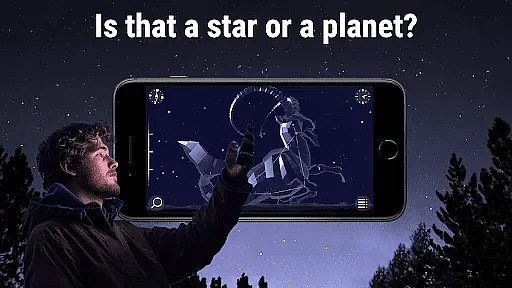
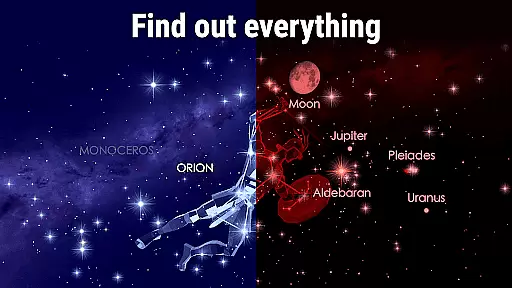
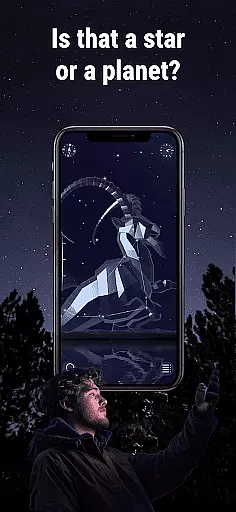
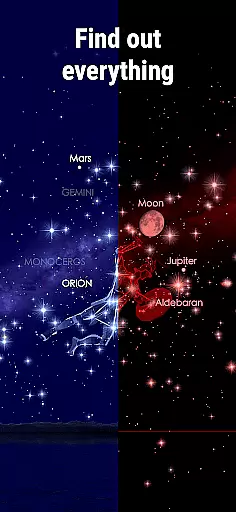
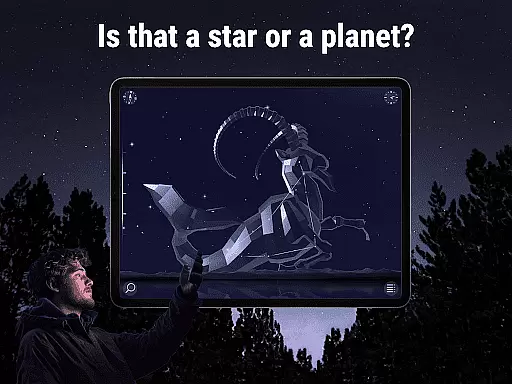
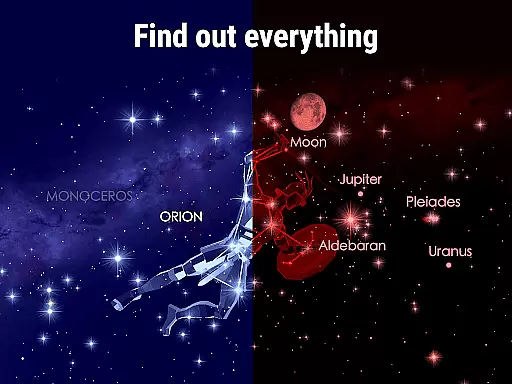
Star Walk 2 Pro is an advanced stargazing app designed for astronomy enthusiasts of all levels. This educational tool provides a real-time map of stars, planets, constellations, and other celestial objects, making it easy to identify what you see in the night sky. With features like augmented reality (AR) mode, users can point their device at the sky to view detailed information about stars, planets, and constellations overlaid on the live sky image.
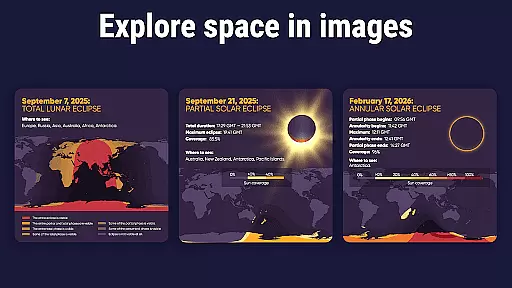
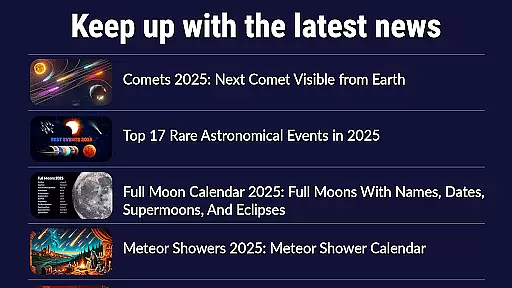
The app offers rich content including stories behind constellations, details about comets, asteroids, spacecraft, and deep-sky objects. Its time travel feature allows users to explore the sky in the past or future. Star Walk 2 Pro also includes a night mode for comfortable stargazing and keeps users updated with astronomical events through its 'What's New' section. Whether for personal learning, teaching astronomy, or enhancing tourism experiences, this app serves as an invaluable resource for exploring the universe.
Star Walk 2 Pro stands out with its comprehensive set of features tailored for both amateur stargazers and professional astronomers. The app's real-time sky map updates instantly as you move your device, providing accurate positioning of celestial bodies. Using AR technology, the app overlays constellation maps onto the real-world sky, allowing users to easily match star patterns with their corresponding names and stories.
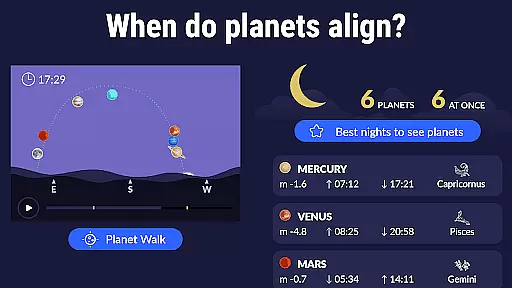
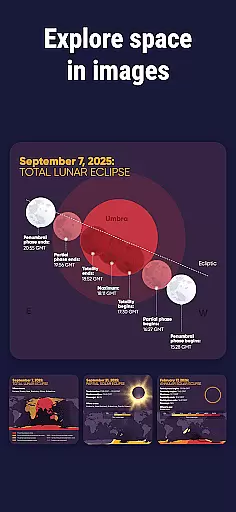
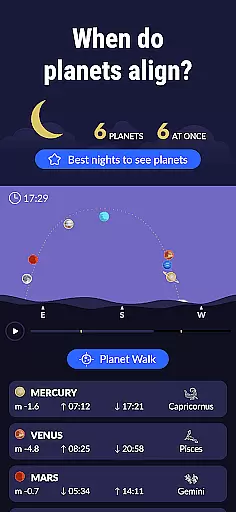
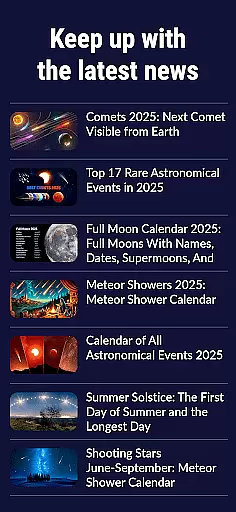
One of the key highlights is the extensive database covering stars, planets, constellations, satellites, and even meteor showers. Users can engage with interactive 3D models of constellations, read fascinating astronomy facts, and track specific celestial events. The app also supports time travel functionality, enabling users to simulate the sky view from different times. Additionally, the integrated 'What's New' section ensures that users stay informed about upcoming astronomical phenomena, making each stargazing session more meaningful and educational.
When it comes to educational applications, content accuracy is paramount. Star Walk 2 Pro provides real-time mapping of celestial objects with precision, ensuring that users are viewing the correct positions of stars, planets, and constellations at any given moment. The app employs advanced algorithms and data from reputable astronomical databases, which guarantees that the information presented is both accurate and reliable.
The authority of the content is further reinforced by the app's ability to display extensive details about celestial bodies. Users can learn about the solar system, constellations, comets, asteroids, and even spacecraft. Each object is accompanied by detailed descriptions, historical facts, and mythology, all curated by experts in the field of astronomy. This ensures that the knowledge shared through the app is authoritative and trustworthy.
Moreover, the app offers augmented reality features that overlay digital information onto the real-world sky when you point your device upwards. This feature not only enhances user engagement but also serves as a practical tool for verifying the location of celestial objects against what the app displays, adding another layer of authenticity to the learning experience.
Star Walk 2 Pro stands out in the realm of educational apps by offering personalized learning paths tailored to individual interests and pace. Whether you're a novice stargazer or an experienced astronomer, the app adapts to your level of expertise. By allowing users to select specific dates and times, they can explore the night sky's history or future, creating a customized journey through time and space.
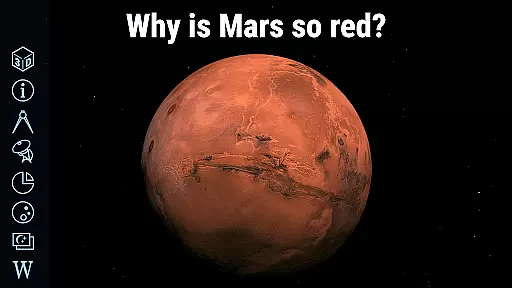
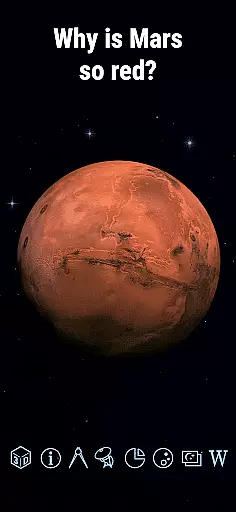
The app includes interactive 3D models of constellations, enabling users to manipulate them and gain a deeper understanding of their scale and position within the night sky. These models, combined with stories and facts, cater to different learning styles, making complex astronomical concepts more accessible and engaging. Users can progress at their own speed, delving into the rich lore associated with each constellation or focusing on scientific data.
Additionally, Star Walk 2 Pro supports self-directed learning by providing tools such as a special pointer to locate any celestial body on the map. This feature encourages exploration and discovery, allowing users to set their own objectives and pursue personal areas of interest within the vast field of astronomy. With these capabilities, the app fosters an environment where learning is both personalized and self-motivated.
User-friendly interface
Accurate real-time sky mapping
Augmented reality integration
Extensive celestial database
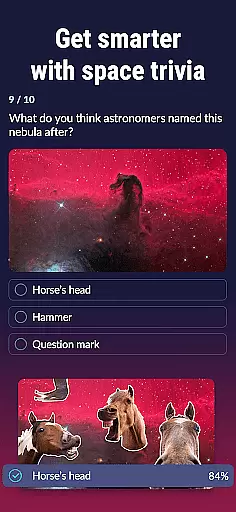
Educational content included
Premium version costly
In-app purchases required
Compass needed for full functionality
Heavy on battery usage
Occasional inaccuracies reported

An aviator’s preparation, study and test tool for FAA Knowledge Exams.
 3.90
3.90
Turns you phone or tablet into TI graphing calculator (ROM required).
4.20
Gain new skills in 10 minutes
4.70
2026 DVSA Driving Theory Test revision with Hazard Perception + Highway Code
4.60
A must-have app for mastering Japanese verb/adjective conjugations.
3.60
Monkey Preschool Lunchbox: 7 exciting educational games for your preschooler.
4.30
Your best partner for learning Japanese words. Based on a best-selling textbook.
2.80
Discover Your Place in the Universe
4.70
Learn to make peaceful contact with extraterrestrial civilizations
4.10
Explore myths and gods across cultures with in-depth insights and stories.
5.00
One of the most engaging and innovative ABC apps on the market.
4.30
Nighty Night Circus - Bedtime story for kids
4.10
An aviator’s preparation, study and test tool for FAA Knowledge Exams.
4.10
Master note reading with StaffWars….
4.00
An aviator’s preparation, study and test tool for FAA Knowledge Exams.
4.00
THE MOST COMPREHENSIVE JUMPMASTER STUDY RESOURCE AVAILABLE.
3.40
scanner body part for fun Prank friends realistic scan effects
3.00
Study the questions most likely to be asked during the Oral & Practical Exams.
2.80
Hasbro’s classic CANDY LAND game is now a gorgeous interactive storybook app.
2.30







User Reviews