
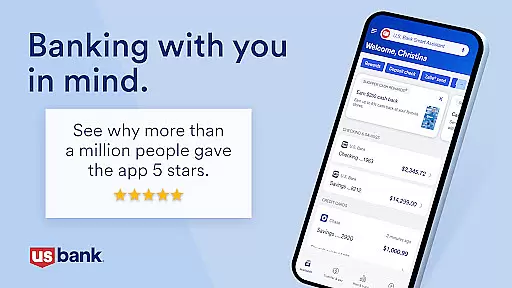
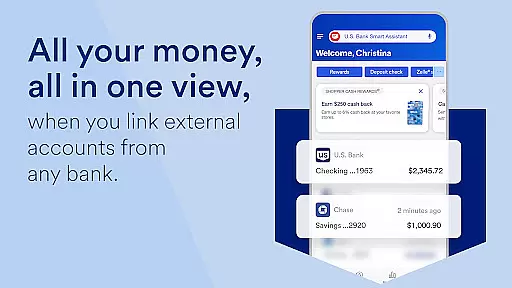
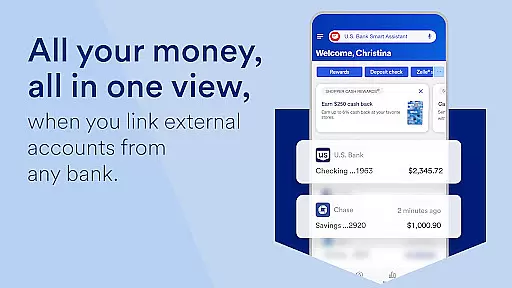
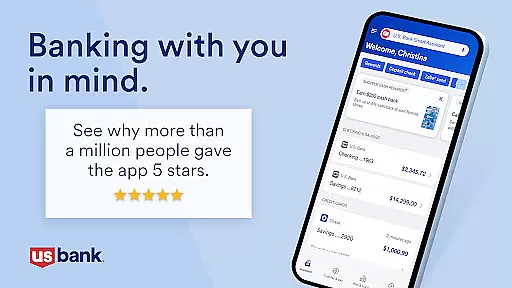
U.S. Bank Mobile Banking is a comprehensive financial management tool that provides users with secure access to their banking services on the go. The app allows customers to log in using their usbank.com credentials and offers features like account monitoring, including alerts for duplicate charges and suspicious activity. With functionalities ranging from viewing balances across multiple accounts to managing credit cards and accessing credit scores, it ensures both convenience and security.
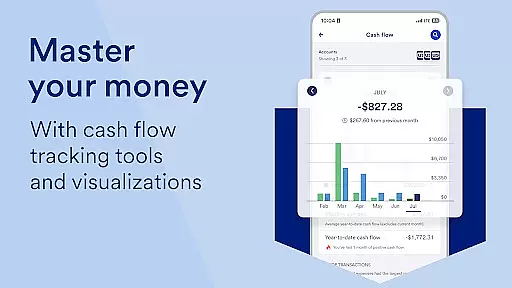
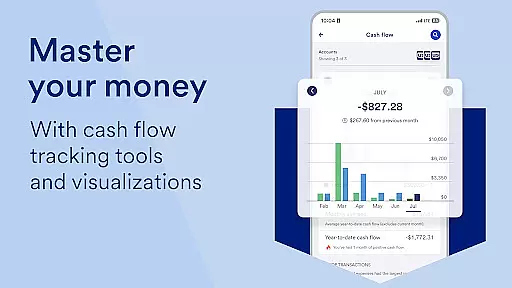
Beyond basic account management, the app offers personalized insights into spending habits and enables users to optimize their finances through tailored recommendations. The U.S. Bank Smart Assistant enhances user interaction by allowing voice commands for various transactions. Additionally, users can send and request money via Zelle, deposit checks, pay bills, and even explore new financial products. These capabilities make the app particularly useful for individuals seeking an all-in-one solution for managing their banking needs efficiently while on the move.
One of the standout features of U.S. Bank Mobile Banking is its robust security framework. Users can enroll directly through the app and set up alerts for unusual account activities, ensuring they are always informed about their financial status. The app consolidates all essential banking functions such as checking balances, viewing loans, setting travel notifications, locking or unlocking cards, and adding cards to mobile wallets. This consolidation simplifies the user experience significantly.
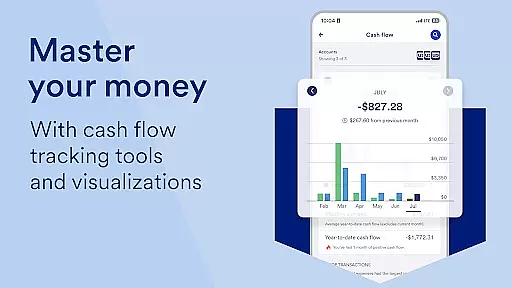
In addition to these core functionalities, the app leverages Personalized Insights to help users understand their spending patterns better. By categorizing expenses and offering saving tips based on historical data, it empowers users to make smarter financial decisions. The integration of the U.S. Bank Smart Assistant further streamlines operations by enabling voice-activated commands for routine tasks like transferring funds between accounts. Moreover, the inclusion of investment services through U.S. Bancorp Investments adds another layer of versatility, making this app suitable for those who require extensive financial oversight.
Account and fund security is a cornerstone of U.S. Bank Mobile Banking, ensuring that your financial information remains protected at all times. The app employs advanced encryption protocols and multi-factor authentication to safeguard user credentials, making certain that only authorized individuals can access accounts.
The application provides users with real-time alerts for suspicious activities such as duplicate charges or low balances, allowing immediate action to mitigate potential fraud. This proactive approach not only enhances security but also gives users peace of mind knowing their funds are monitored continuously.
Additionally, features like the ability to lock and unlock cards directly from the app add another layer of control over account safety. Users can manage travel notifications and set preferences in case a card is lost or stolen, further protecting against unauthorized transactions. These comprehensive security measures ensure that users have robust tools at their disposal to maintain the integrity of their financial data.
The transaction experience within U.S. Bank Mobile Banking is designed to be seamless and efficient, catering to the needs of modern banking customers who require quick access to their finances. With functionalities such as Zelle integration, users can easily send and request money from friends and family, streamlining personal payments without the need for cash or checks.
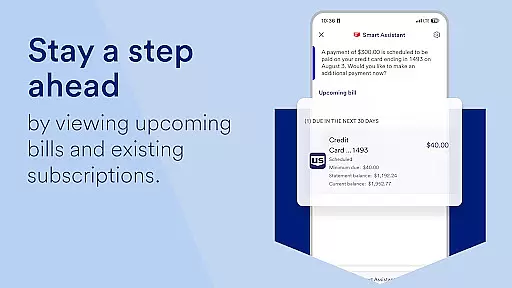
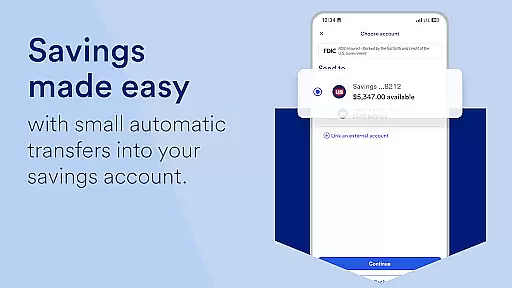
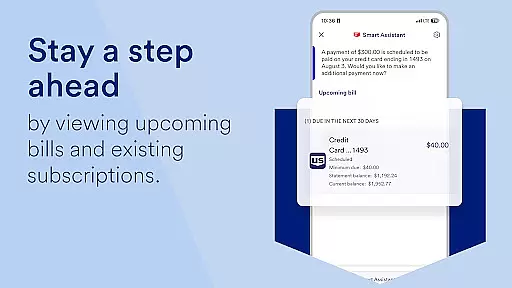
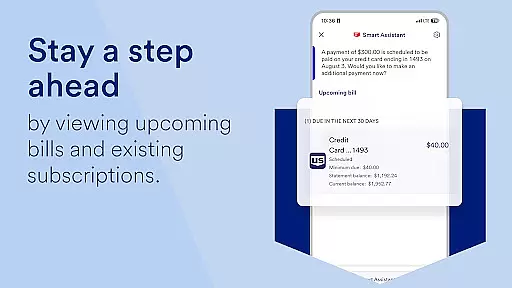
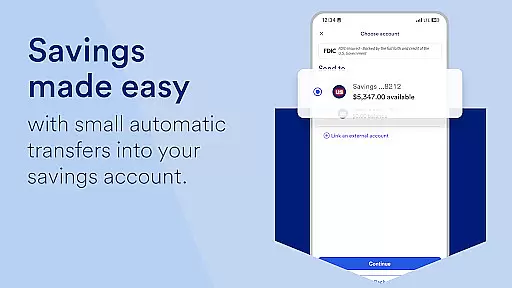
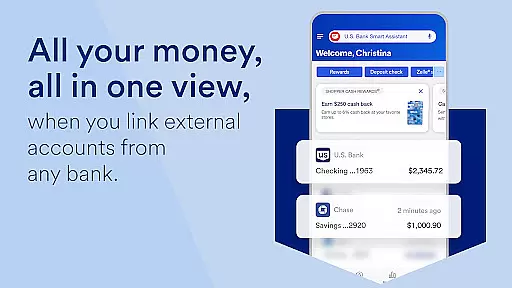
For those managing multiple accounts, the app offers an intuitive interface where users can view balances, transfer funds between U.S. Bank accounts, and even deposit checks through mobile capture with increased limits for convenience. This ease of use extends to bill management, allowing users to pay and manage bills all in one spot, simplifying what can often be a cumbersome process.
Moreover, the U.S. Bank Smart Assistant enhances this experience by enabling voice commands for common tasks like checking routing numbers or transferring money between accounts. Such innovations not only save time but also make banking more accessible, particularly for those who may prefer verbal interaction over traditional navigation methods.
User-friendly interface
Comprehensive account management
Advanced security features
Personalized financial insights
Voice command functionality
Limited international support
Requires online enrollment
Occasional bugs reported
Some features need eligibility
Dependent on internet connectivity

 4.50
4.50
The all-in-one app to save, earn, travel, and put more money in your pocket
4.50
Manage your Discover account conveniently from anywhere.
4.80
Debt pay off. Build credit history. AI budget tool. Loan offers.
4.60
Early payday cash advance up to $150 a day with a max of $1,000 per pay period
4.70
Get 250$ Cash Advance to solve emergencies instantly in loan app called LendMe
4.70
BTC, Crypto, Stocks & Options.
4.20
Registration of your debts and Mdionatk and assembled, as well as a significant reports
4.30
Make Real Cash by Playing Games! Fetch Playful Rewards, Win & Triumph
4.50
The Citi Mobile® App lets you manage your accounts virtually anytime, anywhere
4.80
Keep track of your subscriptions with no limitations
4.80
Payday cash advance & Instant cash advance: Borrow money instantly, Get cash now
4.60
Manage your account, make a payment, and redeem your rewards on the go.
4.50
The simplest way to budget, bank, save and invest.
4.50
Car Insurance Made For You.
4.50
Get, Earn, and Save Money
4.30
Change the way you money with Credit Genie
4.30
NFC mobile payment app Use your phone as a contactless bank card
4.00
Secure Amex Account Access: View Balance, Make Payments, Redeem Rewards & more
3.60







User Reviews