
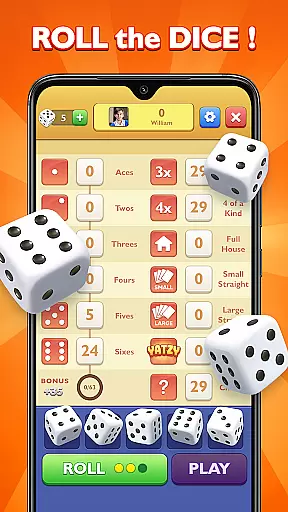
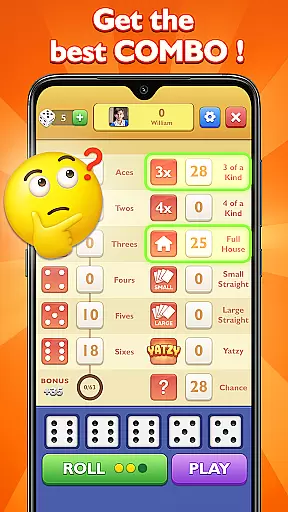
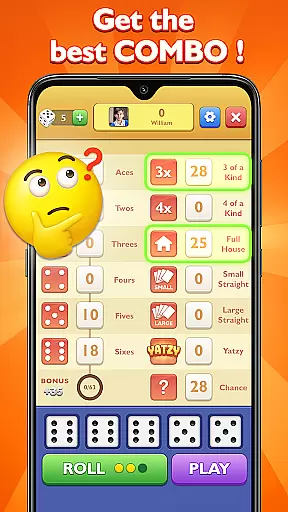
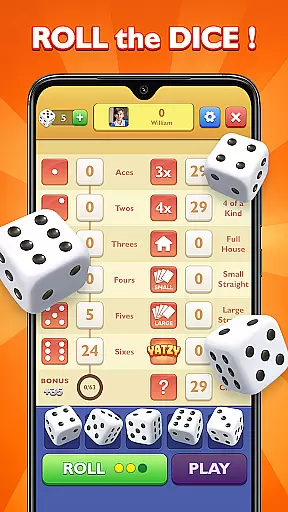
Yatzy - Classic Dice Game brings the timeless board game experience to your mobile device with authentic gameplay and strategic depth. This digital adaptation lets you roll five dice across 13 rounds, testing your strategy skills while aiming for the coveted Yatzy.
The app offers multiple play modes including solo, two-player, and multiplayer options, making it perfect for family gatherings or friendly matches. With intuitive touch controls, soothing sound effects, and optimized performance for both phones and tablets, this classic dice game delivers hours of entertainment anytime, anywhere.
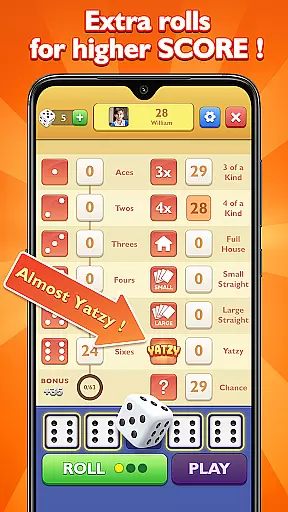
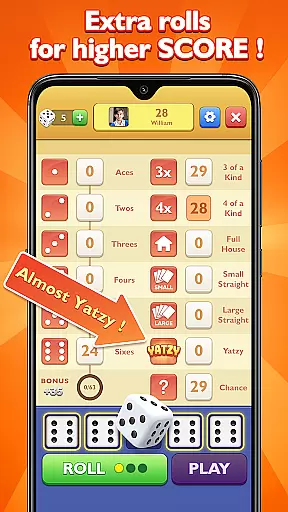
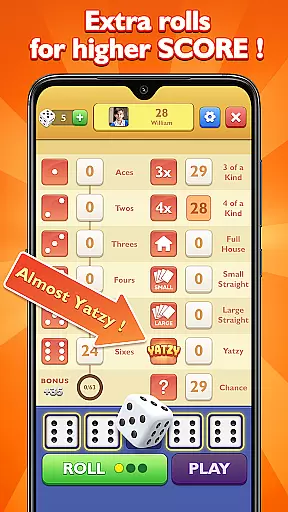
Yatzy stands out with its versatile features designed to enhance gameplay. Unlock special dice and utilize unique abilities such as Bonus Rolls and Restart Turns to gain an edge over opponents. The built-in scoreboard helps you track progress and refine strategies in real time.
Whether playing solo or challenging friends worldwide, the app provides various modes tailored to different preferences. From perfecting combinations in single-player mode to engaging in competitive multiplayer matches, Yatzy ensures a dynamic gaming experience that evolves with your skill level.
Rule authenticity and flexibility are crucial elements in any board game, ensuring that the gameplay remains true to its original design while offering players room for strategic adjustments. In Yatzy - Classic Dice Game, the developers have meticulously preserved the traditional rules of the dice game while incorporating modern twists to enhance user engagement.
The game consists of 13 rounds, each allowing players to roll five dice up to three times per round. This structure adheres closely to the classic format, providing a familiar experience for enthusiasts. However, Yatzy introduces features like Bonus Rolls and Restart Turns, which add layers of strategy and adaptability not found in conventional versions.
Players benefit from this blend of authenticity and innovation by enjoying a genuine Yatzy experience that also caters to contemporary gaming preferences. The ability to unlock special dice and utilize unique features ensures that every match can be approached with fresh tactics, keeping the gameplay dynamic and engaging.
The quality of AI opponents significantly impacts the enjoyment and challenge level in digital board games. In Yatzy - Classic Dice Game, the AI has been designed to provide a competitive yet fair playing field, enhancing both single-player and multiplayer experiences.
AI opponents in Yatzy are programmed with advanced algorithms that mimic human decision-making processes. They analyze dice combinations, predict potential outcomes, and make strategic choices accordingly. This creates a realistic and challenging environment where players must employ their own strategies to outwit the AI.
For users, having high-quality AI opponents means more thrilling matches and opportunities to refine their skills. Whether playing solo or against friends, the AI's balanced difficulty ensures that victories feel earned and defeats motivate improvement. Additionally, the versatility extends to various play modes including solo, two-player, and multiplayer options, making it suitable for different social settings.
User-friendly interface
Versatile play modes
Strategic depth
Optimized for all devices
Free to play
Limited visual customization
Occasional ads
No offline multiplayer
Basic AI opponents
Regional restrictions

Play a comic book come to life in this exciting adaptation of the hit card game!
 3.70
3.70
Legendary board game classic from award-winning designer Vlaada Chvátil
4.70
Domino Frenzy - Tile board game.
4.70
The official digital adaptation of Jamey Stegmaier’s board game - Charterstone!
3.40
The popular roll & write game by Paolo Mori
3.90
Compete to create the most perfect ecosystem in the award-winning board game!
4.90
Coloring Book is the #1 paint by number game with tons of free zen coloring.
4.60
Flip & Write game from the Roll Player universe. Expert Game of the Year nominee
4.00
Play this classic board game of dice with friends. Can you roll a lucky Yatzy?
4.80
Easy and relaxing zen coloring game. Tap to color. Enjoy the coloring time.
4.90
A Digital Board Game of Woodland Warfare
4.90
Sharpen your mind and relax with Classic Spider Solitaire! Offline card games!
4.80
Defuse a bomb with your friends!
4.80
Mahjong Slide: Zen, a Relaxing and Fun Matching Game!
4.70
The deck-building board game adventure !
4.70
Relive your favourite childhood game, now on mobile and tablet.
4.60
The iconic train game arrives on mobile! Play against AI or online multiplayer.
4.50
Lead your mages to victory in this deck building game with a twist!
4.30
Roll the dice, pass go and win! Play Hasbro's official MONOPOLY mobile game.
4.20









User Reviews