
Dead Cells is a roguevania action platformer that challenges players with intense 2D combat in an ever-changing castle. As a failed alchemic experiment, you must fight through merciless minions and bosses using a wide array of weapons and skills. The game uniquely combines the progressive exploration of a sprawling interconnected world with the adrenaline-pumping threat of permadeath, ensuring each playthrough is distinct.
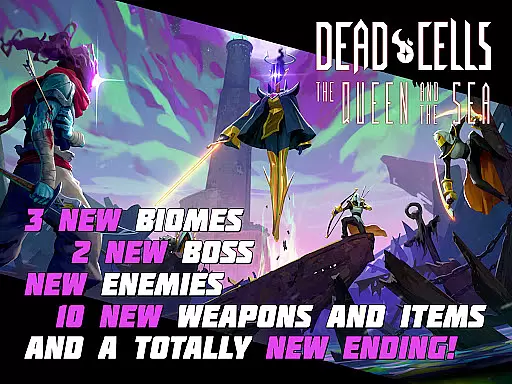
The mobile version offers the same thrilling experience as its PC and console counterparts, featuring multiple DLCs that expand the gameplay with new storylines, biomes, monsters, weapons, and bosses. With nonlinear progression, players can unlock new levels with every death and choose paths that suit their current build or mood. Whether exploring every corner or rushing to the end, Dead Cells offers a dynamic gaming experience tailored to individual playstyles.
This mobile adaptation carefully redesigns the original game with revamped interfaces and controls optimized for touch devices. It includes two game modes - Original and Auto-Hit - along with customizable touch controls and external MFi controller support. With no ads or F2P mechanics, Dead Cells delivers a premium mobile gaming experience that retains the depth and challenge of the original release while catering specifically to mobile gamers.
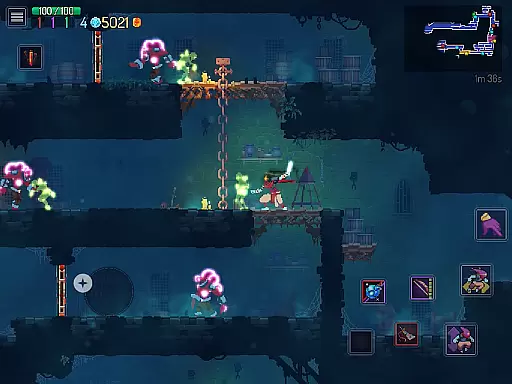
Dead Cells stands out with its roguevania gameplay, combining the best elements of roguelike and metroidvania genres. The game features progressive exploration of an interconnected world, where each death unlocks new levels and paths, allowing for nonlinear progression. This design encourages replayability while maintaining the tension of permadeath, ensuring players remain engaged and challenged throughout their journey.
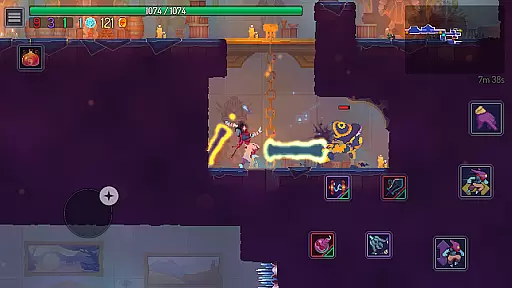
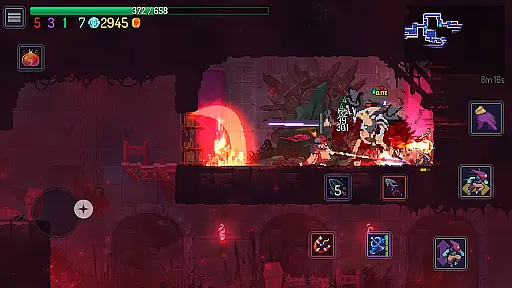
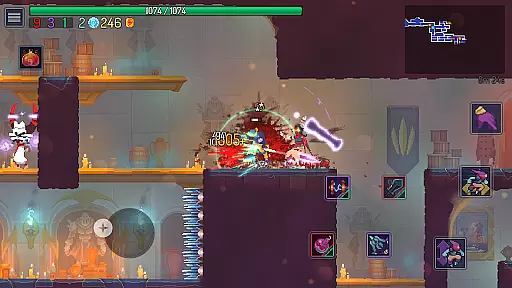
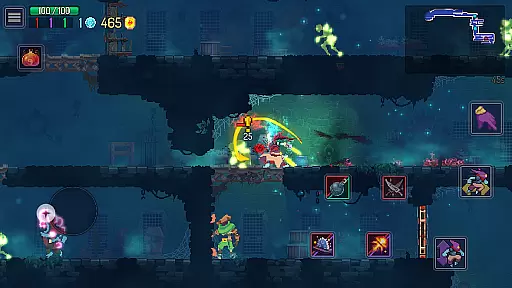
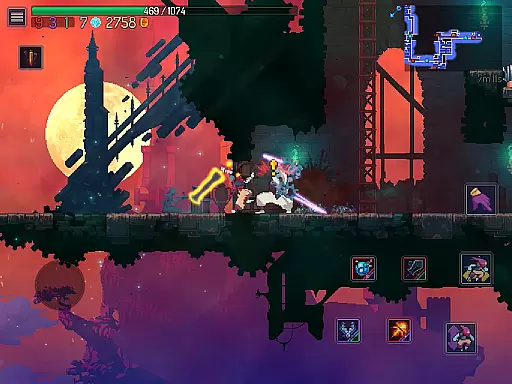
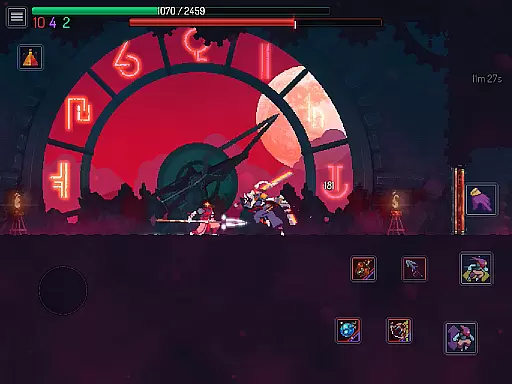
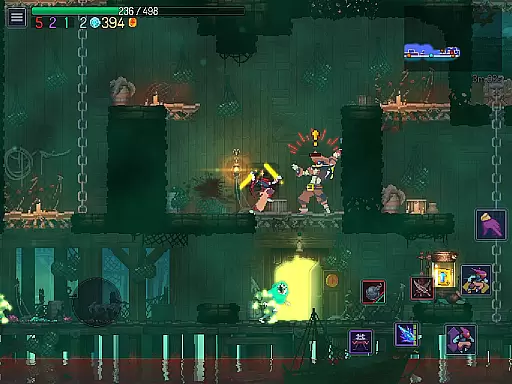
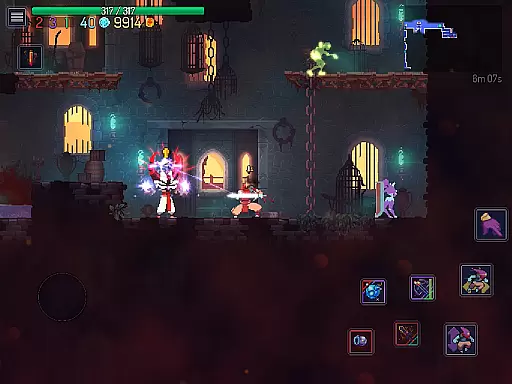
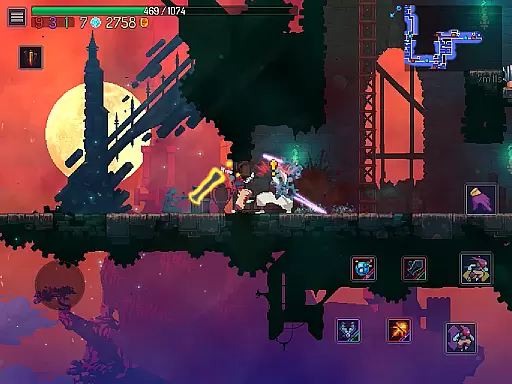
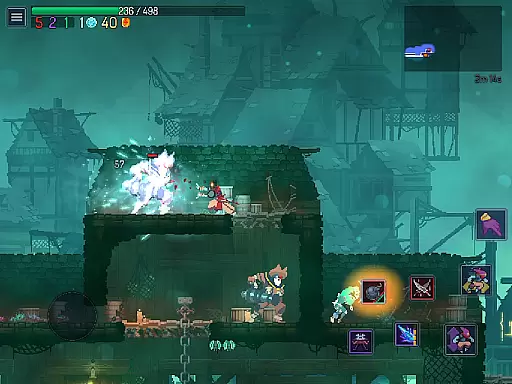
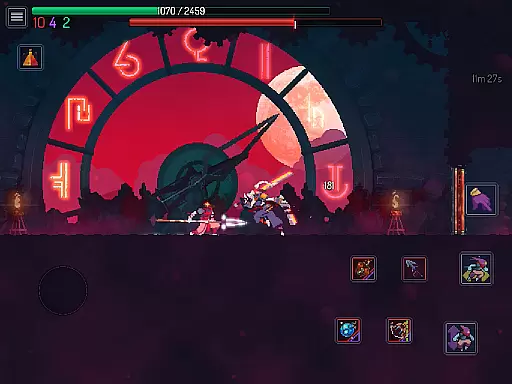
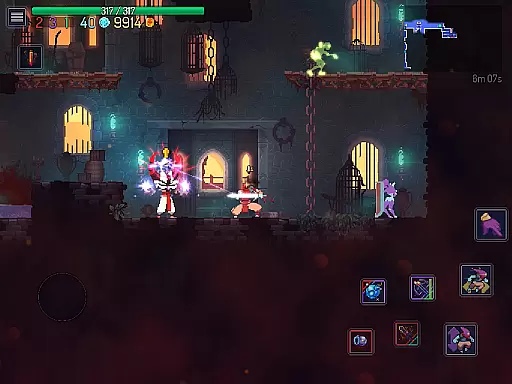
The combat system is both frantic and dynamic, requiring players to master various weapons and skills against increasingly difficult enemies and bosses. With each run, players can discover new weapons, from the Vampire Killer to the Scythe Claw, and face off against unique bosses like Death and Dracula himself. The mobile version maintains this depth while introducing redesigned controls and interface elements optimized for touch devices.
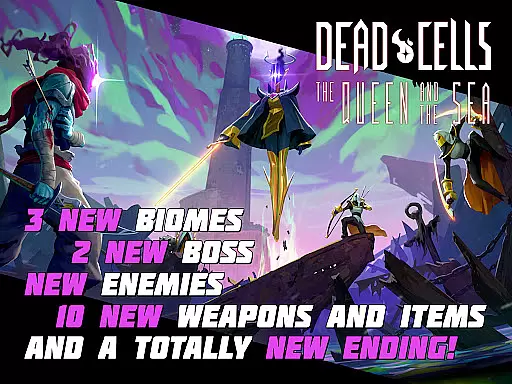
Notably, Dead Cells on mobile includes all major DLCs, expanding the core experience with additional content such as the Return to Castlevania DLC, which brings new storylines, biomes, and iconic weapons. Players can enjoy alternative soundtracks featuring reimagined Castlevania tracks while battling through Dracula's Castle. These features, combined with customizable controls and different play modes, make Dead Cells a standout title in the action platformer genre, offering unparalleled depth and replay value on mobile devices.
In Dead Cells, control responsiveness is paramount for surviving its intense combat scenarios. The game ensures that every movement and attack registers instantly, providing players with a seamless experience as they navigate through the ever-changing castle. This immediacy in response is crucial when facing merciless minions and bosses, where split-second decisions can mean the difference between success and failure.
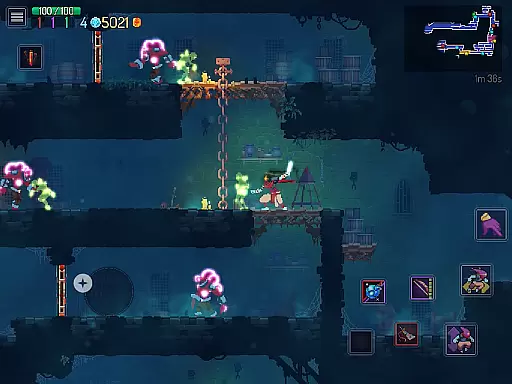
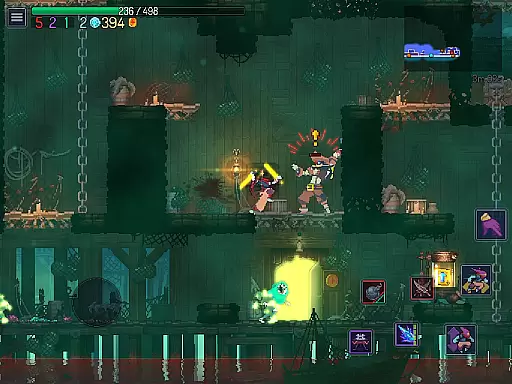
The developers have optimized the mobile version to guarantee that controls remain fluid and responsive, even on devices with varying specifications. Players can customize the touch controls, adjusting button sizes and positions to suit their playstyle. This level of customization ensures that latency is minimized, allowing for precise actions during gameplay.
Moreover, support for MFi external controllers adds another layer of accessibility, catering to players who prefer physical inputs over touchscreen commands. By offering both Original and Auto-Hit game modes, Dead Cells accommodates different skill levels and preferences, ensuring that all players can enjoy an optimal balance of challenge and fairness without being hindered by input lag.
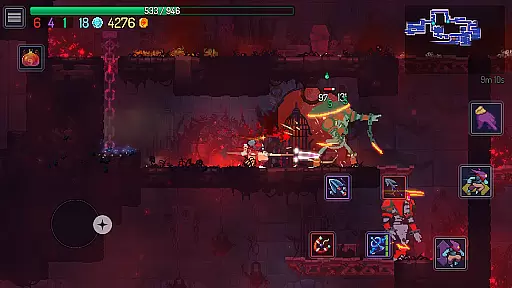
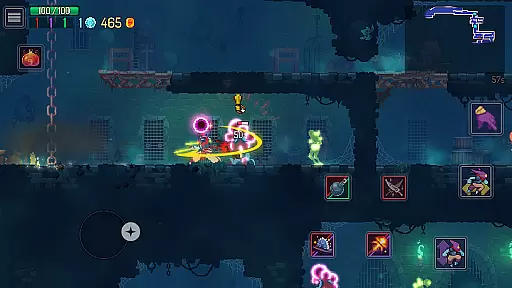
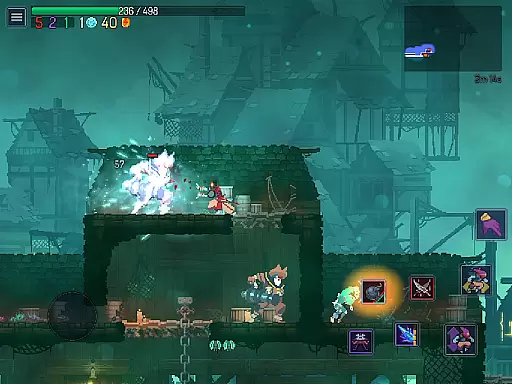
Dead Cells delivers tight combat feedback, which is essential for players to gauge their performance and improve their strategies. Every strike, dodge, and special ability provides immediate visual and auditory cues, reinforcing the player's sense of agency within the game world. These responses are finely tuned to ensure that each action feels impactful and satisfying, enhancing the overall adrenaline-pumping experience.
The sound design plays a critical role in this feedback loop; weapons clang with weight, and environmental interactions resonate with realism. As players master the art of combat, these audio signals become increasingly important for recognizing enemy patterns and reacting accordingly. Such attention to detail in sound effects contributes significantly to the immersive quality of the roguevania genre.
Visually, animations are crisp and convey the force behind each blow, while hit effects burst with color and intensity, signaling successful attacks or defensive maneuvers. This visual language helps players quickly interpret the outcomes of their actions, allowing them to adjust tactics on the fly. With such well-crafted combat feedback, Dead Cells empowers players to learn from their encounters and refine their skills, making each victory more rewarding.
Engaging roguevania gameplay
Stunning pixel art graphics
Innovative control scheme
Rich content variety
Regular updates
Steep learning curve
High difficulty level
Complex mechanics
Occasional bugs
Heavy storage use

Carjack the open world like it's 1989!
 4.50
4.50
Thrilling mix of two game genres - Fighting & RPG. Prepare to fight with shadow!
4.70
Survive the post apocalypse in intense zombie shooting and gun games on doomsday
4.60
NEOGEO's masterpiece game is now available in the app!
3.90
Controller supported shooting game. Go into a labyrinth & Reveal a mystery story
4.70
Agent Shooter FPS action shooter with sniper & cover missions.
4.70
Swing into action as a spider legend in an epic fighting adventure
4.60
Childhood nightmares should remain in the past.
4.60
Defend the last base and protect humans against alien monsters !
4.40
Memorize Scripture and climb through a vibrant hand-drawn Bible adventure!
5.00
The ULTIMATE collection of Doom engine source ports in one app!
4.80
EIGHT open-source Quake 1-3 engines brought to your Android device!
4.70
A roguelike hack'n'slash game
4.70
Keep an eye on the animatronics and you'll make it thru the night... probably.
4.70
A classic console-feeling action game
4.40
Rockstar Games brings its biggest release to mobile yet.
4.40
Command your army, crush the enemy, and reclaim the nation!
4.30
Run, jump, and escape in the ultimate endless jungle adventure game!
4.10
ANSWER THE SNIPER CALL
4.10







User Reviews