
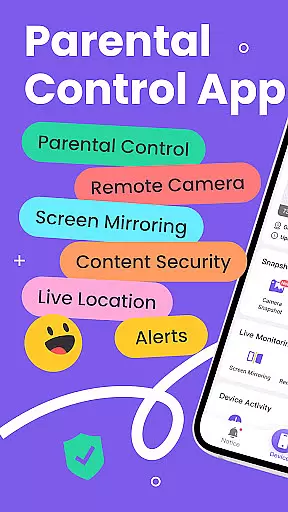
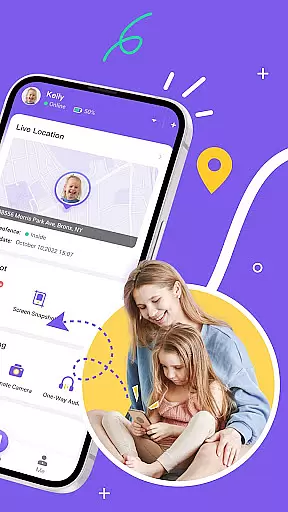
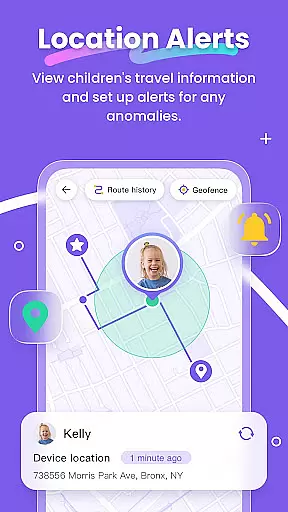
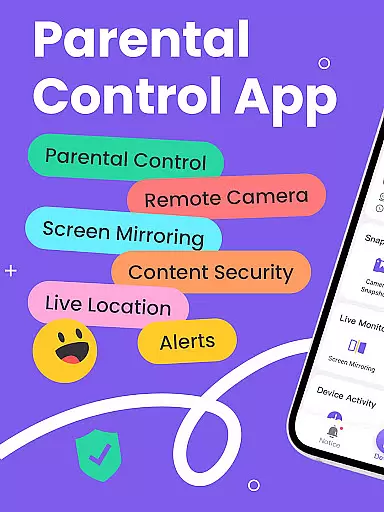
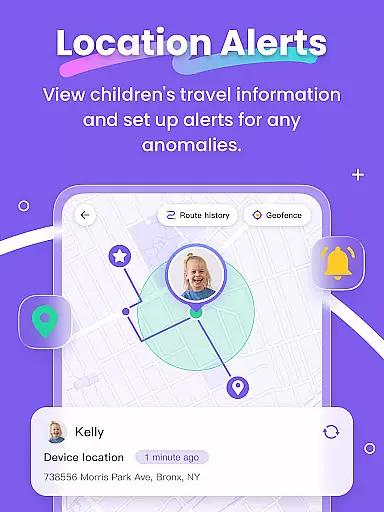
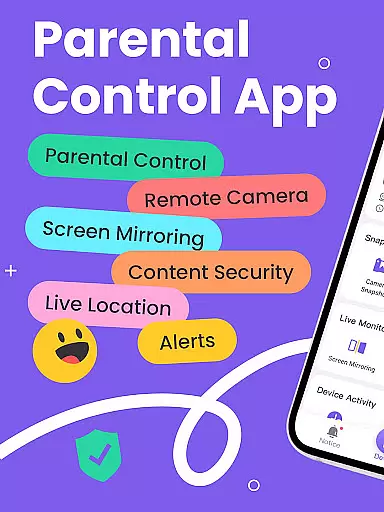
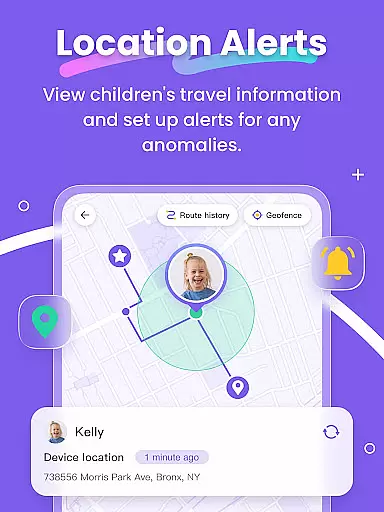
FlashGet Kids is a comprehensive parental control application designed to help parents ensure their children's safety in the digital world. The app offers real-time location tracking, allowing parents to monitor their child's whereabouts with high-precision GPS. It also provides tools for managing screen time and setting app usage rules, ensuring that children develop healthy device habits.
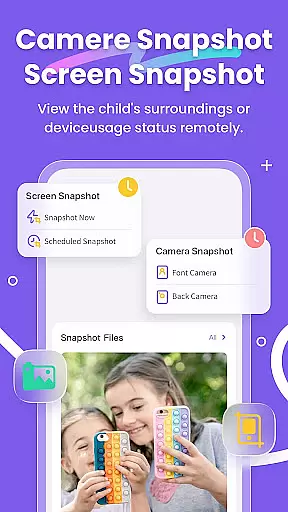
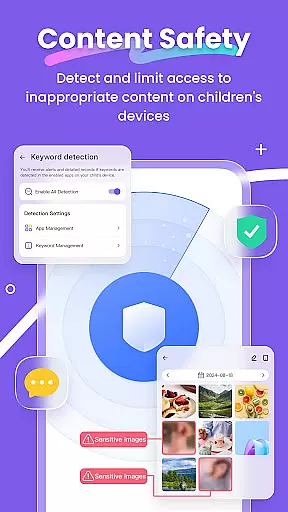
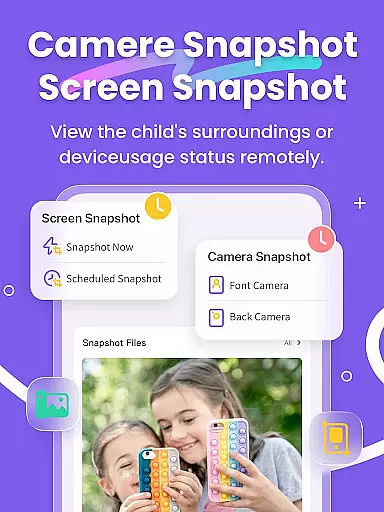
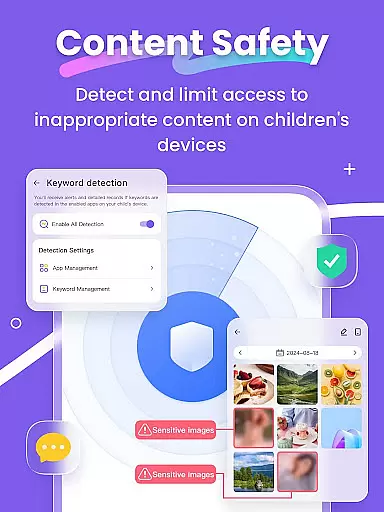
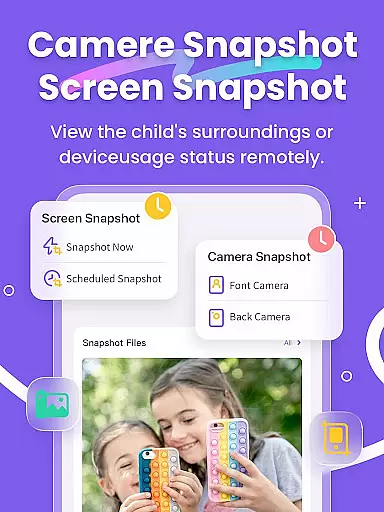
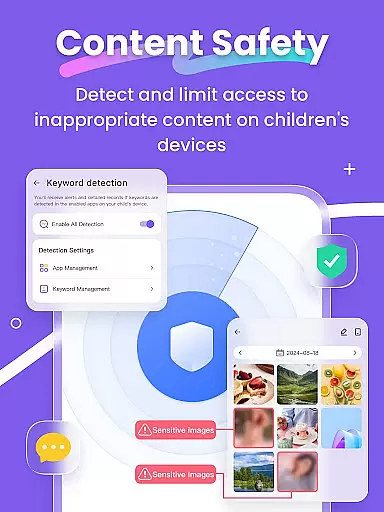
In addition to location tracking, FlashGet Kids enables parents to mirror their child's device screen, take snapshots, and schedule recordings to oversee their digital activities. With features like Remote Camera and One-Way Audio, parents can stay connected and informed about their child's environment. The app also includes sensitive content detection and social media monitoring to protect children from inappropriate material and online threats.
This powerful suite of features makes FlashGet Kids an essential tool for modern parenting, fostering a safe and balanced approach to technology use while strengthening family bonds through enhanced communication and trust.
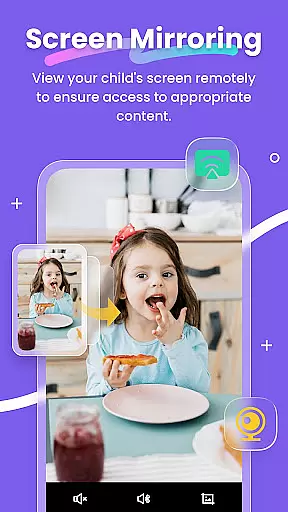
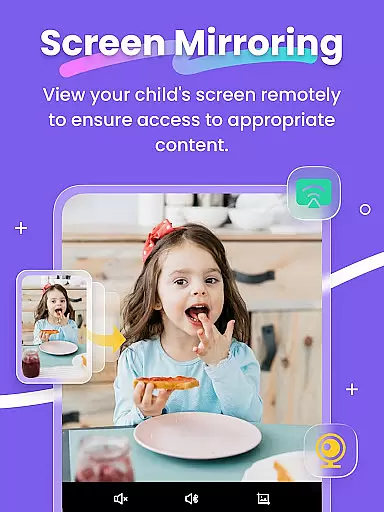
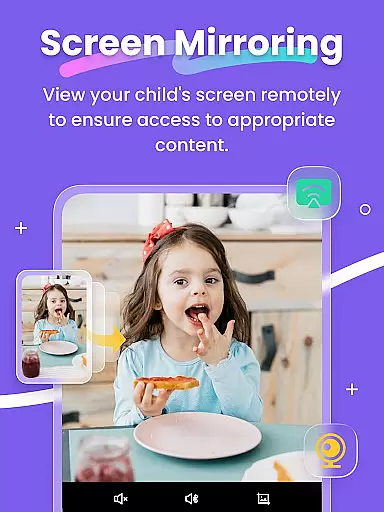
FlashGet Kids stands out with its robust set of features tailored for parental peace of mind. The Live Monitoring feature allows parents to project their child's device screen onto their own, providing transparency into app usage and frequency. This ensures that potentially harmful apps are identified and managed promptly.
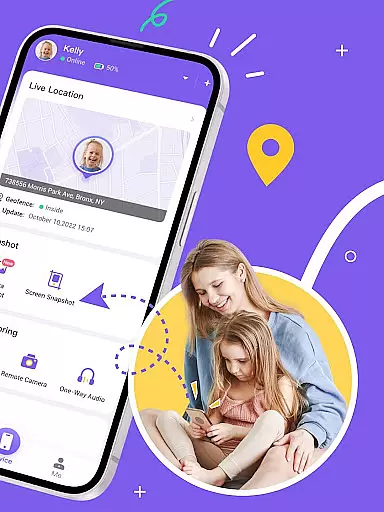
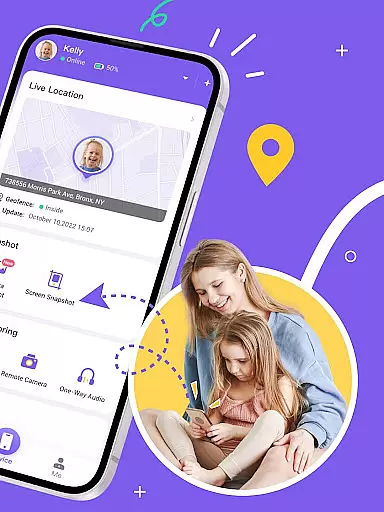
The app's Screen Snapshot and Recording capabilities give parents insight into their child's browsing habits, helping them guide appropriate content consumption. Customizable geofencing and alerts through the Live Location tracker act as a virtual bodyguard, notifying parents of significant location changes. Sync App Notifications keep parents updated on social media interactions, protecting against cyberbullying.
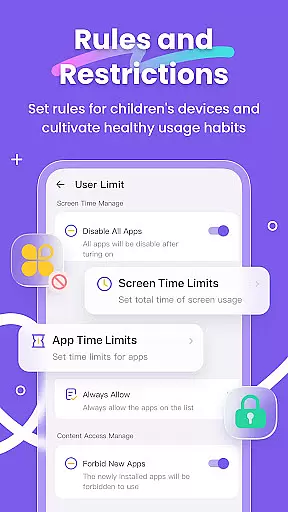
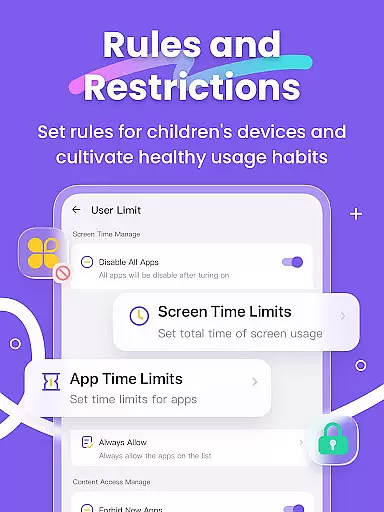
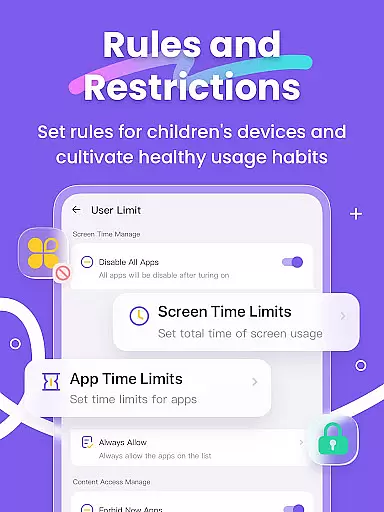
With Usage Safety and Browser Safety features, FlashGet Kids empowers parents to filter sensitive content across popular platforms and websites. Screen Time Limits and App Rules further reinforce responsible device use by setting clear boundaries and restrictions, promoting a healthy balance between digital engagement and real-world activities.
Parenting content credibility is crucial for ensuring that the information and guidance provided to parents are reliable and trustworthy. FlashGet Kids excels in this area by offering features that are designed and endorsed by child safety experts. The app provides tools such as Live Monitoring, App Block, and Sensitive Content Detection, which are developed based on professional recommendations to ensure children's safety.
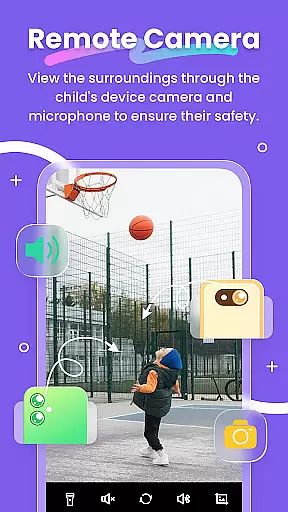
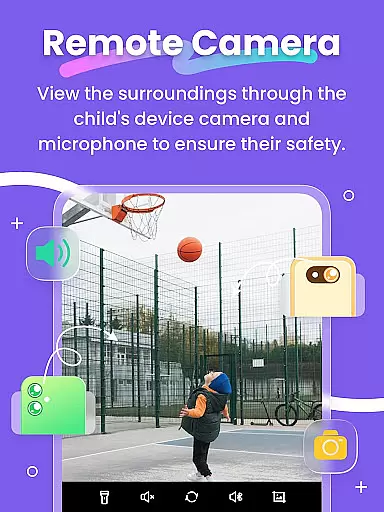
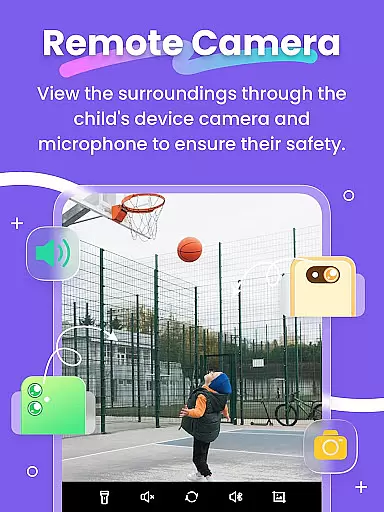
The credibility of FlashGet Kids is further reinforced by its comprehensive approach to child protection. For instance, the Remote Camera and One-Way Audio features allow parents to understand real-time events around their children, providing peace of mind. These features are not just technologically advanced but also align with expert advice on maintaining open communication channels with children.
Moreover, FlashGet Kids supports expert-validated strategies for fostering healthy digital habits among children. Features like Screen Time Limits and App Rules enable parents to set boundaries on device usage and app access, promoting a balanced lifestyle. By adhering to these expert guidelines, FlashGet Kids ensures that its parenting content is not only credible but also effective in helping parents guide their children's growth responsibly.
Growth tracking accuracy is essential for monitoring a child's development and ensuring they are meeting key milestones. FlashGet Kids offers precise tracking through its Live Location feature, which uses high-precision GPS to provide real-time location updates and historical route data. This allows parents to accurately track their child's movements and ensure their safety at all times.
In addition to physical location tracking, FlashGet Kids provides detailed insights into digital behavior through features like Screen Mirroring and Scheduled Recordings. These tools enable parents to observe their child's app usage patterns and detect any inappropriate content, thus guiding them towards age-appropriate material. Such accurate monitoring helps in understanding a child's interests and potential areas of concern.
Furthermore, FlashGet Kids enhances growth tracking accuracy with its Sync App Notifications and Social App monitoring capabilities. By keeping parents informed about their child's online activities, including social media interactions, the app helps prevent exposure to cyberbullying and online scams. This holistic approach ensures that parents have a clear and accurate picture of their child's overall development, both offline and online.
Real-time location tracking
Comprehensive app monitoring
Sensitive content filtering
Customizable usage rules
Enhanced family communication
Premium features require subscription
Initial setup can be complex
Limited free version functionality
Device compatibility may vary
Some features may drain battery

Block apps, set screen time limits, and customize usage schedules
 4.50
4.50
Find unique + popular baby names for your little peanut.
4.30
Discover fun videos, kids songs, bedtime stories and games
3.60
Protect kids online safety through GPS tracking,screen time control,app blocking
4.20
The 10 development leaps of your baby | newborn milestones & leap days tracker
4.10
Introduce real food to baby with First Foods® Database, baby led weaning BLW
4.80
GeoLog - Real-Time Location Tracker
4.40
Pregnancy+ App has helped 80m moms track their pregnancy with info & support!
4.80
Advanced baby tracking, expert sleep help & parenting support for every stage.
4.80
3D Baby size, Fruit comparisons, Smart Checklist, Trending Names & Training.
4.90
FamilyAlbum helps you share, save, and remember your child's special moments.
4.80
Track your pregnancy, kick & contraction counter, baby & mom's heartrate monitor
4.60
App/Game blocker & GPS tracker
4.50
Join over 1MM parents & professionals who've used OFW to navigate co-parenting
4.40
Speech Therapy Exercises For All!
4.40
Pregnancy and baby formula tips for moms, plus Enfamil coupons & cash back
4.10
Educational resource for parents to inspire creativity in their children.
4.00
Little loved one's monitoring, Sleep tracking and Parenting content.
3.80
SemLog aims to raise awareness among families and their children
3.40




User Reviews