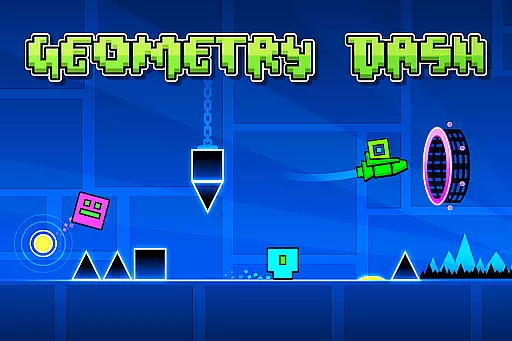
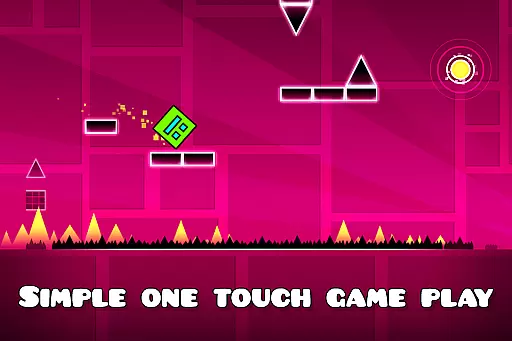
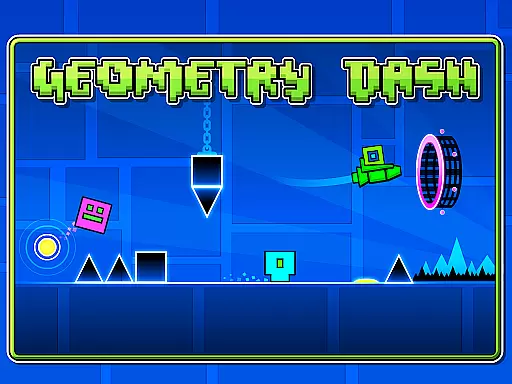
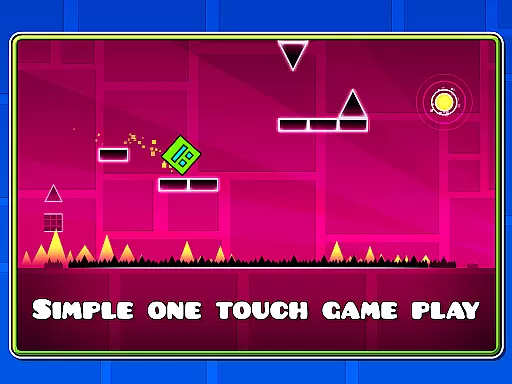
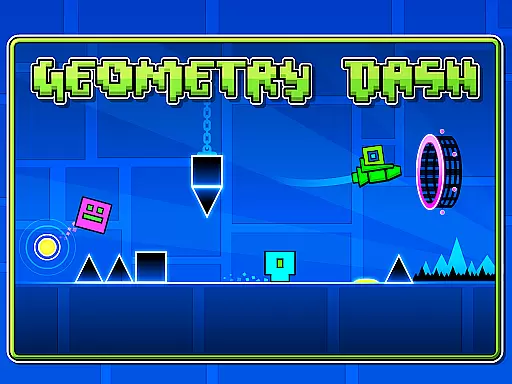
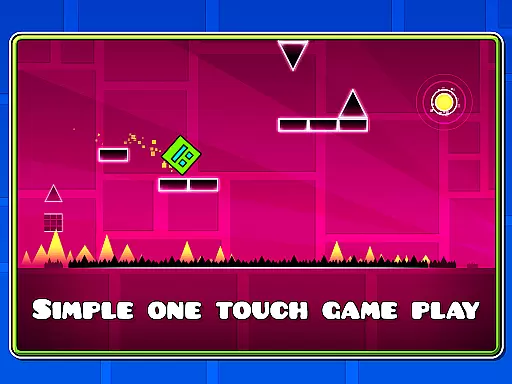
Geometry Dash Lite is a rhythm-based action platformer that challenges players to jump, fly, and flip through dangerous passages filled with spiky obstacles. The game offers an engaging one-touch gameplay experience designed to test your reflexes and skill while providing hours of entertainment.
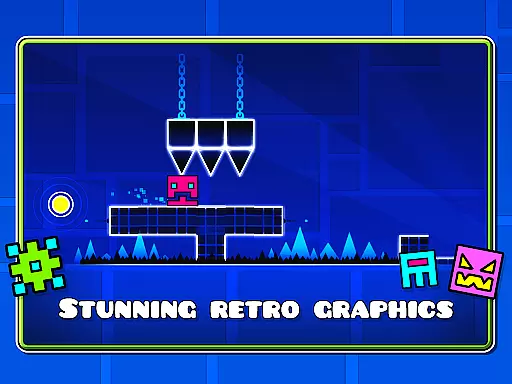
Players can unlock new icons and colors to customize their characters, as well as access features like practice mode to refine their abilities. With its simple yet addictive mechanics, Geometry Dash Lite is perfect for those seeking a thrilling challenge on the go.
Geometry Dash Lite stands out with its unique rhythm-based action platforming gameplay. Players must time their movements perfectly to the beat of the music, navigating through intricate levels filled with traps and obstacles.
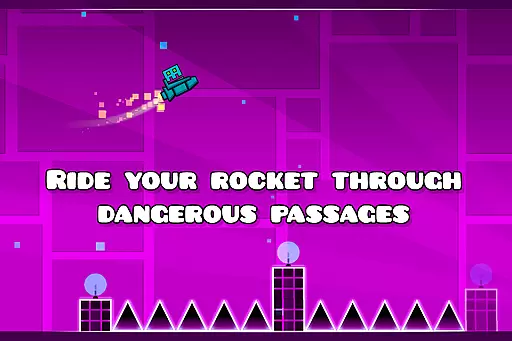
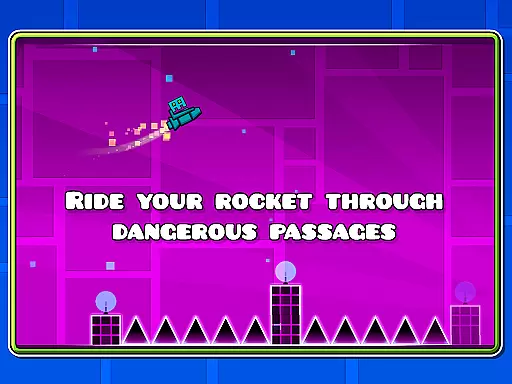
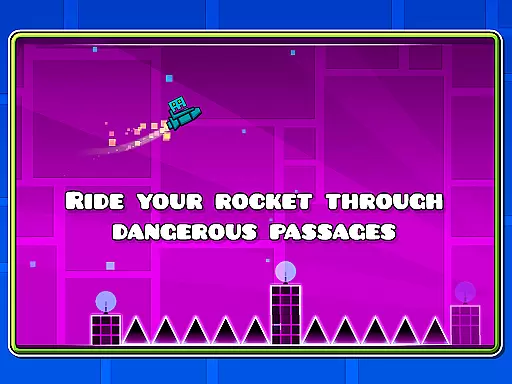
The game includes customization options, allowing players to unlock new icons and colors for their characters. Additionally, special features such as flying rockets and flipping gravity add depth to the gameplay. A practice mode is also available, enabling users to hone their skills before attempting more difficult challenges.
While this lite version provides a satisfying experience, players looking for even more content can explore the full version of Geometry Dash, which offers additional levels, soundtracks, achievements, and an online level editor for endless creativity.
Arcade authenticity represents how well a game captures the essence of traditional arcade experiences while providing modern enhancements. Geometry Dash Lite excels in this area by offering a rhythm-based action platformer that combines classic arcade challenges with engaging music synchronization.
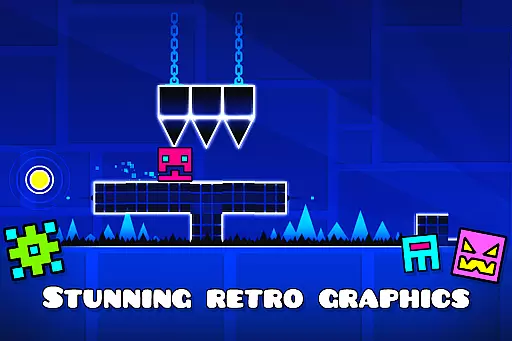
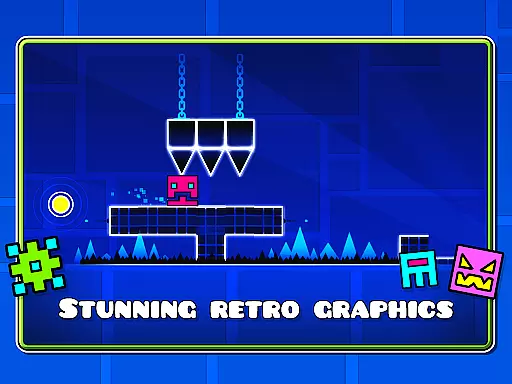
The game's near-impossible challenge levels evoke the thrilling difficulty spikes players expect from arcade games. Its simple one-touch gameplay ensures accessibility, while its vibrant graphics and customizable characters provide a contemporary twist on timeless arcade aesthetics.
Players benefit from an experience that feels both nostalgic and fresh. The inclusion of practice mode allows users to sharpen their skills before attempting challenging stages, mirroring the trial-and-error process fondly remembered from classic arcade days.
Control responsiveness is crucial in fast-paced games like Geometry Dash Lite, where split-second decisions can mean success or failure. This game offers precise controls that respond instantly to player inputs, ensuring every jump, fly, and flip is executed exactly as intended.
With intuitive touch mechanics, players simply tap to make their character jump or activate special moves such as flying rockets or flipping gravity. This streamlined control scheme reduces complexity without sacrificing depth, allowing gamers to focus entirely on timing and rhythm.
The result is a seamless gaming experience where actions feel tight and responsive. Players can fully immerse themselves in navigating dangerous passages and overcoming spiky obstacles, confident that their inputs will be accurately reflected in the game world.
Engaging one-touch gameplay
Vibrant and colorful graphics
Challenging yet rewarding experience
Customizable character options
Practice mode for skill improvement
Limited free content available
Some features locked behind paywall
Occasional performance issues
Steep learning curve for beginners
Repetitive gameplay in Lite version

Neogeo MVS/AES Emulator
 3.30
3.30
Turn-based pixel game where jumping is the only weapon!
4.4
Three awesome new levels for The Impossible Game.
4.30
BallStack is a vibrant match-3 game where you stack and match colorful balls!
4.3
Mine & Craft Block Mini World! Survival Crafting and Building & Creative Online.
4.30
Running game: dance in a twerk battle and become the twerk hero in our fun race!
4.30
Absorb, or be absorbed...
4.70
John GBA is GBA emulator. This emulator is easy to use.
3.10
Full featured version of Pizza Boy A (GBA emulator)
4.80
This is an emulator for a certain 64 bit console with online cloud backup.
4.80
Local offline 2 3 4 player multiplayer minigames - race, tanks, football
4.60
Play, Craft and Share your Endless Runner Levels on Kooply Run: Subway Craft
4.50
Relax and catch fish for your aquarium while earning rewards in these tank games
4.40
Slice up a juicy storm!
4.20
A fast, full-featured GBA emulator with link cable emulation.
3.90
A fast, full-featured GB/GBC emulator with link cable emulation.
3.80
This app is a very fast emulator
3.40
Spaceship racing on a rocky planet — pure action and challenge.
4.5
Infinite Arcade
4.1




User Reviews