
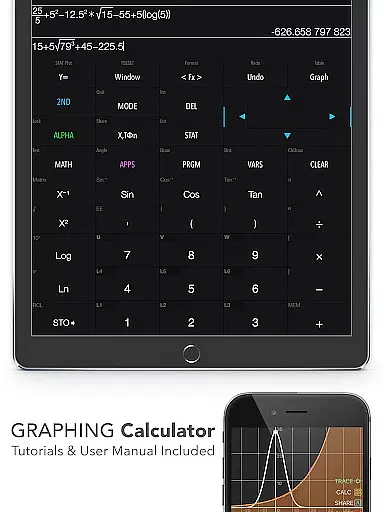
Graphing Calculator Plus represents the pinnacle of advanced calculation tools available on mobile platforms. Designed as a comprehensive alternative to traditional graphing calculators like TI-84 and TI-83, this application brings powerful computational capabilities right to your fingertips. The app features an intuitive mathematical display interface supported by a robust math core that caters to both basic and complex calculations.
This makes it an essential tool for engineers, students, and professionals who require precise mathematical operations on the go. With built-in documents covering general calculations, statistics, equation solving, and more, users can easily navigate through various mathematical problems. Its versatility extends to 2D graphing, matrix operations, programming, and even financial calculations, making it suitable for educational and professional environments alike.
The true value of Graphing Calculator Plus lies in its ability to replace bulky hardware calculators with a portable solution that offers equal or superior functionality. Whether you're dealing with algebra, calculus, engineering problems, or statistical analysis, this app provides an all-encompassing solution that enhances productivity and learning.
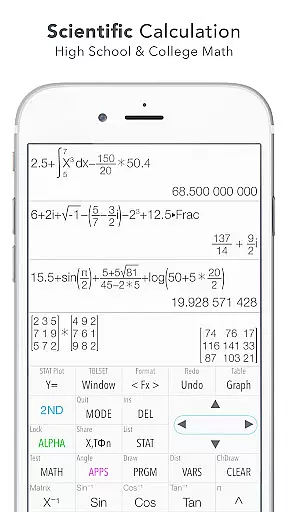
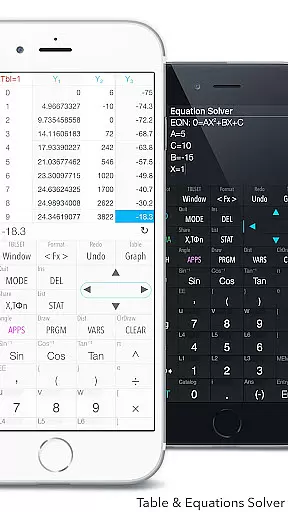
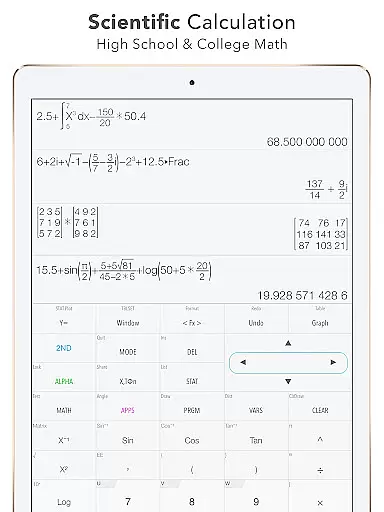
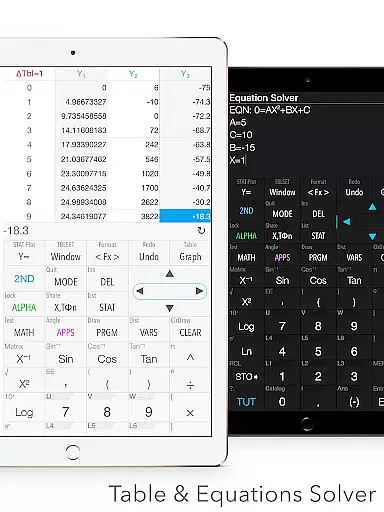
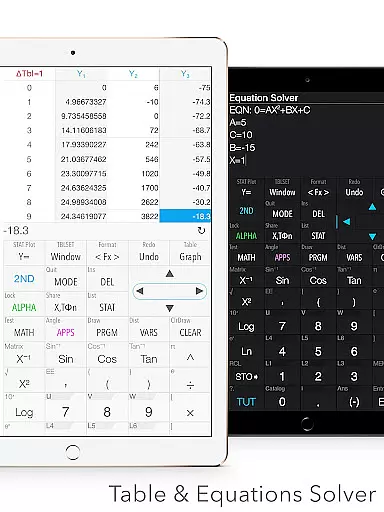
Graphing Calculator Plus distinguishes itself through an impressive array of features designed to handle diverse mathematical tasks. The calculator supports universal computations including basic arithmetic, advanced functions like trigonometry and logarithms, and even complex number calculations. It allows users to solve equations, edit expressions, and maintain a history tape for review, ensuring maximum flexibility during problem-solving sessions.
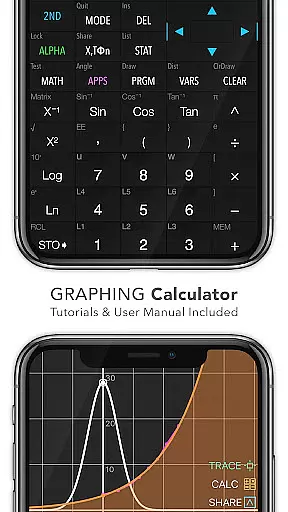
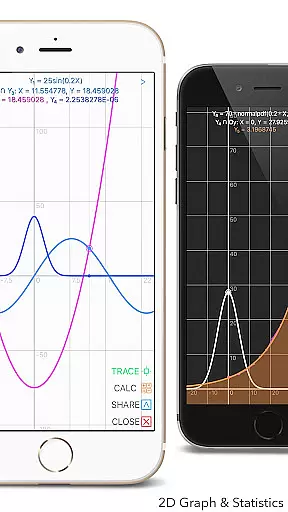
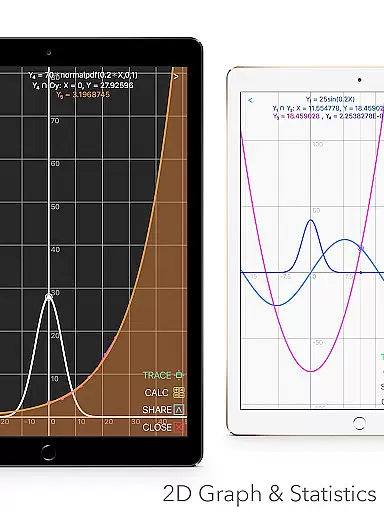
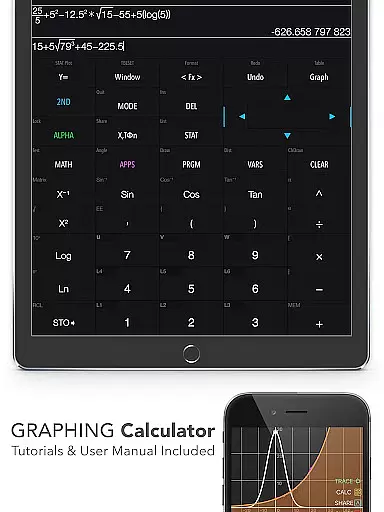
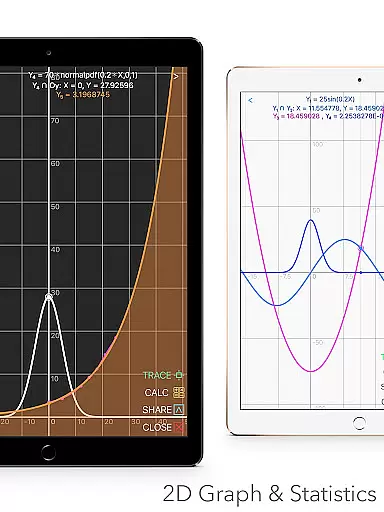
One of the standout features is its graphing capability. Users can create simultaneous graphs with smooth zoom and transformation options. The app supports parametric, polar, and sequence graphs while providing tools to trace intersections, minima, maxima, and other special points. Additionally, the statistics and regression module enables detailed data analysis with support for various types of regressions and hypothesis testing.
Beyond traditional calculations, the app includes specialized tools such as a matrix editor, number base-N mode supporting multiple bases, and a geometry/chemistry app. These features are further enhanced by dual themes for personalized viewing and a comprehensive unit converter with over 1000 units across 50 categories. Such extensive functionality ensures that users have access to all necessary tools within a single, streamlined application.
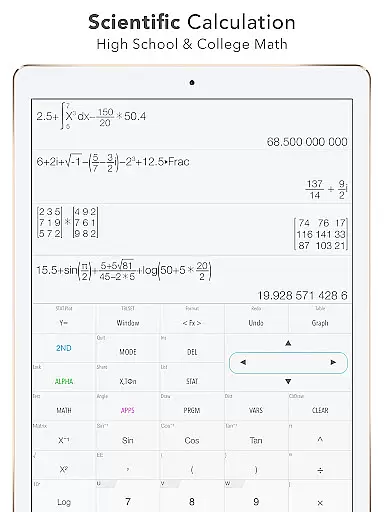
In the realm of education, content accuracy is paramount for effective learning. Graphing Calculator Plus ensures precision by integrating a robust MATH CORE and MATH DISPLAY support, which are essential for engineers and math students alike. This app provides reliable calculations ranging from basic arithmetic to advanced functions, including statistics, regression, and matrix operations.
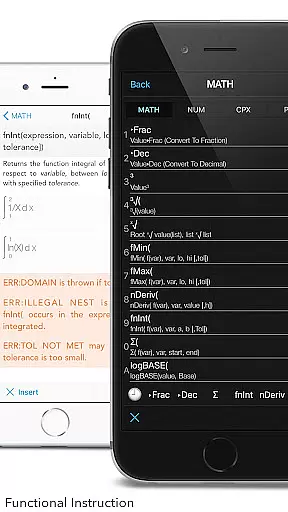
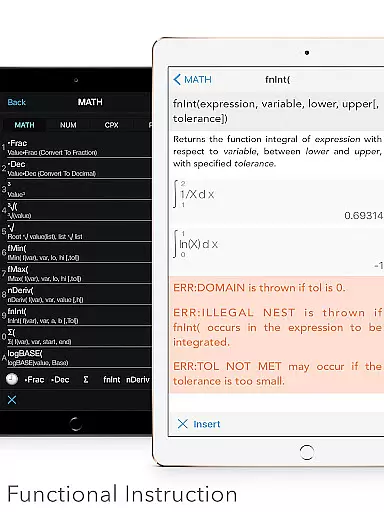
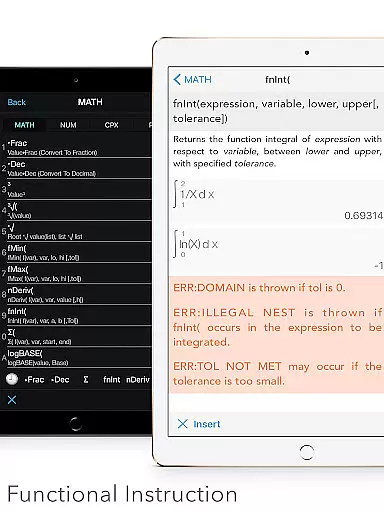
The application goes beyond mere computation by offering built-in documents that cover a wide array of mathematical topics. These resources include detailed explanations on general calculations, intersections of functions, local maxima and minima, as well as integral functions. Such comprehensive materials affirm the app's commitment to delivering authoritative content that users can trust when studying or solving complex problems.
Moreover, with its ability to solve equations, polynomials, and perform numeric integrals and derivatives, this calculator stands out as an indispensable tool for learners at all levels. The inclusion of over 40 common constants and more than 50 categories in the unit converter further solidifies its role as a definitive educational resource where accuracy is not just expected but guaranteed.
Graphing Calculator Plus distinguishes itself by facilitating personalized learning paths tailored to individual needs. With features such as Y-Var & Customize Functions (F1, F2, F3), users have the flexibility to define their own functions, allowing them to explore mathematics at their own pace and according to their specific interests or curriculum requirements.
This adaptability extends into programming capabilities within the app, where control commands and I/O commands enable students to create custom programs. By engaging with example source codes included in the app, learners can experiment with programming concepts, thereby crafting a unique educational journey that aligns with their personal academic goals.
Furthermore, the availability of various modes like Number Base-N Mode supports up to 15 different bases and 64-bit integer operations, catering to diverse computational challenges. As updates continue to roll out, additional features such as Geometry & Chemistry apps will expand the avenues for personalized study, ensuring that each user's experience is both enriching and relevant to their educational pursuits.
User-friendly interface
Comprehensive math functions
Advanced graphing tools
Wide range of applications
Regular updates
Premium cost
Steep learning curve
Occasional bugs
Limited offline help
Heavy on resources

Test prep for Indiana students
 4.1
4.1
Learn Words Daily in Just Minutes - Boost Your Language Skills Fast!
4.60
Gain new skills in 10 minutes
4.70
Break Language Barriers with AI—Learn Language Anytime, Anywhere!
4.00
Hebrew Vocab
4.90
Skelly is a fully poseable, anatomically correct reference skeleton for artists.
4.10
The Fighter Verses Bible memory system helps you memorize God's Word.
4.50
Memorize anything efficiently with AnkiDroid! Many pre-built decks available.
4.80
Reading for kids has never been easier. Learn phonics, letter tracing & more!
4.70
Learn Japanese in an immersive educational game set in Japan!
4.90
Stack the States makes learning about the 50 states fun!
4.70
Perform physics experiments with your phone. (by the RWTH Aachen University)
4.70
Learn math, step-by-step
4.30
Nighty Night Circus - Bedtime story for kids
4.10
Listen, request and record pronunciations in more than 450 languages. Everywhere
3.90
Visit Daniel's house & make believe. Play doctor, make music, & feed fish.
3.20
scanner body part for fun Prank friends realistic scan effects
3.00
Study the questions most likely to be asked during the Oral & Practical Exams.
2.80
Your best partner for learning Japanese words. Based on a best-selling textbook.
2.80



User Reviews