
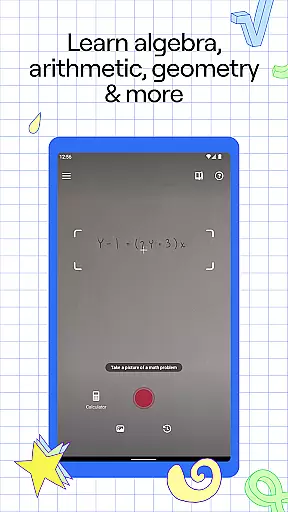
Photomath is an innovative educational app designed to assist learners in mastering mathematics through step-by-step problem-solving. The app's core functionality lies in its ability to scan and interpret math problems using a smartphone camera, providing users with detailed explanations and accurate solutions.
Beyond basic arithmetic, Photomath supports a wide range of mathematical concepts including algebra, calculus, and geometry. What sets this app apart is its comprehensive approach to learning - it doesn't just provide answers but walks users through each step of the solution process. This makes it particularly valuable for students who need extra support outside classroom hours or those seeking to deepen their understanding of mathematical concepts.
The application proves especially useful during homework sessions or when preparing for exams, serving as a virtual tutor available 24/7. Its teacher-approved methods and animated tutorials help demystify complex mathematical procedures, making learning more accessible and engaging for users of all levels.
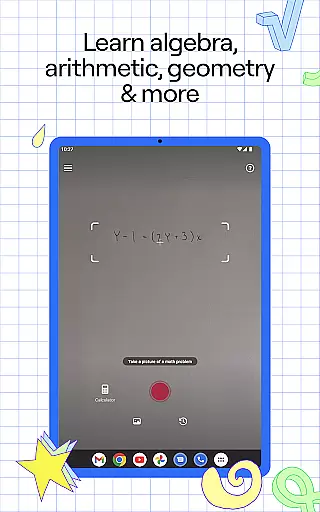
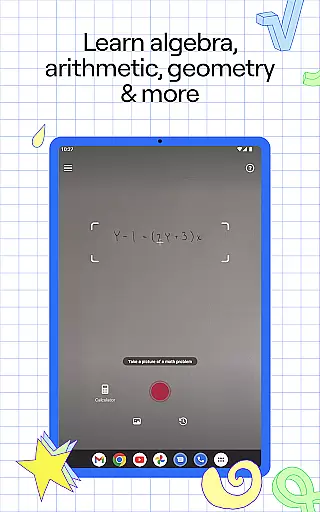
Photomath distinguishes itself through several remarkable features that enhance the learning experience. The app's most notable capability is its advanced scanning technology, which can interpret both printed and handwritten mathematical expressions. Once scanned, problems are broken down into manageable steps, each accompanied by clear explanations and visual aids.
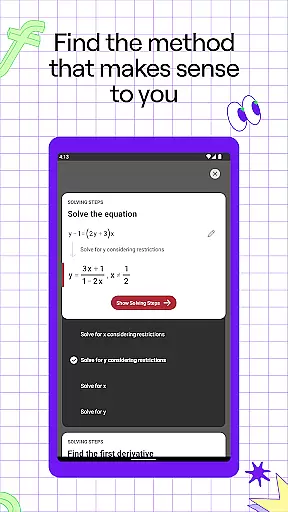
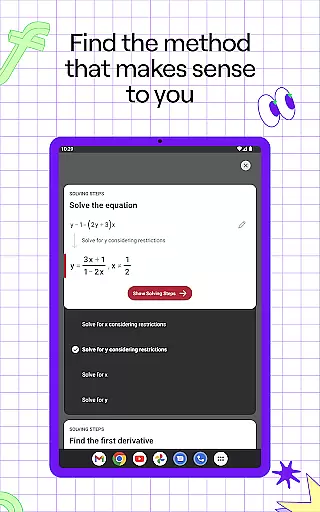
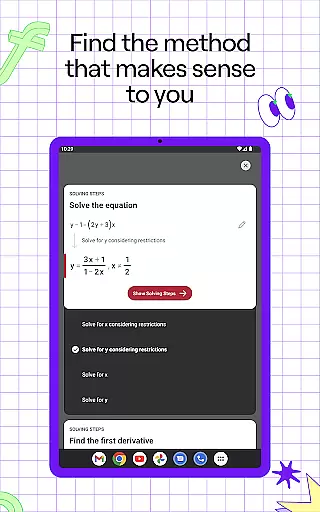
Among its educational tools, Photomath offers multiple solution methods for single problems, interactive graphs for visual learners, and an advanced scientific calculator for complex computations. The premium version, Photomath Plus, extends these capabilities with custom animated tutorials and detailed textbook solutions, catering to various learning styles and preferences.
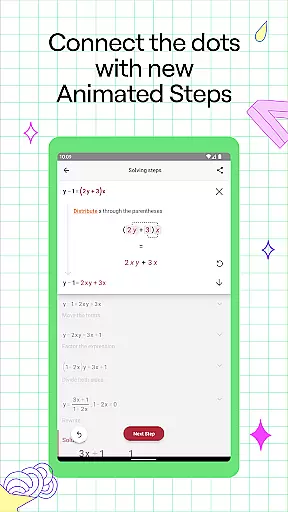
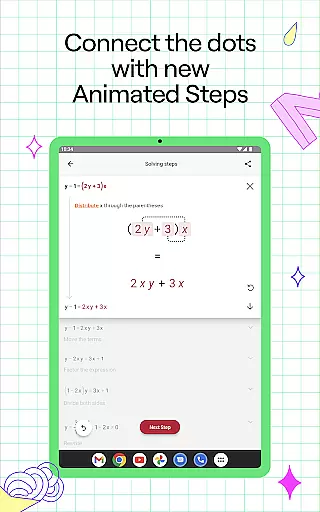
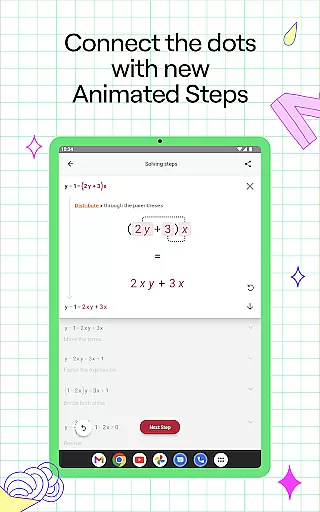
The app's real strength lies in its pedagogical approach - developed by a team of mathematicians and former educators, the content is structured to promote deep understanding rather than rote memorization. Features like Animated Steps and Video Learning transform abstract concepts into tangible processes, while the self-paced nature of the app allows users to progress at their own speed, reinforcing their knowledge through repeated practice and review.
Photomath stands out in the education category by providing highly accurate and authoritative math content. The app is designed to assist learners with step-by-step explanations for a wide range of math problems, from basic arithmetic to advanced calculus. Each solution is meticulously crafted and verified by a team of expert mathematicians and former math teachers, ensuring that users receive reliable and pedagogically sound guidance.
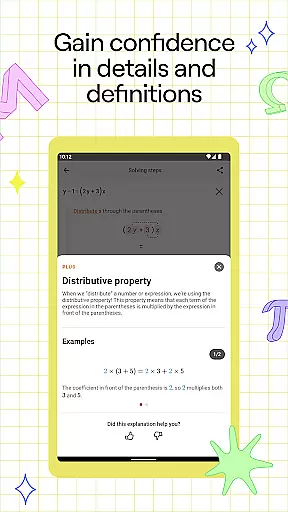
The app's commitment to accuracy extends beyond just providing correct answers. Photomath breaks down each problem into manageable steps, explaining not only the 'how' but also the 'what' and 'why.' This approach helps users understand the underlying principles of mathematics, promoting deeper learning. With features like Animated Steps, Photomath visually demonstrates the progression of each step, making complex concepts more accessible.
For students without access to personal tutors, Photomath serves as an indispensable tool. Its detailed explanations and teacher-approved methods reduce guesswork and stress, enabling independent study. Whether it's homework help or exam preparation, Photomath ensures that learners have access to credible resources anytime they need them.
Photomath excels in creating personalized learning paths tailored to individual needs. The app supports self-paced learning by offering instant assistance, akin to having a 24/7 virtual tutor. Users can tackle math problems at their convenience, whether it's reviewing homework before dinner or solving equations late at night. This flexibility allows learners to progress at their own speed, reinforcing understanding without external pressures.
One of Photomath's key strengths is its ability to adapt to various learning styles. Through interactive graphs, video learning, and multiple solution methods, the app caters to visual, auditory, and kinesthetic learners alike. These diverse instructional formats ensure that every user can find an approach that resonates with them, enhancing engagement and retention.
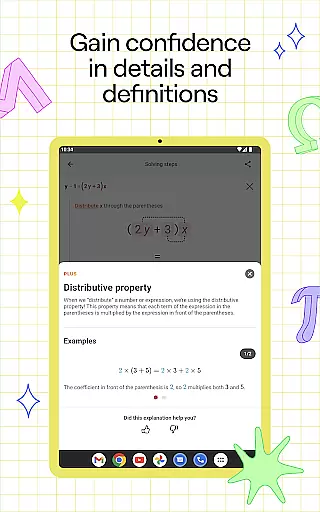
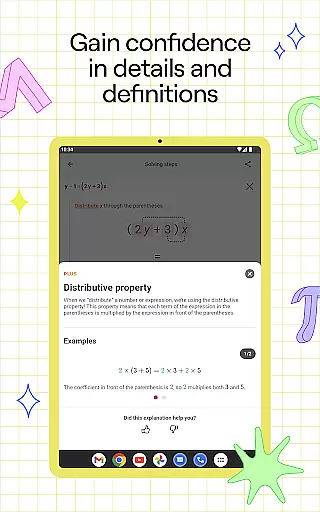
For those seeking even more depth, Photomath Plus offers custom Animated Tutorials and detailed Textbook Solutions. These premium features provide enriched content that delves deeper into mathematical concepts, offering alternative perspectives and advanced problem-solving techniques. By combining fundamental explanations with enhanced learning tools, Photomath empowers users to explore math comprehensively and confidently.
Comprehensive step-by-step explanations
Supports multiple math disciplines
24/7 virtual tutoring availability
User-friendly interface design
Free basic version accessibility
Premium features subscription cost
Occasional scanning inaccuracies
Limited non-mathematical subjects
Internet connection required
Advanced features locked behind paywall

AR planetarium app that brings the solar system to you via XREAL Glasses.
 4.1
4.1
Ignite curiosity, spark learning: All babybus videos &games
4.30
Astronomy Guide to the Night Sky
4.40
An interactive enhancement of the Sesame Street classic.
4.50
Astronomy Guide To Night Sky
4.30
The "Go To" app for Airmen studying for promotion to SSgt and TSgt
4.30
School Communication
4.30
Learn & Speak New Languages
4.70
Plant identifier: Identify plants, trees, weeds, flowers. Disease diagnosis.
4.30
Learn Japanese in an immersive educational game set in Japan!
4.90
Short Lessons for Better Finances, Health, Skills, Jobs & Relationships.
4.80
Childcare Management App: Daily sheets, sign in-out, billing and learning tools
4.70
Stack the States makes learning about the 50 states fun!
4.70
Prepare for the BCBA / BCaBA exam. Study ABA with the ABA Wizard app.
4.60
Stargazing Guide App. Stars and constellations map. Solar system planets finder.
4.60
Welcome to the Speak Navajo Language Application - Volume 1
4.50
Nighty Night Circus - Bedtime story for kids
4.10
Listen, request and record pronunciations in more than 450 languages. Everywhere
3.90
Explore the City of the Sun in Augmented Reality
3.70




User Reviews