
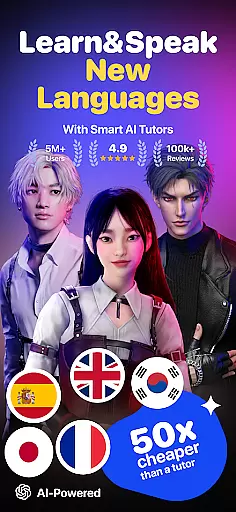
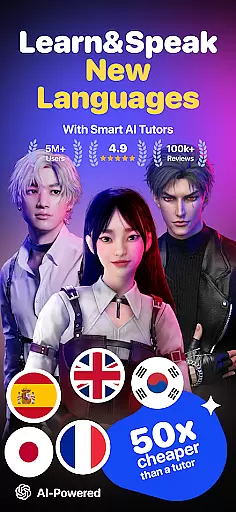
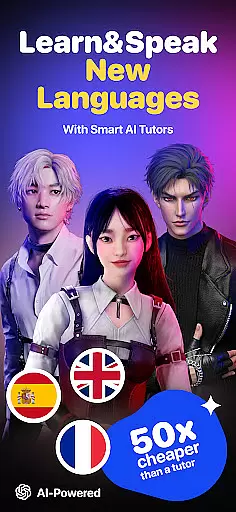
Praktika is an innovative AI-powered language learning app that offers users a unique opportunity to master multiple languages through realistic conversations with AI avatars. These avatars are designed with cultural depth and natural accents, providing an immersive experience in English, Spanish, Japanese, Korean, French, Portuguese, Italian, and German. The app stands out by focusing on real-world conversation practice rather than rote memorization, making it ideal for learners aiming to improve their speaking skills.
One of the key features of Praktika is its Multimodality tool, which allows users to upload various types of content such as photos, audio, and documents to enhance their learning experience. Whether practicing vocabulary with images or receiving pronunciation coaching via uploaded resumes, users can engage in personalized lessons tailored to their specific needs. This makes Praktika suitable not only for casual learners but also for professionals preparing for job interviews or academic exams like IELTS and TOEFL.
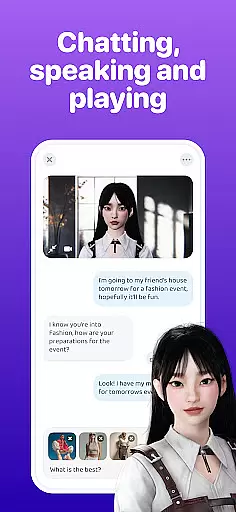
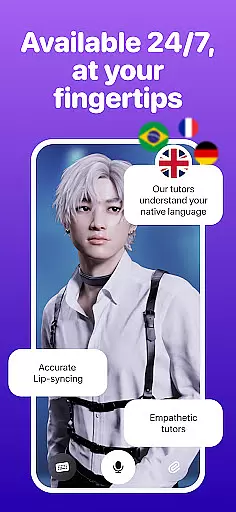
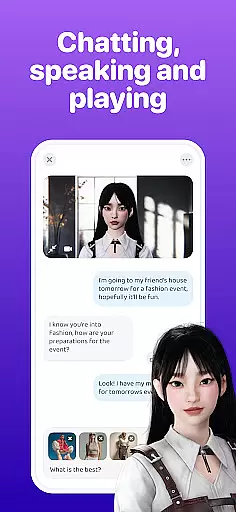
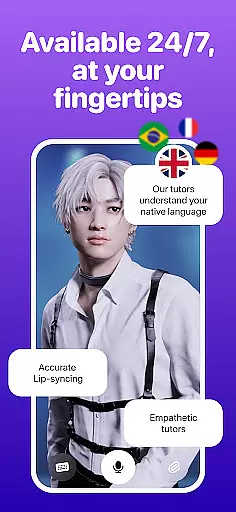
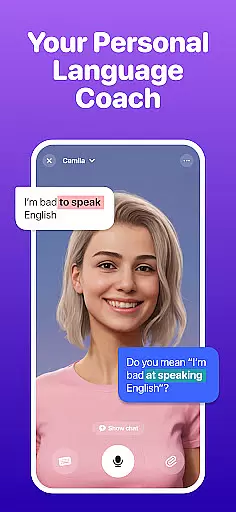
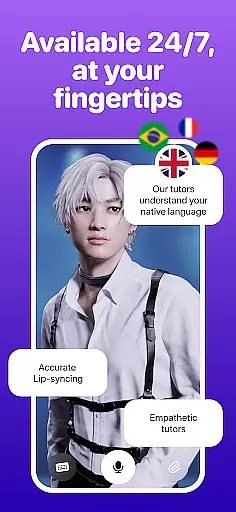
Praktika boasts several distinctive features that set it apart from traditional language learning apps. At its core are the AI Avatars, which simulate human-like interactions and adapt to the user's tone, pace, and learning goals. These avatars come with full backstories and cultural nuances, ensuring that every conversation feels authentic and engaging. Users can choose from a variety of avatars, each specializing in different languages and dialects, such as American or British English, Latin American Spanish, and more.
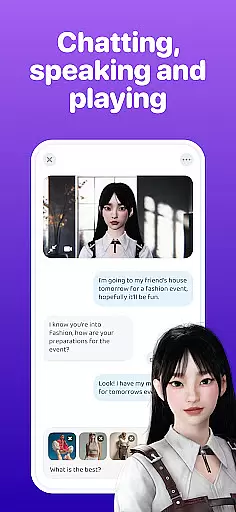
In addition to the AI Avatars, Praktika offers over 1000 lessons covering a wide range of topics including academic preparation, lifestyle, travel, and career paths. The app also includes practical conversation scenarios, allowing users to role-play as a sports commentator, startup founder, or tourist. With features like Fluency Tracking, users can monitor their progress through speaking metrics, streaks, and in-app challenges. Furthermore, the Multimodal Learning feature enables users to upload various forms of media for personalized feedback, enhancing the overall learning experience.
When it comes to language learning, content accuracy is paramount. Praktika ensures that all its lessons are crafted and reviewed by certified language experts and educators. This guarantees that learners receive the most accurate information regarding grammar, vocabulary, and cultural nuances across all nine languages offered.
The app's dedication to authority is evident in its comprehensive approach. With over 1000 lessons covering academic prep like IELTS and TOEFL, lifestyle, travel, career paths, and even slang, Praktika provides authoritative content that caters to diverse learning needs. Each lesson is designed not just to teach a language but to immerse users in the culture and context of native speakers.
Praktika's localized avatars further enhance this authority. Users can select coaches from different regions, each with unique backgrounds and expertise, ensuring an authentic learning experience tailored to specific cultural or accent goals. This level of detail supports learners in achieving not only fluency but also cultural literacy.
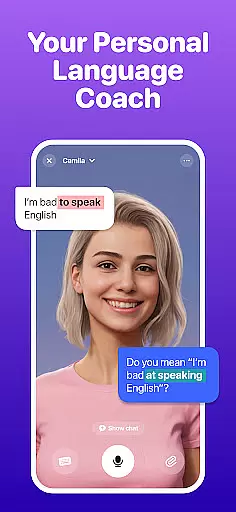
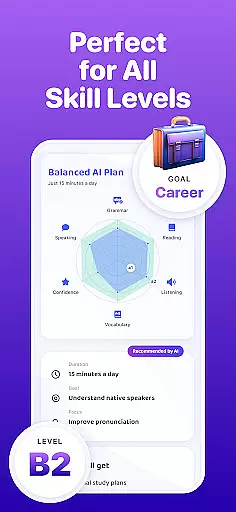
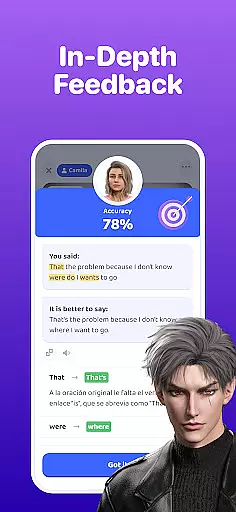
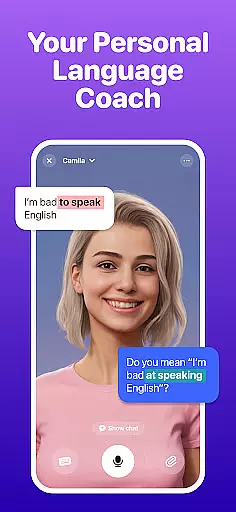
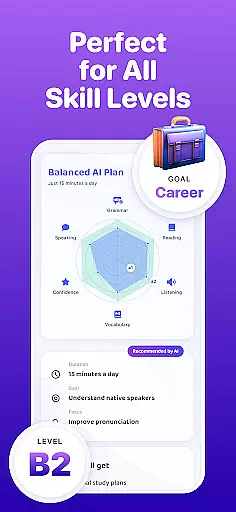
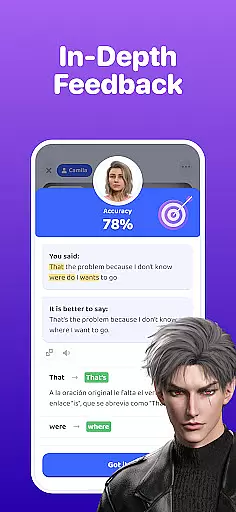
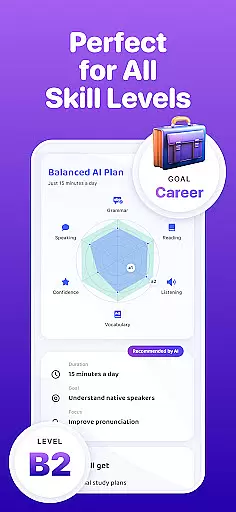
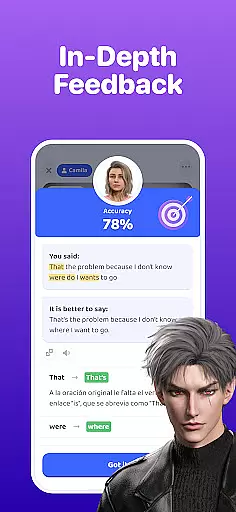
Praktika revolutionizes language acquisition by offering personalized learning paths that adapt to individual user needs. Unlike traditional apps that rely on rote memorization, Praktika's AI avatars engage users in human-like conversations, adjusting to their tone, pace, and learning objectives. This personal touch makes every session feel like interacting with a real person who listens and guides effectively.
The introduction of Multimodality takes personalization a step further. Users can upload photos, audio, videos, or documents to spark customized conversations or receive targeted corrections. Whether practicing vocabulary with images of surroundings or getting pronunciation coaching via uploaded resumes, learners enjoy a highly tailored experience that mirrors having a personal tutor available around the clock.
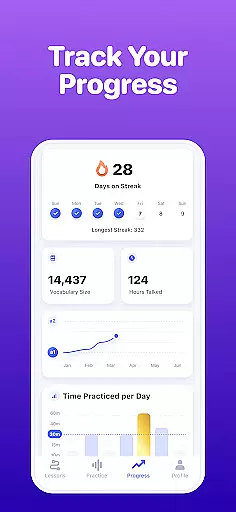
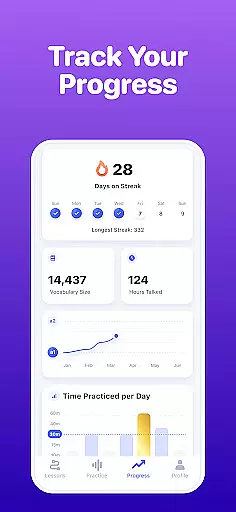
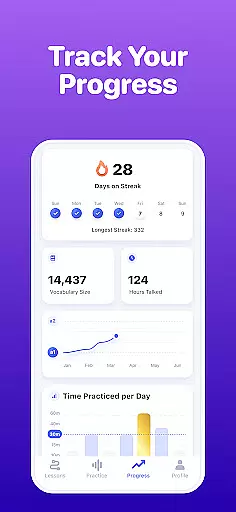
Additionally, Praktika tracks fluency through speaking metrics, streaks, and in-app challenges, providing users with clear progress indicators. These tools help learners identify areas for improvement while celebrating milestones, thus maintaining motivation and engagement throughout their language-learning journey.
User-friendly interface
Realistic AI avatars
Wide range of languages
Customizable learning paths
Affordable pricing
Limited offline functionality
Occasional technical glitches
Advanced lessons require subscription
Some accents less accurate
Learning curve for new users

Astronomy app ? Discover the universe scope, explore solar system model in 3D.
 4.20
4.20
Explore myths and gods across cultures with in-depth insights and stories.
5.00
Dinosaurs coloring book game. Drawing and painting dinos.
4.50
Nighty Night Circus - Bedtime story for kids
4.10
The official CCM Glossary app, including 700+ terms and definitions.
2.90
Monkey Preschool Lunchbox: 7 exciting educational games for your preschooler.
4.30
Guitar chord finder, analyzer, smartly visualized theory, progressions, quizzes.
4.70
THE ESTABLISHED "GO TO" ARMY BOARD PREPARATION APP!
4.30
Astronomy Guide To Night Sky
4.30
Age-Related Child Developmental Milestones
4.80
An interactive enhancement of the Sesame Street classic.
4.50
Learn math, step-by-step
4.30
Turns you phone or tablet into TI graphing calculator (ROM required).
4.20
Designed for Calculator 84 users
4.20
Build math skills in: addition, subtraction, multiplication and division.
4.10
For medical training - Visualize complex vein maps and structures in real-time.
4.10
Our most popular app series returns, better than ever!
3.90
FAR/AIM, FAR for Flight Crew and FAR for Aviation Maintenance Technicians
3.80
Hasbro's Classic Board Game - Make Cavity Sam better or get the buzzer!
3.50




User Reviews