
Oolimo Guitar Chords is an innovative educational app designed specifically for guitar enthusiasts who want to deepen their understanding of chord theory. This app serves as both a comprehensive learning tool and a practical reference guide, making it easier than ever to master guitar chords.
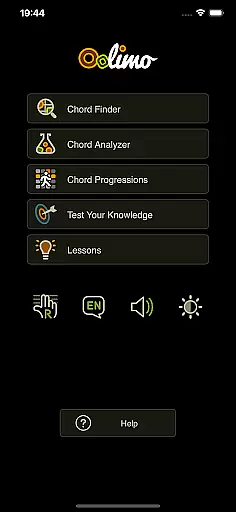
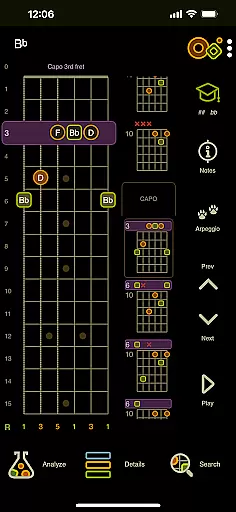
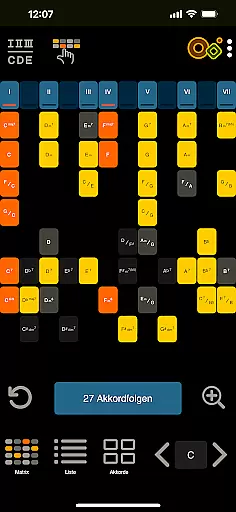
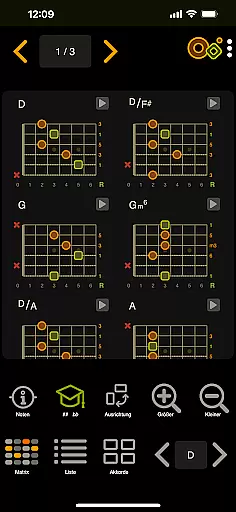
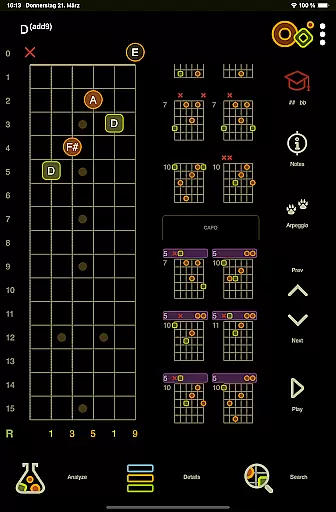
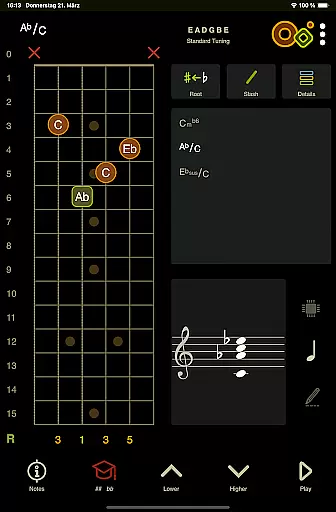
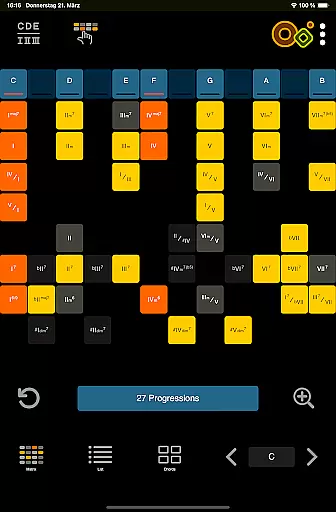
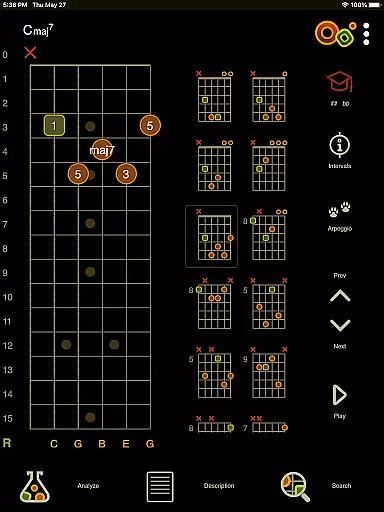
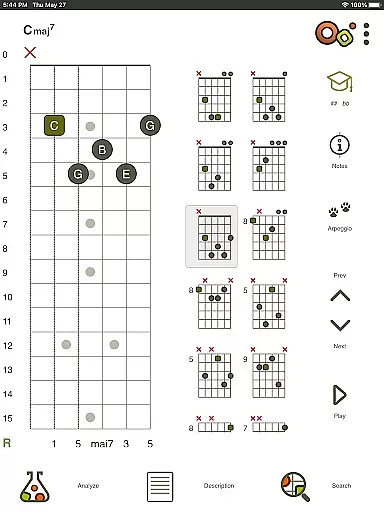
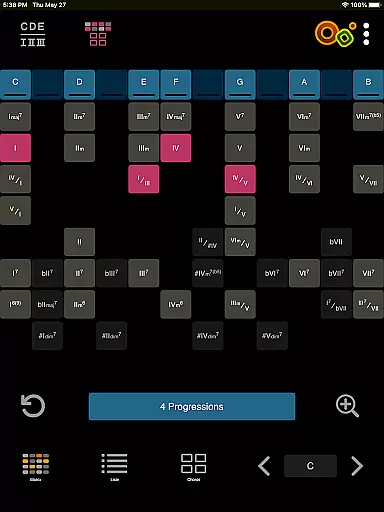
The app features several core modules including the Chord Finder, which provides intelligently transposed voicings based on a curated database. The Chord Analyzer allows users to get instant chord names by simply entering fingerings on a virtual fretboard. Additionally, the Chord Progressions module helps users explore harmonic relationships through an intuitive matrix. With 22 interactive Theory Lessons and engaging Quizzes, Oolimo ensures that users gain lasting insights into guitar harmony.
Whether you're a beginner or an experienced guitarist, Oolimo Guitar Chords offers valuable tools that cater to various skill levels. Its unique combination of musical depth, clarity, and usability makes it an essential app for anyone serious about mastering the guitar.
Oolimo Guitar Chords stands out due to its structured and accurate approach to chord theory. Unlike many other apps that merely provide chord charts, Oolimo explains why chords work the way they do, offering a foundational understanding of guitar harmony.
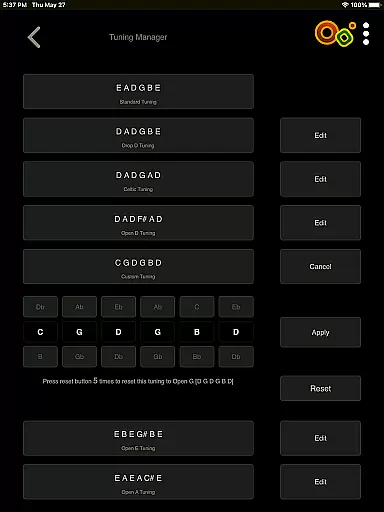
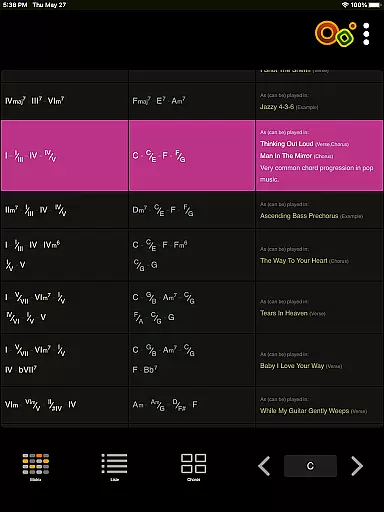
One of the standout features is the Chord Finder, which uses an algorithm to transpose chords intelligently, adapting them automatically to the selected key. The Chord Analyzer supports both standard and open tunings, providing correct chord names without fail. It also includes advanced notation options and displays all notes on the staff. The Chord Progressions module visualizes harmonic functions, allowing users to practice in various keys and contexts.
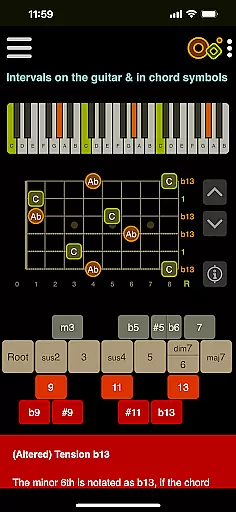
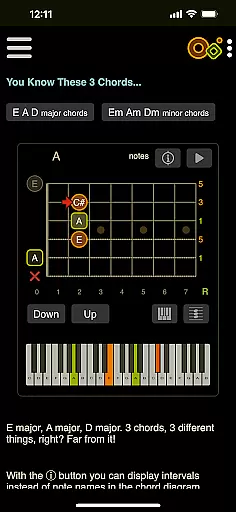
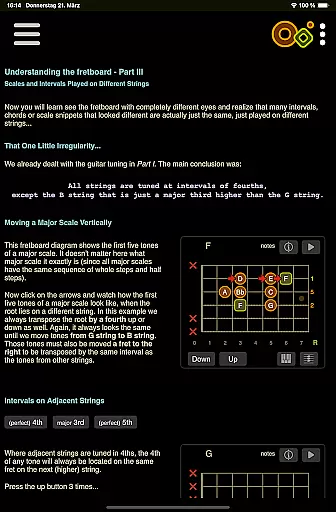
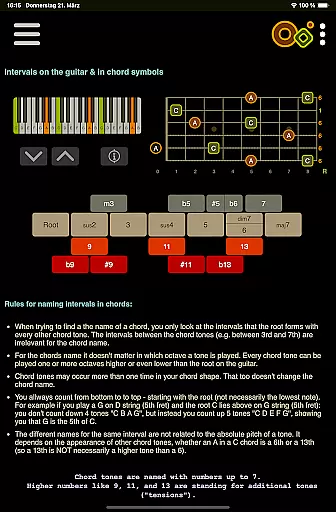
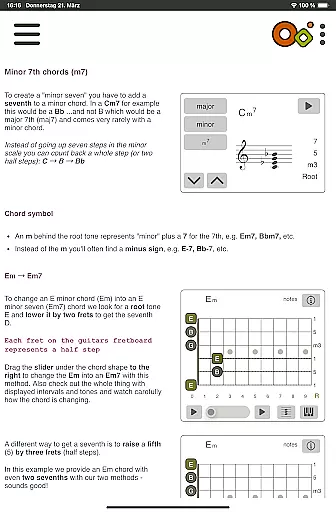
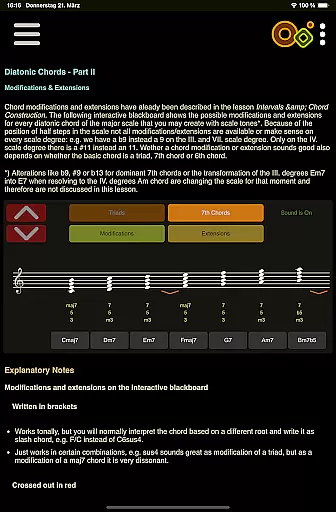
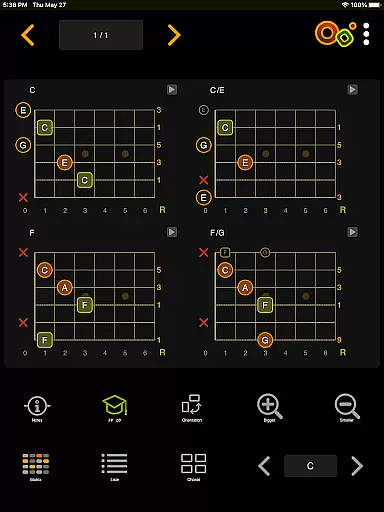
In addition to these, the app offers 22 interactive Theory Lessons with smart visualizations covering a wide range of topics from intervals to complex chord types. The Quizzes section tests knowledge and trains the ear, covering various aspects like chord construction and harmonic context. General features include an interactive fretboard, playback of chords or single notes, switchable chord name formats, and customizable display modes such as day/night and left-handed modes.
When it comes to learning guitar chords, the accuracy and authority of the content are paramount. Oolimo Guitar Chords stands out by offering a meticulously curated database of chord voicings that are not only comprehensive but also grounded in real-world musical theory. This ensures that every chord and its associated information are reliable and correct.
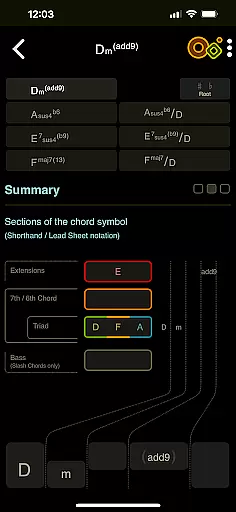
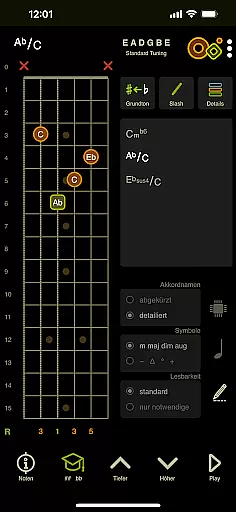
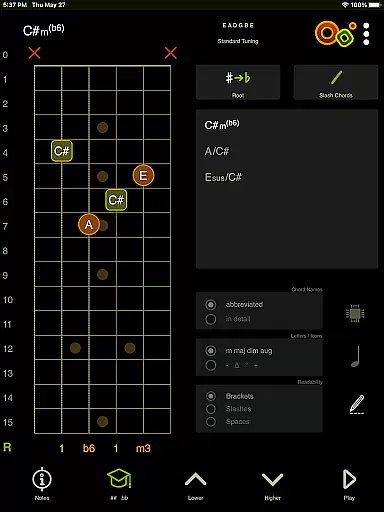
The app's Chord Analyzer feature is particularly noteworthy for its precision. Unlike other tools that might return 'unknown chord' messages, Oolimo provides instant and accurate chord names for any fingering on the virtual fretboard. It supports both standard and open tunings, with advanced notation options that include slash chords, double accidentals, and enharmonics, displaying all notes on the staff for clarity.
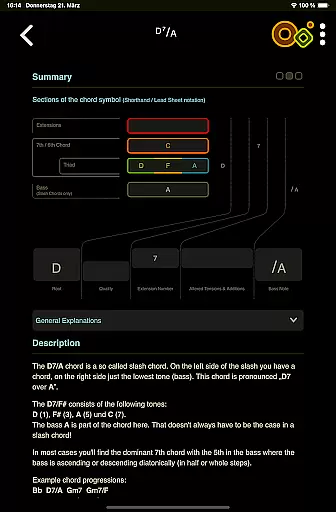
Furthermore, Oolimo's Theory Lessons module offers 22 interactive lessons that cover a wide range of topics from basic intervals to complex chord types. These lessons are crafted with smart visualizations that make even the most intricate concepts accessible, ensuring that users gain a deep understanding of music theory.
By combining these features, Oolimo Guitar Chords delivers an authoritative resource that empowers musicians to learn, understand, and master guitar chords with confidence. Whether you're a beginner or an experienced player, the app's commitment to accuracy ensures that your learning journey is built on a solid foundation.
Oolimo Guitar Chords excels in providing personalized learning paths tailored to individual needs and skill levels. The app's structured approach allows users to progress at their own pace, starting from foundational concepts and advancing to more complex chord structures and harmonic relationships.
One of the standout features facilitating personalized learning is the Chord Progressions module. This innovative tool uses a matrix to visualize harmonic functions and relationships, enabling users to explore and practice common progressions in various keys and contexts. Such flexibility ensures that learners can focus on areas that are most relevant to their musical goals.
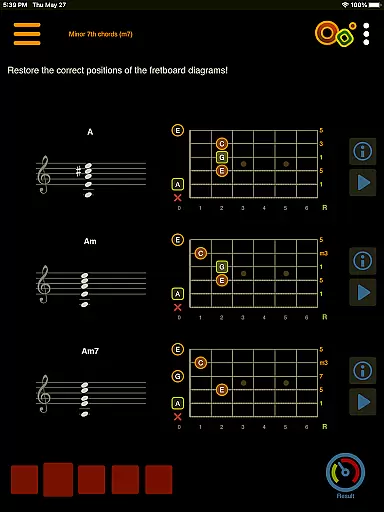
In addition to the Chord Progressions, the app includes quizzes that test knowledge and train the ear. Covering topics such as chord construction, intervals, harmonic context, and more, these quizzes adapt to the user's current level of understanding, providing a customized learning experience that evolves as the user grows more proficient.
Overall, Oolimo Guitar Chords transforms the often daunting task of learning music theory into an engaging and personalized journey. By leveraging interactive tools and adaptive quizzes, the app ensures that each user's path to mastery is as unique as their musical aspirations.
Comprehensive Learning Modules
Interactive Fretboard
Accurate Chord Analysis
Engaging Theory Lessons
User-Friendly Interface
Limited Tuning Options
No Advanced Rhythm Training
Occasional UI Glitches
Heavy on Theory
Subscription Fees

Grazing Risk Monitoring Service
 4.1
4.1
Study the questions most likely to be asked during the Oral & Practical Exams.
2.80
Explore myths and gods across cultures with in-depth insights and stories.
5.00
An easy to use yet powerful and full-featured flashcard study app.
4.50
Deal Craps (Practice Craps Payouts)
3.80
Prepare for the BCBA / BCaBA exam. Study ABA with the ABA Wizard app.
4.60
An aviator’s preparation, study and test tool for FAA Knowledge Exams.
4.00
Professional Award-Winning Astronomy Star Map App With Telescope Control
4.40
Learn Japanese in an immersive educational game set in Japan!
4.90
Learning the ancient Viking language made simple
4.70
Turn scrolling hours into improving your knowledge, communication, intelligence
4.50
The Only Official DVSA Theory Test Kit App
4.50
Astronomy app ? Discover the universe scope, explore solar system model in 3D.
4.20
Build math skills in: addition, subtraction, multiplication and division.
4.10
For medical training - Visualize complex vein maps and structures in real-time.
4.10
FAR/AIM, FAR for Flight Crew and FAR for Aviation Maintenance Technicians
3.80
Explore the City of the Sun in Augmented Reality
3.70
Flashnote Derby is the fun way for kids to learn music notes and memorize them.
3.40
The official CCM Glossary app, including 700+ terms and definitions.
2.90




User Reviews