
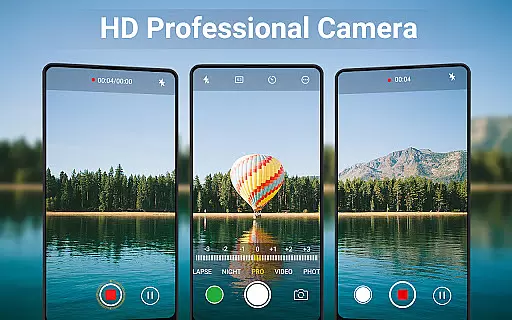
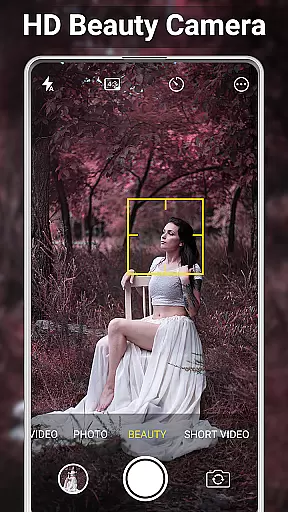
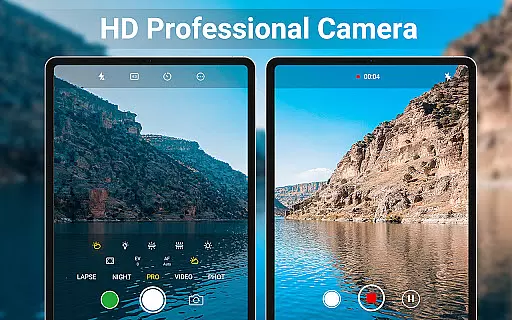
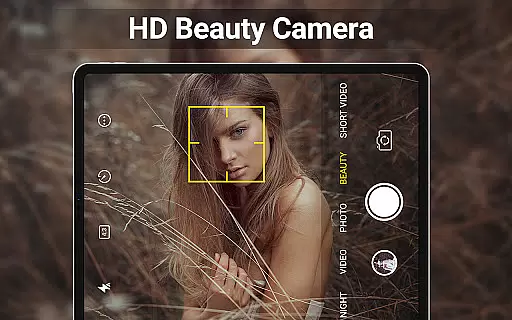
HD Camera for Android is a feature-rich beauty camera app designed to capture stunning 4K photos and videos. With professional-grade capture modes, real-time filters, and advanced face detection technology, this app allows users to take high-definition selfies and videos on Android devices. The intuitive interface makes it easy to use for both amateur photographers and professionals.
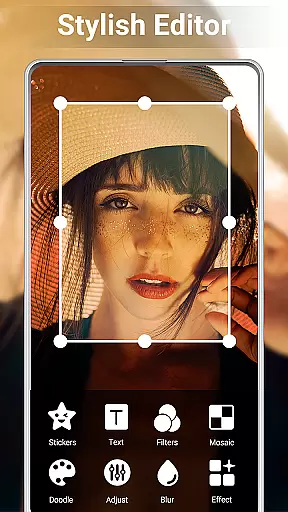
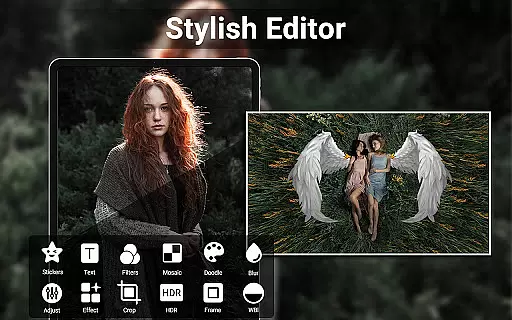
In addition to its core photography features, HD Camera offers powerful editing tools. Users can crop images, adjust brightness and contrast, create photo collages, and even trim videos. Whether you're looking to enhance your photos or produce short video clips for social media, this app provides all the necessary tools in one place.
This app is particularly useful for content creators and social media enthusiasts who need high-quality visuals. Its geotagging and timestamp features also make it ideal for travelers and professionals who require location-based metadata in their photos. With its comprehensive feature set, HD Camera transforms everyday moments into visually appealing content ready for sharing.
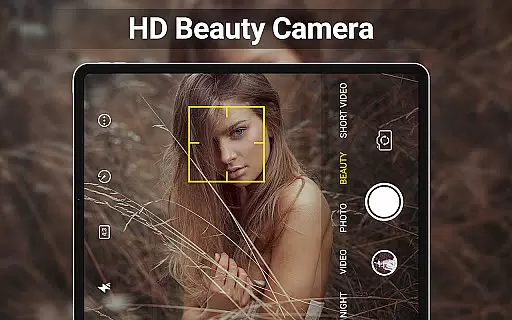
HD Camera stands out with its robust set of features tailored for photography enthusiasts. The app supports 4K resolution, ensuring every photo and video is captured in exceptional detail. Its intelligent face detection and auto-stabilization capabilities ensure that every shot is clear and well-composed, even in challenging conditions.
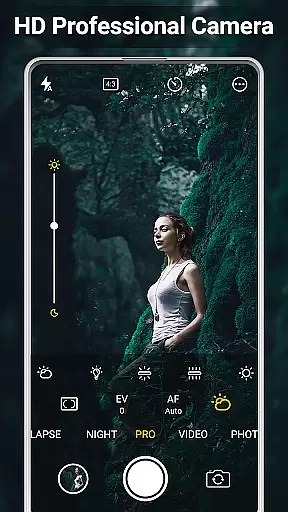
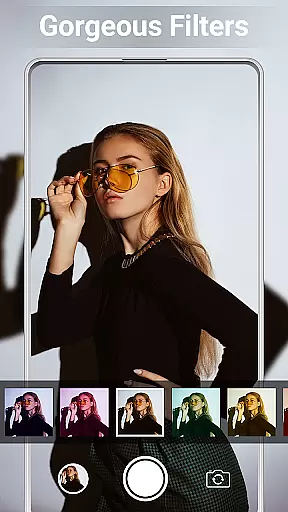
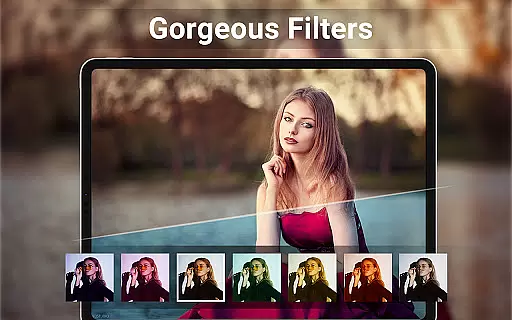
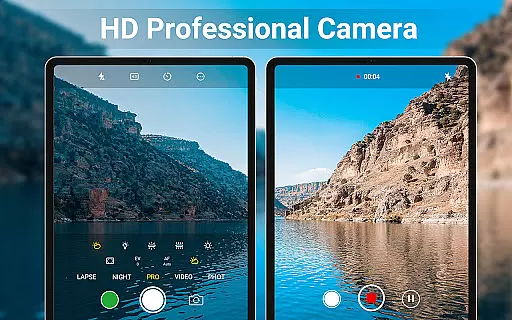
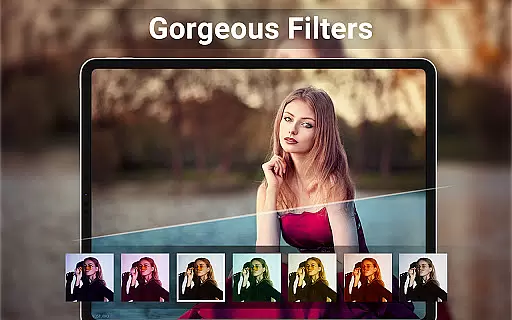
One of the key highlights is the real-time filter functionality, which allows users to preview effects before capturing an image or recording a video. This feature, combined with professional settings like ISO adjustment, exposure compensation, and white balance control, gives users complete creative control over their photography.
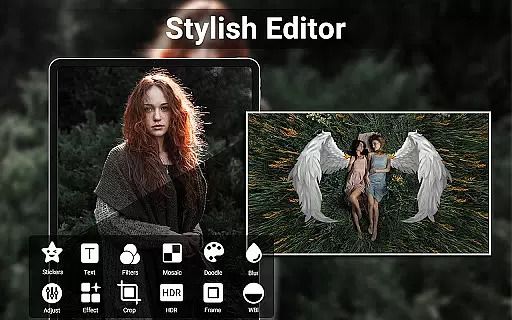
Beyond capturing, HD Camera excels in editing. It includes a photo editor with advanced adjustments such as brightness, contrast, and vignette effects. The collage maker and video trimming tools further enhance its versatility. These features collectively enable users to produce polished, professional-quality content directly from their mobile devices.
HD Camera for Android offers an extensive product database that caters to a wide array of photography needs. The app includes professional capture modes, HDR support, and various scene modes which allow users to adjust settings such as color effects, white balance, and ISO. This depth ensures that whether you are shooting in low light or looking to apply creative filters, the app provides the necessary tools to achieve your desired outcome.
The application's intelligent face detection and auto-stabilization features further enhance photo quality by ensuring subjects are in focus and images are not blurred due to hand movements. With real-time filters, users can preview effects before capturing photos or videos, allowing for immediate creative control over the final image. These capabilities contribute to a comprehensive suite of options that mimic those found on professional cameras.
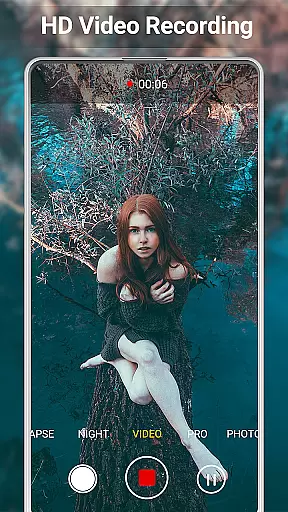
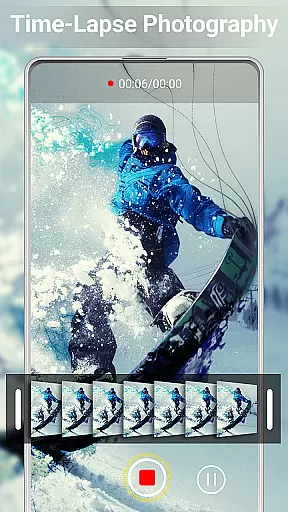
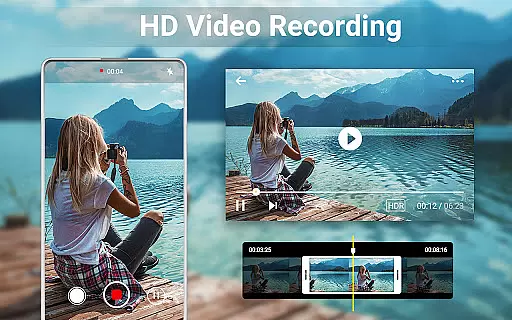
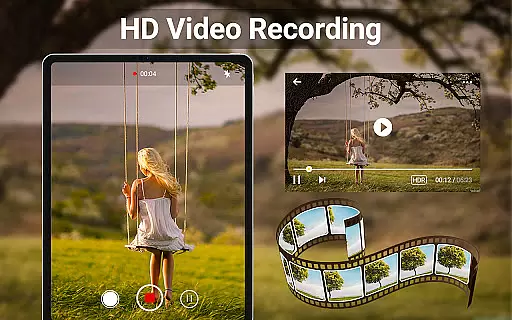
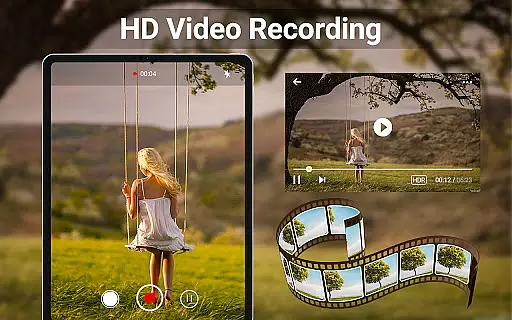
For videography enthusiasts, HD Camera supports 4K video recording with additional functionalities like quick snap, continuous shooting, and a capture timer. Users also have the option to geotag their photos with GPS location data and apply timestamps, adding another layer of detail to their work. Such features make it easier for photographers to organize and categorize their collections based on when and where they were taken.
One of the standout features of HD Camera for Android is its ability to deliver precise personalization options tailored to individual preferences. The app allows users to fine-tune camera settings such as exposure compensation, brightness, contrast, and temperature through its Photo Editor Pro functionality. This level of customization empowers users to create images that reflect their unique style and vision.
In addition to manual adjustments, HD Camera offers creative tools like photo collage makers and grid options that let users combine multiple pictures into one cohesive piece. The inclusion of trimming and cutting tools for videos means content creators can quickly edit footage without needing separate software. By integrating these editing capabilities within the app, users enjoy a seamless experience from capture to post-production.
Furthermore, the app's support for external SD memory cards and customizable save paths demonstrates attention to user convenience and storage management. Optional features such as turning off shutter sounds or applying golden ratio lines help tailor the shooting process according to specific needs. Overall, HD Camera delivers a personalized approach to mobile photography that enhances both creativity and practicality.
User-friendly interface
Advanced camera controls
Real-time filter previews
Comprehensive editing tools
Supports 4K resolution
No RAW format support
Limited manual focus options
Occasional performance lags
Ads in free version
Geotagging not automatic

Photo enhancer 360, image enhancement, restore old photos, colorize photo ai
 4.70
4.70
Glow up with science: cosmetics, ingredients scanner, tracking & face analysis
4.10
Your Personal Stylist for Smart Shopping, Beauty & Styling Outfits.
4.1
Beauty Camera - Selfie Camera with beauty editing tool, makeup, filter, sticker
4.60
Book beauty salon, hair or health and wellness experiences in an instant
4.90
Beauty Camera & Selfie Camera snap Beauty selfie with filter, makeup, stickers
4.80
This barber game allows you to create and design hair styles on diverse people
3.80
For businesses, Booksy Biz allows you to manage your schedule & more on the go.
4.60
Snap stunning selfies with AI from the Sweet Beauty Camera editor
4.10
Use your phone as a makeup mirror, shaving mirror. Magnifying mirror with light!
4.80
Unique selfie filter camera! Upload live sticker & face filter every week!
4.70
The mirror app you were looking for, simple and easy to use. Try Mirror now.
4.60
Professional HD Camera App: Capture Bright HD Selfie & Record Stunning Moments
4.40
All-in-one solution for independent beauty pros to manage & grow their business
4.30
Beauty for every eye, lip & face. Earn rewards, play games, connect with others.
4.30
Shop Smarter, Dress Better, and Shine Brighter!
4.10
Never run out of your go-to beauty & get 5% off with auto-replenish deliveries!
4.00
Design your nails, manicure and pedicure with nail paint art and nail idea app
3.90
Your future self face age old or young from camera selfie into beautify videos
4.0



User Reviews