
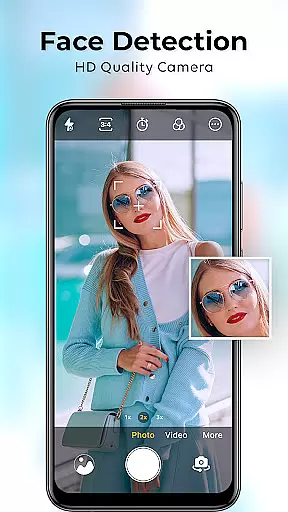
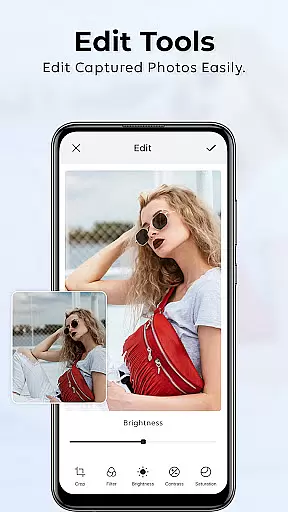
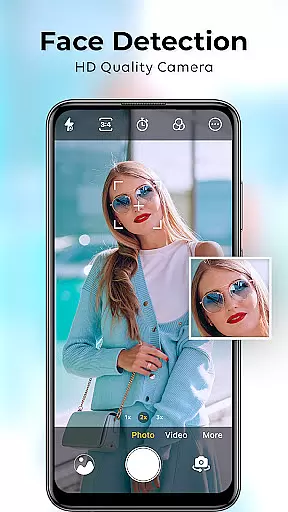
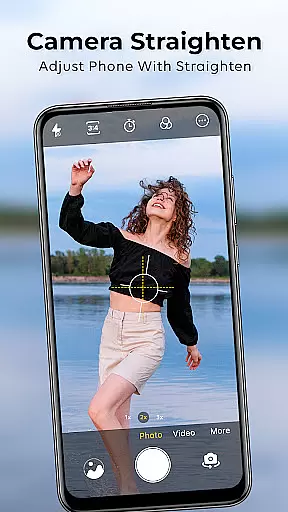
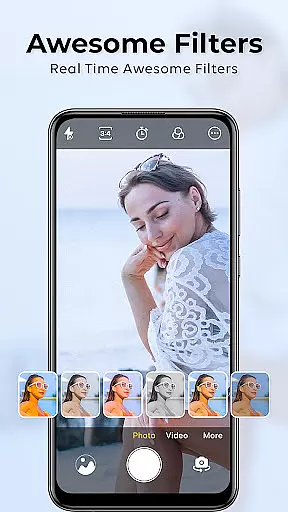
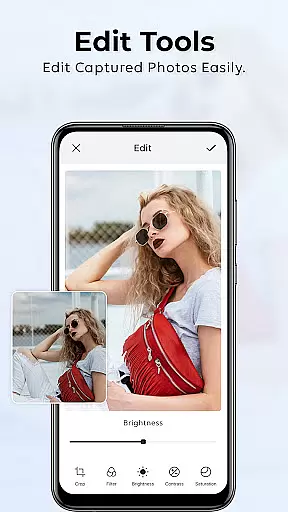
HD Camera for Android is a feature-rich photography app designed to elevate mobile photography with its robust set of tools. This app offers professional-grade functionalities such as 4K video recording, advanced beauty filters, and precise manual controls. Users can enjoy DSLR-like portrait effects, real-time beautification features, and a wide range of customizable filters. Whether capturing high-resolution landscapes or enhancing selfies, HD Camera provides an intuitive interface suitable for both amateur and professional photographers.
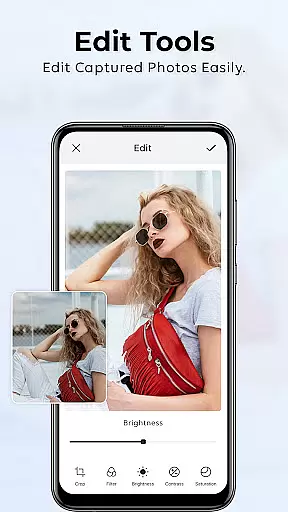
The app's standout feature is its ability to deliver stunning image quality while maintaining ease of use. With support for manual adjustments like ISO, white balance, and focus, it caters to enthusiasts seeking greater creative control. Meanwhile, its automatic modes ensure casual users can achieve excellent results with minimal effort. Optimized for performance, HD Camera operates smoothly across various Android devices, making it an ideal choice for anyone looking to enhance their smartphone photography experience.
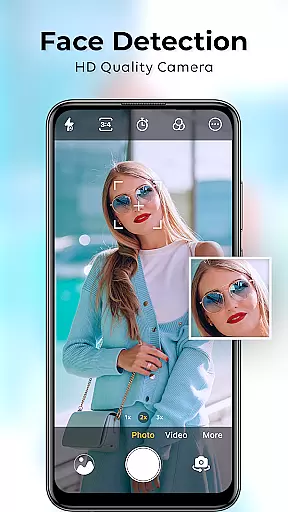
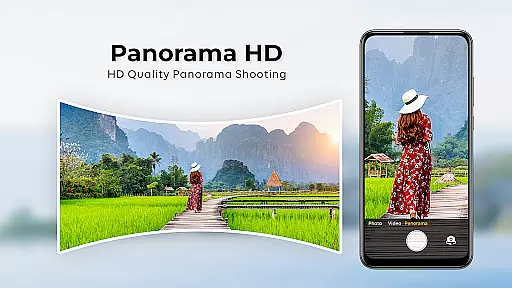
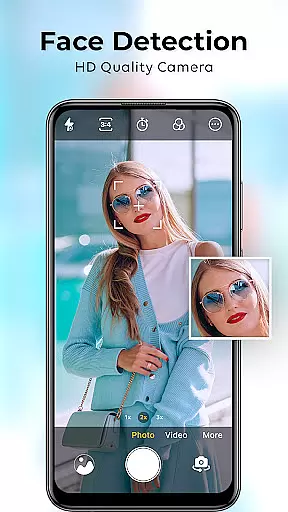
HD Camera for Android distinguishes itself through a comprehensive suite of advanced features tailored for diverse photography needs. One of its core strengths is the 4K Camera mode, which allows users to capture ultra-clear images and videos with exceptional detail and clarity. This feature is complemented by the Beauty Camera filters, which provide real-time skin smoothing, eye brightening, and overall photo enhancement, ensuring every shot looks polished and professional.
Another notable aspect is the Cam HD setting, which optimizes everyday photography by balancing resolution and performance. The app also includes an Intelligent Portrait Camera mode that mimics the bokeh effect of DSLR cameras, creating striking portraits with sharp subjects and beautifully blurred backgrounds. Additionally, users have access to classic Camara Profesional controls, enabling manual adjustments of ISO, white balance, and focus. These features collectively empower users to experiment with different styles and achieve their desired photographic outcomes.
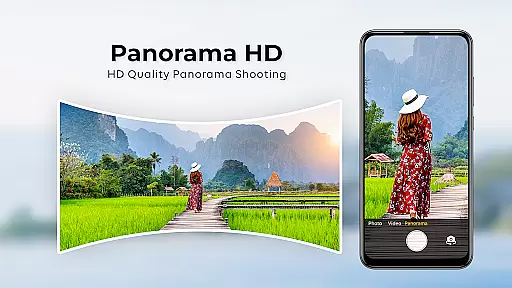
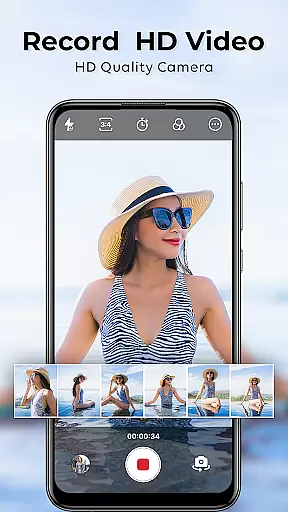
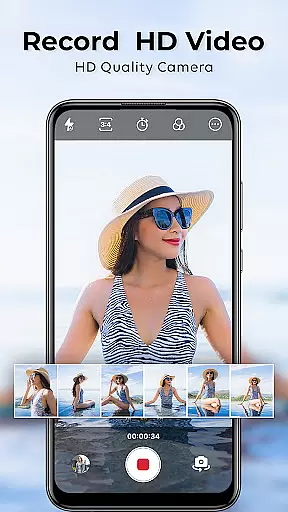
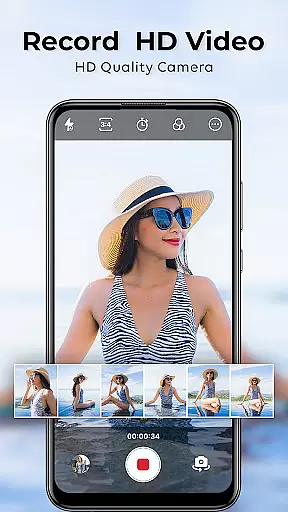
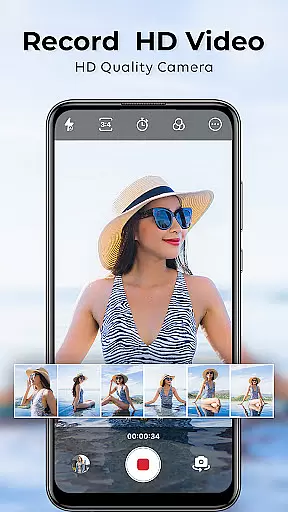
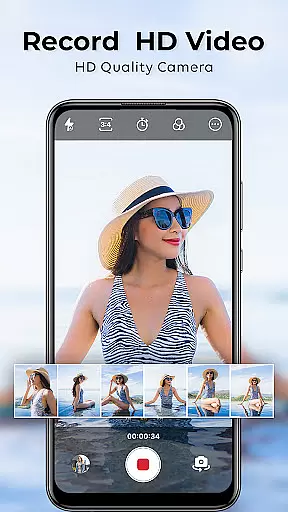
For videography enthusiasts, HD Camera supports high-definition video recording with cinematic effects, producing visually captivating content. Its lightweight design and user-friendly interface further enhance accessibility, allowing users to quickly launch the app and capture moments without delay. Overall, HD Camera combines powerful functionality with intuitive usability, making it a top choice for mobile photographers aiming to maximize their device's potential.
Understanding the importance of a comprehensive product database is crucial for any beauty app. The HD Camera for Android excels in this area by offering an extensive range of features that cater to diverse photography needs.
This application provides detailed information on various modes such as 4K Camera, Beauty Camera, and Portrait Camera. Each mode comes with specific settings and enhancements, ensuring users can capture professional-grade photos effortlessly. For instance, the Beauty Camera includes real-time retouching options that smooth skin and brighten eyes, while the Portrait Camera creates a natural bokeh effect similar to DSLR cameras.
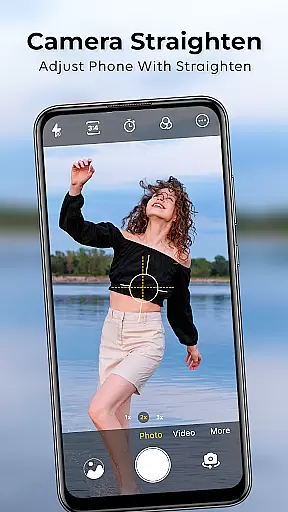
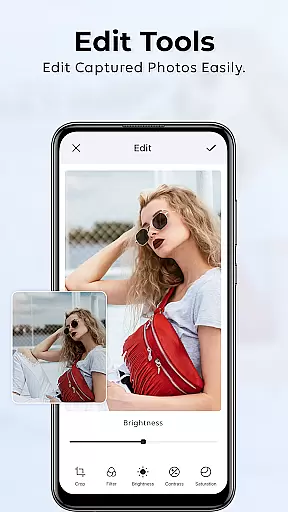
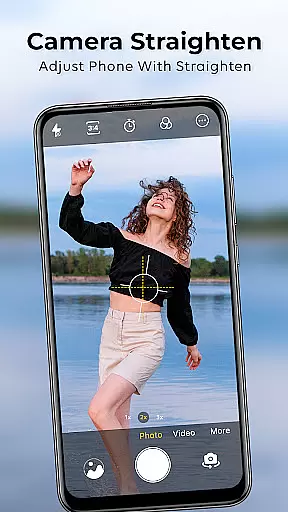
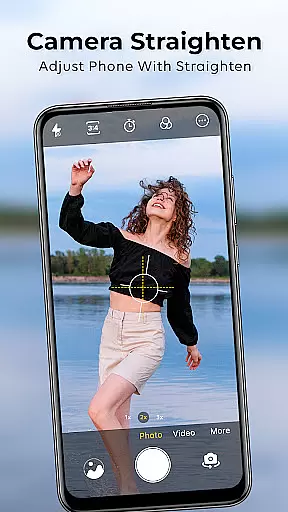
Users benefit from the app's ability to offer precise control over photographic elements like ISO, white balance, and manual focus. These features allow both amateur and experienced photographers to experiment with different styles and achieve desired outcomes without needing additional equipment.
The depth of the product database ensures that every user finds something valuable, whether they are looking for advanced manual controls or simple one-tap solutions. This makes the HD Camera not just a tool but a versatile companion for all photography enthusiasts.
In todayu2019s digital age, personalization is key to enhancing user experience. The HD Camera for Android stands out by providing highly personalized photography options tailored to individual preferences.
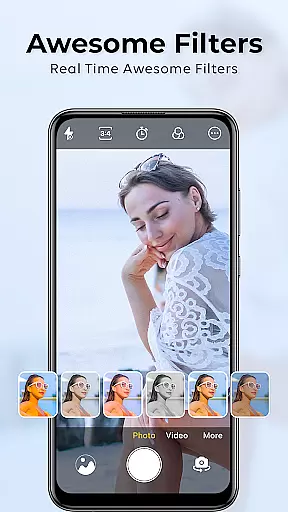
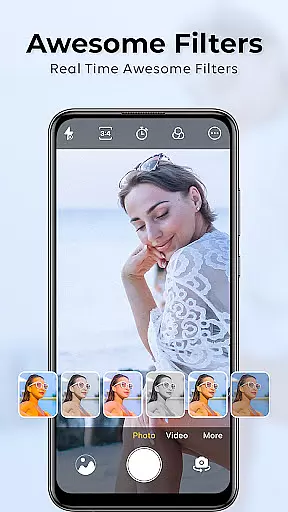
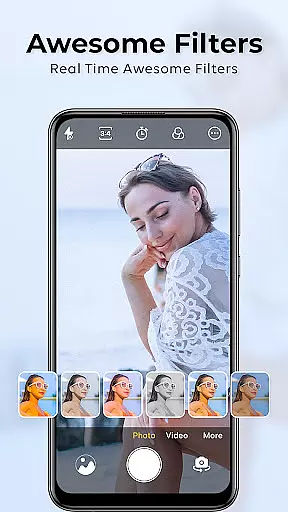
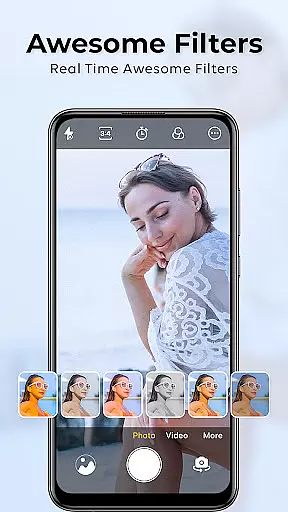
The app offers multiple filters and themes, allowing users to customize their photos according to their unique style. From vibrant cityscapes captured using Cam HD to flawless selfies enhanced by Beauty Camera, there is a filter for every mood and occasion. Users can also create custom presets, giving them complete creative freedom.
Moreover, intelligent modes such as AI-powered enhancements and smart image adjustments ensure that each photo reflects the user's personal touch. The app learns from user behavior, adapting its recommendations and settings to better suit individual tastes over time.
By focusing on personalization precision, the HD Camera transforms ordinary smartphone photography into an art form, empowering users to express themselves fully through their images.
User-friendly interface
Advanced manual controls
Real-time beautification
DSLR-like portrait mode
4K video recording
Occasional slow performance
Limited free filter options
Ads in free version
High storage usage
Complex for beginners

Crown Heart Emoji Photo Editor has given you the chance to look cute girl
 4.40
4.40
Design your nails, manicure and pedicure with nail paint art and nail idea app
3.90
Seasonal color palettes for shopping clothes and makeup products with confidence
4.20
True mirror app with zoom, LED light, for makeup & shaving anywhere!
4.20
Design unique tattoos and preview them on your body image using Tattoo Maker App
3.30
The mirror app you were looking for, simple and easy to use. Try Mirror now.
4.60
The all new Cosmo Prof app offers exclusive pro products, deals, and training.
4.00
HD Camera, Selfie Camera, Camera filters, is a fully featured 4K camera
4.60
Try On Style with AI: Virtual Dressing Room & Personal Fashion Stylist App
4.00
Beauty Camera & Selfie Camera snap Beauty selfie with filter, makeup, stickers
4.80
Manage your daily skin care beauty regimen & track your skin's progress.
4.70
Enhance your selfies with face beauty makeup tool and an easy background remover
4.70
For businesses, Booksy Biz allows you to manage your schedule & more on the go.
4.60
Unleash your (Pro)tential with the hottest hair, nails and beauty brands!
4.60
Beauty camera for perfect selfie with makeup, sticker and filter
4.50
A tool that brings skin care and technology together at your fingertips.
4.50
Your on-demand aesthetician
4.40
Download Today
4.40
Color haircut changer style on
3.30








User Reviews