
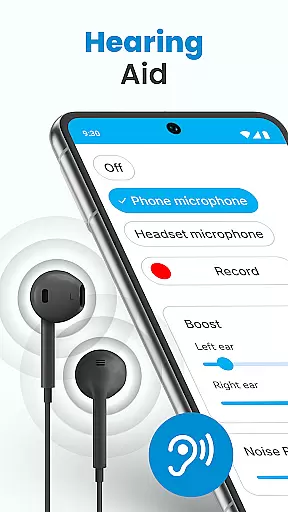
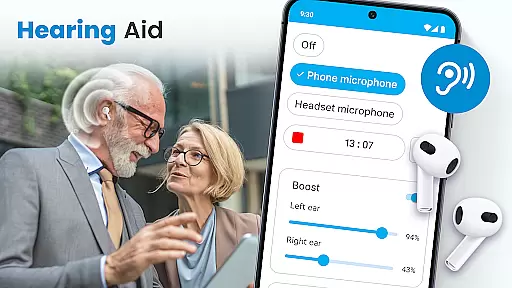
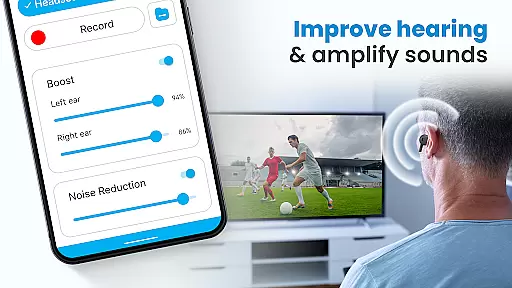
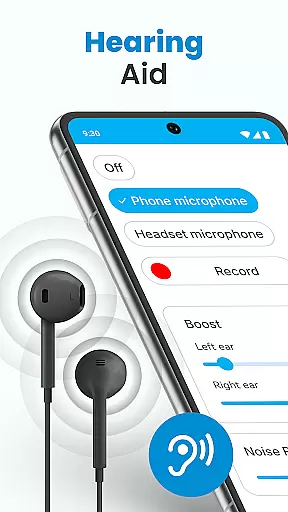
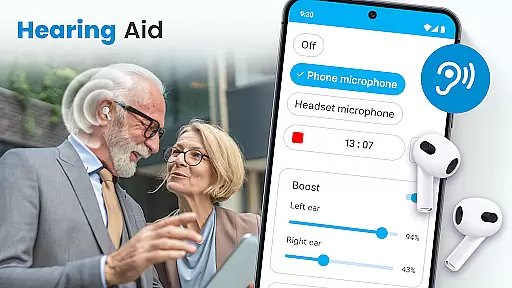
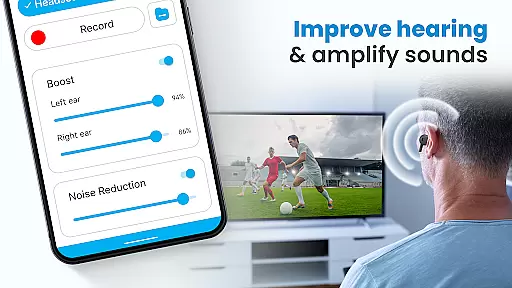
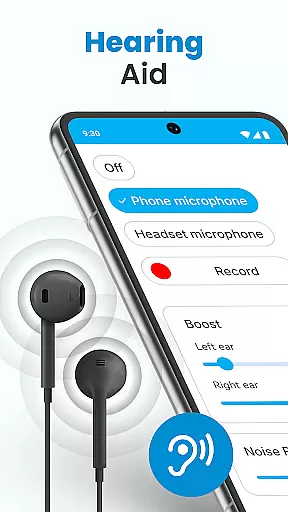
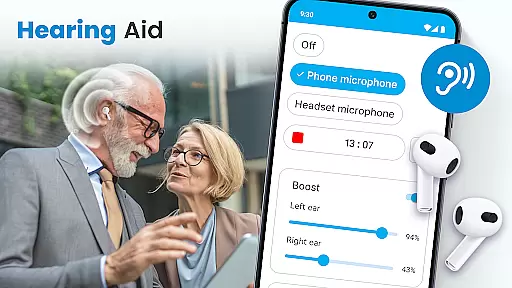
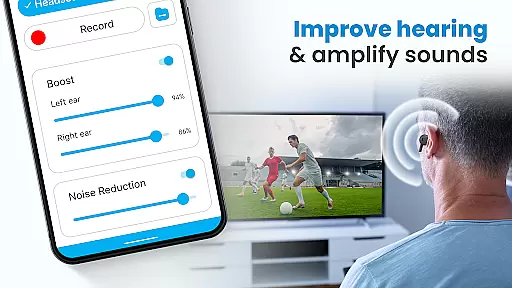
Hearing Aid App for Android is a revolutionary mobile application designed to enhance hearing capabilities and amplify sounds for users with mild hearing impairments. This app transforms your Android device into a personal hearing aid by capturing external sounds, processing them, and streaming clearer audio at increased volumes.
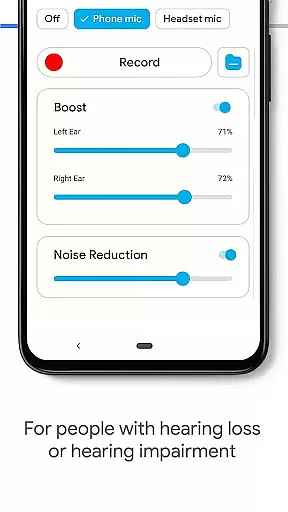
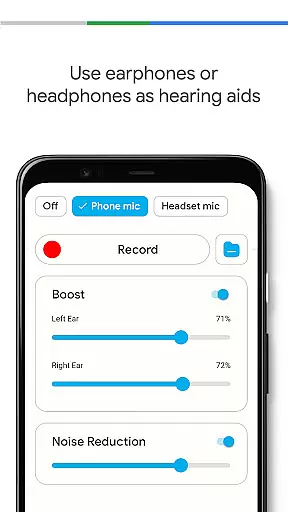
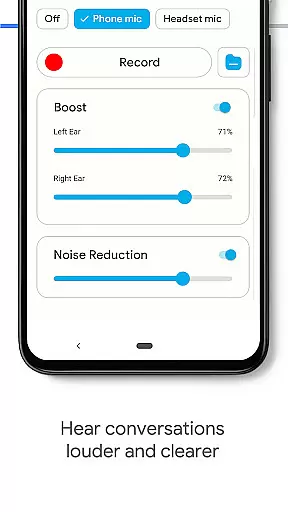
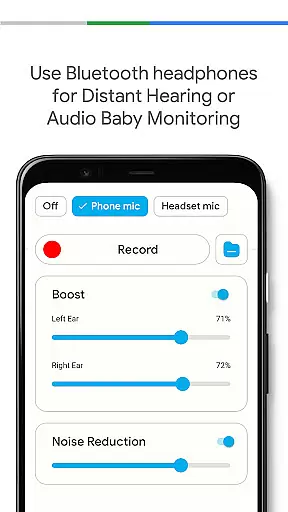
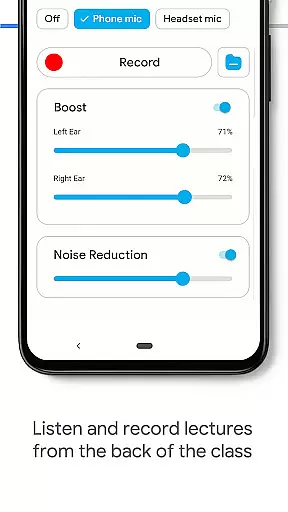
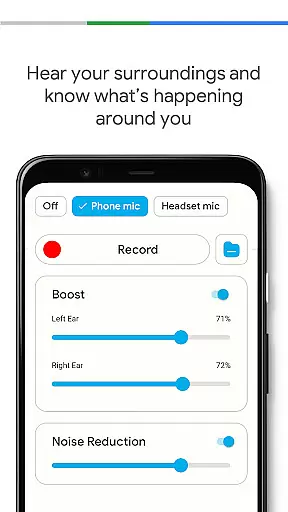
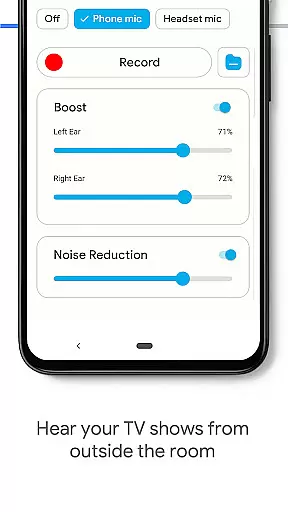
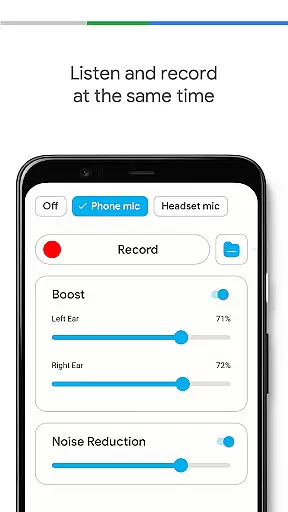
The application offers advanced features such as noise control to eliminate background disturbances, an audio recorder for personalized sound adjustments, and left/right ear sound balancing. It supports both phone microphones and Bluetooth headsets, allowing users to experience improved hearing in various environments without compromising quality.
Whether you're attending meetings, lectures, or social events, this app ensures that every word is heard clearly. The automatic speech enhancement feature amplifies important sounds while reducing background noise, making it ideal for use in noisy environments. With its user-friendly interface and customizable settings, Hearing Aid App for Android provides an accessible solution for everyday hearing assistance needs.
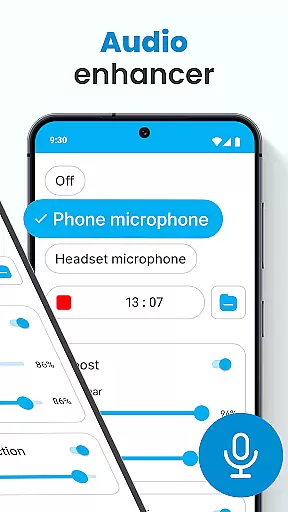
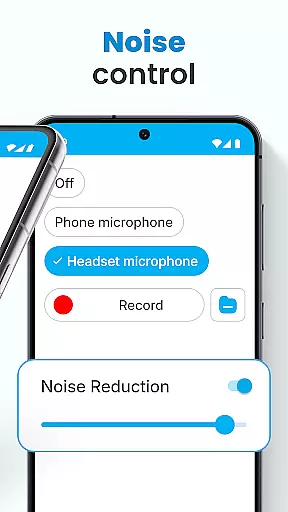
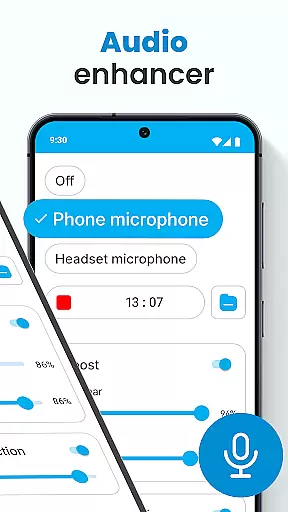
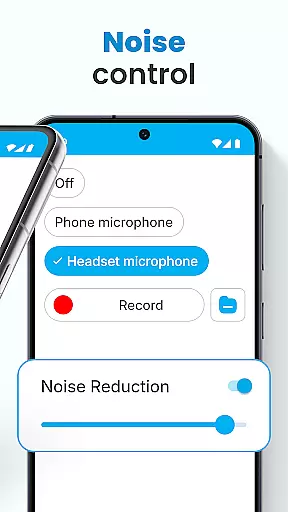
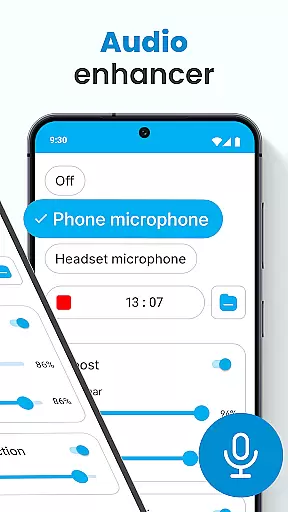
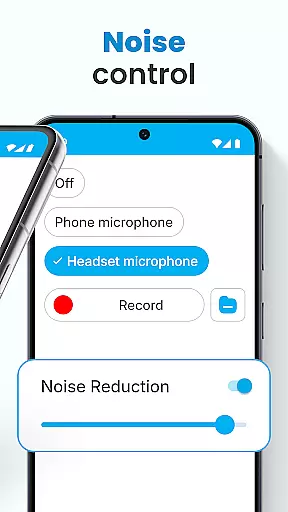
Hearing Aid App for Android stands out with its comprehensive set of features designed to improve auditory experiences. The app's core functionality includes an advanced Audio Enhancer that significantly boosts hearing volume while maintaining sound clarity. Its Noise Control feature effectively eliminates background disturbances, ensuring users can focus on important sounds.
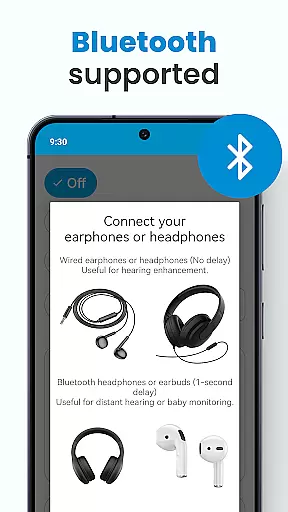
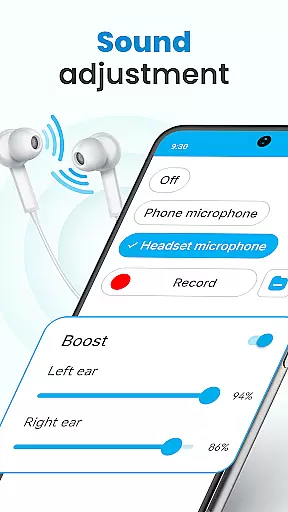
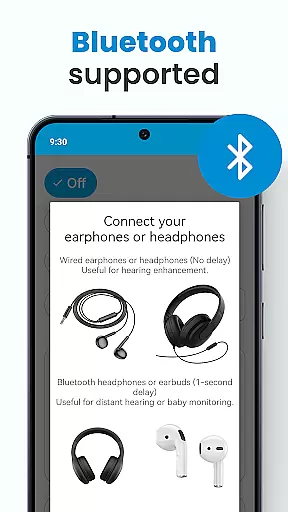
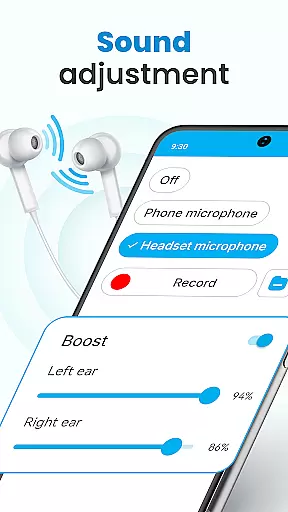
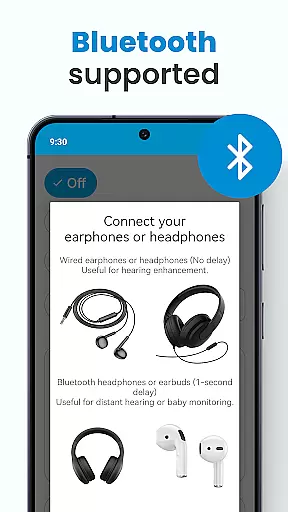
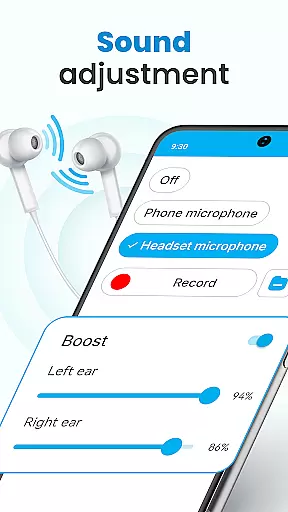
One of the app's most valuable features is the Super Hearing Volume Booster, which allows precise adjustment of sound levels for each ear independently. This customization extends to environmental sound settings, which can be saved and recalled for different situations. The inclusion of Bluetooth support enables seamless integration with wireless earphones, while the Background Mode permits simultaneous multitasking without interrupting the audio stream.
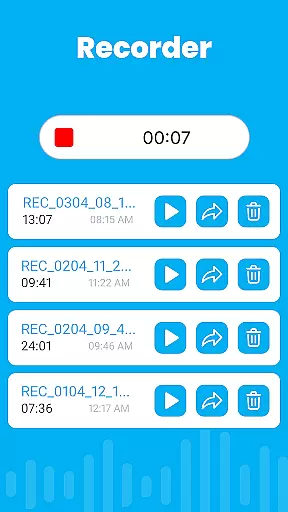
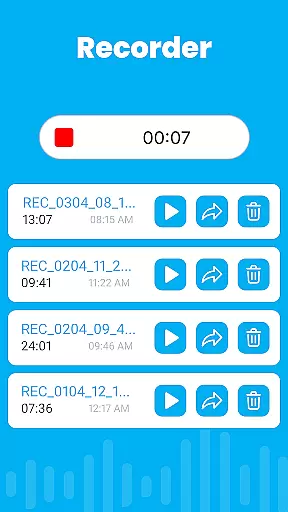
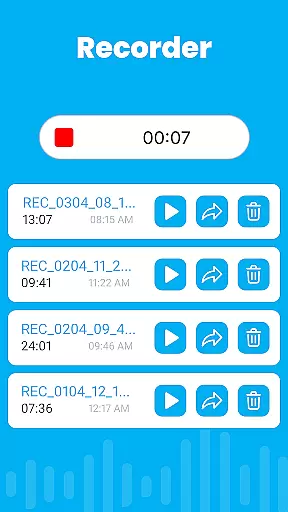
The app also incorporates a sophisticated Sound Amplifier system that automatically enhances speech while amplifying relevant environmental noises. This intelligent processing helps users distinguish conversations in crowded spaces. Additionally, the built-in Audio Recorder feature lets users capture and personalize sounds, creating a truly customized listening experience that adapts to individual preferences and needs.
In the realm of mobile health applications, ensuring the credibility of medical content is paramount. The Hearing Aid App for Android excels in this area by providing features that are not only designed to improve hearing but also grounded in sound medical science. This app amplifies sounds and enhances hearing through carefully engineered functionalities such as noise control and audio enhancement.
The app's design incorporates expert-reviewed methodologies to ensure users receive a reliable and effective hearing solution. By eliminating background disturbances and focusing on clear audio transmission, it demonstrates a commitment to high-quality, trustworthy medical assistance. These features have likely undergone rigorous testing and validation, which speaks volumes about the app's dedication to accuracy and safety.
For users, this means they can trust the app to provide genuine support for mild hearing loss without worrying about misinformation or ineffective solutions. With key features like the Super Hearing Volume Booster and left and right ear adjustments, individuals can personalize their experience based on expert-backed settings. This level of personalization, supported by professional oversight, ensures optimal performance tailored to individual needs.
Teleconsultation has become an essential aspect of modern healthcare, allowing patients to receive medical advice remotely. The Hearing Aid App for Android embraces this concept by offering functionalities that mimic professional consultation experiences. Through its advanced features like automatic speech enhancement and background noise reduction, the app provides users with clear sound quality akin to what one might expect during a teleconsultation session.
By integrating capabilities such as Bluetooth support and background mode operation, the app ensures uninterrupted communication between users and their environment. These features facilitate a seamless auditory experience whether the user is multitasking or locking their device while still benefiting from enhanced sound input. Such operational flexibility mirrors the convenience expected from high-quality teleconsultations.
Ultimately, these tools empower users to manage their hearing needs effectively without requiring physical consultations constantly. The ability to save various environmental sound settings further enriches this experience by allowing personalized configurations that adapt to different scenariosu2014just as a professional would recommend during a consultation. Thus, the app delivers robust teleconsultative value directly into users' hands.
User-friendly interface
Customizable sound settings
Effective noise reduction
Bluetooth compatibility
Background mode support
Limited to mild impairments
Requires compatible hardware
May drain battery quickly
No professional medical certification
Dependent on device microphone quality

Identify pills, search different drugs, get drug information and much more!
 4.50
4.50
Easy telehealth appointments + urgent care
4.70
World's largest contact lens store
4.60
Patient Health Portal
4.20
Pelvic Floor Muscle Exercises
4.80
The Better Pharmacy Experience
4.90
Boost reading, writing, speaking and listening with a scientifically proven app.
4.70
CPR Timer for High Performance AHA BLS / ACLS
5.00
A comprehensive 3D atlas of the human body
4.80
Leafly is a weed app for finding dispensaries, cannabis strains, & more.
4.70
Remote, medical-grade heart care at your fingertips
4.70
Take your aphasia therapy to the next level with 4 evidence-based advanced apps
4.70
This app is simply 1 book (also large app) and 17 other apps combined into 1
4.70
The doctor will see you now
4.70
The MDLIVE app makes connecting with a doctor fast, easy, and convenient.
4.60
Your pocket guide to following The Monash University Low FODMAP diet.
4.20
The Client Portal app empowers you to manage care from one secure place
4.10
Care Simplified by MyChart
3.40
ECG modules improve rhythm ID. ACLS is a simulator for cardiac arrest scenarios.
4.2



User Reviews