
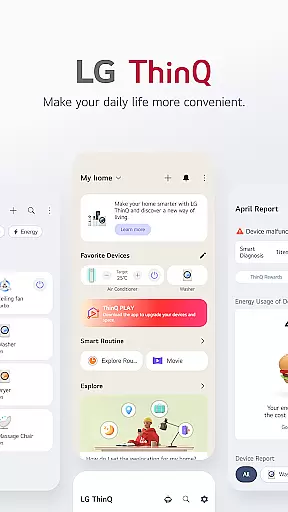
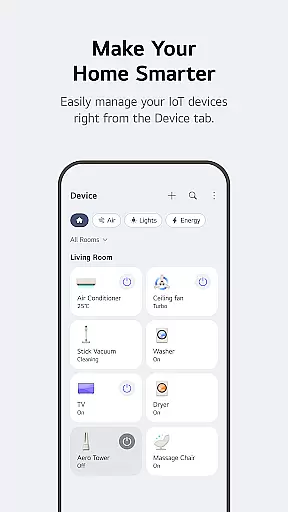
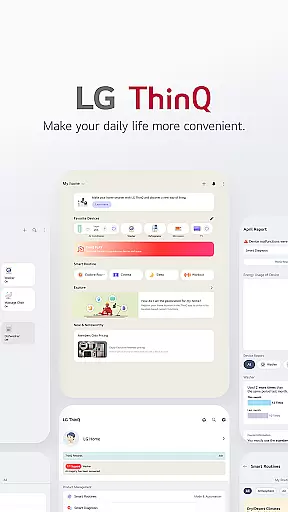
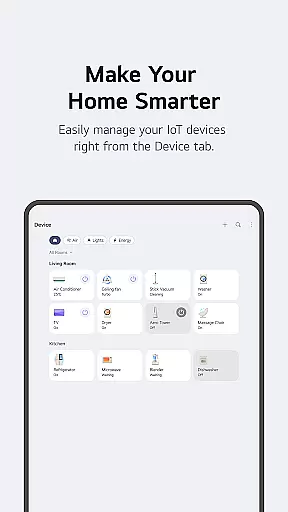
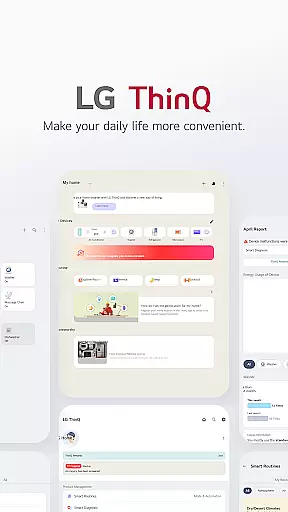
LG ThinQ is a comprehensive smart home solution that connects and controls IoT-enabled LG home appliances. The app serves as a central hub for managing your smart devices, offering features like remote control, personalized recommendations, and energy monitoring. Through the Home tab, users can effortlessly operate appliances from anywhere while receiving tailored suggestions based on usage patterns.
The app also provides advanced functionalities such as Smart Diagnosis for troubleshooting, automated routines to streamline daily tasks, and AI-powered support through 'Chat with LG.' With its ability to upgrade existing products with new features and integrate seamlessly into users' lifestyles, LG ThinQ represents a significant advancement in smart home technology. This makes it an invaluable tool for optimizing both product performance and energy efficiency.
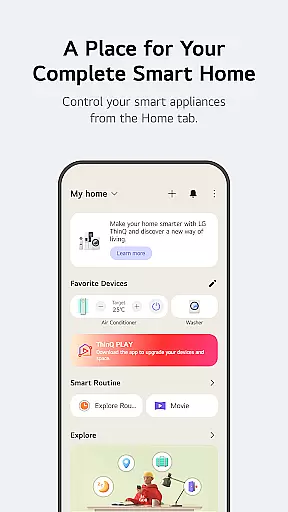
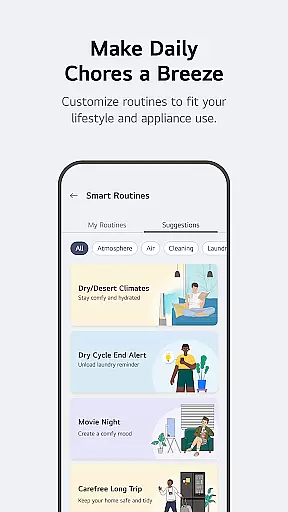
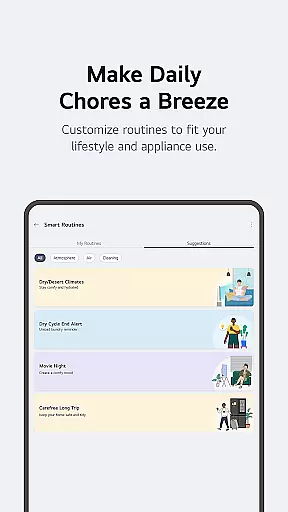
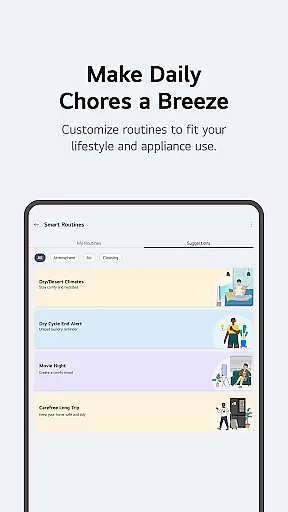
LG ThinQ stands out with its diverse feature set designed to enhance user convenience and product functionality. A key highlight is the ThinQ Play section, which allows users to download apps specifically designed for LG's AI Home Hub, enabling enhanced interaction with their smart appliances. The app supports creating customized smart routines - for instance, automatically turning on lights or air purifiers at specific times, or activating energy-saving modes when you're away.
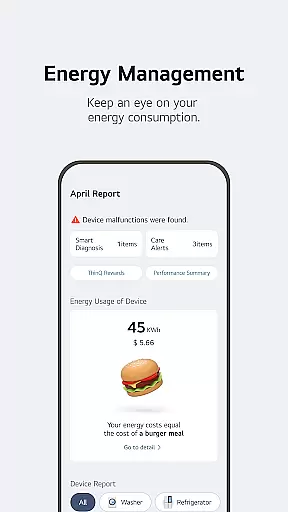
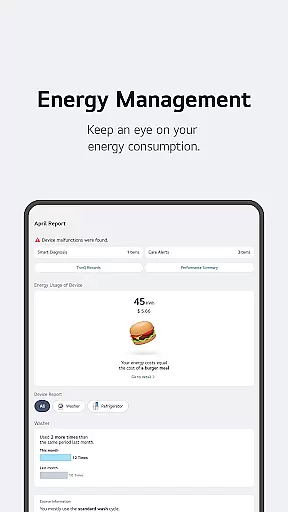
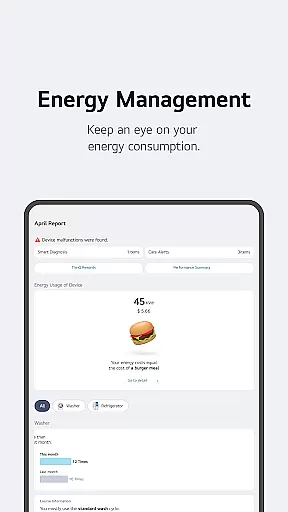
Energy Monitoring capabilities provide valuable insights into power consumption, allowing users to compare their usage with neighbors and set saving goals. The integrated 'Chat with LG' feature delivers personalized assistance by analyzing individual product conditions. Additionally, the app streamlines service requests and maintenance through its built-in diagnostic tools and direct booking system for professional engineers. These comprehensive features create a seamless smart home experience that adapts to users' evolving needs.
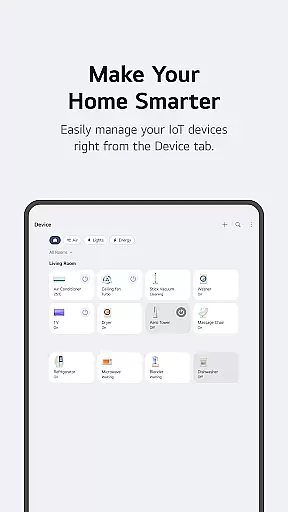
LG ThinQ offers comprehensive coverage of lifestyle categories through its robust smart home ecosystem. The app serves as a central hub for managing IoT-enabled home appliances, providing users with seamless control over various devices from anywhere.
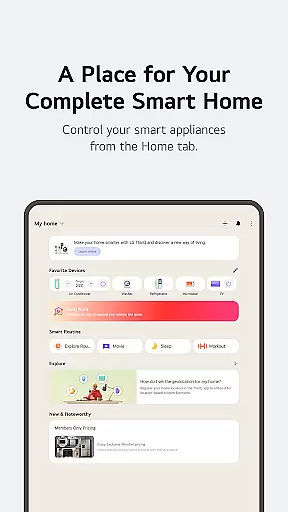
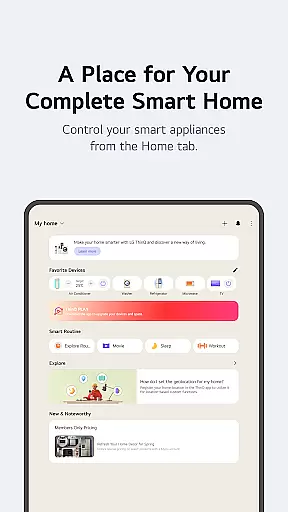
The Home tab allows users to interact with their smart appliances effortlessly. It delivers personalized recommendations based on usage patterns, helping homeowners optimize their appliance management. Additionally, the Explore feature educates users on maximizing the app's capabilities, ensuring they get the most value from their smart home investment.
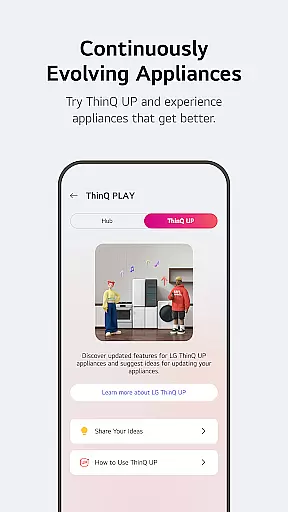
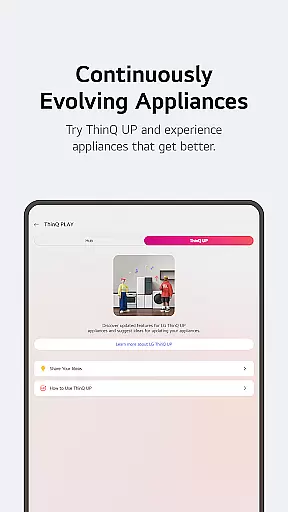
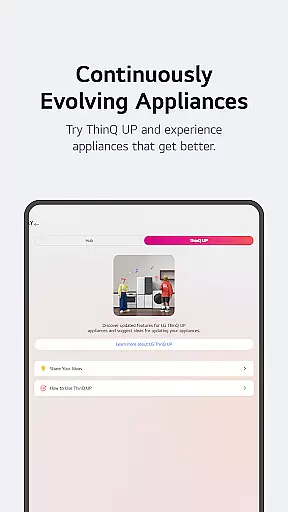
Through ThinQ Play, users can enhance their living spaces by downloading apps specifically designed for LG's AI Home Hub. This feature enables product upgrades and introduces new functionalities tailored to individual lifestyles and preferences, creating a truly customized smart home experience.
LG ThinQ ensures content authenticity and expert credibility through its advanced diagnostic and support features. The app provides reliable product information and maintenance guidance directly from LG's official channels, guaranteeing accurate and trustworthy content.
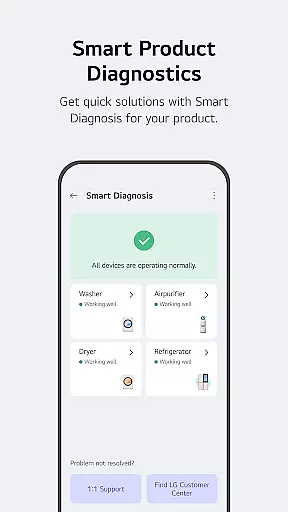
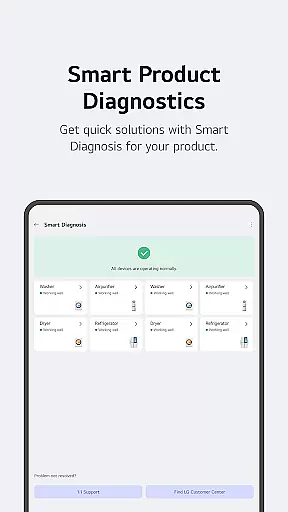
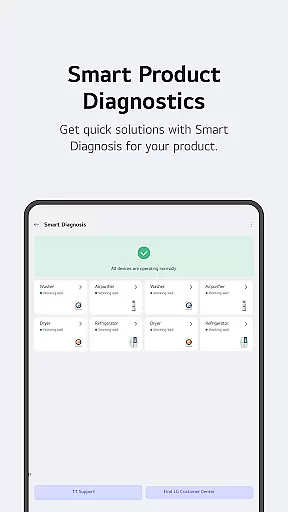
The Smart Diagnosis function allows users to verify their product's status through established technical protocols. When professional assistance is needed, users can book service visits from certified LG engineers who conduct thorough inspections and provide expert maintenance advice.
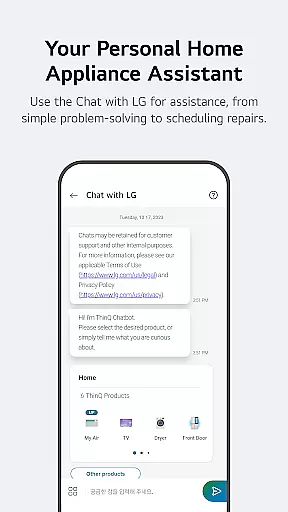
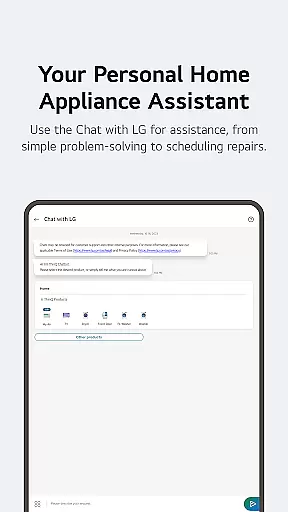
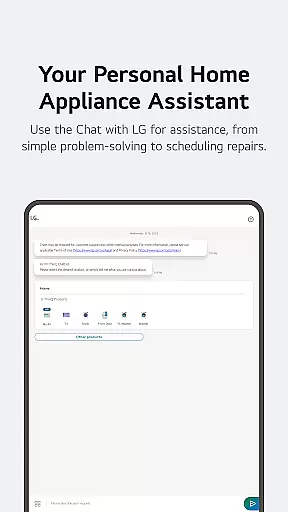
Furthermore, the AI-powered 'Chat with LG' feature delivers personalized responses based on each product's specific condition and usage history. This intelligent support system combines LG's technical expertise with artificial intelligence to offer precise solutions and recommendations, enhancing user confidence in the information provided.
User-friendly interface
Comprehensive device control
Advanced automation options
Personalized recommendations
Integrated customer support
Limited third-party integration
Region-specific features
Requires stable internet
Premium feature costs
Device compatibility issues

Earn points with every purchase with Moe Rewards.
 4.20
4.20
A uniquely designed isometric digital watch face made for Wear OS
4.5
Paranormal Spirit Bell Trigger Device
4.30
Spirit Communicator is a real paranormal ghost hunting app with many fun modes.
3.90
Discover your Nationality, Family Origin, and Ancestry from one selfie
4.50
SmartHQ: Your Connected Home Command Center
4.10
Kasa Smart is your portal to your TP-LINK Smart Home.
4.70
Celebrate the holidays with Advent Calendar: daily surprises and festive fun!
4.2
PARAVOX 4 is a professional ITC paranormal research application.
4.50
Countdown to Christmas 2025 with festive games & activities in a virtual village
4.80
Daily lessons from A Course in Miracles with scheduled reminders
4.80
Good magnifier app to see tiny things bigger and more clearly!
4.80
Redecor your home with Home AI interior design, room planner and home designer.
4.50
Chat, meet genuine singles in your area. Real connections start with being real.
4.30
Design and brew great homebrewing beer, mead, cider and wine recipes on the go!
3.60
Take Hobby Lobby with you wherever you go!
3.40
Turn your watch into a key fob for your Tesla
2.90
Unique Dark Analog style for Wear OS watches.
4.4
Big bold hybrid watch face with 30 colors, 5 fonts & 5 complications.
4.3




User Reviews