
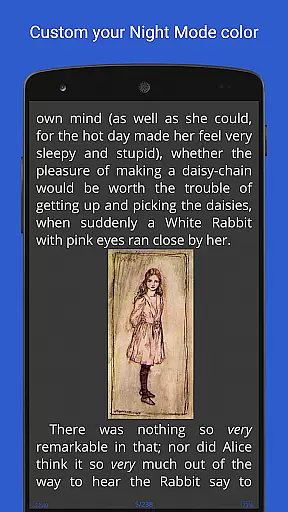
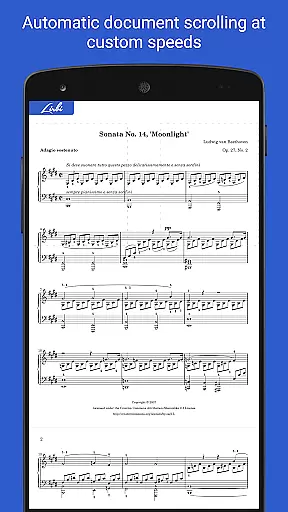
Librera PRO is a versatile and feature-rich reading application designed for book enthusiasts who require support for multiple document formats. This app supports PDF, EPUB, MOBI, DjVu, FB2, DOC, TXT, and many more, making it an all-in-one solution for digital reading. Its user-friendly interface offers both Day and Night modes, customizable reading settings, and even a unique Musician's mode for auto-scrolling at adjustable speeds.
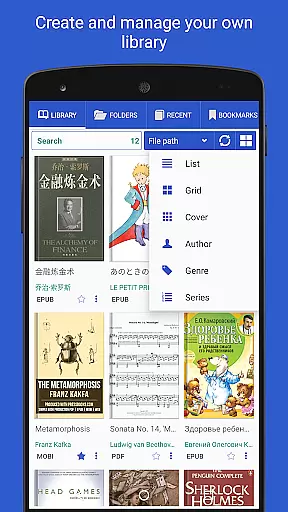
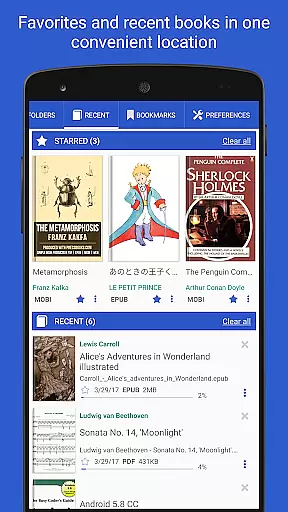
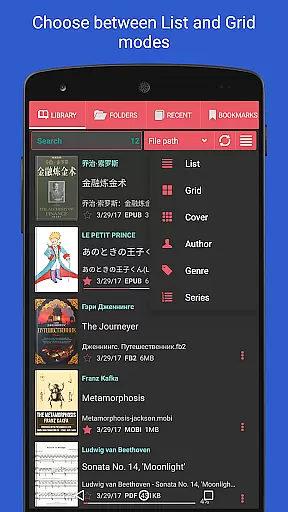
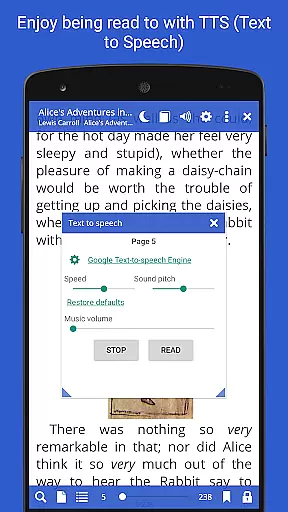
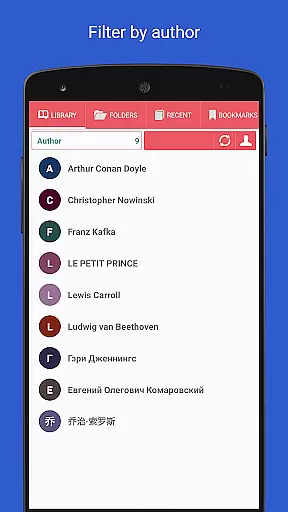
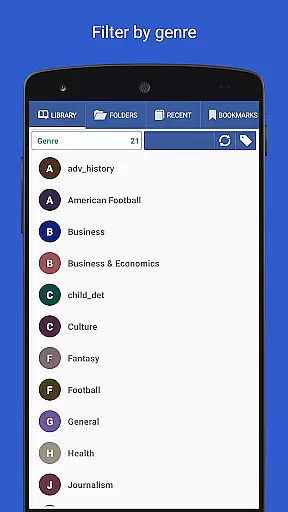
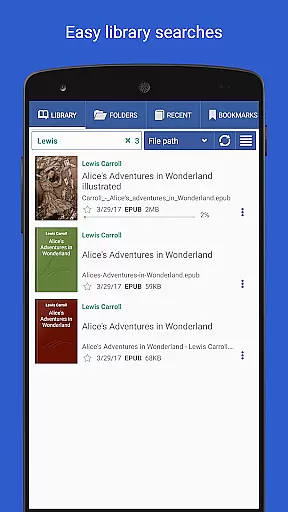
Beyond basic reading, Librera PRO allows users to create personalized libraries by scanning specified folders and organizing documents with tags, filters, and progress tracking. The app also integrates advanced features such as text reflow, annotations, online translation, and read-aloud capabilities via TTS engines. With options like vertical-only scrolling, custom CSS for enhanced readability, and syncing across devices, Librera PRO ensures a seamless and enjoyable reading experience tailored to individual preferences.
Whether you're a student managing research papers or a casual reader enjoying eBooks, Librera PRO provides the tools necessary to optimize your reading workflow. Its comprehensive functionality makes it suitable for both simple and advanced reading needs, offering significant value to users who demand flexibility and customization in their reading applications.
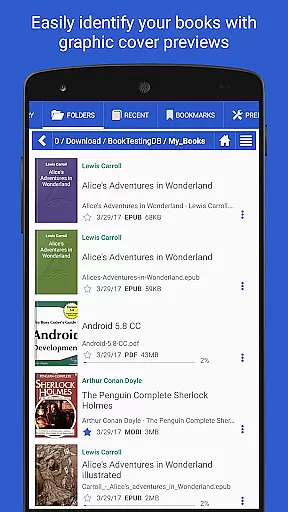
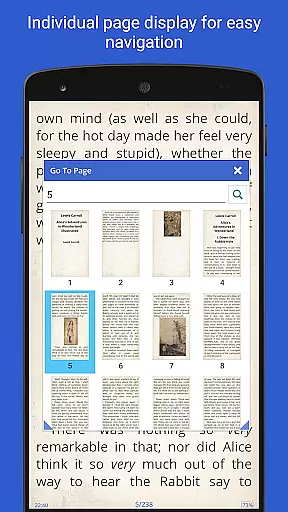
Librera PRO stands out due to its extensive list of features that cater to diverse reading requirements. One of its core strengths is the ability to handle numerous document formats, including PDF, EPUB, and MOBI, while providing specialized viewing options such as single-page display for dual-paged documents and vertical-scroll lock for easier navigation. Additionally, the app includes a file explorer for browsing catalogs and disks, allowing users to manage their libraries efficiently.
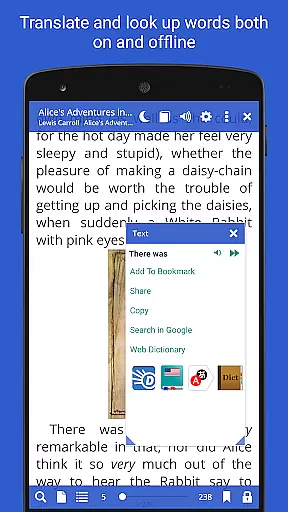
The app also incorporates innovative functionalities like RSVP reading (similar to Spritz), which enhances reading speed by displaying one word at a time. Users can benefit from configurable read-aloud rules using TTS engines, integration with major offline dictionaries, and support for right-to-left languages such as Arabic and Hebrew. Furthermore, Librera PRO enables cloud syncing of reading progress and settings across devices, ensuring continuity and convenience.
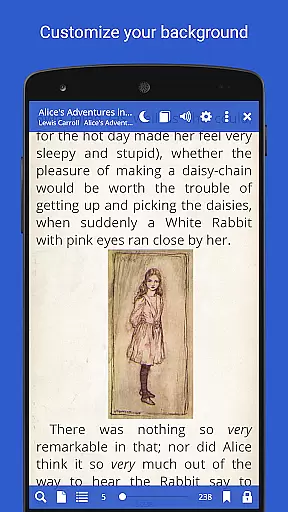
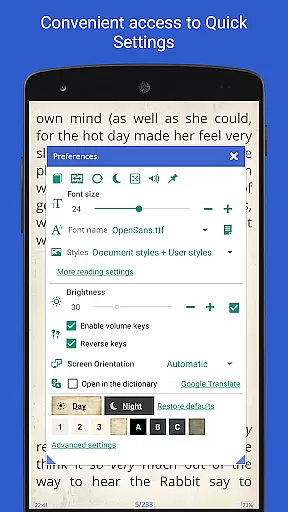
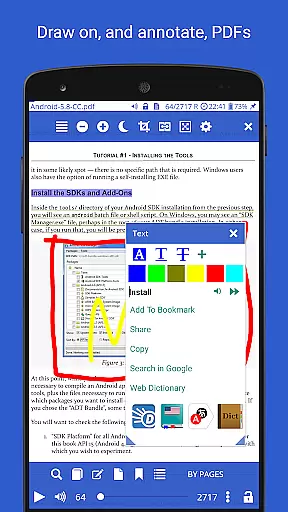
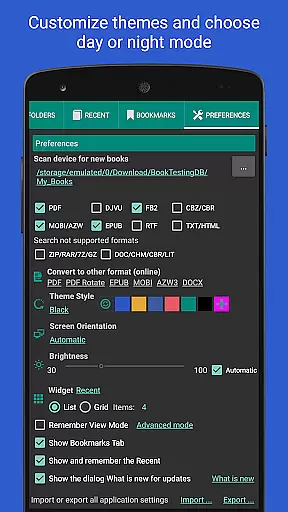
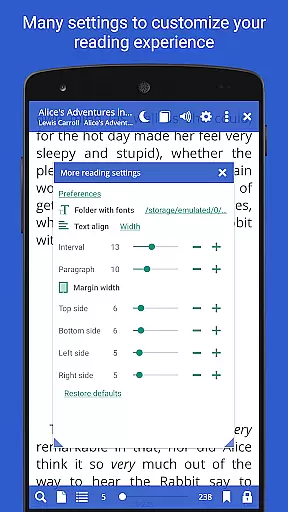
Customization is another hallmark of Librera PRO, with options ranging from custom CSS coding for improved aesthetics to volume key functionality adjustments. Readers can annotate texts, bookmark pages, and translate excerpts directly within the app. These features collectively ensure that Librera PRO not only meets but exceeds the expectations of modern readers seeking a powerful yet adaptable reading tool.
Librera PRO offers an extensive e-book library that supports a wide array of document formats including PDF, EPUB, MOBI, and more. This ensures users have access to a vast collection of reading materials tailored to their preferences.
The application's support for numerous formats not only speaks to the library's size but also its versatility. Whether it's the latest bestseller in EPUB format or an academic paper in PDF, Librera PRO accommodates diverse reading needs without compromising on quality or compatibility.
Regarding copyright authenticity, Librera PRO respects intellectual property rights by enabling users to import their legally acquired documents. The app does not provide or distribute copyrighted material illegally, thus ensuring a lawful and ethical reading experience.
By allowing users to create self-maintaining libraries and specifying which formats and folders to scan, Librera PRO empowers readers to manage their collections efficiently while maintaining the integrity of copyrighted works.
One of Librera PRO's standout features is its exceptional format compatibility, supporting everything from basic text files to complex formats like DjVu and AZW3. This broad spectrum of compatibility ensures that no matter the source or type of document, users can enjoy a seamless reading experience.
In addition to standard e-book formats, the app also handles archived books (.zip) and right-to-left languages such as Arabic and Hebrew. Such inclusivity allows readers worldwide to access content in their preferred language and format without limitations.
Librera PRO further enhances user convenience with online document format conversion capabilities. If a user encounters a less common format, they can convert it within the app to something more accessible, thus expanding their reading options even further.
This commitment to comprehensive format support underscores Librera PRO's dedication to delivering a versatile and user-friendly reading platform where format barriers are virtually non-existent.
Supports multiple formats
Highly customizable UI
Advanced reading modes
Syncs across devices
Offline dictionary support
No free version
Complex for beginners
Occasional bugs
Heavy on resources
Limited customer support

Flora of Virginia Project (www.floraofvirginia.org)
 5.00
5.00
Mirror Bible - eye-opening paraphrase translation of the NT by Francois du Toit
4.30
Translate into 100+ languages with the world’s most accurate AI translator.
4.70
Bible Spiritual Companion
4.40
Read aloud texts, audiobooks, PDFs or any eBook with text to speech AI audio
4.60
8 Dr. Seuss short stories in 1 app!
4.70
The Original & Authentic Crystals, Gemstones, Rocks & Minerals Encyclopedia.
4.60
Full text, sheet music, and recordings of the print edition
4.60
Read the Quran in Arabic alongside its translation, with color coded Tajweed.
4.50
Learn Thai with 195,000+ entries, crisp Thai sounds, big text; works offline.
4.80
Contains the 365 daily readings and everything other thing needed for catholics
4.70
Watch real short episodes in just minutes— addictive, you won't be able to stop!
4.70
Master AKC Rally signs with in-depth hints, diagrams, and expert guidance.
4.50
Manage collectibles, survey and treasure maps in Elder Scrolls Online.
4.40
Daily Bible app: King James Version with verses and audio for studying&prayer
4.40
Bilingual dictionary with English translations of Modern Standard Arabic words.
4.30
WebNovel - Read Solo Leveling novel and comic
4.10
A story reading app: Read stories, novels and books, or write your own.
3.90
A guide for the Court of Atonement spiritual healing process.
4.3



User Reviews