
Mahjong Helper & Calculator is an essential tool for both beginner and experienced Mahjong players. This app simplifies the complex tasks of scoring hands and managing payments between players. It supports multiple scoring systems including European Classical, Hong Kong, Japanese Modern, and Chinese Official rules. The intuitive interface allows users to easily select tiles and calculate scores with precision.
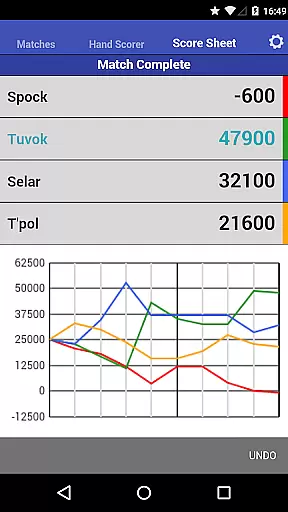
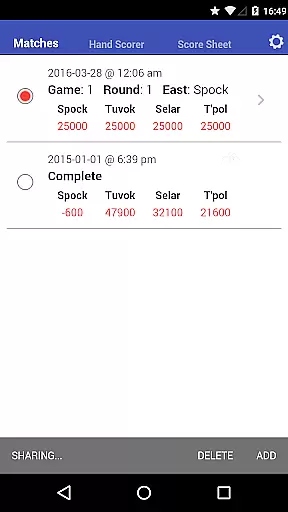
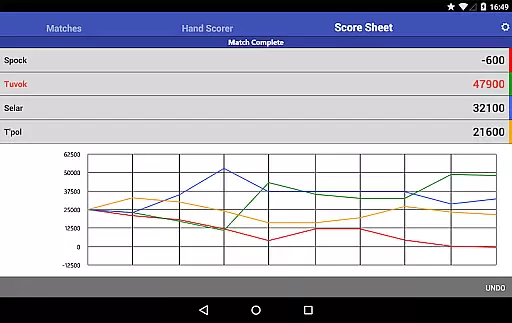
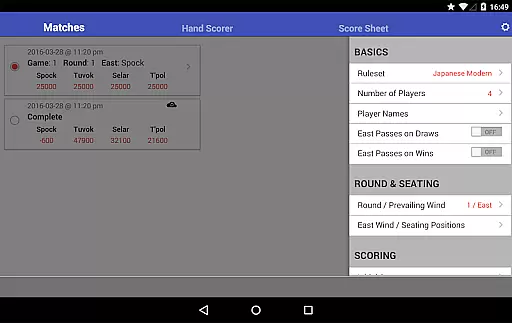
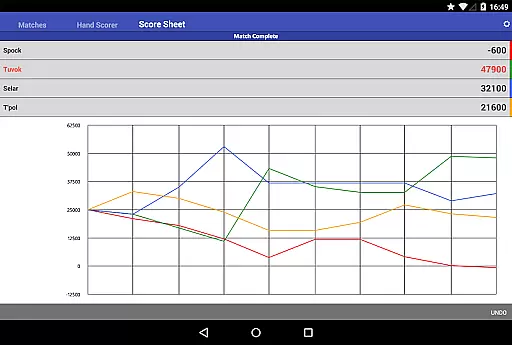
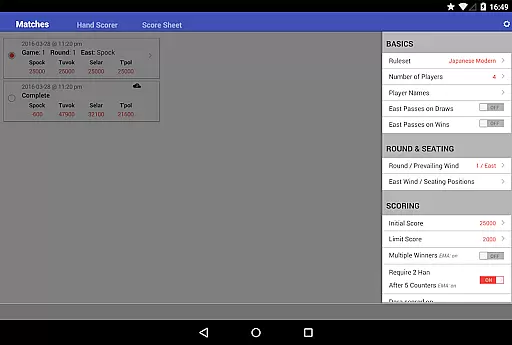
One standout feature is the ability to maintain a history of matches played, enabling players to review past games and track their progress over time. Additionally, the app facilitates seat rotation and supports 4, 3, and 2 player scoring modes, making it versatile for different play styles. Whether you're learning the game or looking to refine your skills, Mahjong Helper & Calculator provides valuable insights into scoring mechanics.
The app's cross-device sharing capability allows players to collaborate on scoring from their respective devices, provided there's a data connection. This makes it perfect for friendly competitions or tournament settings where accurate scorekeeping is crucial. With its beautiful design and user-friendly features, Mahjong Helper & Calculator enhances the overall Mahjong experience by removing the hassle of manual calculations.
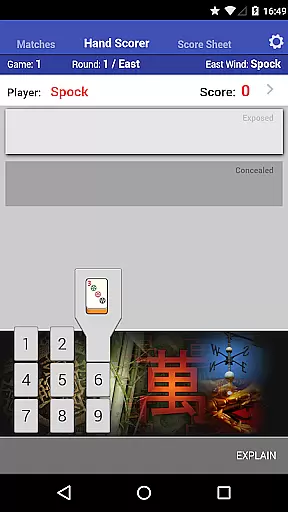
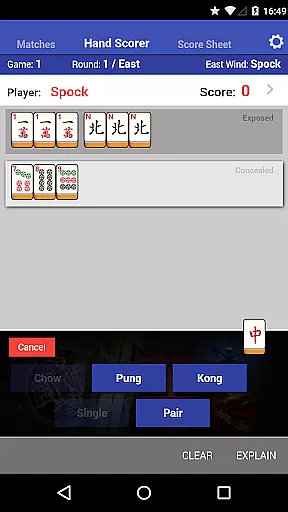
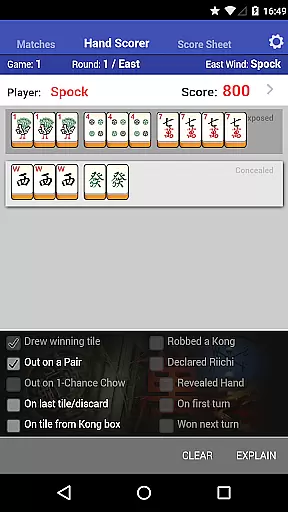
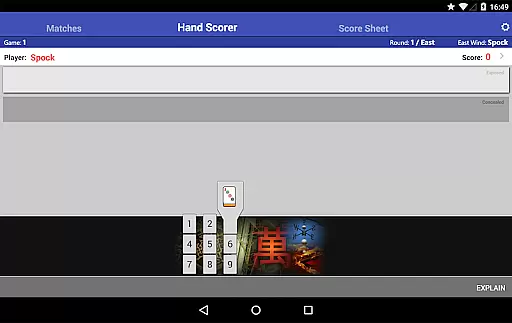
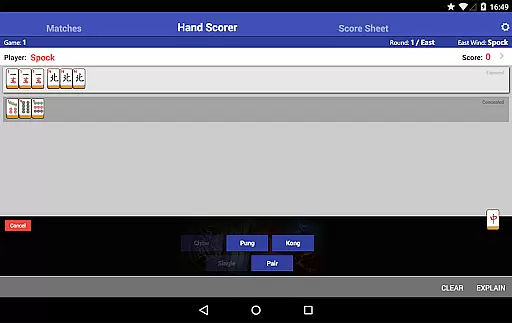
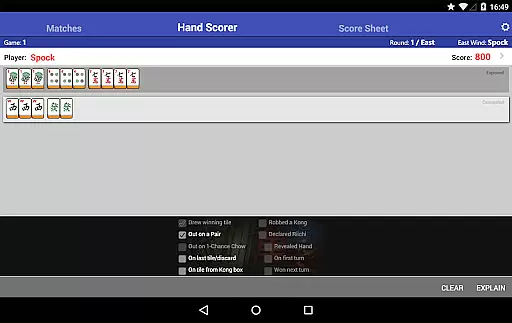
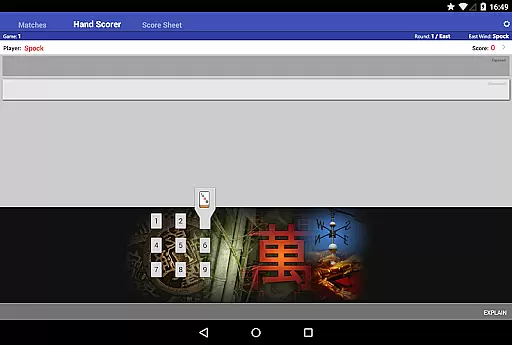
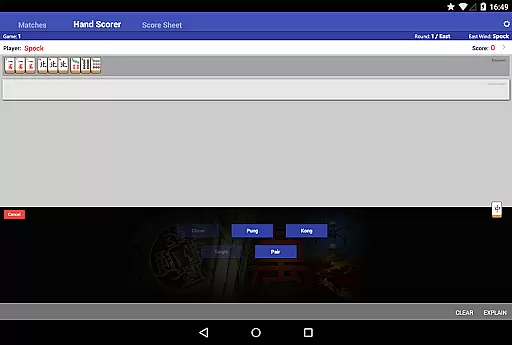
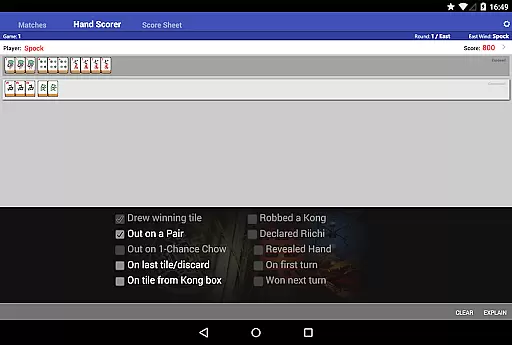
Mahjong Helper & Calculator boasts a range of features designed to enhance the Mahjong playing experience. One of the key highlights is the Hand Scorer/Calculator, which includes an intuitive tile and set-type selector. Players can press, slide, and release to choose tiles, streamlining the scoring process significantly. The app supports various scoring systems such as European Classical, Hong Kong, Japanese Modern with Dora tiles and Red Fives, and Chinese Official rules, catering to a global audience.
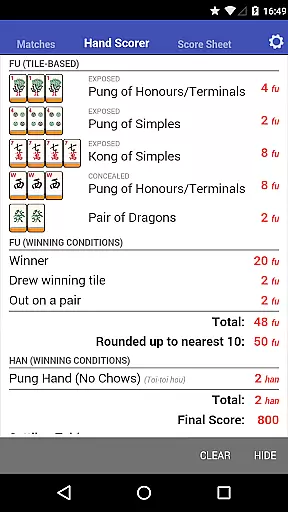
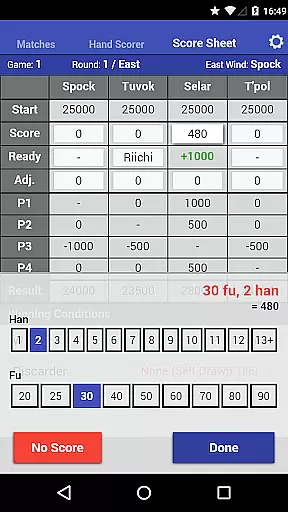
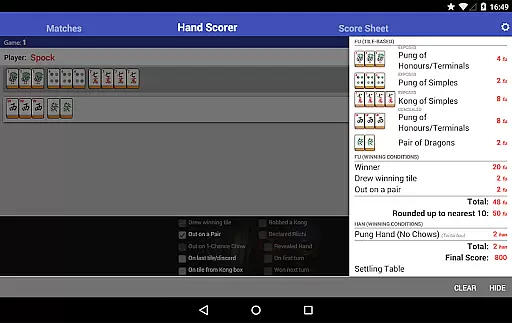
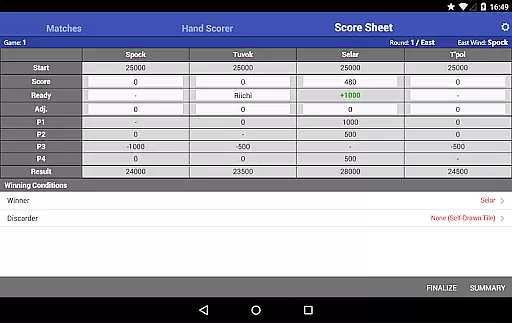
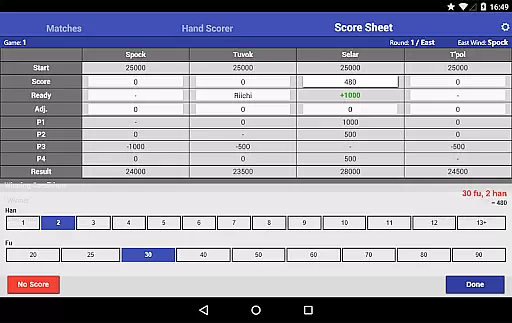
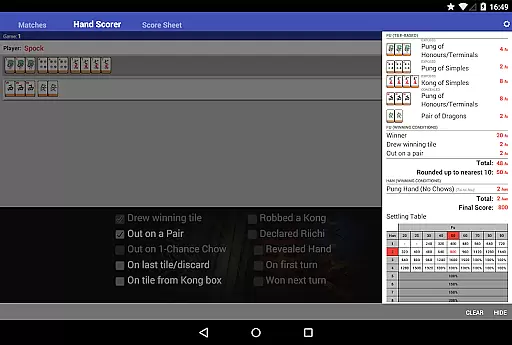
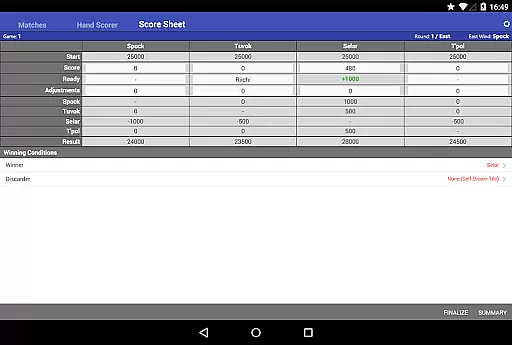
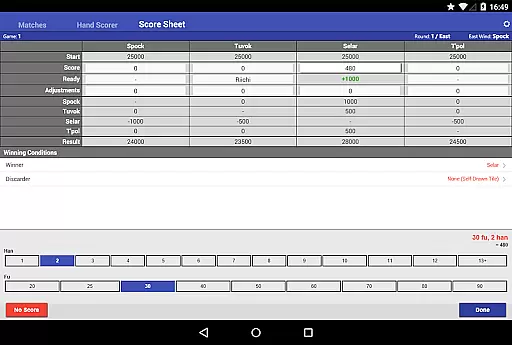
In addition to scoring, the app offers a Score Sheet that automatically calculates payments between players. This feature also supports 'Ready' declarations and counters in Japanese Mahjong, adding another layer of authenticity to the game. The Scoring panel provides a detailed breakdown of how scores are calculated, which is particularly useful for those new to the game or wanting to verify their results.
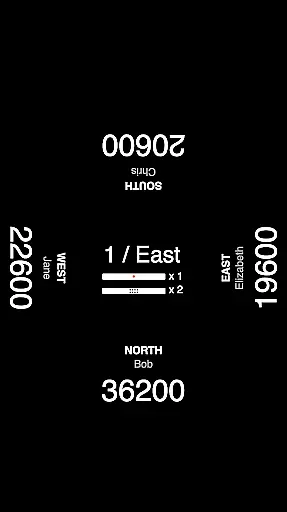
Another notable feature is the ability to share matches across devices. This functionality allows other players to keep a record of the match and contribute to scoring from their own Android or iOS devices, provided there's a data connection. The app also supports seat rotation between rounds, or groups can opt to keep the same positions throughout. These comprehensive features make Mahjong Helper & Calculator an indispensable tool for any Mahjong enthusiast.
Mahjong Helper & Calculator offers a diverse range of features that cater to both beginners and experienced Mahjong players. The app supports multiple scoring systems including European Classical, Hong Kong, Japanese Modern, and Chinese Official, ensuring that users from different regions can enjoy the game according to their local rules.
One of the key aspects of this app is its ability to keep the gameplay experience fresh and engaging. With options for 4, 3, and 2 player scoring modes, players have the flexibility to choose their preferred style of play. Additionally, the Hand Scorer with an intuitive tile selection mechanism adds a layer of interactivity that enhances the overall user experience.
The app also allows users to maintain a history of matches played, which not only serves as a record but also enables players to experiment with different scoring methods. This feature ensures that the game remains dynamic and interesting over time, encouraging continuous engagement.
User engagement is a crucial factor in determining the success of any entertainment app, and Mahjong Helper & Calculator excels in this area. By providing tools such as the Hand Scorer and Score Sheet, the app simplifies complex tasks like calculating hand values and managing payments between players, thus keeping users actively involved in the game.
The inclusion of features like seat rotation and support for 'Ready' declarations in Japanese Mahjong adds strategic depth to the gameplay, prompting users to spend more time mastering these elements. Furthermore, the ability to share matches across devices means that players can stay connected with their peers, fostering a sense of community and competition.
With its comprehensive set of features designed to assist in every aspect of Mahjong play, Mahjong Helper & Calculator successfully retains user interest. Players are likely to return to the app repeatedly, not just for its utility but also for the enriched gaming experience it provides.
User-friendly interface
Supports multiple scoring systems
Accurate payment calculations
Cross-device sharing
Detailed scoring breakdown
Requires data connection for some features
Limited offline functionality
Interface may overwhelm beginners
No AI opponent mode
Premium features locked behind paywall

Ultimate VR movie player for android mobile videos
 4.0
4.0
Binge-worthy short dramas on DramaRush—engaging stories that fit your day.
3.90
Fun brain twisting challenge with trending Whirlpool Filter.
4.70
Triple A is a highly complex, kinetic, and interactive visualizer.
4.50
Fetch money rewards all just for playing games. Cash out for gift cards in app.
4.50
Himnario LLDM - Fast and Easy to read , updated Hymnal 2019 Edition Official
4.20
VR 360 Cinema Player is the ultimate VR player for playing videos on mobile
3.50
Earn Real Rewards Playing Fun Mobile Games & Easy Cash Out - PayPal & Gift Cards
4.40
An app made just for kids
4.20
Premium version to enjoy your favorite anime
4.60
Unleash Your AI Imagination
4.60
Your Avatar, Endless Fun
4.60
Stream Online TV - Watch Live IPTV Playlist & Channel with Built-In Player
4.50
Underrated short-drama gems that hit hard and keep your heart hooked.
4.50
Create melty bead designs by numbers, photos or your imagination
4.40
Build and Share AI
4.20
Official KennysGifs Stickers
4.20
Catch the latest episodes of The Voice or live stream NFL games with The NBC App
4.20
Your choice of 350+ networks plus movies and full TV series on-demand.
3.70




User Reviews