
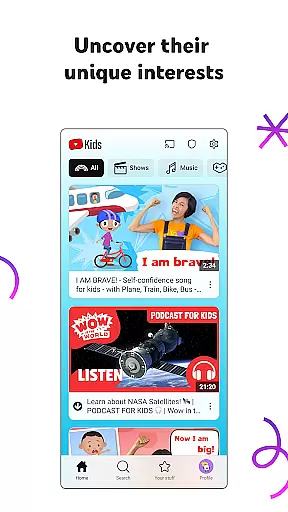
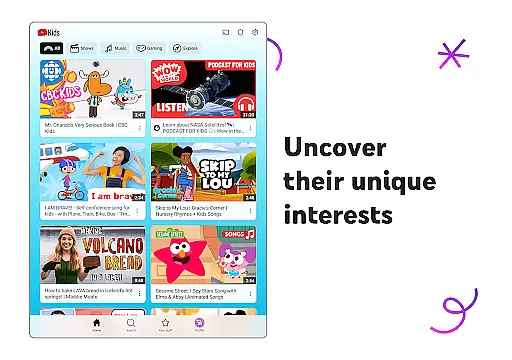
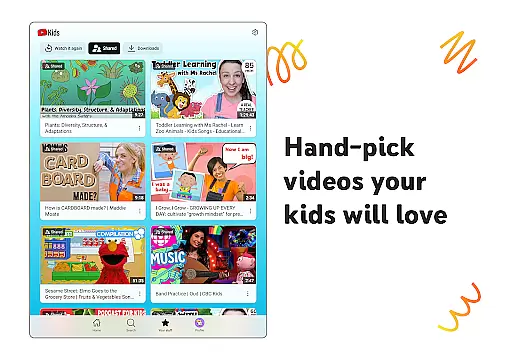
YouTube Kids is a specialized entertainment app designed to provide a safe and engaging video-watching experience for children. The app offers a vast array of kid-friendly content, including educational videos, cartoons, music, and more, tailored to inspire curiosity and learning.
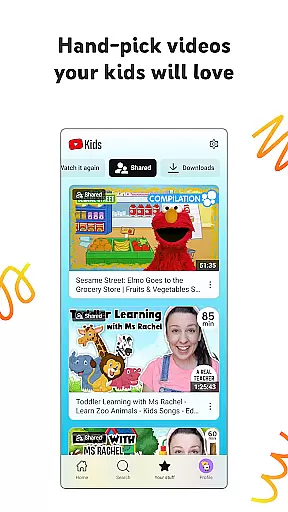
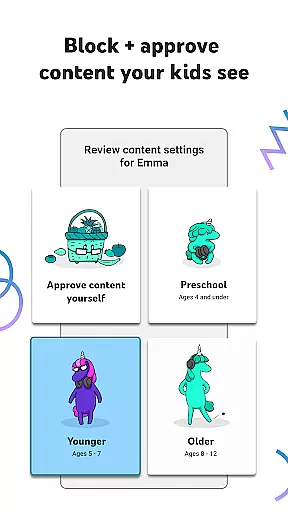
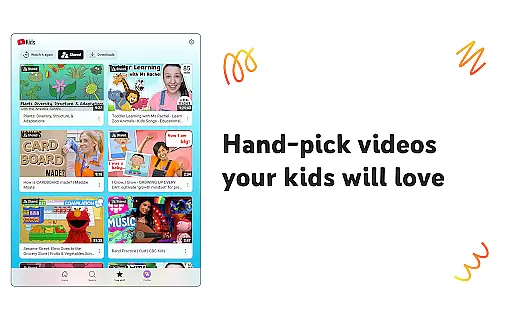
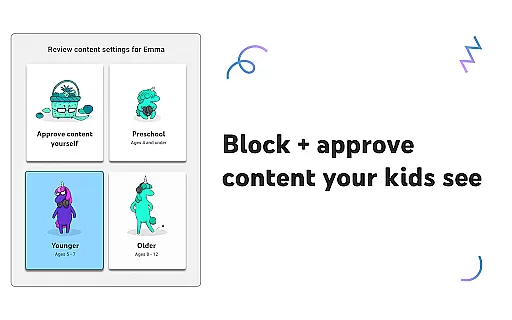
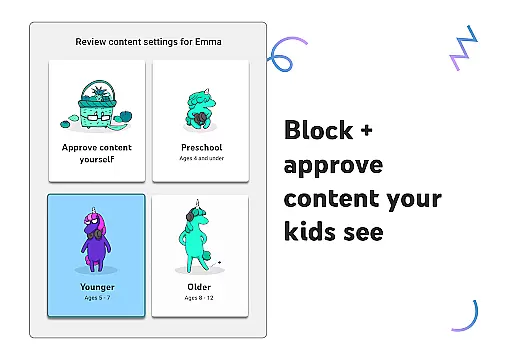
With its intuitive interface and customizable features, parents can create individual profiles for their kids, choosing from Preschool, Younger, or Older modes to match the child's age and interests. Additionally, Parental Controls allow guardians to manage screen time, block unwanted content, and hand-pick approved videos, ensuring a personalized and secure viewing environment.
This app is perfect for families looking to balance digital entertainment with educational value, giving children the freedom to explore topics they love while providing peace of mind for parents.
YouTube Kids stands out with its suite of parental control features that help shape a child's viewing experience. Parents can set content filters based on age-appropriate categories, such as Preschool mode for learning basics like ABCs, Younger mode for exploring songs and DIY crafts, and Older mode for searching popular music and gaming videos.
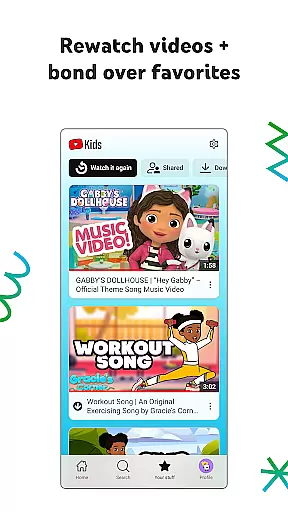
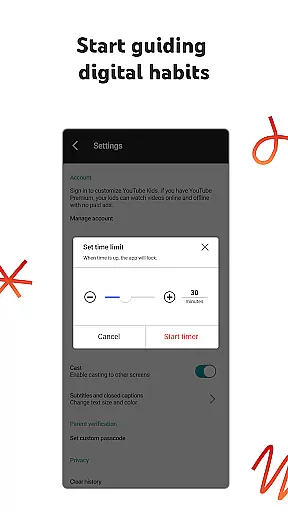
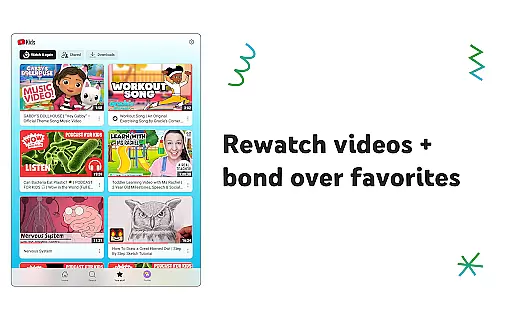
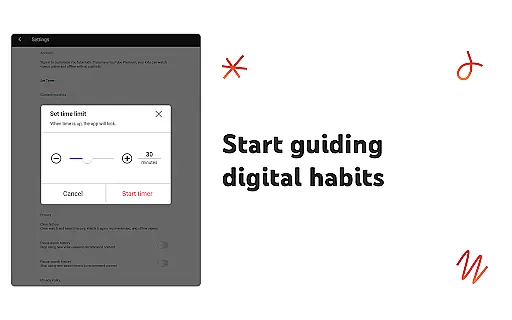
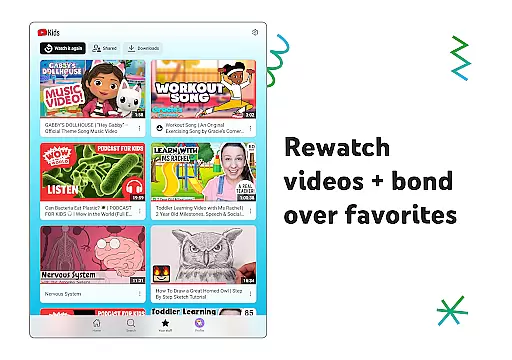
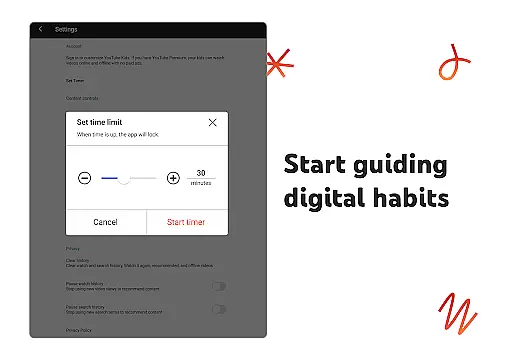
The Watch it Again feature allows kids and parents to revisit favorite videos easily. With the Timer feature, parents can set daily screen-time limits, pausing the app automatically when time is up to encourage breaks and offline activities.
Furthermore, YouTube Kids provides tools for flagging inappropriate content, ensuring that the platform remains family-friendly. These innovative features not only enhance user engagement but also prioritize safety and customization, making it a top choice for parents seeking controlled digital entertainment options for their children.
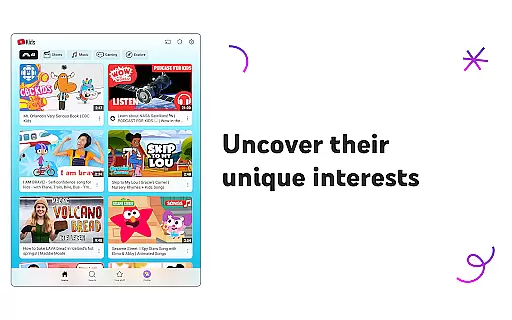
In the realm of digital entertainment, content variety and freshness are paramount for maintaining user engagement. YouTube Kids offers a diverse range of video content tailored specifically for children, ensuring that there is something for every young viewer to enjoy. The app's content spans educational videos, cartoons, music, and more, all curated with kids in mind.
YouTube Kids continuously updates its content library to keep pace with current trends and interests, ensuring that children have access to the latest and most relevant videos. This commitment to freshness means that children can always find new content to explore, keeping their interest piqued and encouraging them to return to the platform regularly.
The app also features different modes such as Preschool, Younger, and Older, each offering content appropriate for various age groups. This ensures that as children grow, they continue to discover new and exciting videos that match their evolving interests and developmental stages.
User engagement duration and retention are critical metrics for any entertainment platform, indicating how well the service holds viewers' attention over time. YouTube Kids excels in this area by providing an intuitive interface and engaging content that keeps children entertained for extended periods. The app's design encourages exploration and discovery, which naturally leads to longer viewing sessions.
To enhance retention, YouTube Kids includes features like the Watch it Again tab, where kids can easily revisit their favorite videos. This not only boosts engagement but also creates a personalized experience that resonates with young users, making them more likely to return to the app frequently.
Additionally, parental controls allow guardians to set screen-time limits, promoting healthy usage habits while still giving kids ample opportunity to engage with the content they love. By balancing fun with responsible usage, YouTube Kids fosters a sustainable environment for prolonged user engagement and retention.
User-friendly interface
Customizable content filters
Parental controls for screen time
Vast library of educational videos
Regular updates with fresh content
Limited parental blocking options
Potential exposure to ads
Some features require Google account
Occasional inappropriate content
Less content variety for older kids

Ultimate VR movie player for android mobile videos
 4.3
4.3
Triple A is a highly complex, kinetic, and interactive visualizer.
4.50
Stream videos to VIDAA & VEWD TVs from Hisense, Sharp, Skyworth, Vestel & TiVo
3.00
Stories that spark in seconds.
4.80
Underrated short-drama gems that hit hard and keep your heart hooked.
4.50
Christmas Globe: Transform your Wear OS device into a festive timekeeper!
4.1
Connect. Discover. Control.
3.60
Pop Drama is a premier app crafted for short drama lovers
4.60
Scary prank camera & on face app: Shoot videos, selfies with spiders & scorpions
4.60
Time tracking, lap counting and much more for Carrera® Digital 132/124
4.80
The OFFICIAL PeeWee Purpdrank Soundboard!
4.80
Stream Online TV - Watch Live IPTV Playlist & Channel with Built-In Player
4.50
Rain and lightning effects for your Philips Hue lights
4.30
Real ghost box scanner with echo, reverb, EMF, & multi-stream channels.
3.80
Watch New Episodes & Live TV
3.80
Your choice of 350+ networks plus movies and full TV series on-demand.
3.70
Air Horn - Siren Sounds Prank, Fun way to wake up your Friends and Family
4.1
A wonderful collection of the most beautiful sounds of animals and birds
4.4
EVP Recorder / Voice Recorder for ghost hunting, to communicate with ghosts.
4.2



User Reviews