
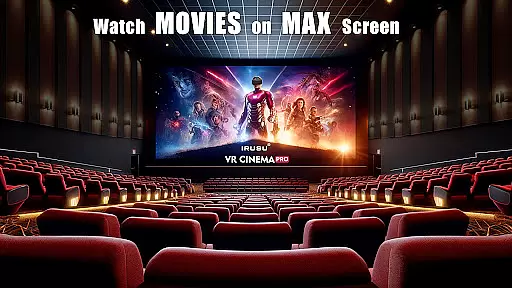
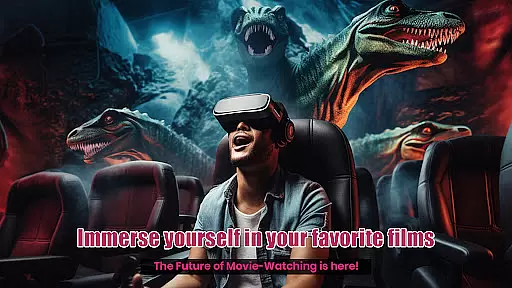
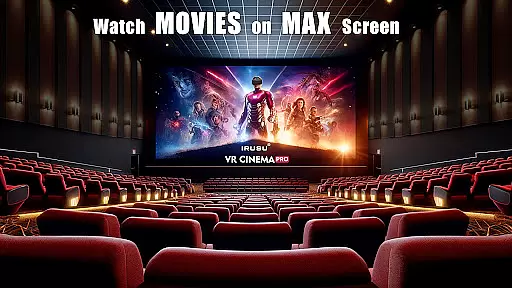
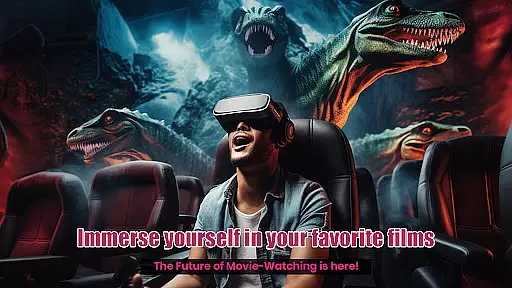
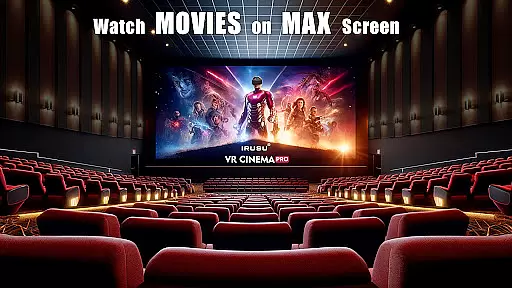
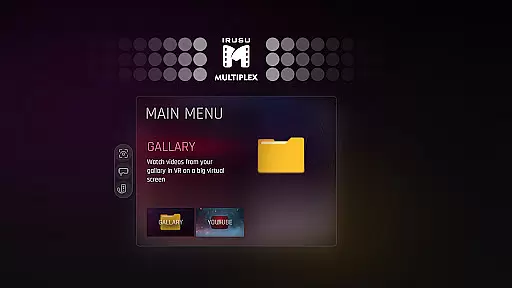
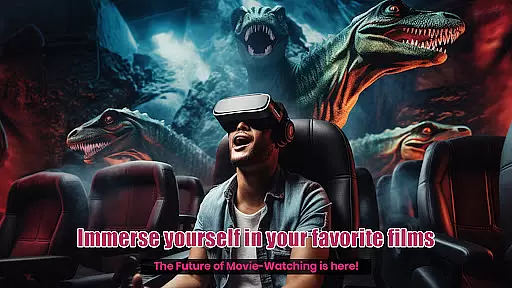
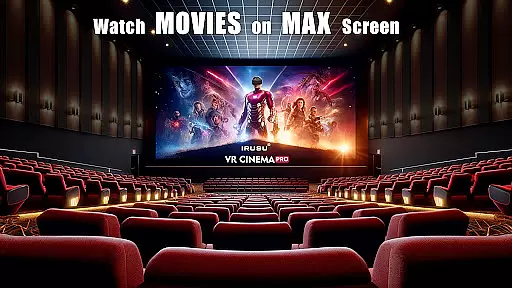
VR Player Pro is a premium VR video player app that transforms your smartphone into a private virtual theatre. With support for 2D, 3D SBS, and 360° videos, the app offers an immersive viewing experience on massive virtual screens. Compatible with most mobile VR headsets like Google Cardboard, Irusu, VR Box, and Shinecon, it delivers high-quality playback of up to 4K resolution (hardware dependent).
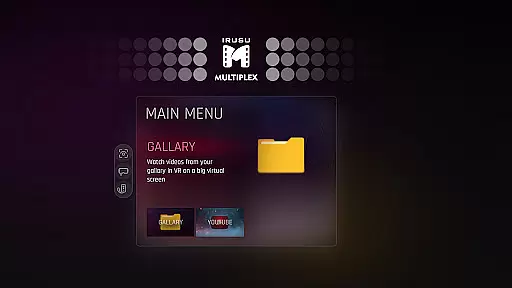
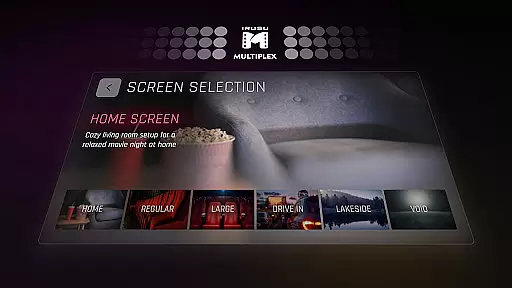
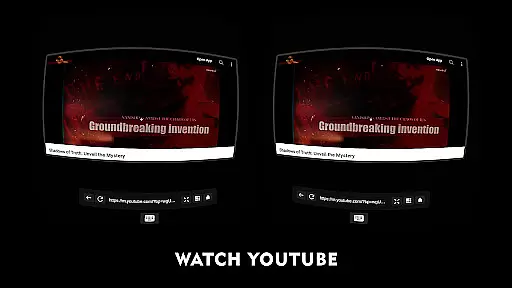
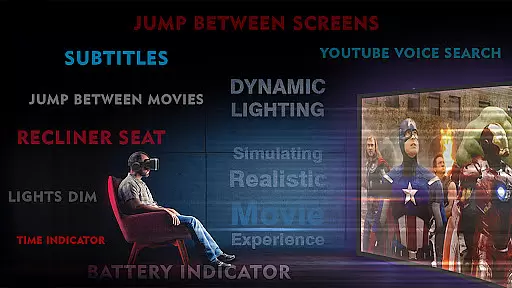
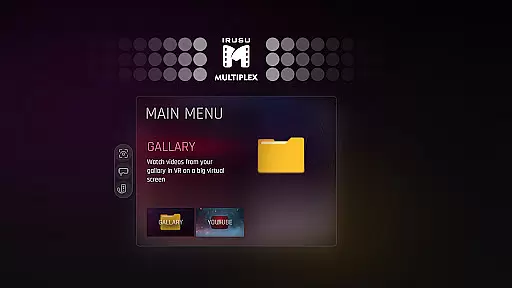
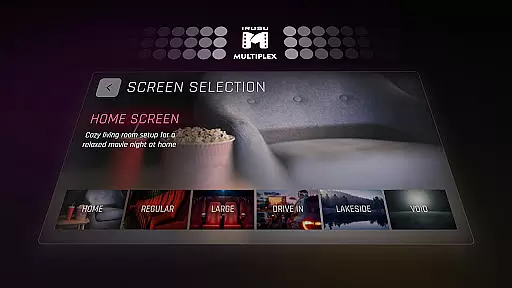
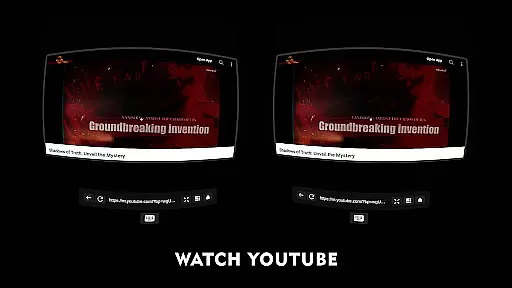
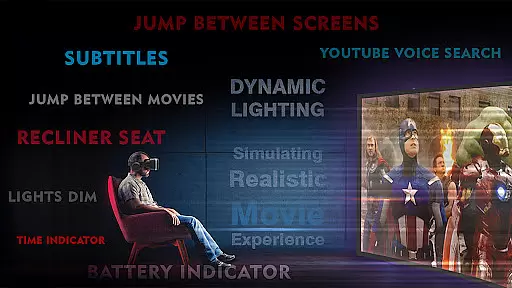
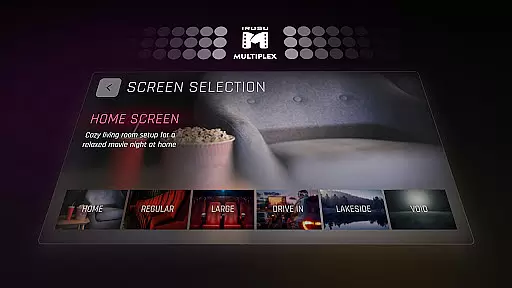
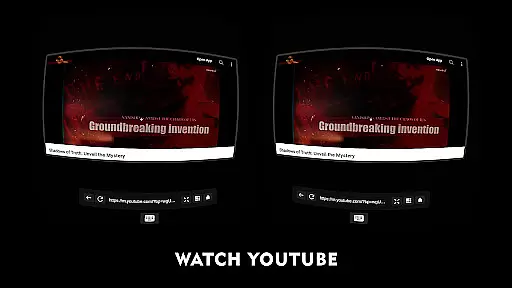
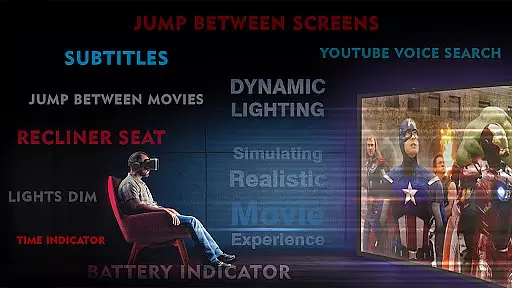
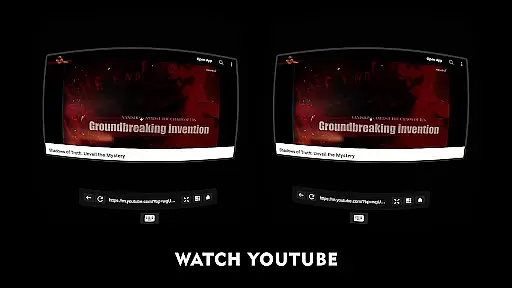
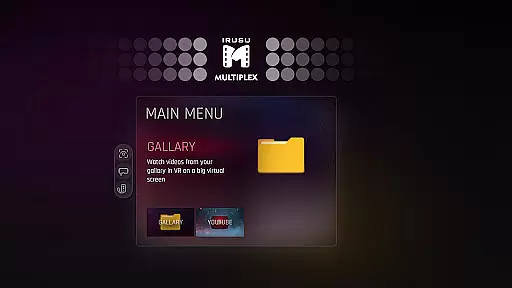
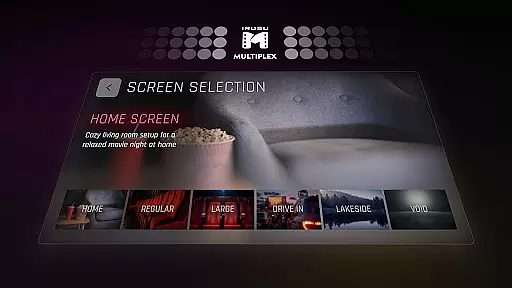
One standout feature is its customizable environments, allowing users to choose from multiple viewing locations such as a classic movie hall, drive-in lot, or serene winter lake view. The dynamic lighting system enhances immersion by adjusting ambient light based on video content. Additionally, the built-in browser with YouTube VR playback and voice search support makes online streaming effortless.
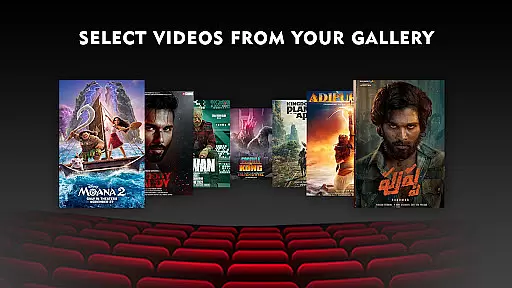
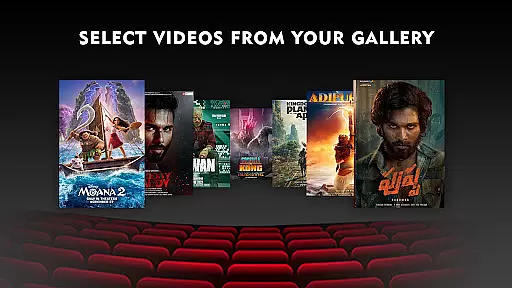
Whether you're watching downloaded videos or streaming online, VR Player Pro ensures comfort and clarity with features like seat selection, angle adjustment, and real-time lighting effects. Ideal for movie enthusiasts seeking a next-level home cinema experience in virtual reality.
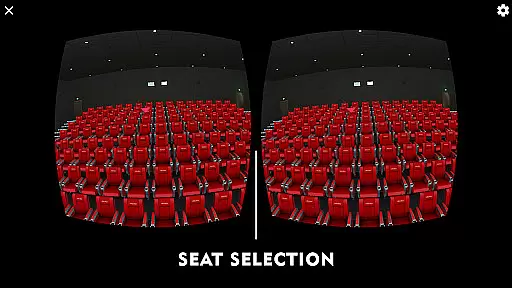
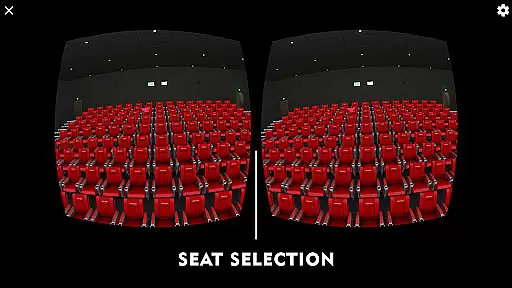
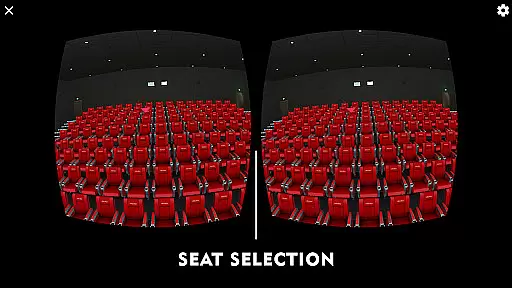
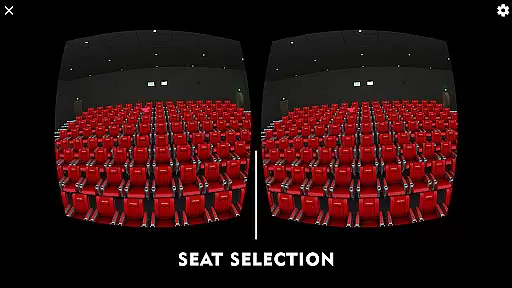
VR Player Pro stands out with its innovative features designed to elevate the VR video-watching experience. The app includes a unique seat selection system, enabling users to switch between different viewpoints within their chosen virtual environment. This allows for personalized distance and angle adjustments, mimicking the experience of selecting seats in a real-world cinema.
Another highlight is the dynamic lighting feature, which adjusts ambient illumination based on the video's content, creating a more engaging atmosphere. Users can also explore various immersive scenes, including a cozy home theatre or scenic outdoor settings like a winter lake view. These options add variety and enhance the overall enjoyment of each viewing session.
The built-in web browser further expands functionality by supporting direct YouTube playback in VR mode, complete with voice search capabilities. Compatibility with popular VR headsets ensures broad accessibility, while robust file format support—including 2D, 3D SBS, and 360° videos—caters to diverse media preferences. Together, these features make VR Player Pro a versatile tool for immersive entertainment.
In the realm of virtual reality entertainment, content diversity is key to maintaining user interest and satisfaction. VR Player Pro rises to the occasion by offering an extensive range of viewing environments that cater to every taste. From classic movie halls to serene winter lake views, each scene is crafted to provide a unique ambiance for your movie nights.
Moreover, the app doesn't just stop at pre-set environments; it includes dynamic lighting that reacts to the video content, ensuring that every viewing is a fresh experience. This feature simulates real-world lighting conditions within the virtual space, enhancing the overall immersion factor.
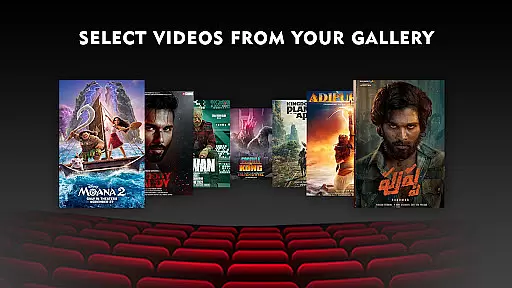
The inclusion of a built-in browser with YouTube VR playback further broadens the content spectrum available to users. With voice search support, finding and enjoying new content has never been easier. Whether you're in the mood for a blockbuster film or a niche indie video, VR Player Pro ensures that boredom is never an option.
User engagement is critical for any entertainment platform, and VR Player Pro excels in this area by providing features that encourage extended use. The seat selection system allows viewers to choose their preferred spot in the virtual theater, mimicking the experience of selecting a seat in a real cinema. This level of customization not only enhances comfort but also invites users to spend more time exploring different seating options.
Additionally, the angle adjustment feature enables users to fine-tune their viewing position, promoting longer viewing sessions by reducing discomfort. By prioritizing user convenience and personal preference, VR Player Pro creates an inviting atmosphere that encourages repeat usage.
Compatibility with various VR headsets, including Google Cardboard and Irusu headsets, ensures that a wide audience can access and enjoy the application. This broad accessibility, combined with high-quality 4K & 2K video support, contributes significantly to user retention by delivering a consistently superior VR experience across devices.
Immersive environments
Dynamic lighting effects
Multiple seat options
Voice search enabled
Wide headset compatibility
Premium price tag
High device requirements
Limited free features
No offline tutorials
Occasional bugs

Stream Movies & TV Series: Original Shows, Family Movies & New Releases Weekly
 4.60
4.60
The JBL Portable app works with JBL portable Bluetooth speakers.
4.60
Himnario LLDM - Fast and Easy to read , updated Hymnal 2019 Edition Official
4.20
Browse popular images and videos from Reddit on Android TV!
3.90
Control your AWTRIX 3 easily
4.3
Binaural Brainwave Doses for Every Imaginable Mood
3.60
Premium version to enjoy your favorite anime
4.60
Geooh GO is the most feature rich geocaching app available today.
4.50
Play casual games to get gift cards and money. More playing, more earning.
4.70
Wodfix Air aggregates popular online content for you.
4.80
Fun brain twisting challenge with trending Whirlpool Filter.
4.70
Scan sets, track your builds, and enjoy intuitive digital instructions.
4.70
Stream Online TV - Watch Live IPTV Playlist & Channel with Built-In Player
4.50
Fetch money rewards all just for playing games. Cash out for gift cards in app.
4.50
Heroclix search units with multi filter , team builder, collection manager.
4.40
Earn gift cards for playing games. Become a real game tester!
4.40
Collaboration with popular VTubers
4.4
Christmas Globe: Transform your Wear OS device into a festive timekeeper!
4.1
Raise Christmas Magic with daily missions, magical scanners, and kindness.
4.4




User Reviews