
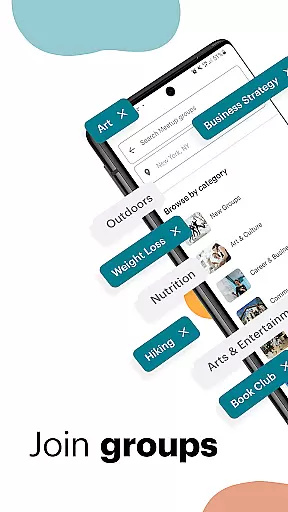
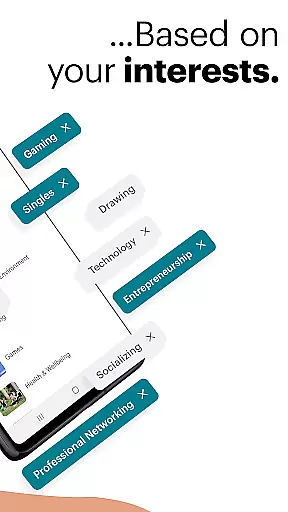
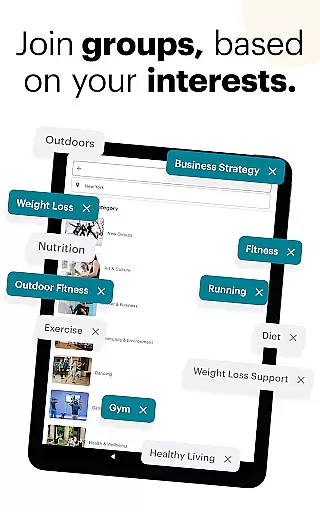
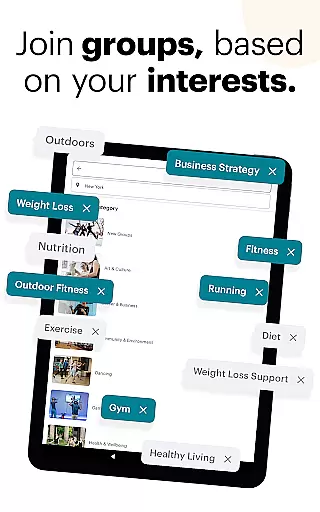
Meetup is a dynamic social networking app that connects individuals with shared interests, both online and offline. With over 60 million members, it facilitates career networking, tech community discovery, personal branding, and hobby engagement. The app's core strength lies in its ability to match users with over 330,000 groups based on their interests, from tech conferences to yoga classes.
The Meetup app offers a seamless experience for creating and joining events. Users can host their own gatherings or participate in one of the 100,000 weekly events, ensuring continuous engagement. Its powerful search and categorization features allow users to explore local and online events by interest category, keyword, or popularity, making it an essential tool for expanding social and professional networks.
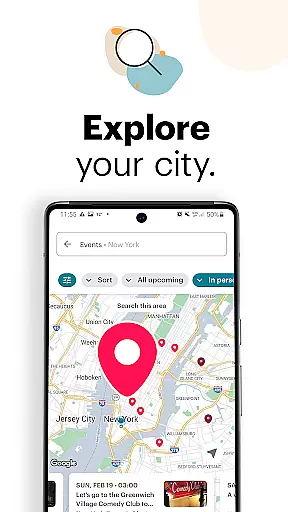
Meetup stands out with its comprehensive event discovery system. Users can browse events through categories, keywords, or geographic location using an interactive map. The app's recommendation engine suggests relevant groups and events based on user interests and participation history, enhancing the discovery experience.
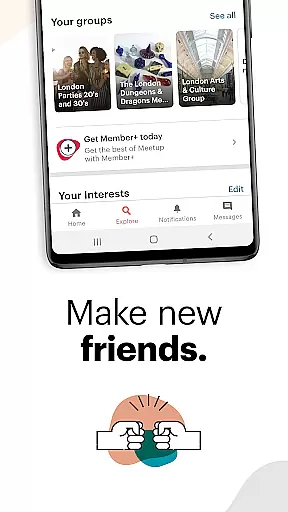
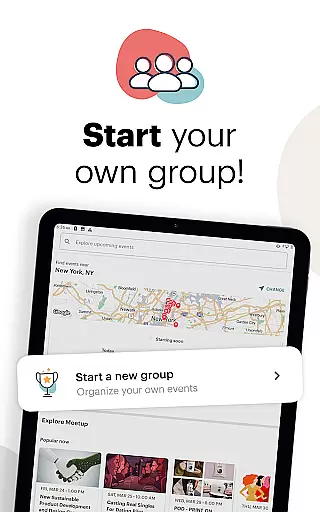
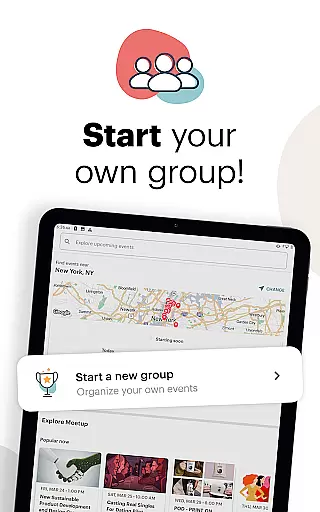
The app's group creation and management tools are particularly robust. Organizers can personalize event schedules, manage member lists, and maintain engagement between meetings through discussion boards and photo sharing. These features, combined with direct messaging capabilities, create a complete ecosystem for building and maintaining meaningful connections within communities.
Meetup's dual focus on both local and online events makes it uniquely versatile. Whether users prefer in-person meetings or virtual gatherings, they can seamlessly transition between these formats while maintaining consistent community engagement. This flexibility has become especially valuable in today's hybrid social environment.
User profile customization is a crucial aspect of any social platform, allowing individuals to express their identity and interests. Meetup offers a comprehensive profile system where users can showcase their hobbies, professional background, and affiliations with various groups. This level of personalization not only enhances user engagement but also facilitates meaningful connections based on shared interests.
Authenticity verification is equally important in creating a trustworthy community. Meetup employs several mechanisms to ensure the credibility of its members. Users are encouraged to link their social media accounts and provide detailed information about themselves, which helps in establishing genuine relationships. Additionally, active participation in events and discussions further validates the authenticity of user profiles.
The benefits of robust profile customization and verification extend beyond individual users. Event organizers can tailor their meetups to suit the specific needs and preferences of attendees, resulting in more successful gatherings. Moreover, new members can quickly identify like-minded individuals, fostering a sense of belonging within the community.
By prioritizing these features, Meetup ensures that its platform remains a reliable space for people to connect, learn, and grow together. The emphasis on real-world interactions adds another layer of security, as users often meet in person, further solidifying the bonds formed online.
Connection discovery is at the heart of Meetup's mission to bring people together around shared interests. The app utilizes sophisticated algorithms to match users with relevant groups and events, ensuring that everyone can find their niche. Whether you're passionate about technology, wellness, or creative pursuits, Meetup's extensive network has something for everyone.
The process begins with a detailed onboarding questionnaire that captures your interests and preferences. Based on this data, the app suggests local and online events that align with your profile. Users can also explore categories manually, search by keyword, or browse popular happenings in their area using an interactive map. These tools make it easy to discover new opportunities for socializing and learning.
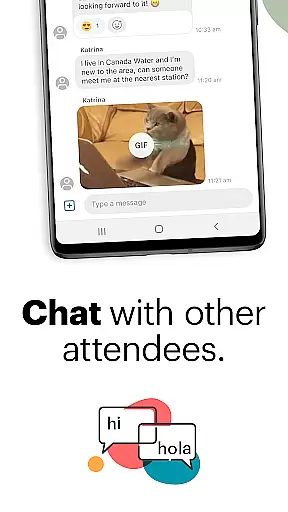
Another key feature is the ability to save events and revisit them later. This functionality allows users to plan their schedules effectively and prioritize activities that truly matter to them. Furthermore, direct messaging capabilities enable ongoing conversations with newly made friends, keeping the momentum going between meetups.
Ultimately, Meetup's connection discovery tools empower users to expand their social circles meaningfully. By facilitating interactions both online and offline, the platform creates lasting relationships built on common passions and goals. This dual approach sets Meetup apart from other social apps, making it a valuable resource for anyone looking to enrich their personal and professional life.
User-friendly interface
Extensive event categories
Powerful matching algorithm
Active community engagement
Flexible event formats
Occasional technical issues
Limited free features
Geographic limitations
Premium subscription cost
Learning curve for new users

This is to support the developer of Infinity for Reddit. No exclusive features.
 4.5
4.5
Watch super live shows 24/7, chat & meet friends in Plamfy social networking app
4.70
Sell unwanted items and buy preloved stuff in your local community.
4.10
Social App Used By Millions
4.40
Chill and Chat with Tagged Live Video with millions of peeps
4.10
Unlimited messages, WiFi Calling, Texting app. Text now with Second Phone Number
4.10
live inside your fandom
4.60
Calling and texting app. 2nd virtual line plus new phone number. Txt & talk now.
4.40
Watch 24/7 great live stream, or go live to boost your social followers!
4.50
A little connection can go a long way
4.60
This version of Facebook uses less data and works in all network conditions.
4.60
Unlimited calls & texts | WiFi voice line plus group txt | Call & text now
4.50
TikTok Lite - Designed for speed, simplicity, and saving your phone’s space!
4.40
A gathering place for 300 million people's life interests and hobbies
4.30
The official Skool app. Stay connected to your communities on the go.
4.20
A warm, simple dating app for adults seeking real connection.
4.20
Watch, Edit, Upload and Share Gaming Clips
4.00
Find your next obsession.
3.50
Follow the Truth! Join America's leading free-speech social platform.
3.10



















User Reviews