
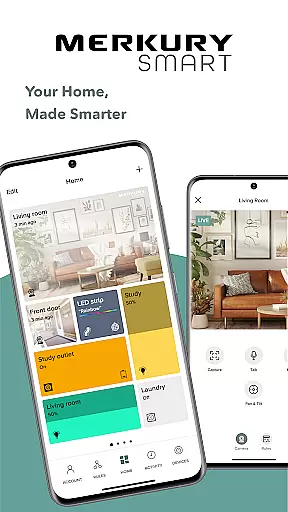
Merkury Smart is a comprehensive home automation application designed to work seamlessly with a range of Merkury smart devices. This includes indoor and outdoor smart cameras, auto-follow cameras, smart color bulbs, smart plugs, LED strips, doorbell cameras, Wi-Fi floodlight cameras, and Wi-Fi outlet extenders. The app serves as the central control hub for all these devices, allowing users to monitor and manage their smart home ecosystem efficiently.
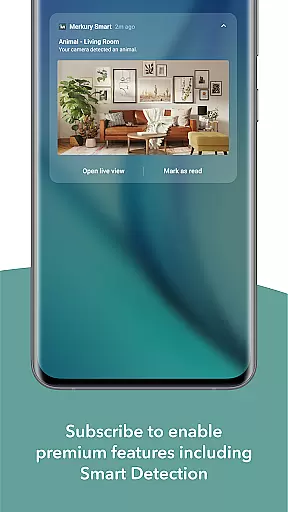
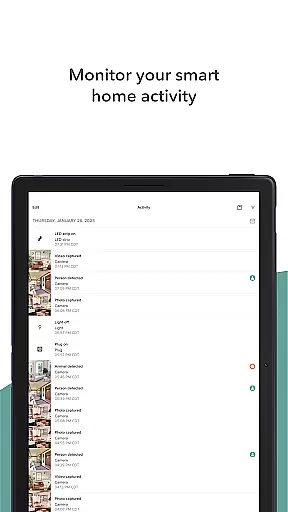
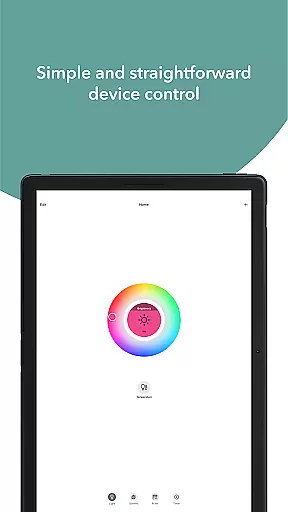
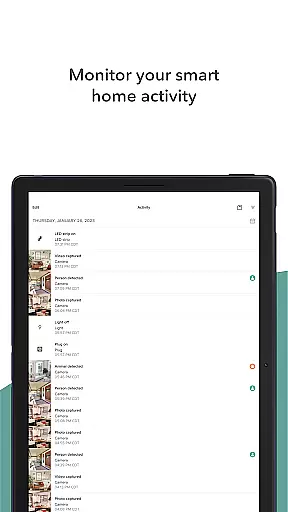
One of the standout features of Merkury Smart is its ability to provide live HD video streaming from connected cameras. Users can access real-time footage, receive motion detection alerts, and set up automatic recording rules. Additionally, the app allows users to review past activity through recorded videos and photos, ensuring they never miss important events. For lighting, the app offers precise control over smart bulbs and LED strips, enabling customization of colors and brightness to suit any occasion or mood.
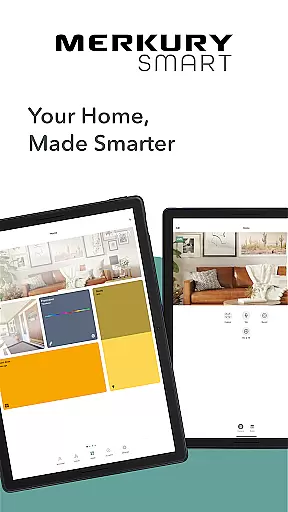
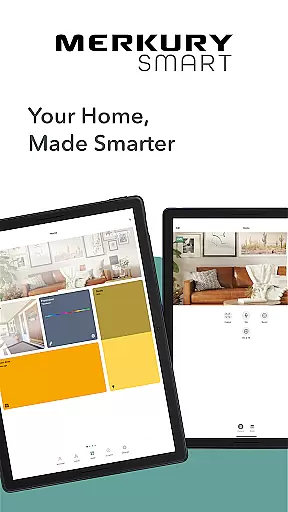
The app's intuitive interface makes it easy to add and manage multiple devices across different locations, providing a unified view of your entire smart home setup. Whether you're looking to enhance home security, create the perfect ambiance, or control appliances remotely, Merkury Smart delivers a versatile and user-friendly solution that adds convenience and peace of mind to your daily life.
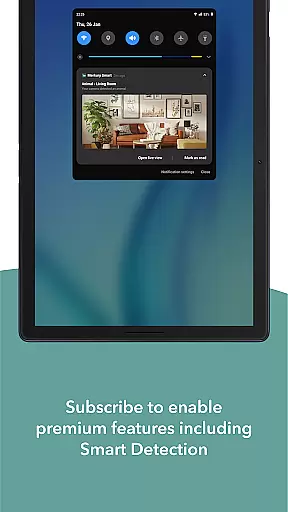
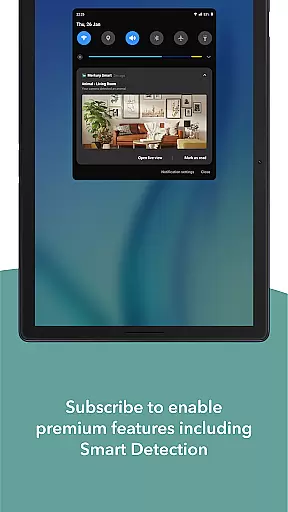
Merkury Smart stands out with its extensive feature set tailored for home automation enthusiasts. One of the key functionalities is the live HD video streaming capability, which allows users to monitor their properties in real-time. The app supports motion detection notifications and automated event recording, ensuring that users are always informed about activities around their homes. These features are particularly beneficial for enhancing home security and keeping an eye on loved ones or valuable assets.
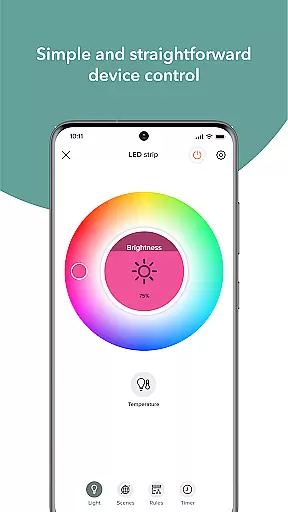
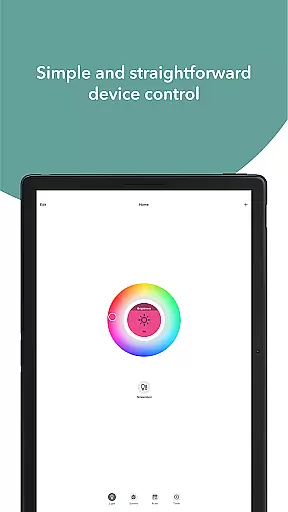
In addition to video monitoring, Merkury Smart provides robust control over smart lighting solutions. Users can adjust the color and brightness of LED strips and smart bulbs through the app, creating dynamic lighting scenes for various occasions. The smart plug functionality further extends this control to other household appliances, enabling remote operation and scheduling. This level of customization not only improves home aesthetics but also contributes to energy efficiency by allowing users to turn off unnecessary devices when they're not needed.
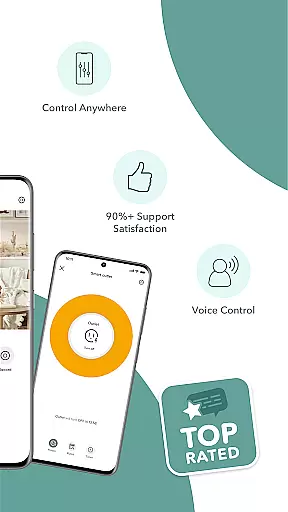
The app's multi-device management system is another highlight, offering seamless integration of multiple cameras and smart devices under a single account. This centralized approach simplifies the process of overseeing different locations, making it ideal for users with multiple properties or those who want to grant access to family members or employees. Overall, Merkury Smart's combination of security, lighting control, and ease of use creates a compelling package for modern smart homes.
When managing smart devices for your home, ensuring the authenticity and accuracy of device listings is crucial. The Merkury Smart app provides verified and precise details for each connected device, including the Merkury Indoor and Outdoor Smart Cameras, Smart Plugs, and LED Strips.
This app meticulously updates and displays real-time statuses of all your smart devices, ensuring that you always have reliable information at your fingertips. Each device's operational status is automatically refreshed, providing assurance that your listed properties genuinely reflect their current state.
Users benefit from this rigorous verification mechanism as it allows them to monitor and control their smart home devices with confidence. Whether you're checking the live feed of your security cameras or adjusting the lighting, you can trust that the information presented is both accurate and up-to-date.
Beyond just listing devices, the Merkury Smart app offers comprehensive home management features that enhance your ability to oversee and control various aspects of your living space. From watching live HD streaming to setting up automated rules for motion detection, the app ensures a seamless home management experience.
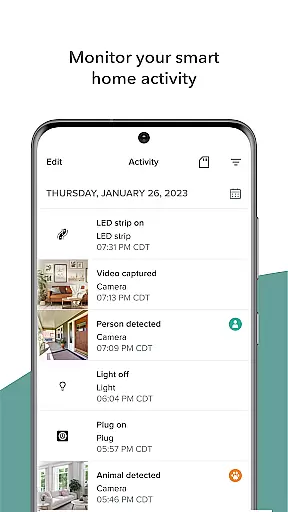
One standout feature is the ability to review past activities through recorded HD videos and photos. This functionality not only helps in keeping track of important events but also allows users to download and share these moments effortlessly.
Additionally, the app supports do-it-yourself simplicity by allowing users to expand their network with multiple cameras and devices across different locations. With such robust home management capabilities, the Merkury Smart app empowers users to maintain a secure and efficient household environment.
User-friendly interface
Comprehensive device support
Remote access capabilities
Customizable lighting options
Advanced security features
Requires stable internet connection
Subscription fees for cloud storage
Limited third-party integrations
Occasional connectivity issues
Steep learning curve for beginners

Make Renting Easy
 4.40
4.40
Control your Daikin, Amana & Goodman heating & cooling systems from anywhere
4.40
Our app allows Sunrun customers to monitor systems, pay bills, and get support.
3.80
Rent on-the-go with TurboTenant’s app made just for renters
4.50
Control Fire TV & mirror your phone screen instantly over Wi-Fi.
3.30
Find contractors for all home renovation projects. Remodeling, repair, and more.
4.20
Find your next home, house, apartment, condo, casa, flat, rental, studio, or bed
4.70
Looking for the perfect apartment finder app? Find beautiful rental homes here!
4.60
Connect with reliable pros for maintenance services, plumbing, and home design!
4.80
Home Ideas | Renovation Advice | Local Pros. Go From Dream to Home with Houzz.
4.70
AI Home Designer & Room Planner: Decorate your interior space with AI
4.40
WiZ smart light system
4.40
Make your phone a surveillance camera remote with a home camera app for Android!
4.40
Control your thermostat, comfort, and home monitoring from your phone
4.30
Turn your phone into a wifi cam with smart features and umlimited reach.
4.20
Fully control your Philips TV with this all-in-one remote control app.
4.20
Universal Tv Remote Control for all Tv. Cast for chromecast & all Tv Controller
4.20
USHUD.com helps you find the best homes for sale in your area
4.00
An awesome mobile app for Home Security Surveillance - uses ZoneMinder
3.20




User Reviews