
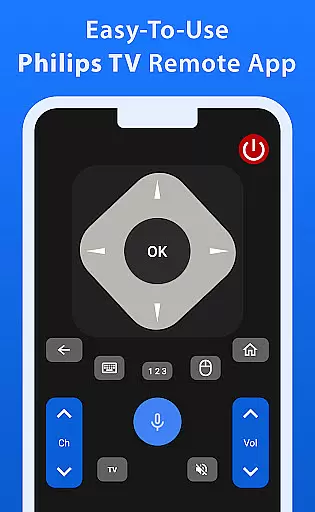
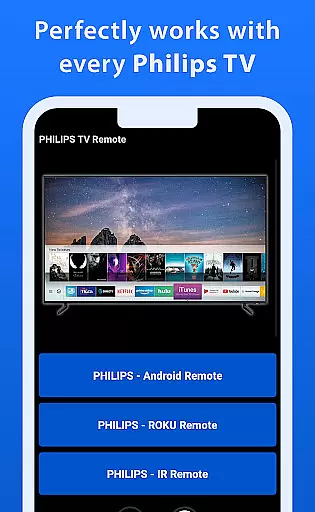
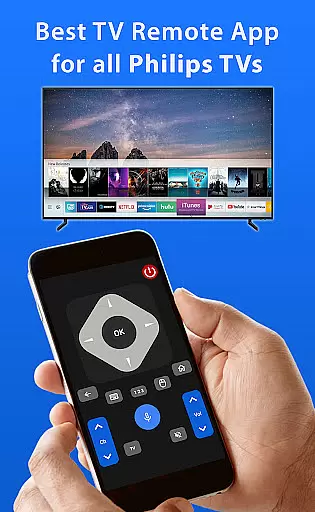
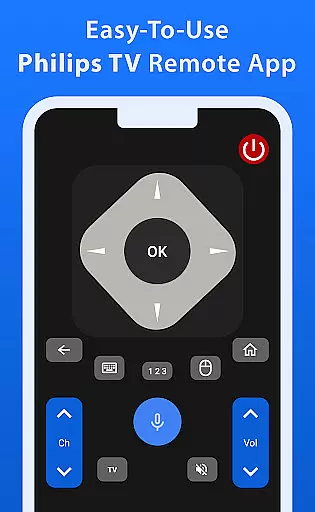
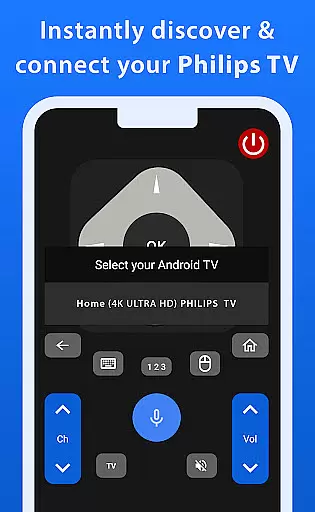
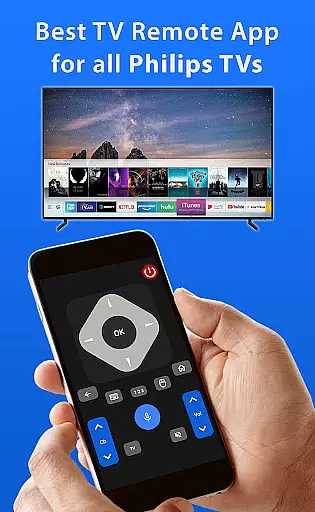
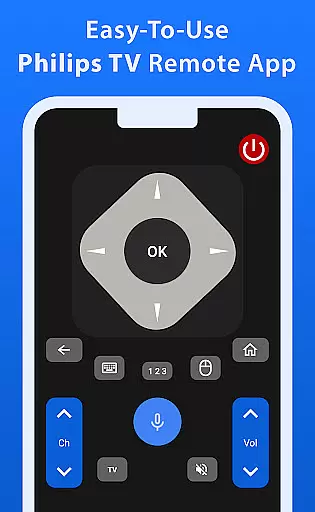
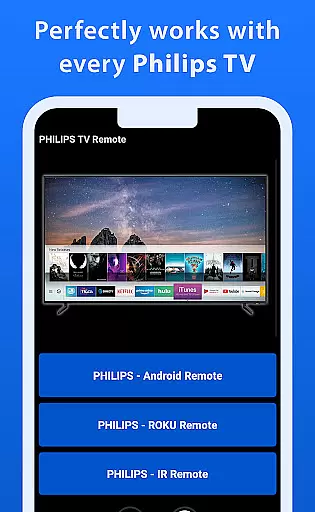
Philips TV Remote is a comprehensive remote control app designed to provide seamless control over all Philips TVs, including Android, Roku, and IR-enabled models. With its intuitive interface, the app allows users to perform essential functions such as changing channels, adjusting volume, accessing apps, and navigating menus with ease.
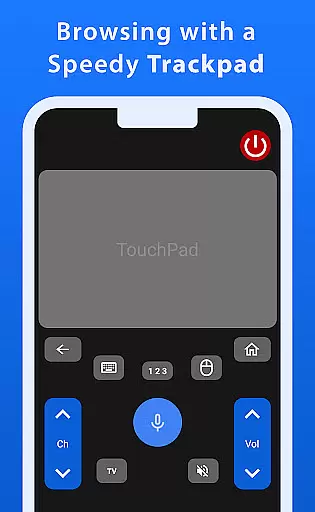
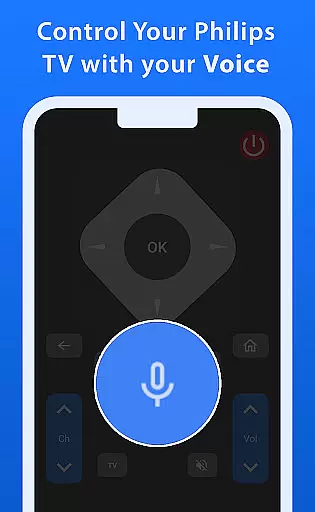
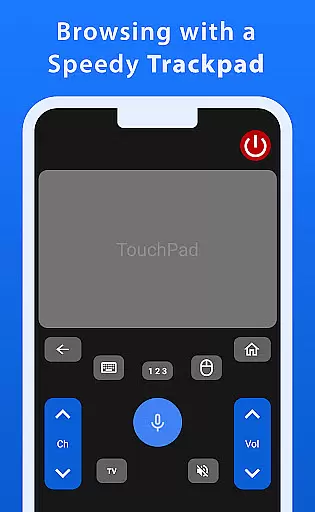
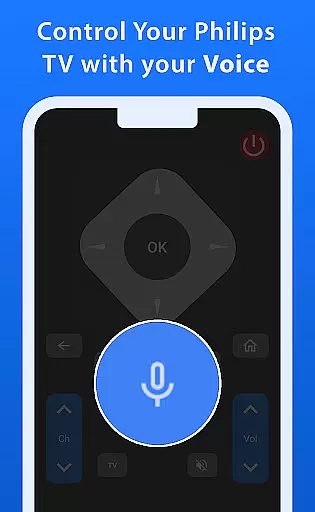
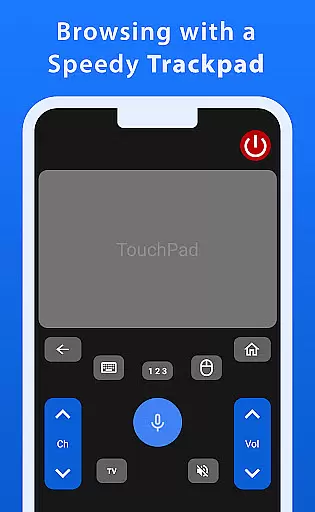
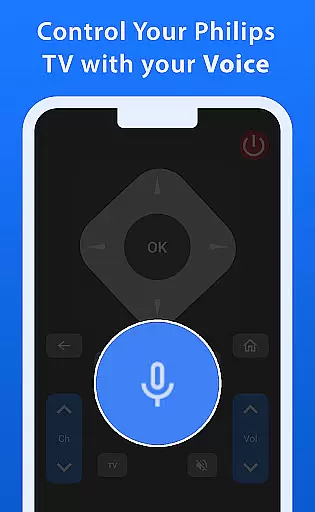
One standout feature of this app is its advanced trackpad functionality, which ensures smooth and responsive navigation. Additionally, the powerful voice control function enables effortless command of your TV, making it simple to search for shows or adjust settings without hassle. Whether you're looking to enhance your daily TV experience or need a reliable replacement for your physical remote, Philips TV Remote delivers both convenience and innovation in one package.
Philips TV Remote offers an array of features that cater to various user needs. The app's primary feature is its ability to replace traditional TV remotes by providing full control over all basic TV functions. This includes channel switching, volume adjustment, app access, and menu navigation, all through a user-friendly interface.
Beyond basic controls, the app incorporates advanced functionalities like a fast and responsive trackpad for smooth navigation across the screen. Its voice control capability stands out, allowing users to issue commands effortlessly, thus enhancing accessibility and ease of use. These features collectively ensure that controlling your Philips TV becomes not only more efficient but also more enjoyable, setting this app apart from standard remote solutions.
When it comes to managing your Philips TV, ensuring the authenticity and accuracy of control features is crucial. The Philips TV Remote app provides a reliable and precise connection to your TV, offering users peace of mind that every function they access is genuine and fully operational. This level of authenticity ensures that all commands, from basic volume adjustments to complex menu navigation, are executed flawlessly.
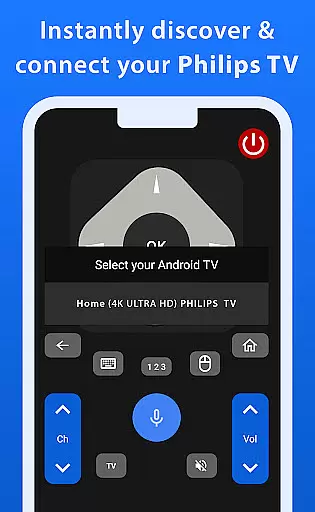
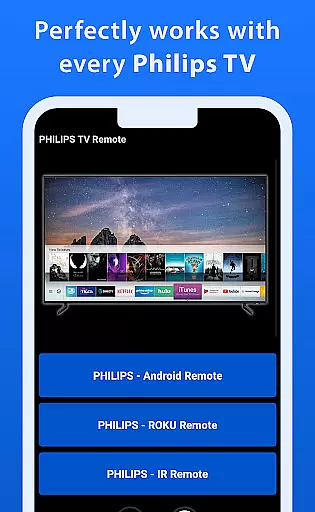
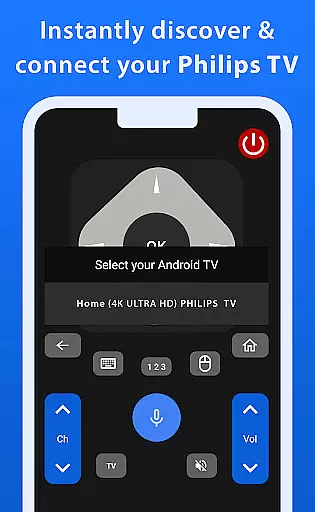
The app supports various Philips TV models, including Android, Roku, and IR-enabled TVs, which means you can trust that it will work seamlessly with your specific device. Each feature has been meticulously designed to mirror the original TV remote functionalities, providing an intuitive and dependable user experience. With this app, there's no need to second-guess whether a command will work as intended.
Moreover, the app is regularly updated to maintain compatibility with new TV models and firmware updates. This commitment to staying current ensures that users always have access to the latest control features without worrying about discrepancies or outdated functions. By prioritizing property listing authenticity, the Philips TV Remote app guarantees a seamless and trustworthy TV management solution.
Beyond just controlling your TV, the Philips TV Remote app offers a suite of home management features that enhance your overall viewing experience. One standout feature is the advanced trackpad functionality, which allows for smooth and responsive navigation through your TVu2019s menus and apps. This makes finding and selecting your favorite shows or adjusting settings a breeze, significantly improving how you interact with your TV on a daily basis.
Voice control adds another layer of convenience, enabling users to issue commands effortlessly without needing to navigate through multiple screens manually. Whether you're searching for content or changing channels, voice commands make these tasks quicker and more efficient. This hands-free approach not only simplifies common operations but also enhances accessibility for users who may find traditional remote controls challenging.
Additionally, the app integrates seamlessly into your smart home ecosystem, allowing you to incorporate TV management into broader home automation routines. For instance, you could set up scenarios where turning on your TV also adjusts lighting or temperature settings in your living room. These comprehensive home management capabilities ensure that the Philips TV Remote app stands out as a versatile tool for modern households.
User-friendly interface
Voice control functionality
Seamless compatibility
Advanced trackpad
Comprehensive remote features
Limited to Philips TVs
Requires stable connection
No official Philips support
Potential latency issues
Device-specific settings

For all of your Airthings devices
 4.30
4.30
Use Home by ShowingTime to easily manage showings, tours, feedback and more
3.60
PRO Version of GLB AR Viewer
4.4
Technology powering many in-home services for residents across the United States
3.80
Convert your Phone to HiSense Smart TV Remote Control
4.70
SmartRent - Opening Doors To A Smarter World
4.40
View houses and apartments for rent, updated daily.
4.80
Plan your remodel AI home renovation easily using planner 5D and home decor AI.
4.40
WiZ smart light system
4.40
Tailored Care Guides For Houseplants, Indoor Plants, Garden Plants & Flowers.
4.60
AI-powered home design, interior design, home decor, and room design solutions
4.50
The official app for Home Assistant. Control your home anywhere in the world.
4.30
USHUD.com helps you find the best homes for sale in your area
4.00
Find the perfect paint color with advanced tools to explore and visualize color.
3.80
Design house plans in 2D & 3D, style furniture, and preview renovation layouts
3.70
This Fire TV Remote control's your Fire TV Device and Insignia Fire TV Remote
3.70
IP camera view and playback, for your WiFi cam or home security cctv system.
3.70
Draw your floor plan smartly. Make house design blueprint with home planner app
3.60
Unlock AI-based barcode scanning and support the development of Grocy Android
4.5




User Reviews