
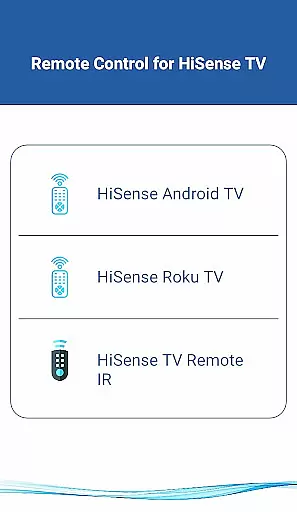
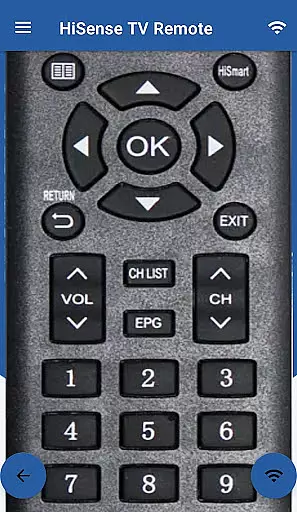
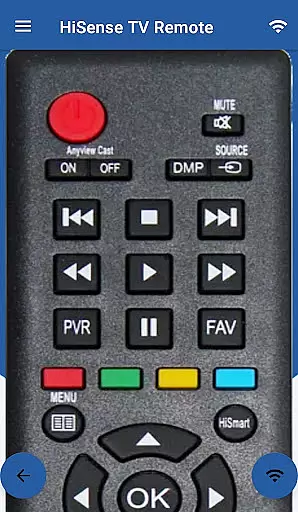
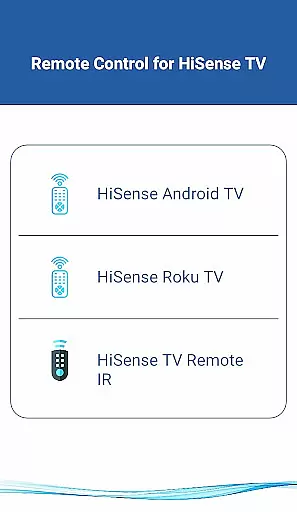
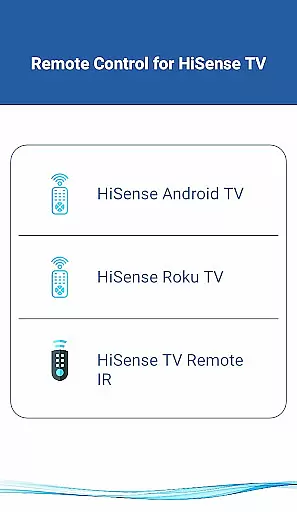
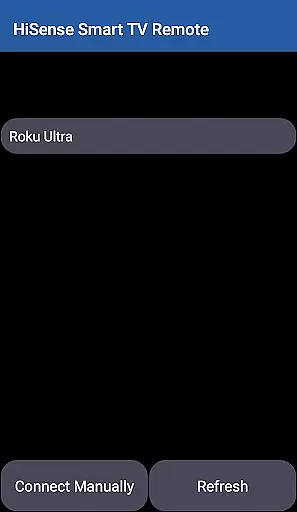
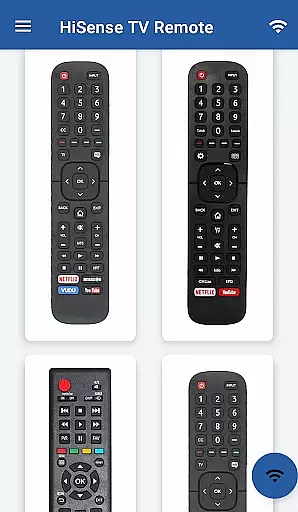
HiSense Smart TV Remote is a versatile application that transforms your mobile device into a universal remote control for HiSense Smart TVs. The app supports Android OS, Roku OS, and traditional IR-based devices, offering comprehensive control over various TV functions.
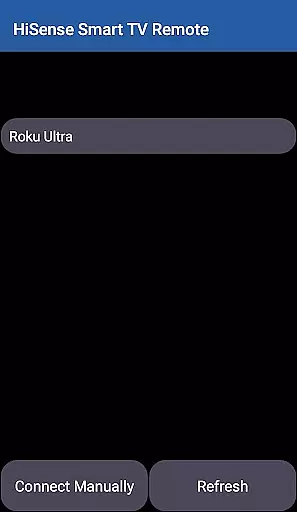
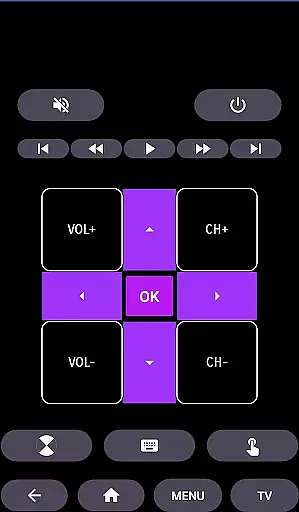
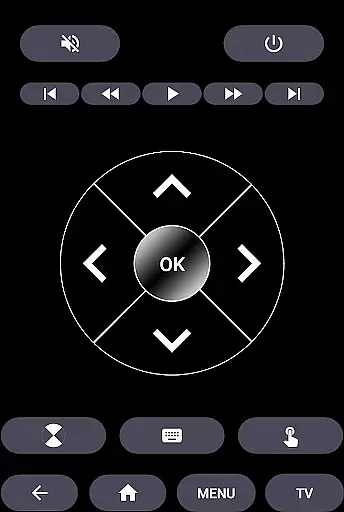
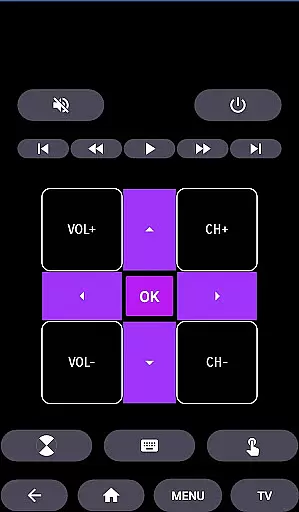
Key features include power management, volume and channel controls, mute functionality, navigation options, multimedia controls, and more. By connecting through the same Wi-Fi network and entering a PIN displayed on the TV, users can seamlessly operate their smart TVs without the need for physical remotes or worrying about battery replacements.
This app is particularly useful in modern smart homes where centralized control of entertainment systems is desired. It eliminates the clutter of multiple remotes and provides a sleek, all-in-one solution for managing your HiSense TV experience.
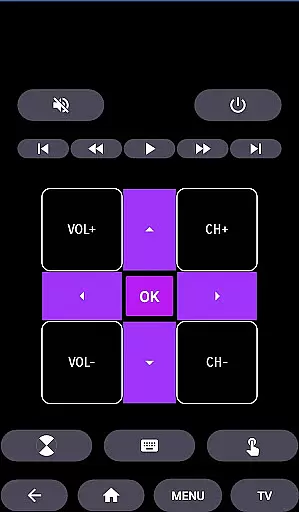
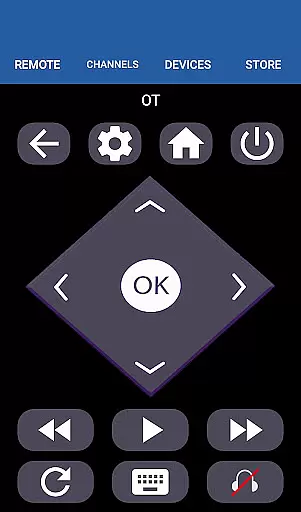
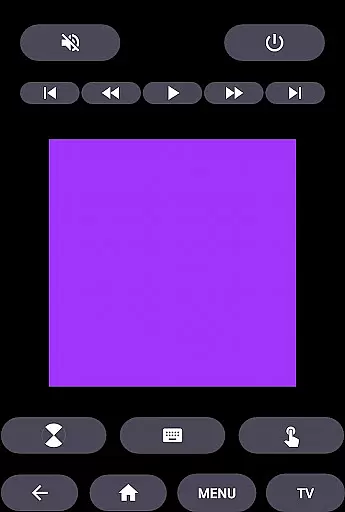
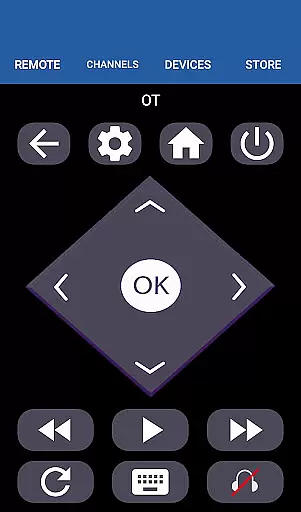
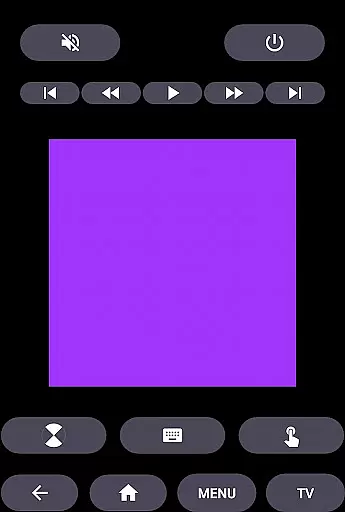
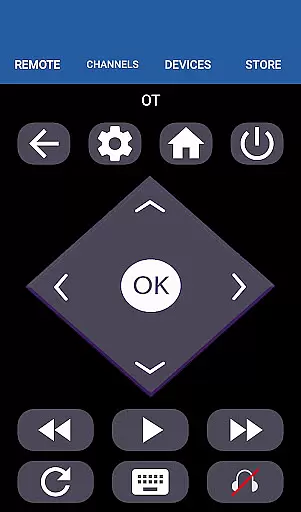
The HiSense Smart TV Remote stands out with its extensive compatibility across different operating systems and device types. For Android OS and Roku OS smart TVs, the app offers advanced functionalities beyond basic remote operations. Users can navigate menus, control multimedia playback, and even use a touchpad feature directly from their smartphones.
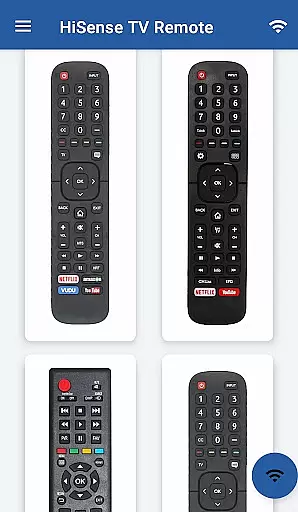
For traditional IR-based HiSense TVs, the app utilizes the phone's built-in IR blaster to replicate all functions of the original remote control. This dual capability makes it an indispensable tool for households with mixed TV models. Additionally, the app supports Android Chromecast OS, expanding its utility beyond just HiSense brand devices.
Unique to this application is its user-friendly interface that simplifies complex operations. The implementation of PIN-based authentication ensures secure connections between devices on the same Wi-Fi network. Furthermore, regular updates and active developer support make this unofficial app a reliable alternative to official remote solutions.
When it comes to managing your smart home devices, ensuring the authenticity and reliability of listings is crucial. The HiSense Smart TV Remote app provides accurate and verified information about compatible devices, ensuring users can trust the app's capabilities.
The app supports a wide range of HiSense Smart TVs, including models with Android OS and Roku OS. This comprehensive compatibility list gives users confidence that they can control their specific TV model with this application. By offering detailed compatibility information, the app ensures that users won't face issues with unrecognized devices or unsupported functions.
Moreover, the requirement for both the TV and mobile device to be on the same Wi-Fi network adds an extra layer of security and authenticity to the connection process. The PIN verification system further confirms the legitimacy of the connection between the remote app and the television.
This attention to detail in verifying supported devices and maintaining up-to-date compatibility information demonstrates the app's commitment to providing genuine and reliable property listings for its users' smart home management needs.
The HiSense Smart TV Remote app offers a comprehensive suite of home management features designed to simplify your smart home experience. At its core, the application transforms your mobile device into a versatile universal remote control, eliminating the need for multiple physical remotes and reducing electronic waste.
Users can enjoy complete control over their HiSense Smart TVs through various functions, including power management, volume adjustment, channel switching, and mute capabilities. The app goes beyond basic controls by offering advanced navigation features, multimedia controls, and even a virtual touchpad for more precise interactions with your smart TV.
For traditional IR devices, the app maintains full functionality support, ensuring backward compatibility with older HiSense TV models. This dual approach to modern and legacy device support makes it an invaluable tool for managing diverse home entertainment systems.
Additionally, the app's support for Android TV and Chromecast OS extends its utility beyond just HiSense brand devices, making it a centralized solution for managing multiple smart home entertainment components from different manufacturers.
User-friendly interface
Wide device compatibility
Secure connection protocol
Comprehensive function support
Regular feature updates
Requires Wi-Fi connection
IR blaster needed for some
Not official HiSense app
Occasional connectivity issues
Android-focused features

Draw your floor plan smartly. Make house design blueprint with home planner app
 3.60
3.60
Our app allows Sunrun customers to monitor systems, pay bills, and get support.
3.80
Download today to join the community to help bring lost pets home faster.
4.70
Control Fire TV & mirror your phone screen instantly over Wi-Fi.
3.30
Book your local plumber 24/7, track your service order & get exclusive coupons
4.00
AI Home Designer & Room Planner: Decorate your interior space with AI
4.40
Apartment finder for apartments for rent. Compare prices, amenities & rentals.
4.50
Control your thermostat, comfort, and home monitoring from your phone
4.30
Connect with reliable pros for maintenance services, plumbing, and home design!
4.80
MLS-powered real estate app to find homes for sale & apartments for rent
4.70
B-hyve Pro App for landscape irrigation professionals
4.70
A Smarter Home in Seconds
4.70
Find homes for sale and apartments for rent in the best neighborhood.
4.70
Tailored Care Guides For Houseplants, Indoor Plants, Garden Plants & Flowers.
4.60
Innovative and budget-friendly housing options
4.60
Make Renting Easy
4.40
Security App with HD Video, 2-way Audio, and event detection for Home monitoring
4.40
Make your phone a surveillance camera remote with a home camera app for Android!
4.40
Draw house plans, floor plans 3d & house design with house plan drawing 3d app
3.60



User Reviews