
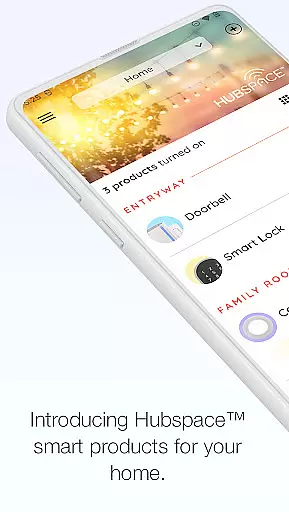
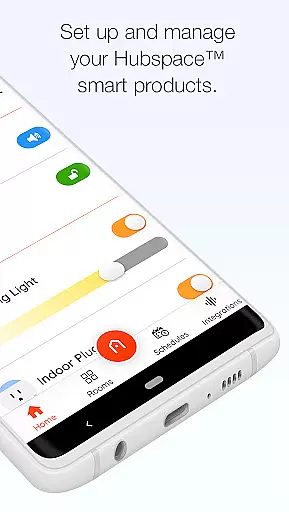
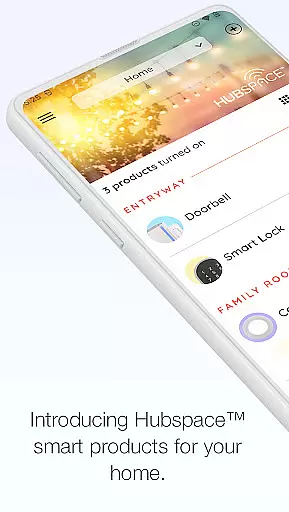
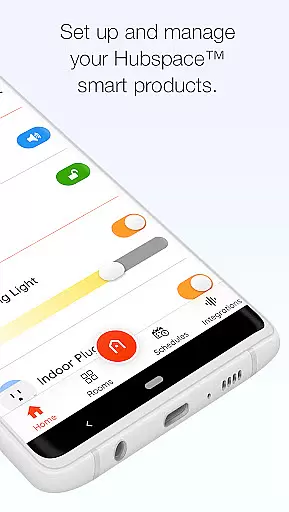
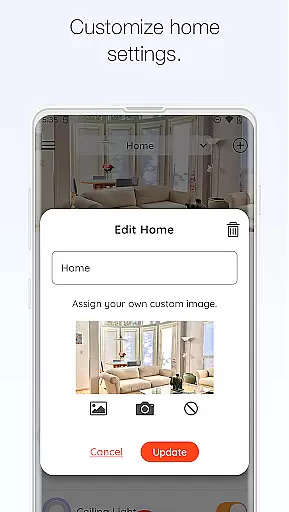
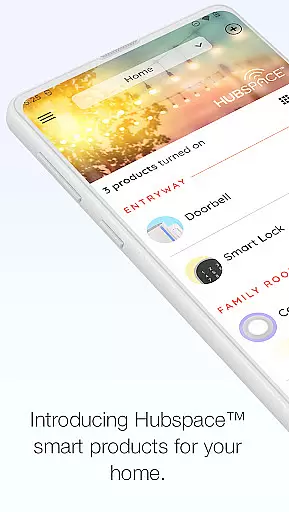
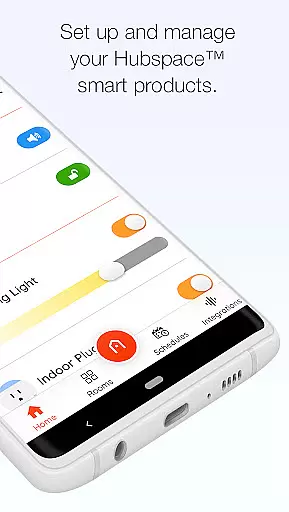
Hubspace is a smart home management application designed to help users set up and control their Hubspace smart products efficiently. With this app, you can organize your smart devices by room and property, set schedules, and adjust product settings as needed using intuitive app controls. Whether you're at home or away, the app allows you to manage and monitor your connected devices with ease.
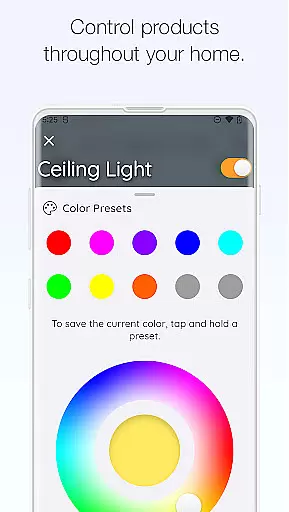
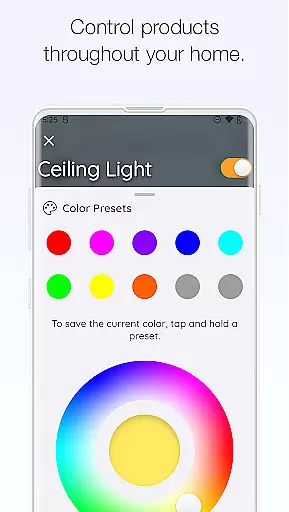
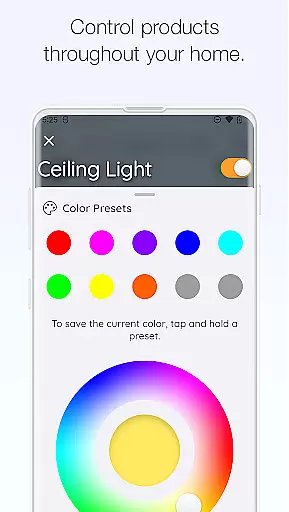
The app provides a variety of device settings including on/off controls, light color temperature adjustments, fan speed control, grouping of products, scheduling, and integration with popular voice assistants like Google Assistant and Alexa. This makes it simple to customize your smart home experience according to your preferences and needs.
Hubspace is particularly useful for homeowners who want to streamline their smart home setup process and enjoy the convenience of managing multiple devices from a single platform. By offering remote access and comprehensive control options, Hubspace enhances the overall smart home experience, making it more accessible and user-friendly.
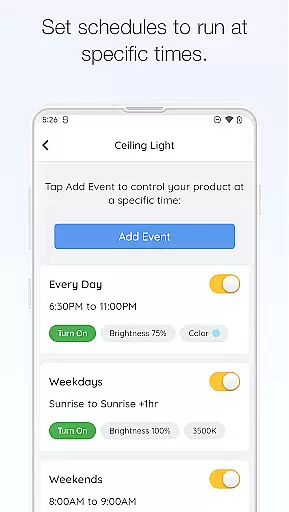
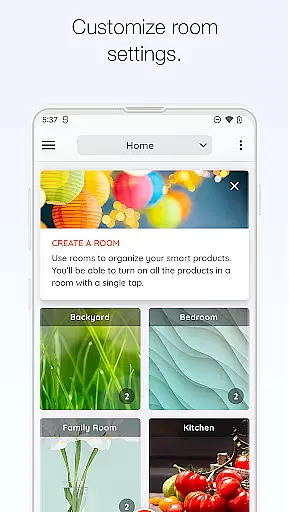
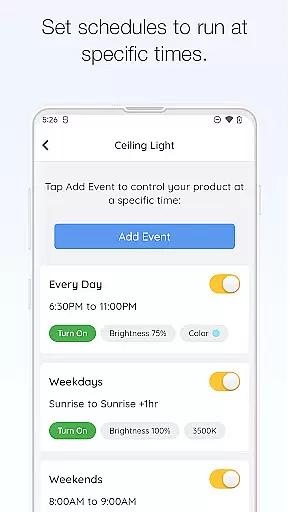
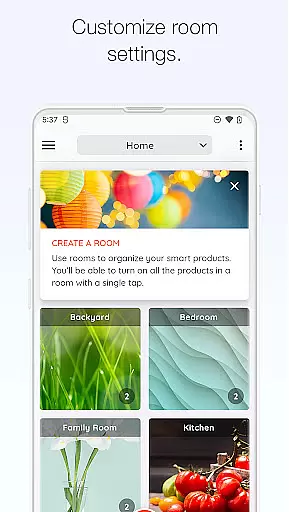
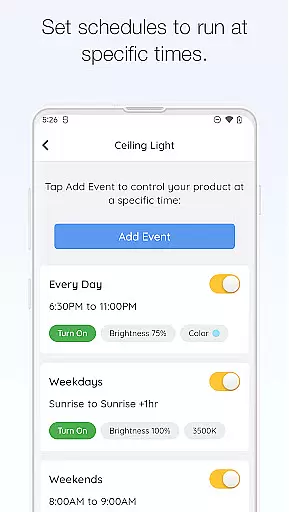
Hubspace offers a rich array of features that cater to various aspects of smart home management. One of its standout features is the ability to organize smart products by room and property, allowing users to easily navigate and control their devices. The app also supports detailed scheduling, enabling users to automate routines and save energy by setting specific times for devices to turn on or off.
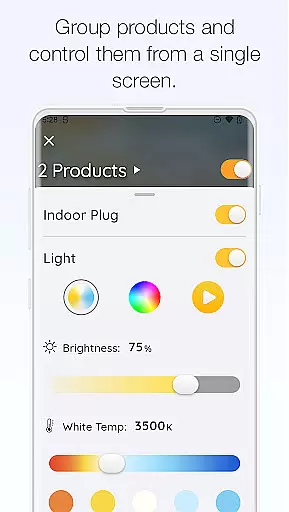
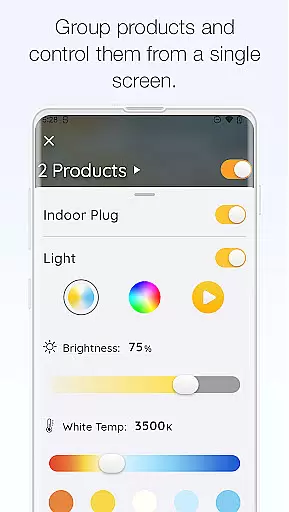
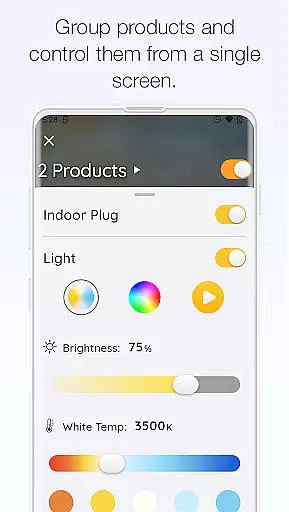
In addition to basic controls, Hubspace provides advanced settings such as adjusting light color temperatures and colors, controlling fan speeds, and grouping multiple products together for synchronized operation. These features offer users the flexibility to create a personalized and comfortable living environment. Furthermore, the app's integration with Google Assistant and Alexa enhances its usability by allowing voice commands, thus simplifying the interaction process.
Another notable feature is the app's capability to manage and monitor devices remotely. This ensures that users can keep an eye on their smart home security and functionality even when they are not physically present. Overall, Hubspace combines convenience, customization, and connectivity to deliver a superior smart home experience.
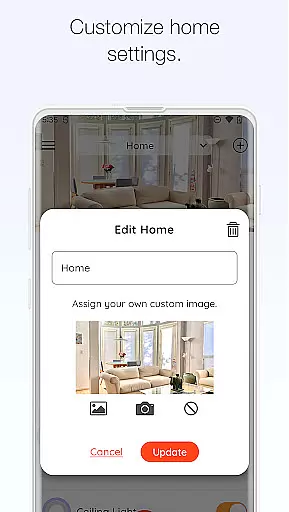
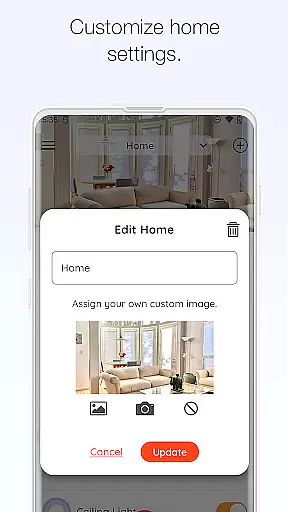
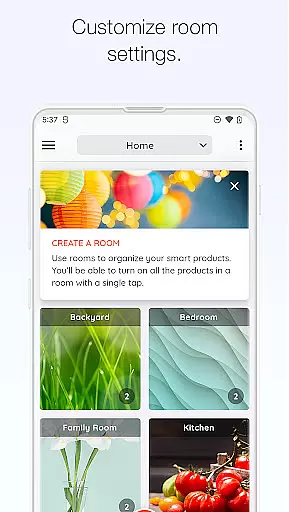
When managing a connected home through the Hubspace app, ensuring the authenticity of your property listings is crucial for seamless integration. The app allows users to organize smart products by room and property, which ensures that each device is accurately represented within its specific context.
This feature provides a clear overview of all connected devices, making it easier to manage settings and configurations. By categorizing devices according to their location, users can quickly identify and address any issues that arise, enhancing the overall reliability of their smart home setup.
The ability to set up and control various smart products remotely adds another layer of authenticity and trust. Users can be confident that the devices they see listed in the app are indeed part of their home network, allowing for efficient monitoring and adjustments as needed.
Hubspace offers a comprehensive suite of home management features designed to simplify the control of connected devices. With functionalities such as on/off controls, scheduling, and integration with voice assistants like Google Assistant and Alexa, users have complete command over their smart home environment.
One standout feature is the ability to group products, enabling simultaneous control of multiple devices. This is particularly useful for creating scenes or routines that automate daily tasks, thereby enhancing convenience and energy efficiency.
Additionally, the app provides options to adjust light color temperatures and fan speeds, offering personalized comfort settings tailored to individual preferences. These robust home management capabilities ensure that users can maintain an optimal living environment with minimal effort.
User-friendly interface
Comprehensive device control
Remote monitoring capabilities
Voice assistant integration
Customizable scheduling options
Limited third-party device support
Occasional connectivity issues
Requires stable internet connection
No offline functionality
Premium features may require subscription

Map-based search app for apartments and homes for rent.
 4.60
4.60
Universal TV remote Control for Roku TV brands via WiFi remote
4.5
Draw your floor plan smartly. Make house design blueprint with home planner app
3.60
Universal TV Remote for TV, control all Smart TVs with your mobile phone.
4.3
USHUD.com helps you find the best homes for sale in your area
4.00
Night Owl Protect helps you secure, protect, and connect your world!
4.60
Your guide to apartments & rental homes. Find your next place to rent with AG.
4.60
Plan your remodel AI home renovation easily using planner 5D and home decor AI.
4.40
Looking for the perfect apartment finder app? Find beautiful rental homes here!
4.60
Resident Center, powered by Buildium, is designed with simplicity in mind.
4.50
Control the scent and ambiance of your home and car, right from your phone.
4.50
SmartRent - Opening Doors To A Smarter World
4.40
Security App with HD Video, 2-way Audio, and event detection for Home monitoring
4.40
Set up your devices, customize settings, and monitor your home—from anywhere
4.40
Control your thermostat, comfort, and home monitoring from your phone
4.30
Schlage Lock Company LLC
4.00
Find the perfect paint color with advanced tools to explore and visualize color.
3.80
Design house plans in 2D & 3D, style furniture, and preview renovation layouts
3.70
Find paints using a Color Muse & ColorSnap® Match
3.60




User Reviews